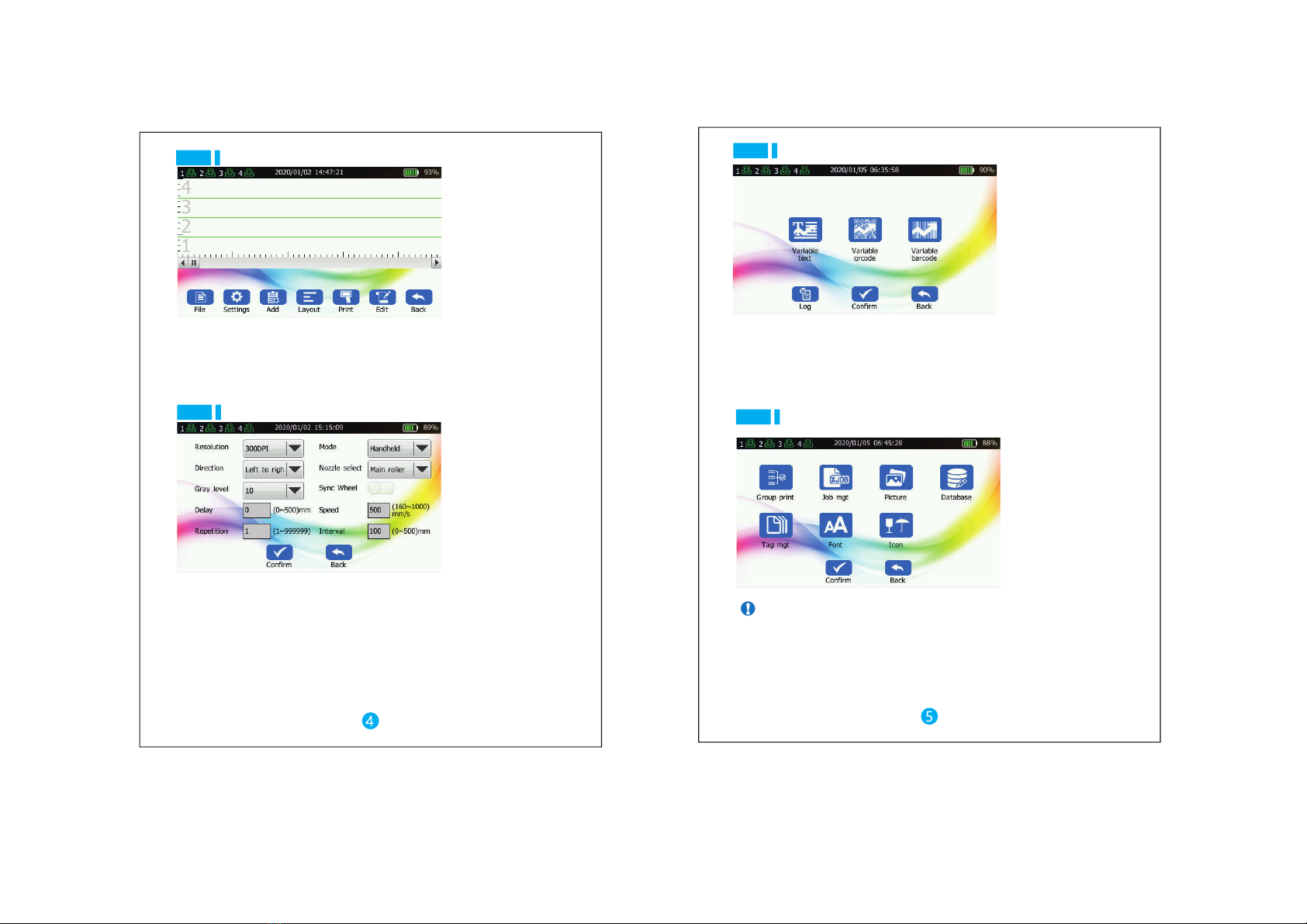
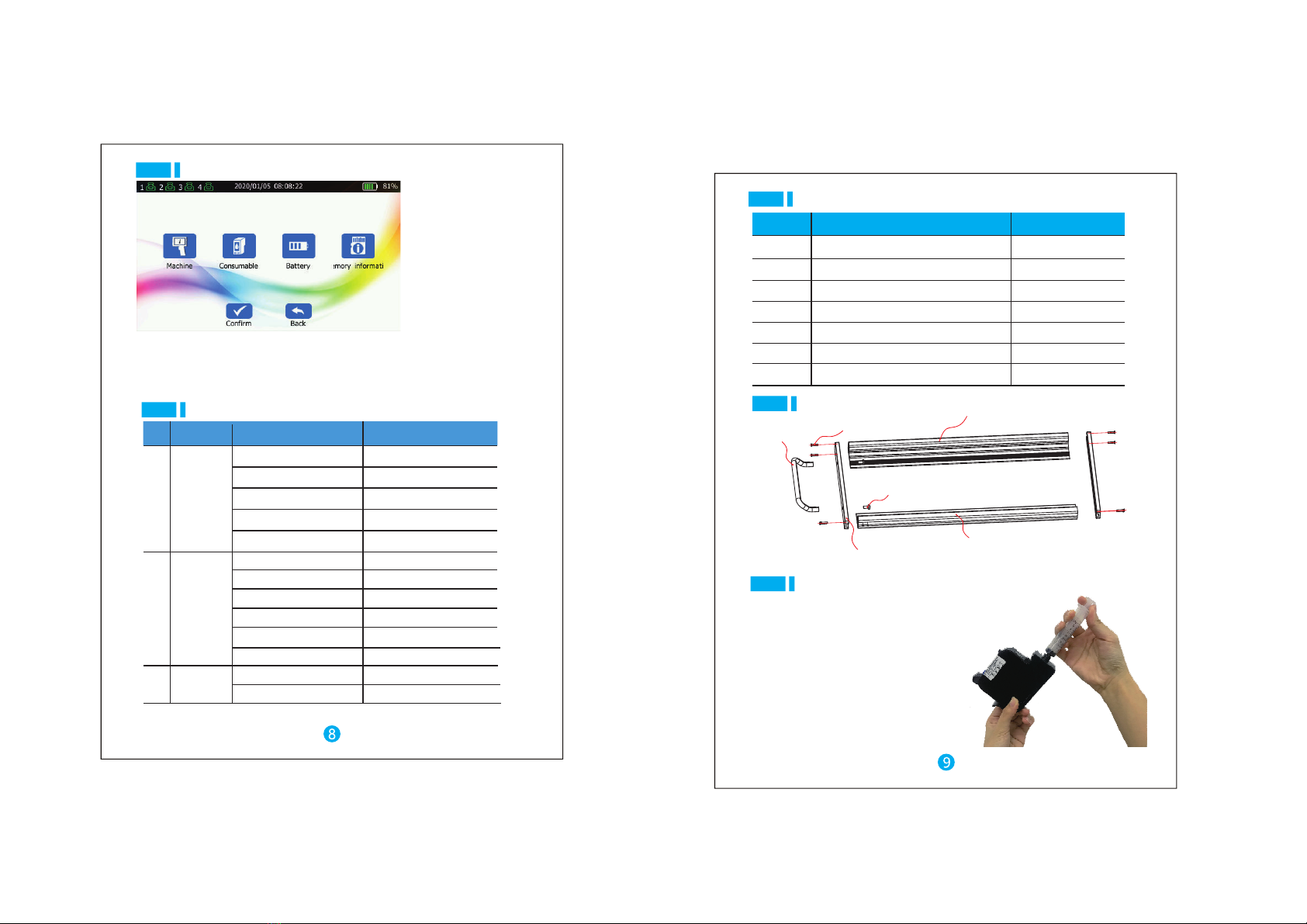
Main menu
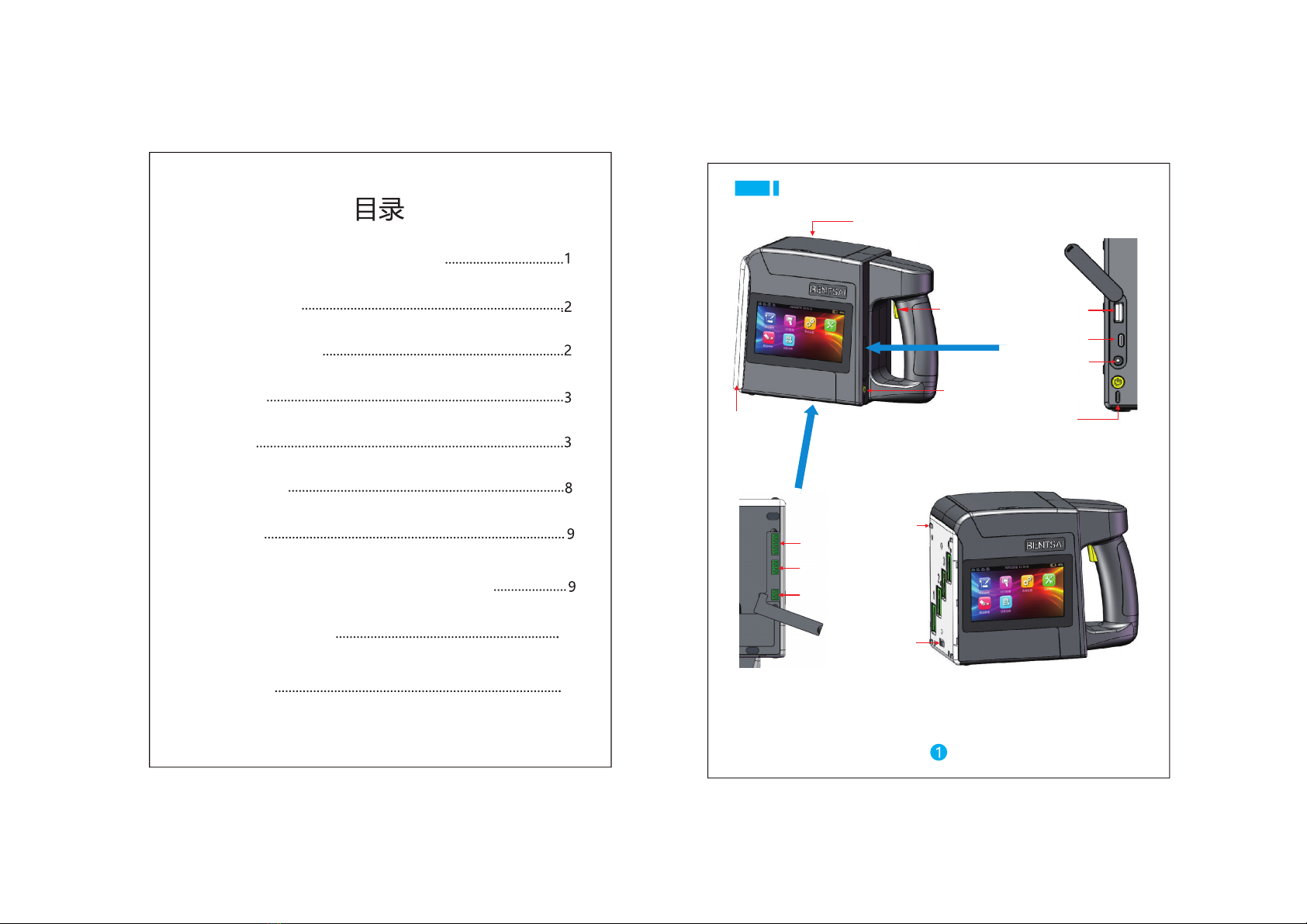
Note When installing the ink cartridges, please install them in order from the:
No. 1 ink cartridge. Check the holes on Aluminum alloy panel,make sure that the
nozzle of the ink cartridge is parallel to the panel, and Installing the ink cartridge
in correct position.
Operation process
Install the ink cartridge: Open the upper cover insert the ink cartridge into the,
machine, and close the upper cover.
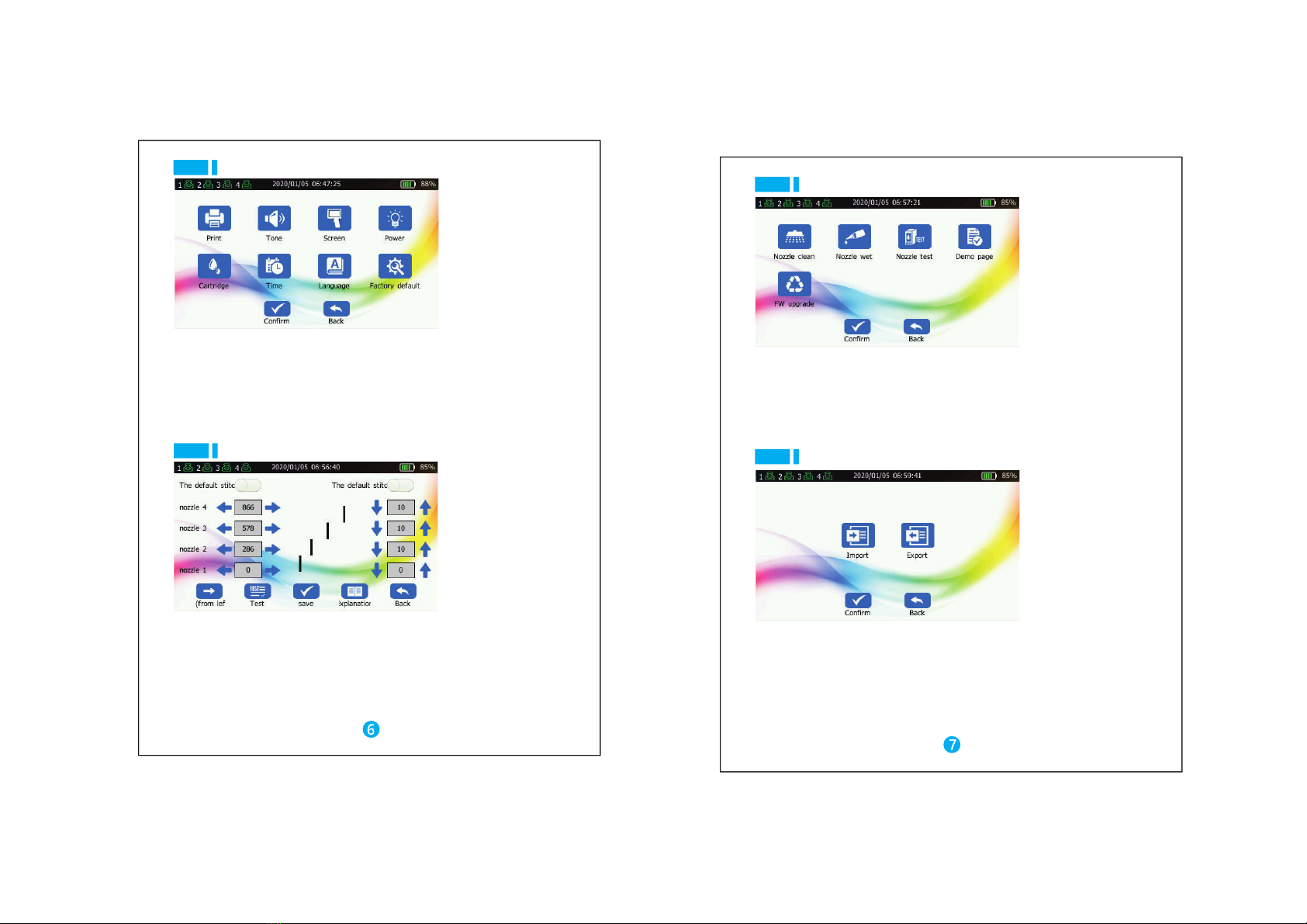
Printing step; press the power switch button to turn on the machine → remove the
head protection cover → edit the desired print content in the [Print Edit] menu →
click [Print] → place the machine on the product to make the synchronous tread
surface fit the surface of the product → press and hold the print button → make the
machine slide at a constant speed on the product → when you hear the “beep”
feedback sound, release the print button and lift the machine → click the [Stop
printing] button to complete the printing → close the nozzle protection cover
Head
Operating system
External source interface
Transition indicator light
Language
Jet printing distance
Jet printing accuracy
Jet printing height
Ink capacity
Ink color
Jet printing content
Jet printing font
Battery parameter
Adapter parameters
Machine size
Machine weight
Working environment
Thermal ink jet head
Linux
USB inter face, Photoelectric interface,Type-C interface,power interface,
synchronizer, alarm light
Transition indicator light Green indicates ready status;
blue indicates print status;red indicates alarm status;
Simplified Chinese,Traditional Chinese,English,Japanese,Korean,German,Spanish,
Russian,Arabic, French,Italian,Portuguese,Hindi,Thai,Vietnamese,Persian,Turkish
2-5mm guarantees the best jet printing quality
300dpi
25mm-100mm According to the number of nozzle( )
42ml
Black,,red,yellow ,blue,
Text, number, symbol, qr code, bar code, picture, time, date, counter, etc
Vector font ,dot matrix font
6000mAhlithium battery pack ( 7.4V )
Input:AC100-245V Output:DC9V/5A
239*182*117mm
1.25KG(with battery)
Temperature 0 ~ 45 C20 30 C best Humidity 10 80
°( ~ ° ). %- %
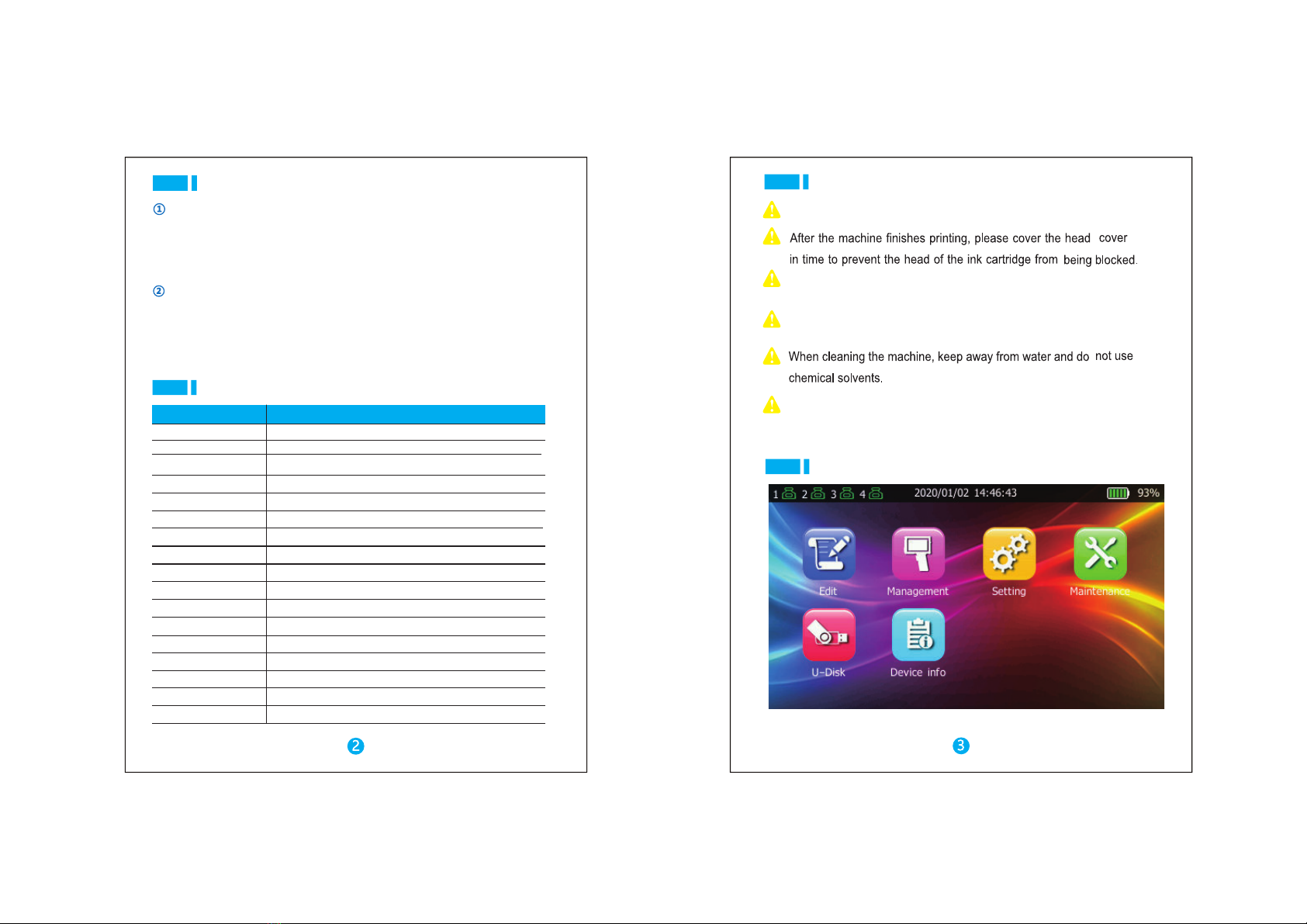
Content Specifications
Prohibition the use of non-original ink cartridges.of
Please refer to [Troubleshooting] for abnormal machine.
It is forbidden to uninstall the machine.
Don’t privately remove ink cartridge chip,affecting the normal use
of the machine.
Don’t place the machine in a wet environment for a long time, causing
the circuit to be damp.
Precautions
Technical parameters