FV6020 UserManual
- 1 -
Contents Catalogue
1INTRODUCTION ........................................................................................................3
2INSTALLATION...........................................................................................................4
2.1 Appearance........................................................................................................................4
2.2 PackageList.......................................................................................................................4
2.3 Installation.........................................................................................................................5
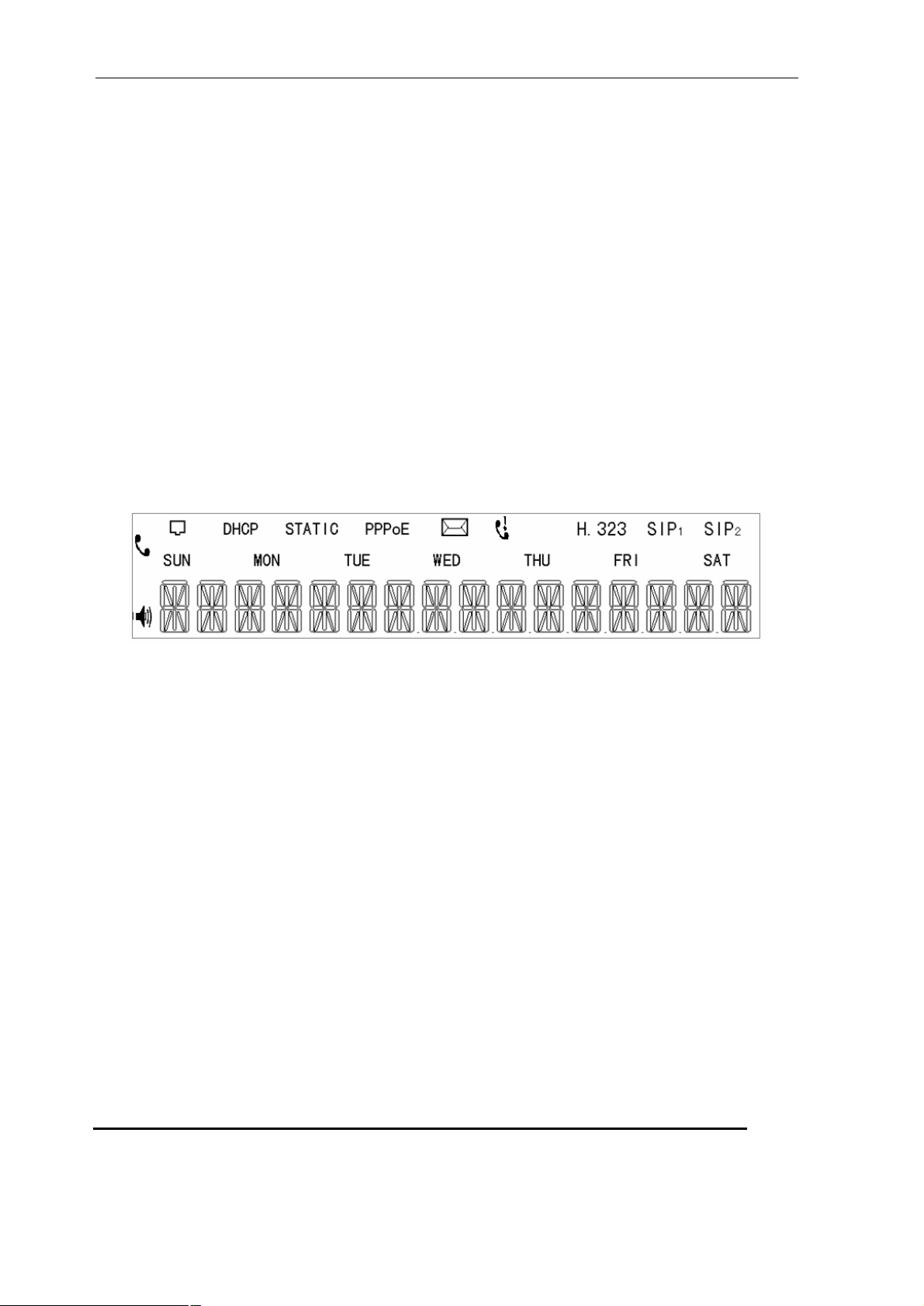
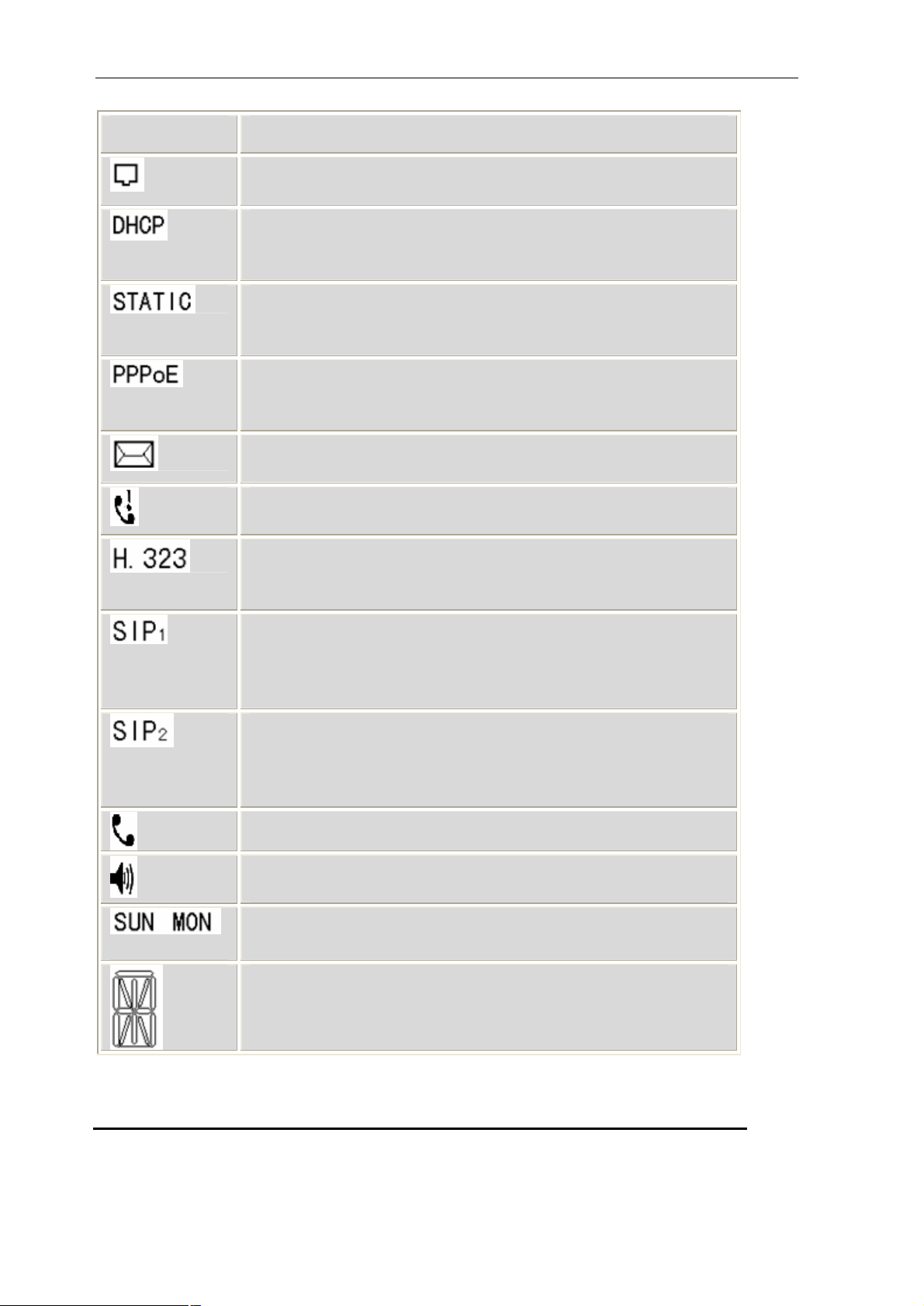
2.4 Checkinstallationby ICON ofLCD................................................................................5
3PRODUCTOVERVIEW .........................................................................................7
3.1 SoftwareFeatures..............................................................................................................7
3.2 HardwareSpecifications...................................................................................................8
4BASICOPERATIONS ..............................................................................................9
4.1 Get familiarwithKeypad.................................................................................................9
4.2 Dialing andMaking Calls...............................................................................................10
4.3 Answering Calls...............................................................................................................12
4.4 Call hold...........................................................................................................................12
4.5 Call Transfer....................................................................................................................12
4.6 Three-way Calling...........................................................................................................13
5CONFIGURATION GUIDE................................................................................14
5.1 Config IPPhonethroughKeypad..................................................................................14
5.1.1 Menustructureandkeypadintroduction..................................................................14
5.2 Configurationprocedureforbasicpreparation...........................................................14
5.3 Minimum configuration..................................................................................................12
5.3.1 Networkconfigurationby keypad.........................................................................15
5.3.2 Commonshortcut keys..........................................................................................15
5.4 Reboot IPPhone..............................................................................................................17
6.WEB CONFIGURATION........................................................................................18
6.1 Physical connection.........................................................................................................18
6.2 Preparationofwebconfig.................................................................................................18
6.3 User verification................................................................................................................20
6.4 Current state......................................................................................................................20
6.5 Networkconfiguration......................................................................................................21
6.5.1 WAN configuration..................................................................................................21
6.5.2 LANconfiguration...................................................................................................23
6.6 VoIPconfiguraton..............................................................................................................24
6.6.1 H323 configuration.................................................................................................24
6.6.2 PublicSIPaccount configuration(SIP1) ..............................................................26
6.7 Advance..............................................................................................................................28