9
NOTICE : If you are not a very skilled user, it is important that you carefully read this operating
manual to get used to some of the essential technical settings required.
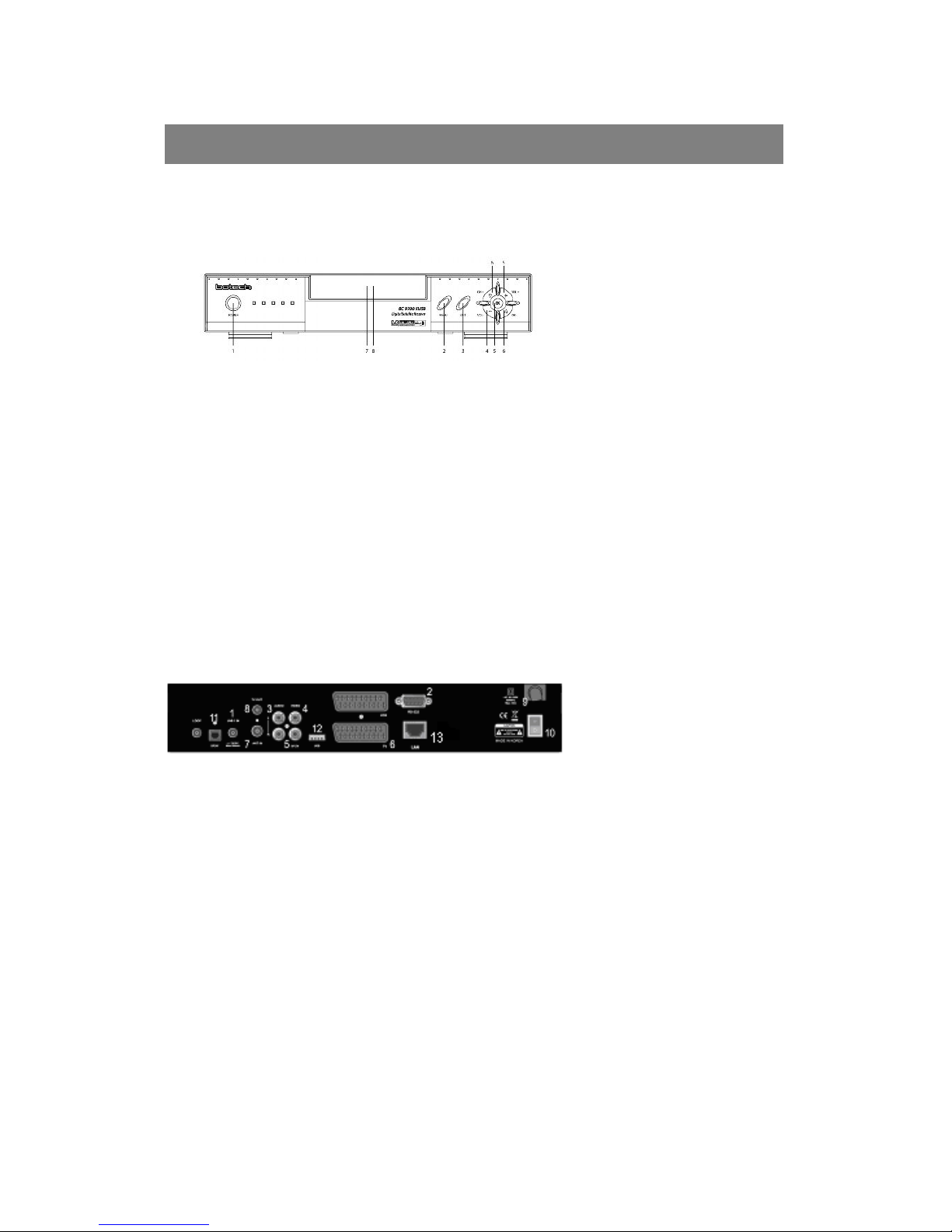
First, press the POWER button to turn on the STB from the Standby mode. Then, the
Information Box will appear for a short time and disappear. By pressing the ⓘbutton, the Info
Box will remain on the screen.
The display time of the Info Box is adjustable under the - System preference / OSD control / Info
Box time out menu. If the current channel has EPG (Electronic Program Guide) information
with it, press the GUIDE button to see not only the current channel's, but also the other
channels' EPG as well.
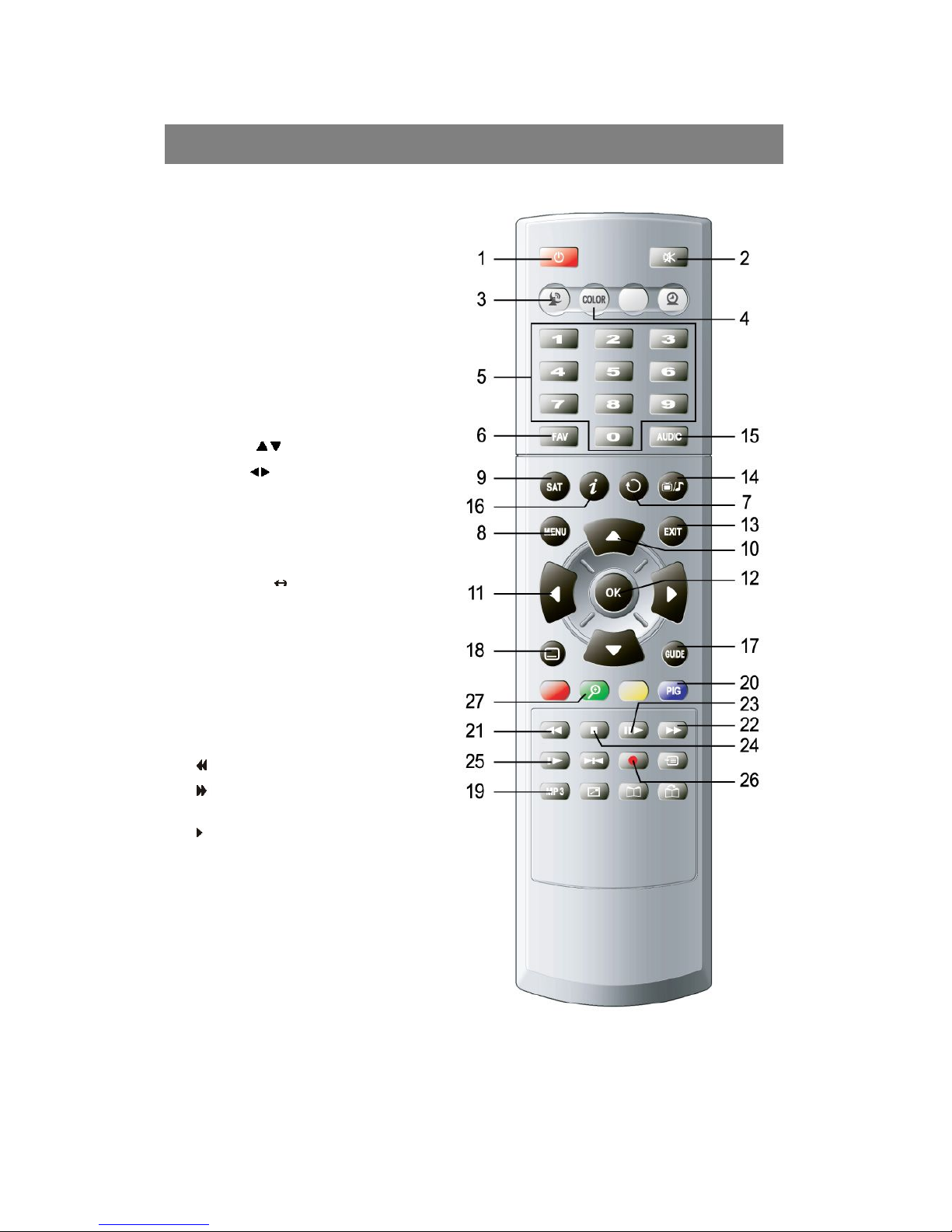
lPress the MENU button on the RCU to make the Main menu appear.
lGo to the LNB setting menu under the Installation menu and press OK button.
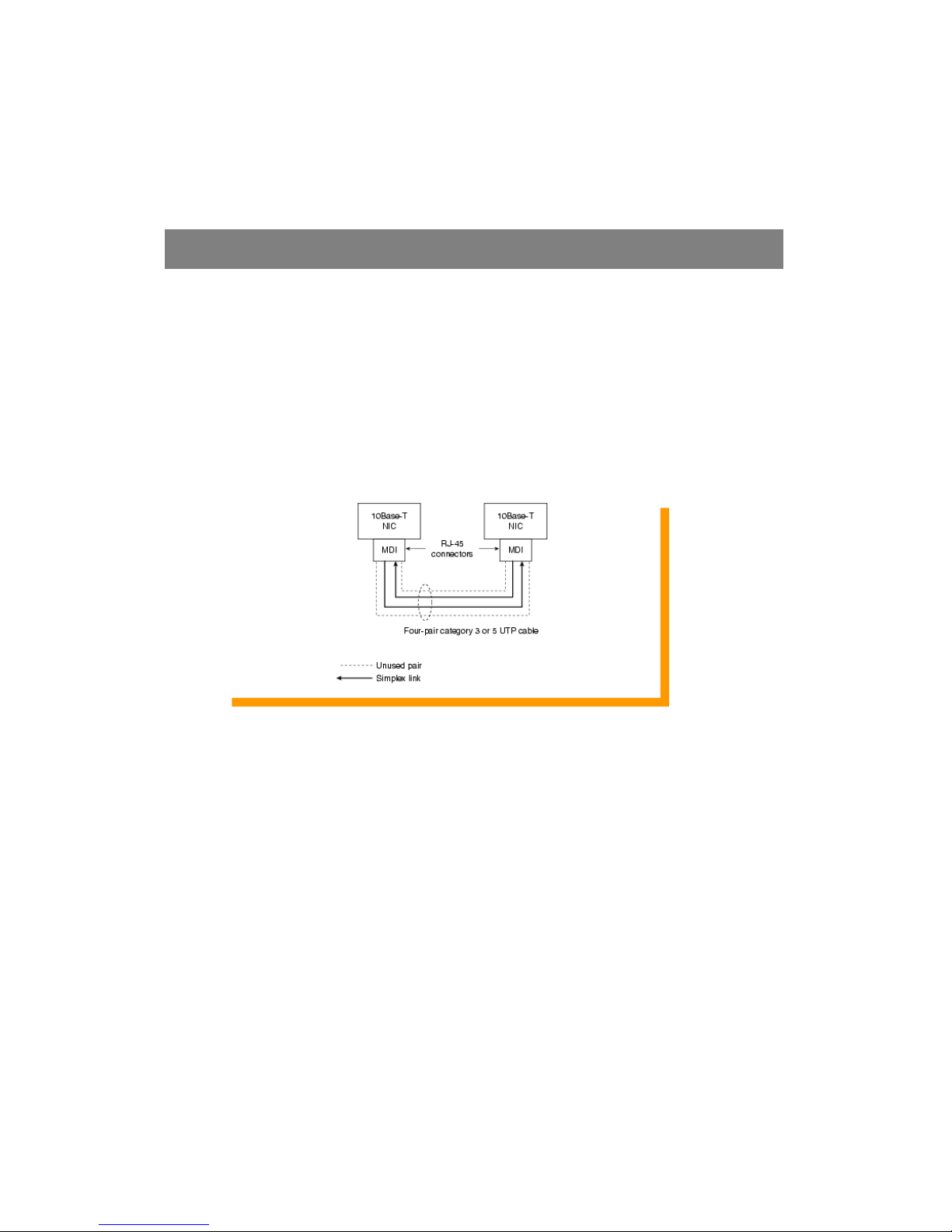
lPlug LAN cable (Direct) for network applications
lThe default PIN code is 0000
lChoose the right parameters for Satellite name, LNB frequency, 0/12V, 22KHz and
DiSEqC 1.0 according to your LNB and satellite settings. If the desired satellite name
and LNB frequency is not found in the given list, ask your local dealer for further
information.
lWhen all the parameters are correctly chosen, you will be able to see the green level of
the signal quality from the incoming LNB signal.
lThen, choose the Channel search mode in the same OSD page and press OK button.
lAnd select the Search mode as you desire by using the ◀/ ▶keys.
lThen, choose the Start searching mode and press OK button.
lThe complete searching procedure will take a while. When the searching process is
done (100%), press the OK button to Confirm and Save the new channel list.
lFor further guide of operations, please refer to the following of this User's manual.