Canon VB-C500D Guida

Network Camera
Start Guide
VB-C500D
Please read carefully this Start Guide and the Operation Guide
Especially be sure to read "Safety Precautions" before using the
network camera. Keep this guide in a readily accessible location
for future reference.

ii
Introduction
Thank you for purchasing Canon Network Camera VB-C500D (hereafter referred to as VB-C500D).
This Start Guide describes how to set up and install the VB-C500D. The detailed procedures for
using the VB-C500D are explained in the Operation Guide provided on the Setup CD-ROM. Read
these guides carefully before using the VB-C500D to ensure that you make the best possible use
of this product. Also, be sure to read "Safety Precautions" in this guide.
For the latest information on this product (firmware, bundled software, operation manuals, operating
environment, etc.), visit our website.
Disclaimer
Canon Inc. shall not be responsible for any financial losses that may be incurred as a
result of the loss of recorded information or images, regardless of the internal or external
cause of the loss.
Copyright
Videos, images or sounds recorded with your VB-C500D may not be utilized or published,
without consent of copyright holders, if any, except in such a way as permitted for
personal use under the relevant copyright law.
Notes
1. All rights reserved.
2. The contents of this guide are subject to change without any prior notice.
3. This document has been prepared with utmost attention to accuracy. If you have any
comment, however, please contact the Customer Service Center indicated on the back cover.
4. Canon shall assume no liability for any outcome of using this product, regardless of Items 2
and 3 above.
Notes on privacy and publicity rights regarding the
utilization of video/audio
When using the VB-C500D (for video or audio recording), it is the responsibility of the
users to take all care to protect privacy and avoid any violation of publicity rights. Canon
shall have no liability whatsoever in this regard.
Reference
Please be sure to gain approval of the building management office before installing a
camera, if copyrighted architectural structures or copyrighted premises are appear in
the frame.
Legal Notice
In some countries or regions, monitoring via a camera is banned by the law or regulation,
and the law or regulation depends on the country or region. Before using the VB-C500D,
confirm the law or regulation of the country or region where the camera is used.

iii
Introduction
Trademark Notice
Canon and the Canon logo are registered trademarks of Canon Inc.
Microsoft Windows and Microsoft Internet Explorer are trademarks or registered
trademarks of Microsoft Corporation in the United States and other countries.
Windows is legally recognized as the Microsoft Windows Operating System.
Other brands or product names in this guide are trademarks or registered trademarks
of their respective companies.
Notes on Use of Bundled Software VK-Lite (Disclaimer)
Malfunction, failure of VK-Lite or other factors may cause problems, such as recording
failure, recorded data corruption or loss. Canon shall have no liability whatsoever for any
loss or damages incurred by the user as a result of such problems.
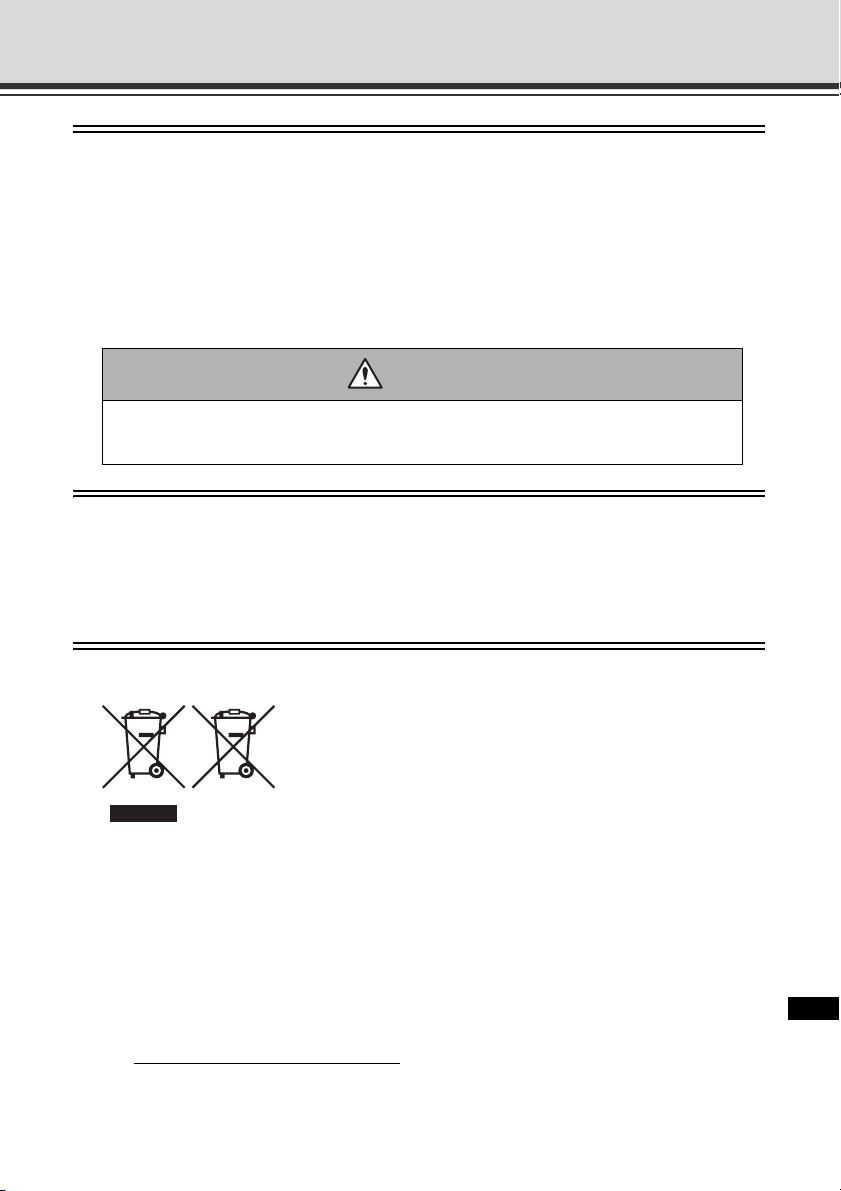
European Union (and EEA) only.
These symbols indicate that this product is not to be disposed
of with your household waste, according to the WEEE Directive
(2002/96/EC), the Battery Directive (2006/66/EC) and/or your
national laws implementing those Directives.
This product should be handed over to a designated collection
point, e.g., on an authorized one-for-one basis when you buy a
new similar product or to an authorized collection site for recycling waste electrical and
electronic equipment (EEE) and batteries and accumulators. Improper handling of this
type of waste could have a possible impact on the environment and human health due to
potentially hazardous substances that are generally associated with EEE.
Your cooperation in the correct disposal of this product will contribute to the effective
usage of natural resources.
For more information about the recycling of this product, please contact your local city
office, waste authority, approved scheme or your household waste disposal service or
visit www.canon-europe.com/environment.
(EEA: Norway, Iceland and Liechtenstein)
Warning
To reduce the risk of fire or electric shock, do not expose this appliance to rain or
moisture.

iv
Introduction
MPEG-4
NOTICE ABOUT THE MPEG-4 VISUAL STANDARD: THIS PRODUCT IS LICENSED UNDER
THE MPEG-4 VISUAL PATENT PORTFOLIO LICENSE FOR THE PERSONAL AND NON-
COMMERCIAL USE OF A CONSUMER TO (i) ENCODING VIDEO IN COMPLIANCE WITH
THE MPEG-4 VISUAL STANDARD ("MPEG-4 VIDEO") AND/OR (ii) DECODING MPEG-4
VIDEO THAT WAS ENCODED BY A CONSUMER ENGAGED IN A PERSONAL AND NON-
COMMERCIAL ACTIVITY. NO LICENSE IS GRANTED OR SHALL BE IMPLIED FOR ANY
OTHER USE. ADDITIONAL INFORMATION INCLUDING THAT RELATING TO PROMOTIONAL,
INTERNAL AND COMMERCIAL USES AND ADDITIONAL LICENSING MAY BE OBTAINED
FROM MPEG LA, LLC. SEE HTTP://WWW.MPEGLA.COM.
This product is licensed under AT&T patents for the MPEG-4 standard and maybe used
for encoding MPEG-4 compliant video and/or decoding MPEG-4 compliant video that
was encoded only (1) for a personal and non-commercial purpose or (2) by a video
provider licensed under the AT&T patents to provide MPEG-4 compliant video. No license
is granted or implied for any other use for MPEG-4 standard.
Third Party Software
The product (VB-C500D and bundled VK-Lite Viewer) contains third party software
modules. For detail information, please see ReadMe-E.txt on the supplied Setup CD-ROM.
Each module’s license conditions are also available in the License folder on the same
Setup CD-ROM.
Software under GPL and LGPL
If you would like to obtain the source code under GPL/LGPL, please contact the dealer
where you purchased the product, or a sales agent.

v
Contents
Introduction ..............................................................................................ii
Checking of Bundled Items ....................................................................vii
Operation Manuals .......................................................................................... viii
How to Read This Document ..................................................................ix
Symbols Used for Safety Precautions ............................................................... ix
Safety Precautions .................................................................................. x
Maintenance ..................................................................................................... xv
Chapter 1 Before Use
Features of VB-C500D ......................................................................... 1-2
Bundled Software ................................................................................. 1-5
VB Initial Setting Tool Ver. 5.0 ........................................................................ 1-5
VBAdmin Tools Ver. 5.0 ................................................................................. 1-5
VB-C500 Viewer Ver. 1.0 ................................................................................ 1-6
Network Video Recorder VK-Lite v2.1 ............................................................ 1-6
Operating Environment ...................................................................... 1-11
VB Initial Setting Tool Ver. 5.0, VBAdmin Tools Ver. 5.0,
VB-C500 Viewer Ver. 1.0 .......... 1-11
Network Video Recorder VK-Lite v2.1 .......................................................... 1-11
Notes on Operating Environment ....................................................... 1-13
Notes on Use When the [Windows Firewall] Function is Enabled ............... 1-13
Notes on Use with Windows Server 2003/Windows Server 2008 ................ 1-14
Notes on Use with Windows Server 2008 .................................................... 1-16
Notes on Use with Windows Vista ................................................................ 1-18
Name and Function of Each Part ................................................................. 1-19
Optional Items .................................................................................... 1-22
Audio Interface Cable WA500-VB ................................................................ 1-22
I/O Interface Cable WC500-VB .................................................................... 1-23
Power Interface Cable WP500-VB ............................................................... 1-23
Recessed Mounting Kit SR500-S-VB ........................................................... 1-24
AC Adapter PA-V17 ..................................................................................... 1-24
VK-Lite Additional Viewer License ............................................................... 1-24
Network Video Recorder VK-64/VK-16 v2.1 ................................................. 1-25

vi
Contents
Chapter 2 Initial Setting and Installation of Camera
Flow of Setup ....................................................................................... 2-2
Step 1 Install the Software ................................................................... 2-4
Install the Necessary Software ....................................................................... 2-4
Step 2 Connect the Camera to the Network ........................................ 2-6
Connect the Camera to the Network and Turn On the Power ........................ 2-6
Step 3 Perform Initial Setting of the Camera ..................................... 2-10
Perform Initial Setting of the Camera ........................................................... 2-10
Check the Video Captured by the Camera .................................................. 2-13
Step 4 Install the Camera .................................................................. 2-15
Installation Procedure for Direct Mounting on a Ceiling/Wall ....................... 2-16
Installation Procedure for In-Ceiling with a Ceiling/Wall .............................. 2-25
Chapter 3 Appendix
External Dimension Drawing ................................................................ 3-2
VB-C500D ...................................................................................................... 3-2
Recessed Mounting Kit SR500-S-VB (Option) ............................................... 3-2
Main Specifications .............................................................................. 3-3
Input/Output Terminals ........................................................................ 3-5
External Device I/O Terminals ........................................................................ 3-5
Audio Input/Output Terminals ........................................................................ 3-7

vii
Checking of Bundled Items
This product comes with the following items. If any item is missing, contact the store where you
purchased the product.
1. VB-C500D main Unit 2. Safety wire 3. Ceiling mount template
4. Setup CD-ROM 5. Start Guide (This document)
6. Warranty Card (different depending on the region)
Content of Setup CD-ROM
ReadMe-J.txt : Japanese text covering notes, etc. not included in this document
ReadMe-E.txt : English text covering notes, etc., not included in this document
Manual : Folder containing operation manuals (Japanese, English) other than
this document *
VBTools : Folder containing the installers for other bundled software (two installers
specified below)*
VBToolsInstall.exe : Installer for VB Initial Setting Tool and VBAdmin Tools*
VKLiteInstall.exe : Installer for Network Video Recorder VK-Lite*
License : Folder containing licenses for the built-in software of the VB-C500D as well
as bundled software VK-Lite
Sound : Folder containing sample audio files
* Check our website for the latest versions of bundled software and operation manuals.

viii
Checking of Bundled Items
Operation Manuals
The VB-C500D comes with Start Guide (this document) and Operation Guide included in the
Setup CD-ROM.
Also, a simplified version of recording software VK-Lite (P. 1-6) is stored in the Setup CD-ROM.
The following operation manuals are available:
Start Guide (This Document)
The safety precautions to be followed when using the VB-C500D, types of bundled
software, operating environment, installation method, initial setting of the camera,
installation method, etc., are explained.
Operation Guide (VBC500DOG_E.pdf)
This document explains the basic setup procedure for the VB-C500D, how to use
VBAdmin Tools and VB-C500 Viewer, troubleshooting, etc. Items that should be
referenced in this document are denoted by "Operation Guide."
Operation Guide is included in the Setup CD-ROM.
Setup Guide (VK21SUG_E.pdf)
This document explains the items to note when using VK-Lite, operating environment,
system configuration, installation method and setup method.
Administrator’s Manual (VK21AM_E.pdf)
This document explains details on how to use VK-Lite. Be sure to read this document.
Viewer Operation Guide (VK21VOG_E.pdf)
This is an operation guide for the VK-Lite viewer. For the detailed operating procedures of
the viewer, refer to Administrator’s Manual.

ix
How to Read This Document
In Start Guide and Operation Guide, screens in Windows Vista are mainly used. Unless otherwise
specified, the same screens apply to Windows XP.
Symbols Used for Safety Precautions
In this document, the following symbols are used to indicate important items the user should
know to use this product safely. Be sure to observe these items.
Symbol Meaning
Warning
Inappropriate handling against the instruction accompanied by this
symbol may result in death or injury. Be sure to observe this
precaution to use the product safely.
Caution
Inappropriate handling against the instruction accompanied by this
symbol may result in injury. Be sure to observe this precaution to
use the product safely.
Note
Inappropriate handling against the instruction accompanied by this
symbol may result in property damage. Be sure to observe these
precautions.
This symbol indicates other action or item that requires
attention.
Supplementary information or a reference to the operation is
explained. Users are recommended to read these memos.
Note
Tip

x
Safety Precautions
The following explains the items that must be observed when using the VB-C500D.
If they are not observed, injury, death and/or property damage may occur. Read the following
information carefully and observe the instructions without fail.
Important Warnings
CAUTION
TO REDUCE THE RISK OF ELECTRIC SHOCK, DO NOT REMOVE COVER (OR BACK).
NO USER-SERVICEABLE PARTS INSIDE. REFER SERVICING TO QUALIFIED SERVICE
PERSONNEL.
For optional PA-V17 Users in the UK
When replacing the fuse only a correctly rated approved type should be used and be
sure to re-fit the fuse cover.
The AC adapter can be connected to VB-C500D from a standard AC power outlet.
Please check your instruction manual to make sure that your VB-C500D is compatible
with this adapter.
• The socket-outlet should be installed near the equipment and should be easily
accessible.
• Unplug the equipment from the wall outlet before cleaning or maintaining.
FDA regulation
This Network Camera has not been evaluated by the Food and Drug Administration
(FDA) for use as a medical device. When incorporated into a system with medical
applications, FDA regulations may apply. Therefore, please consult your legal advisor
to determine whether FDA regulations apply.
Altri manuali per VB-C500D
2
Indice
Altri manuali Canon Telecamera di sicurezza

Canon
Canon VB-S32VE Manuale utente

Canon
Canon VB-C50Fi Manuale utente

Canon
Canon VB-S910F Manuale utente

Canon
Canon CR-N300 Manuale utente

Canon
Canon XU-80 Manuale utente

Canon
Canon VB-C300 Manuale utente

Canon
Canon VB-M700F Manuale utente

Canon
Canon VB-H751LE Manuale utente

Canon
Canon VB-R13 Manuale utente

Canon
Canon VB-R13VE Manuale utente

Canon
Canon VB-730F Mk II Manuale utente

Canon
Canon VB-M50B Manuale utente

Canon
Canon VB-H45 Manuale utente

Canon
Canon VB-H45 Manuale utente

Canon
Canon Vb-C60 - Ptz Network Camera Guida

Canon
Canon VB-H41 Manuale utente

Canon
Canon VB-R13VE Manuale utente

Canon
Canon VB-C500VD Guida

Canon
Canon VB-C300 Guida

Canon
Canon VB-C50FSi Manuale utente