
Cirronet ZN-241GU Manuale utente
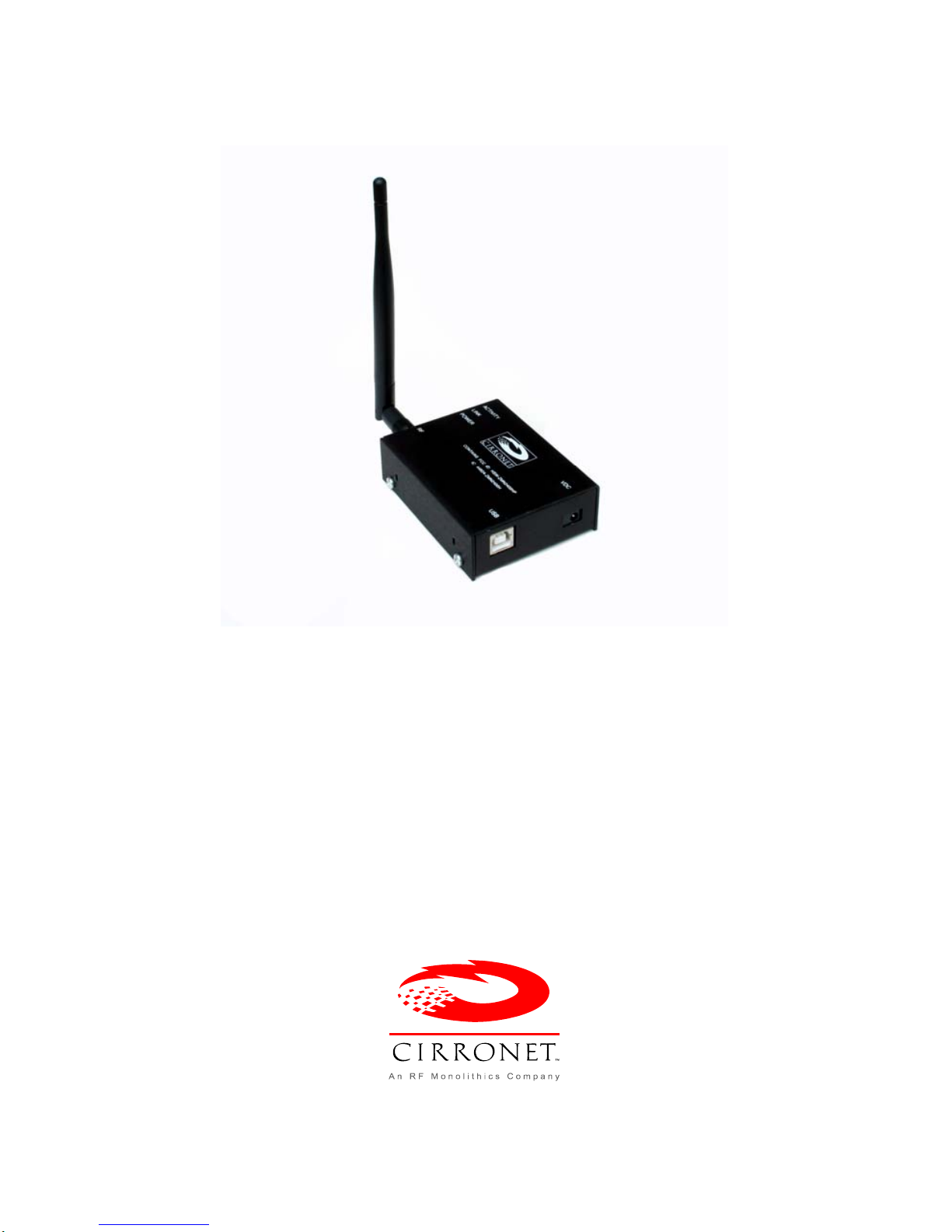
ZN-241GU
802.15.4 Radio
User’s Guide
3079 Premiere Pkwy, Ste. 140
Duluth, Georgia 30097
www.cirronet.com
+1 678 684-2000
Important Regulatory Information
Cirronet Product FCC ID: HSW-ZN241
IC 4492A-ZN241
Note: This unit has been tested and found to comply with the limits for a Class A
digital device, pursuant to part 15 of the FCC Rules. These limits are designed to
p
rovide reasonable protection against harmful interference when the equipment is
operated in a commercial environment. This equipment generates, uses, and can
radiate radio frequency energy and, if not installed and used in accordance with the
instruction manual, may cause harmful interference to radio communications.
Operation of this equipment in a residential area is likely to cause harmful interference
in which case the user will be required to correct the interference at their expense.
FCC s MPE Requirements
Information to user/installer regarding FCC s Maximum Permissible
Exposure (MPE) limits.
Notice to users/installers using the following mobile antennas, with Cirronet RF products:
ZN241 5 dBi and 2 dBi Omni Antennas
The field strength radiated by any one of these antennas, when connected to Cirronet RF
products, may exceed FCC mandated RF exposure limits. FCC rules require professional
installation of these antennas in such a way that the general public will not be closer than
20 cm from the radiating aperture of any of these antennas. End users of these systems
must also be informed that RF exposure limits may be exceeded if personnel come closer
than 20 cm to the apertures of any of these antennas.
Getting Started
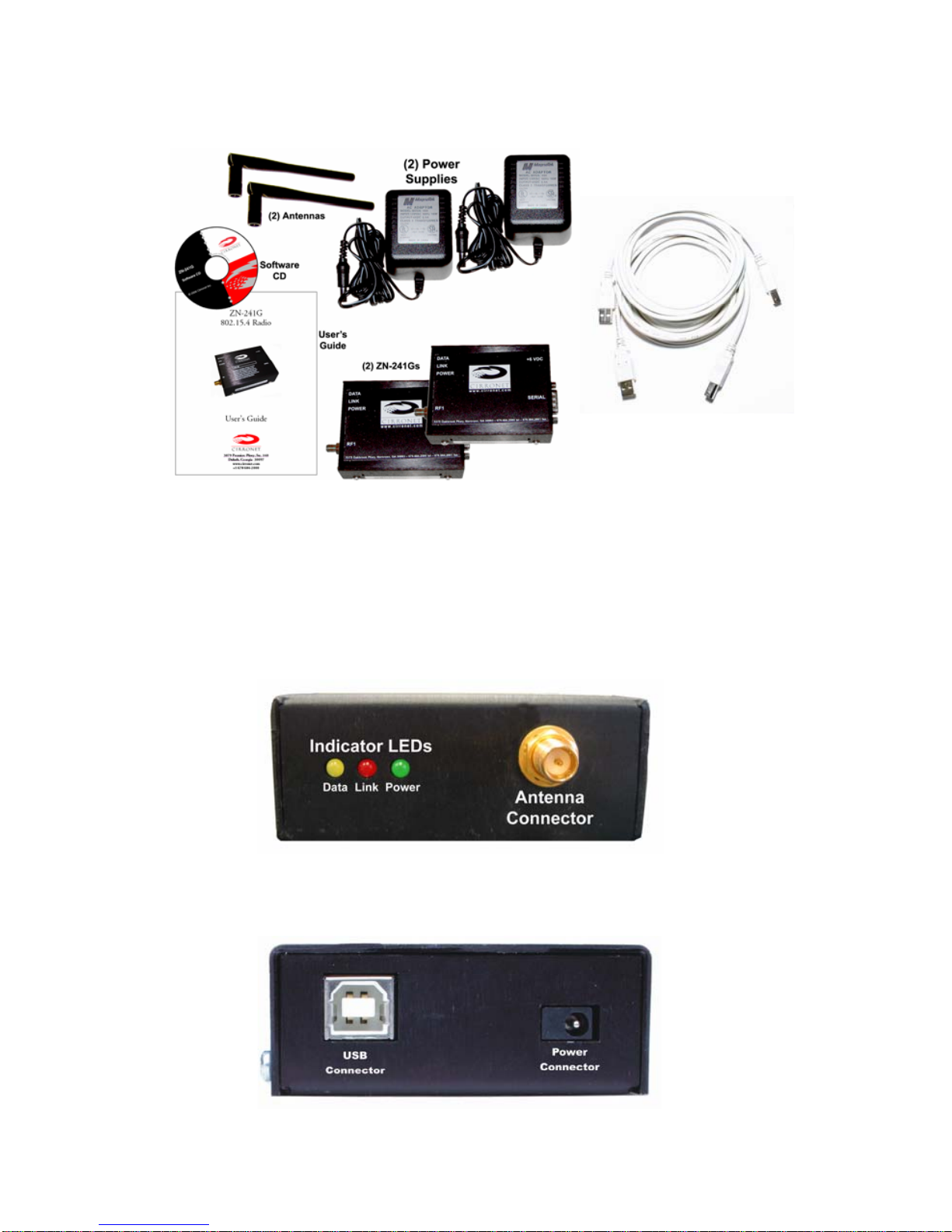
The ZN-241GU Starter Kit contains all of the items show below. Before
starting, identify each of the items in your kit.
The ZN-241GU radio is a simple-to-use, simple-to-setup wireless
networking device. With its Auto-Config mode, all that is needed to send
data between two ZN-241Gs is to attach the antennas, connect the
radios to serial ports and plug in the power supplies. Optionally, the ZN-
241GU can be powered off the USB port. Each step is described below.
Identifying Indicators, Connectors and Ports
1
Attaching the Antenna
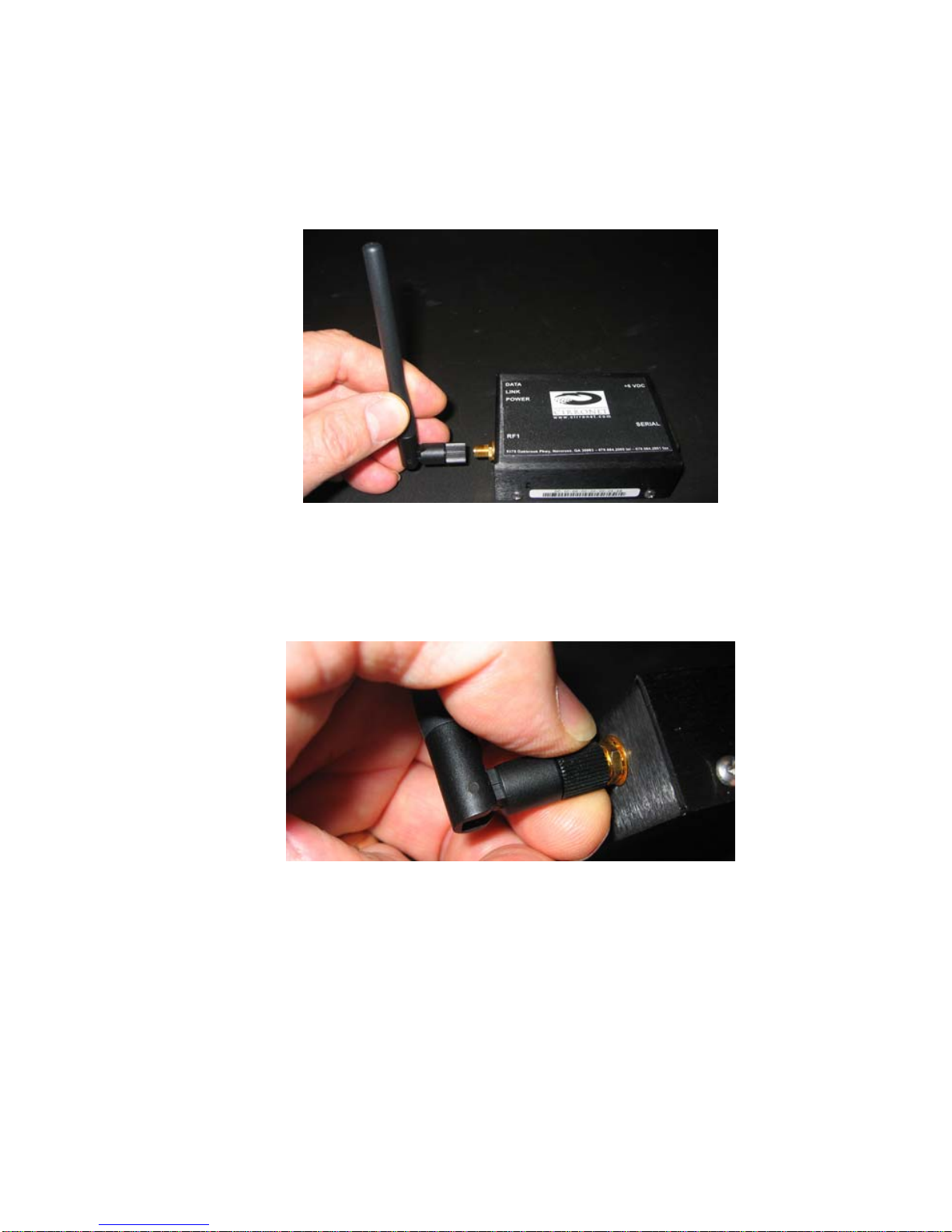
The ZN-241GU radio is supplied with a foldable antenna with a screw
type connector. Attach the antenna to the ZN-241GU by threading the
antenna onto the antenna connector on the rear of the ZN-241G, turning
until finger tight. Fold the antenna at a right angle so the antenna is
sticking up above the ZN-241G.
If the folding part of the antenna is not in the right position to stick up
above the ZN-241G, hold onto the knurled bottom of the antenna and
twist the upper part of the antenna until the foldable part of the antenna
sticks up above the ZN-241G. DO NOT TWIST THE ENTIRE ANTENNA
AS THIS MAY DAMAGE THE ANTENNA.
Repeat this step with the other ZN-241G.
2
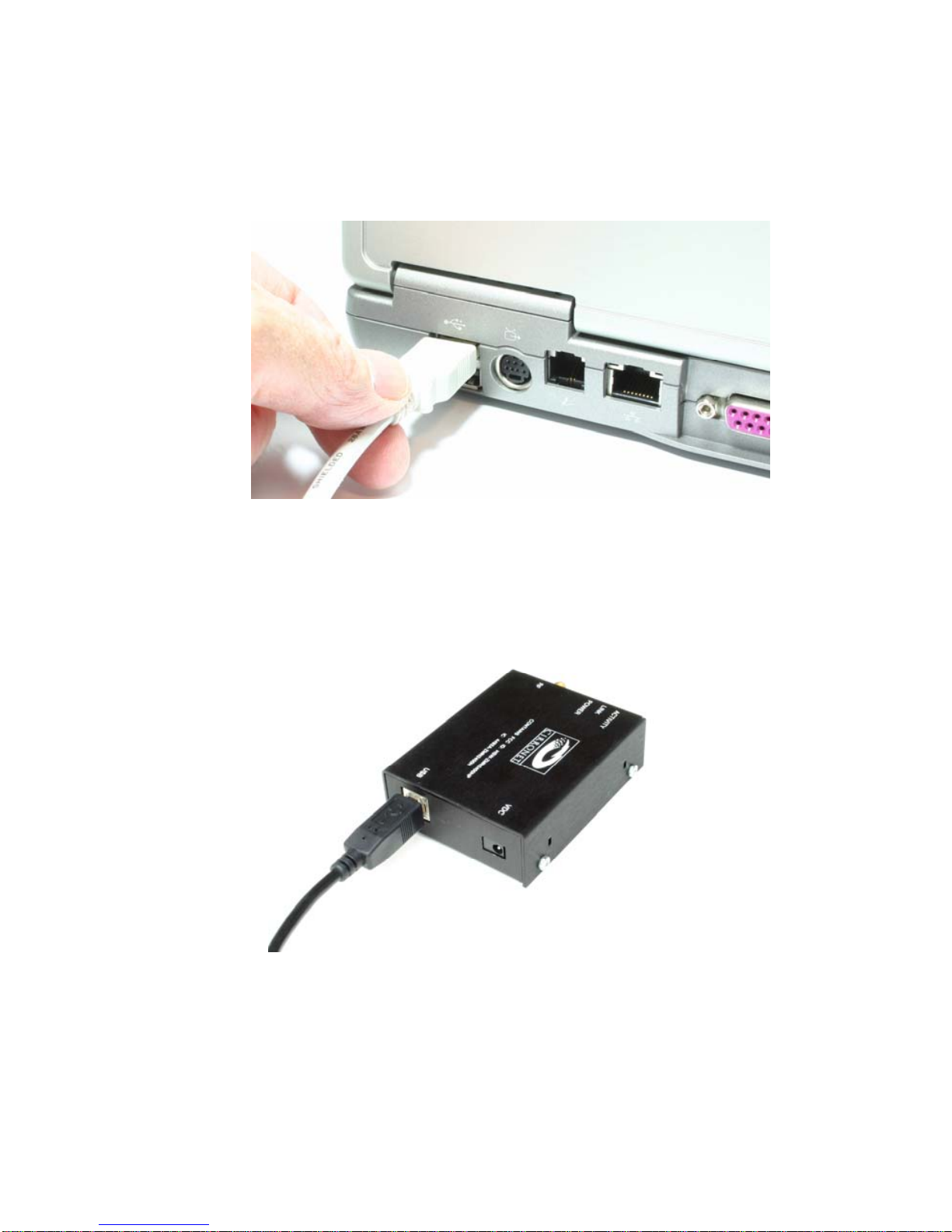
Connecting the ZN-241GU to a Computer
The ZN-241GU is designed to connect to a USB port of a personal
computer. Using one of the USB cables provided, connect one end to a
USB port on your computer and the other end to the USB connector on
the rear of the ZN-241GU.
3
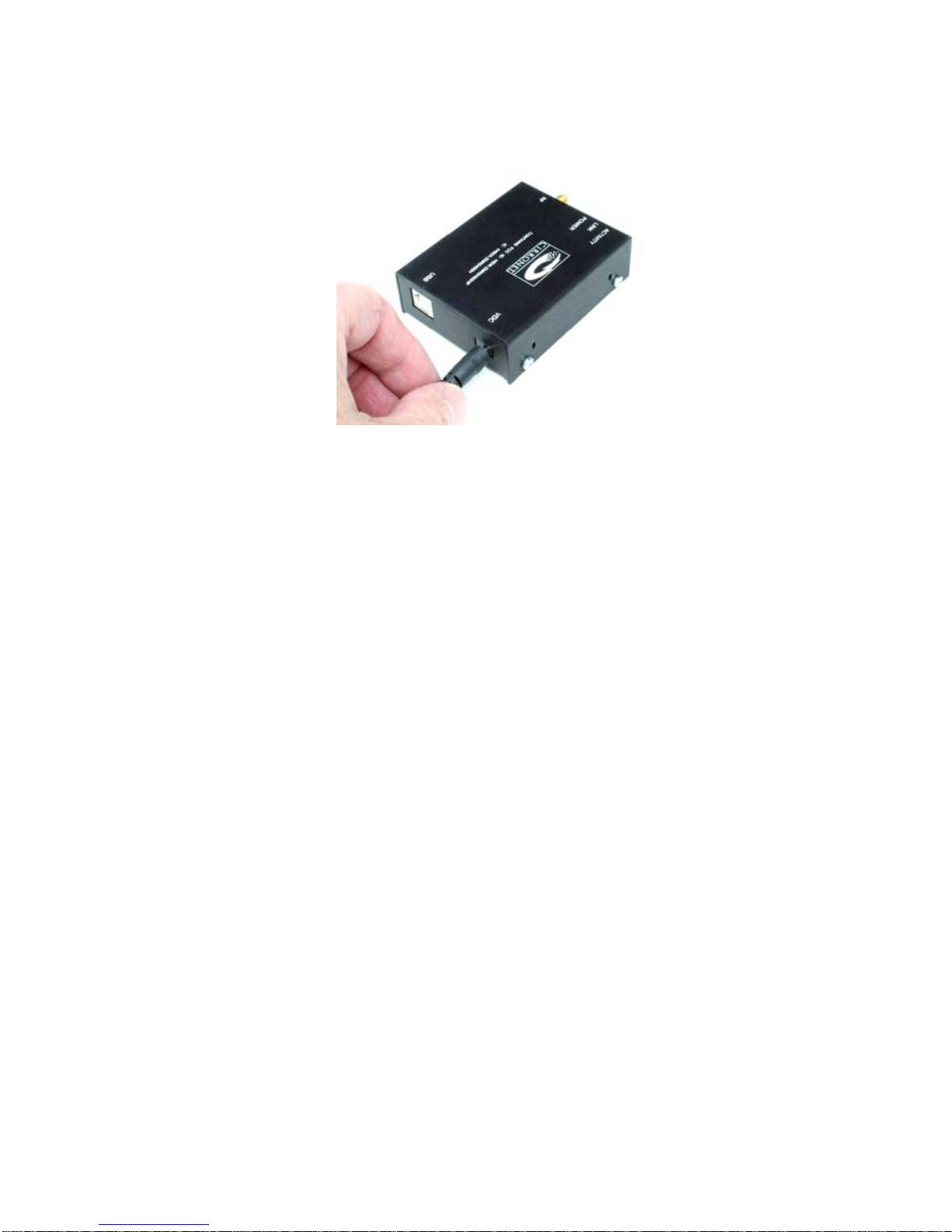
Applying Power to the ZN-241G
Connect one of the power supplies to one of the ZN-241Gs using the
power supply connector on the rear of the ZN-241G.
Connect the wall-mount end of the power supply to a wall outlet with
either 110VAC or 220VAC. The Power LED on the ZN-241GU will come
on and after a moment the Data LED will blink. The Data LED blinking
means the ZN-241GU is looking for another ZN-241GU to link to.
Repeat this step with the other ZN-241G. After a few seconds, the Link
LEDs on both ZN-241Gs will be lit. This indicates that the two ZN-241Gs
have established a wireless link.
Installing the USB drivers
When the ZN-241GU is attached to the computer and power applied,
your computer will indicate a new device has been found. Follow the
steps of the installation wizard and indicate the drive where you have
inserted the ZN-241G Software & Manuals CD is where the computer
can find the drivers. Complete the installation process before continuing.
Sending and Receiving Data
To send and receive data, a communications program is required. You
will need two PCs, one for each ZN-241GU. Most PCs come with a
communications program called Hyper Terminal. This can be found by
clicking on Start, then All Programs, then Accessories, then
Communications then Hyper Terminal. The following screen will display.
4
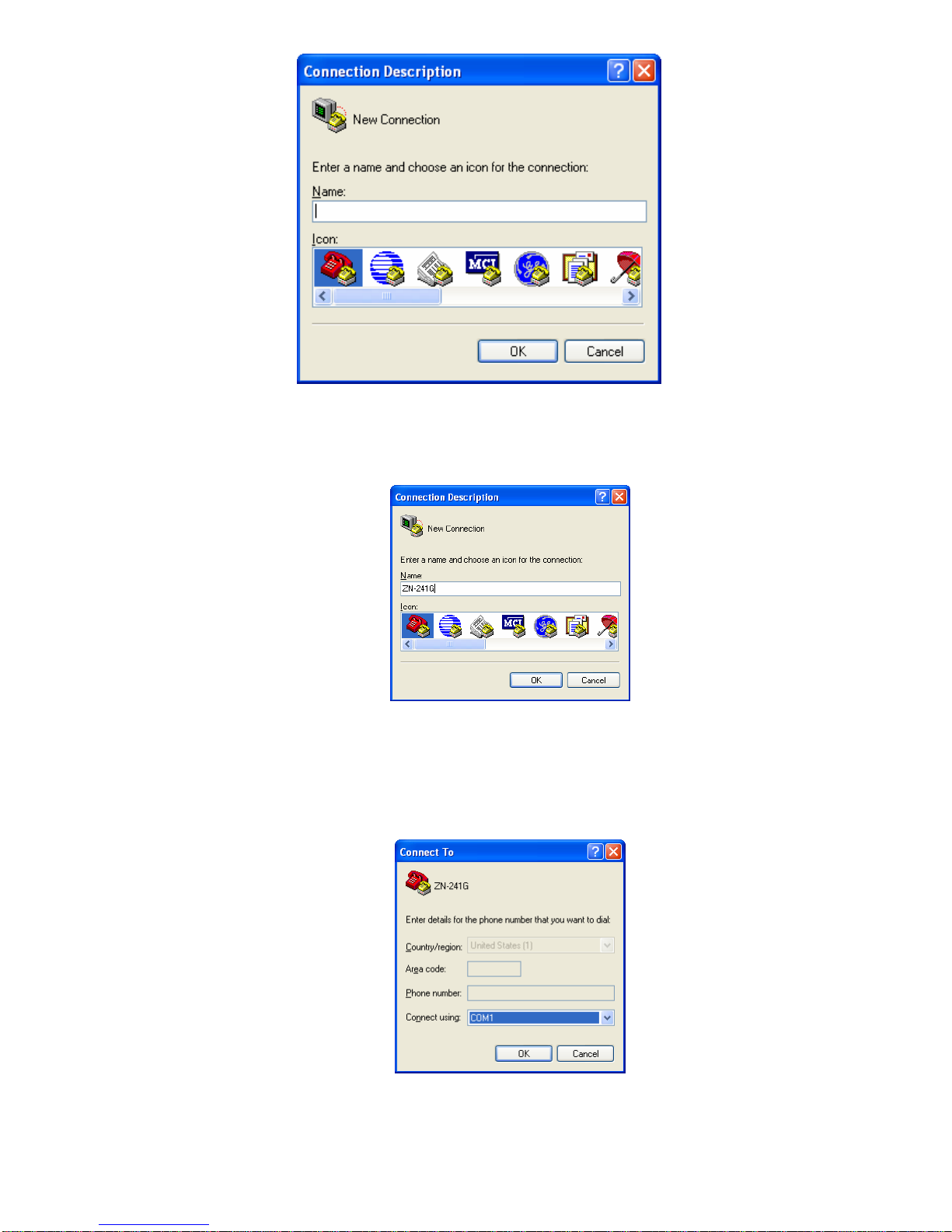
When Hyper Terminal starts, it asks you to name the connection. Enter
ZN-241G and click OK.
Hyper Terminal will then ask you how you want to connect. Ignore the
boxes for country code and area code and click on the drop down arrow
on the bottom window labeled Connect Using. Select the serial port to
which you have connected the ZN-241GU (this will usually be COM1) as
shown below.
When you click OK, a window will open up labeled COM1 Properties (or
whatever COM port you selected) with a tab labeled Port Settings as
shown below.
5
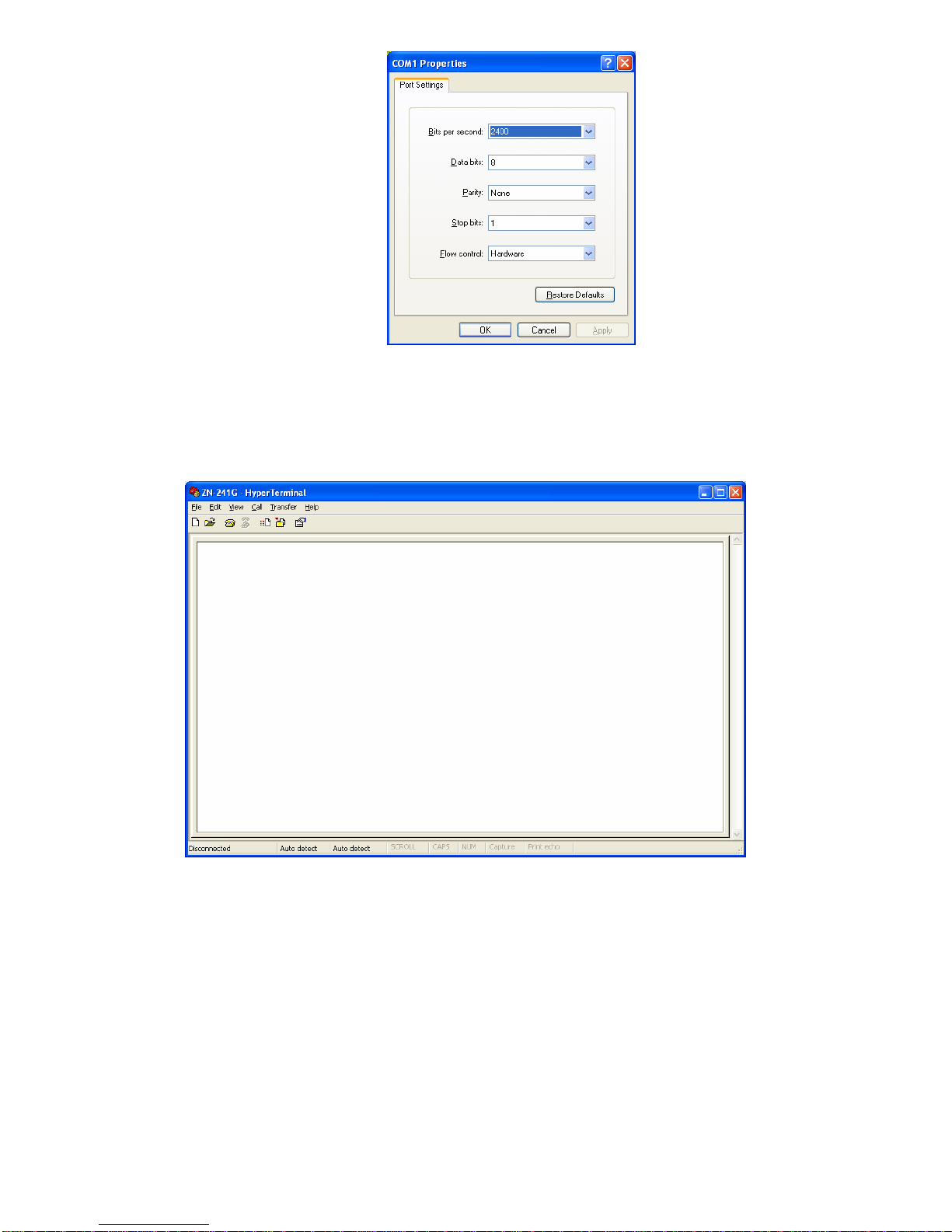
In the Bits per Second window, select 38400. Make sure the other
windows show 8, None, 1 and Hardware. Click Apply and then OK.
You will now be at a window labeled ZN-241G-Hyper Terminal.
Verify the Link LEDs on both ZN-241Gs are on steady. On one computer
type characters on the computer keyboard of one computer and verify
they are displayed on the screen of the other computer as shown below.
Repeat this process using the second computer to send characters to
the first computer.
6
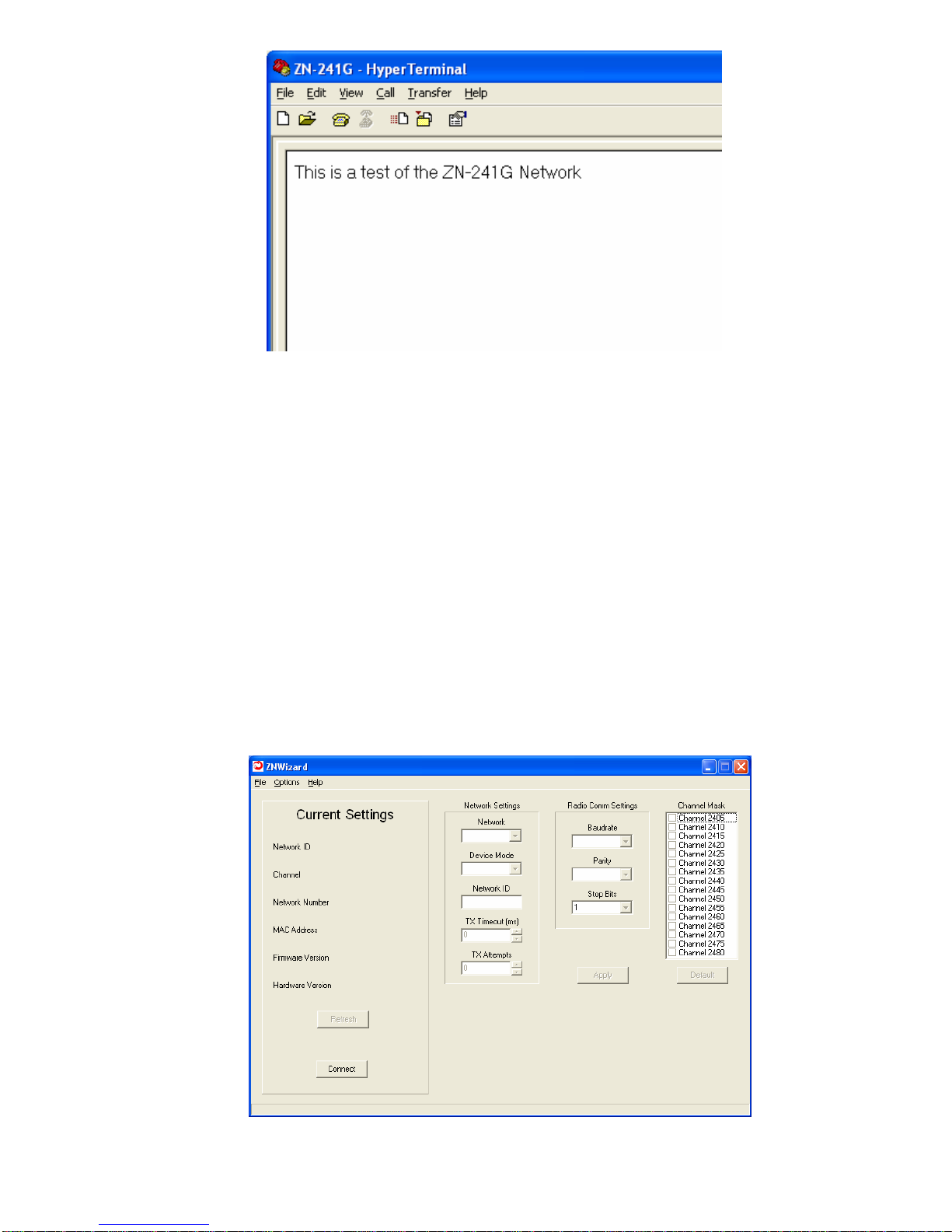
Note: If you press the Enter key, Hyper Terminal will move the cursor to
is
you
erminal
send a line feed when the Enter key is pressed.
Congratulations! You have just set up a wireless network. If you want to
change your network configuration, please refer to the next section which
describes the ZNWizard program. ZNWizard is a Windows-based utility
which makes it simple to setup the ZN-241G.
ZNWizard
ZNWizard can be found on the Software CD. It is an easy to use,
program that allows you to change various radio parameters in a GUI
(graphical user interface) format. Double click on znwizard.exe and the
following screen will appear.
the start of the line but will NOT move it down the screen. Any keys then
typed will overwrite the previously typed characters on that line. This
the way Hyper Terminal works and is not a problem with the radio. If
want, consult Hyper Terminal’s Help files on how to have Hyper T
7
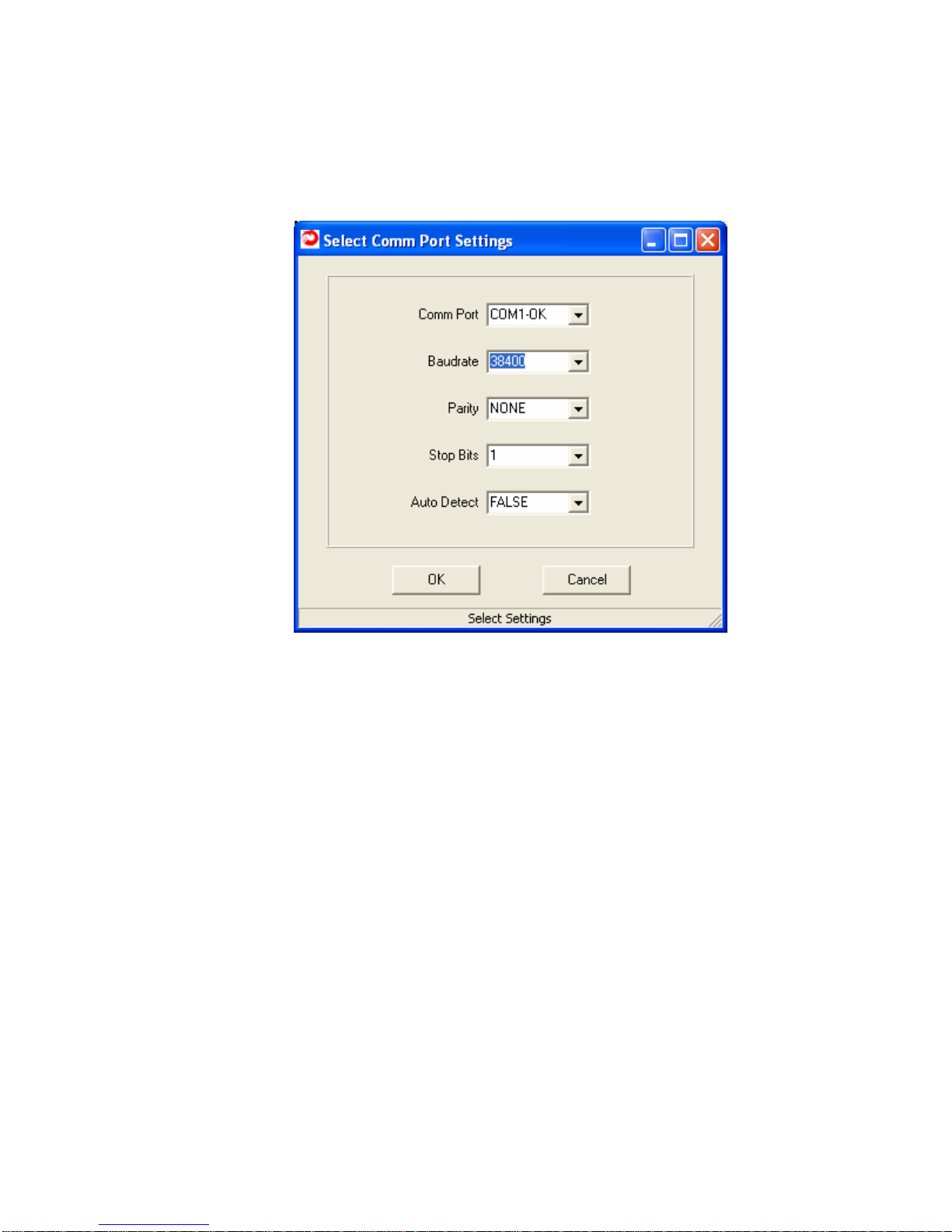
Select Comm Port Settings
Connect and the Select Comm Port Settings dialog will di
n below. The “OK” after COM1 in the dialog below in
1 port on the computer is available. Ports that are not ava
ead of OK.
Click on splay
as show dicates that
the COM ilable
have N/A inst
The Select Comm Port Settings dialog is pre-loaded with settings the
ZN-241GU has when it ships from the factory. In most instances, simply
clicking OK will allow ZNWiza
rd to find the radio and load the main
program t, the radio
sing
two method
gs for
Comm Po s.
Obvious ing. If,
a secon
window. If, however, the default settings are incorrec
will not be found. This screen allows you to connect to the radio u
s.
The first is to use the drop down menus to change the default settin
rt, Baud Rate, Parity and Stop Bits to the correct value
ly, this assumes you know which settings the radio is us
however, those parameters may have been changed and are not known,
d method is available.
8
Indice
Altri manuali Cirronet Radio


