1
DP8 & DP9 SUPPORT DESK GUIDE
This document has been compiled from Craden’s database of technical support calls and printer
repairs. It is intended to assist the Support Desk and light technical support in getting a printer
back on line quickly. Most of this information describes issues that can be remedied on site to
reduce downtime, taxing of technical resources, and cost of factory service. Other items identify
the problem source and get to the ‘repair here or return for service’ decision swiftly. Please
contact Craden by any method on the cover to request clarification or suggest improvements.
Up to the minute service bulletins can viewed online: http://www.craden.com/bulletin.htm
Table of Contents
Printer Diagram 2
Communications
Communication with System 3
Configuration 4
Printing
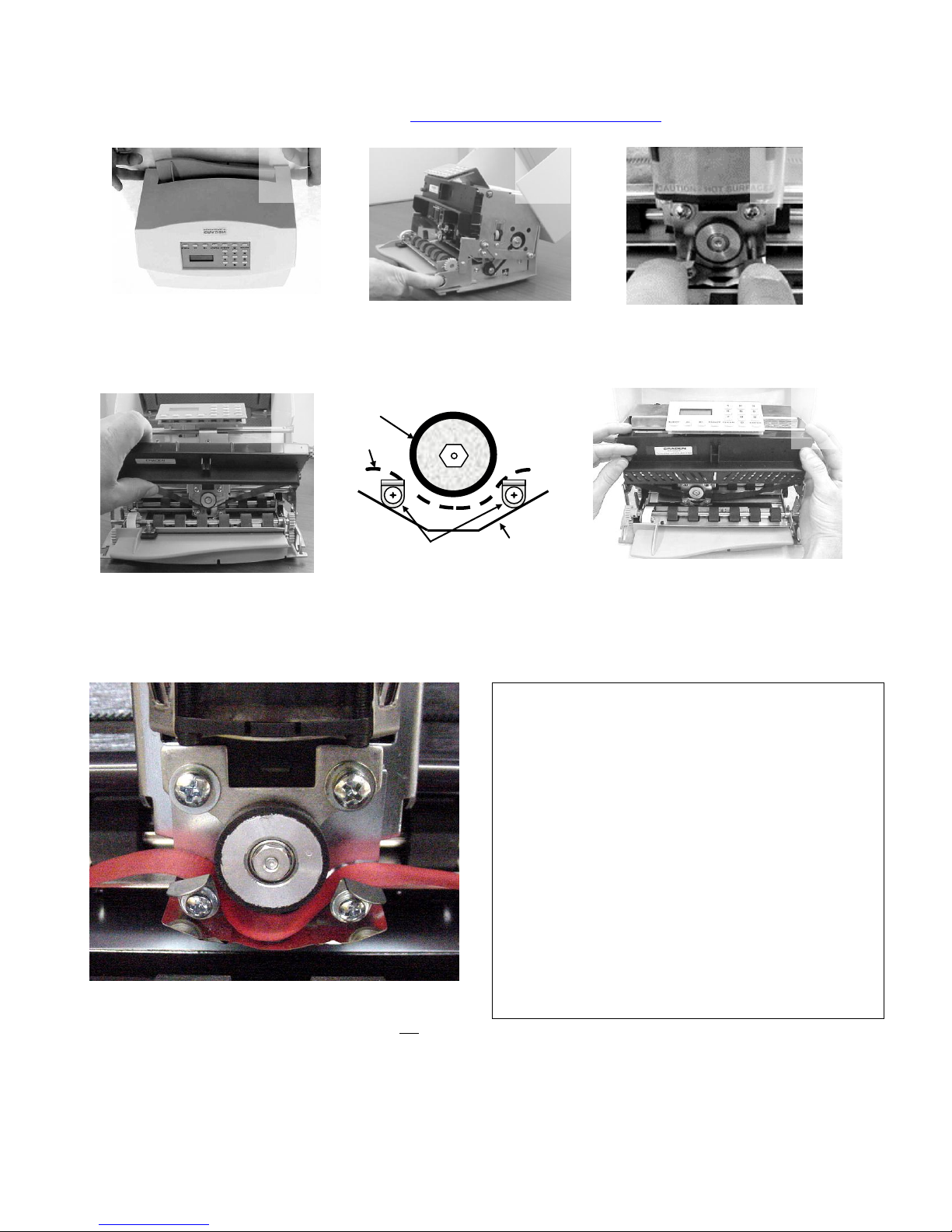
Ribbon Replacement 5
Remove or Replace Ribbon Shield 6
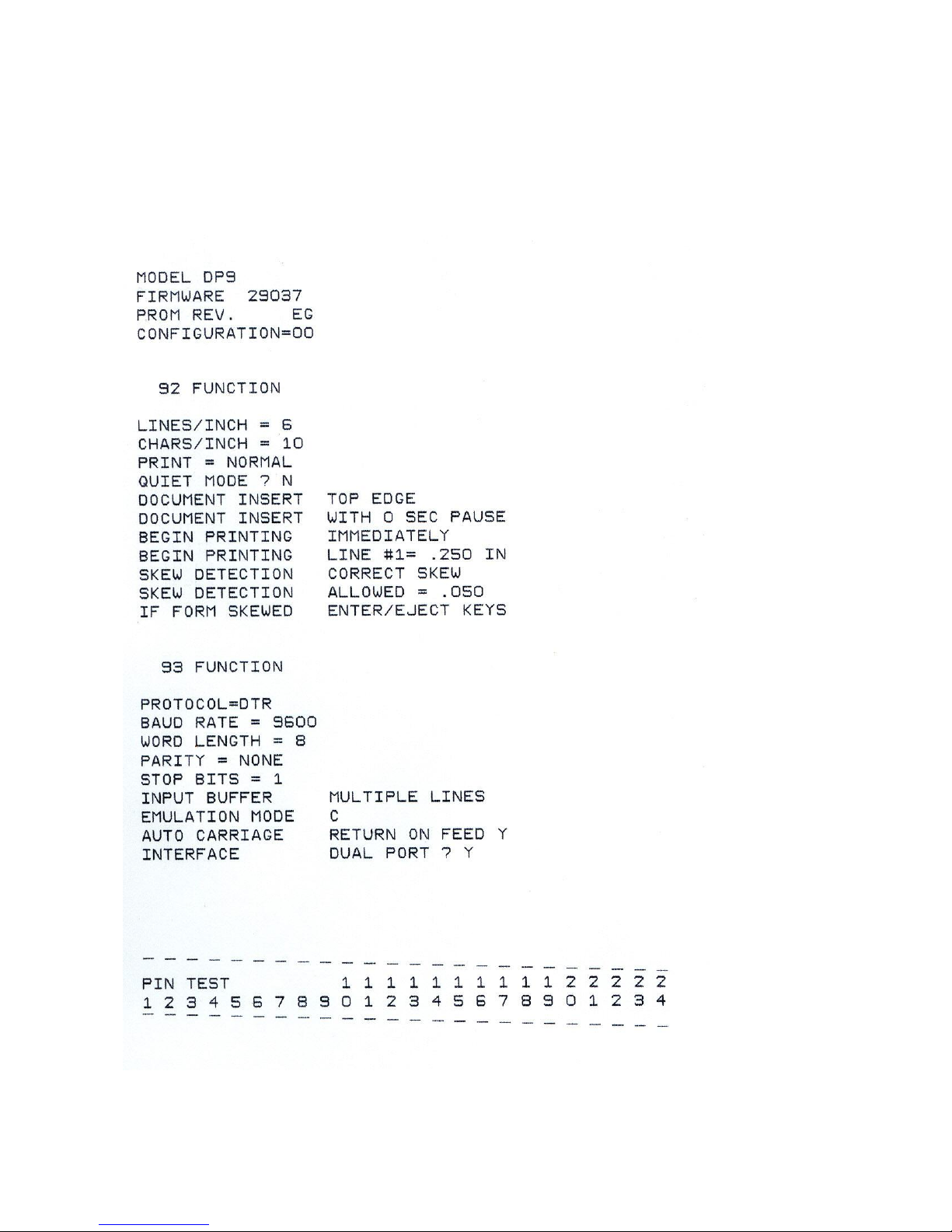
Test Printing 8
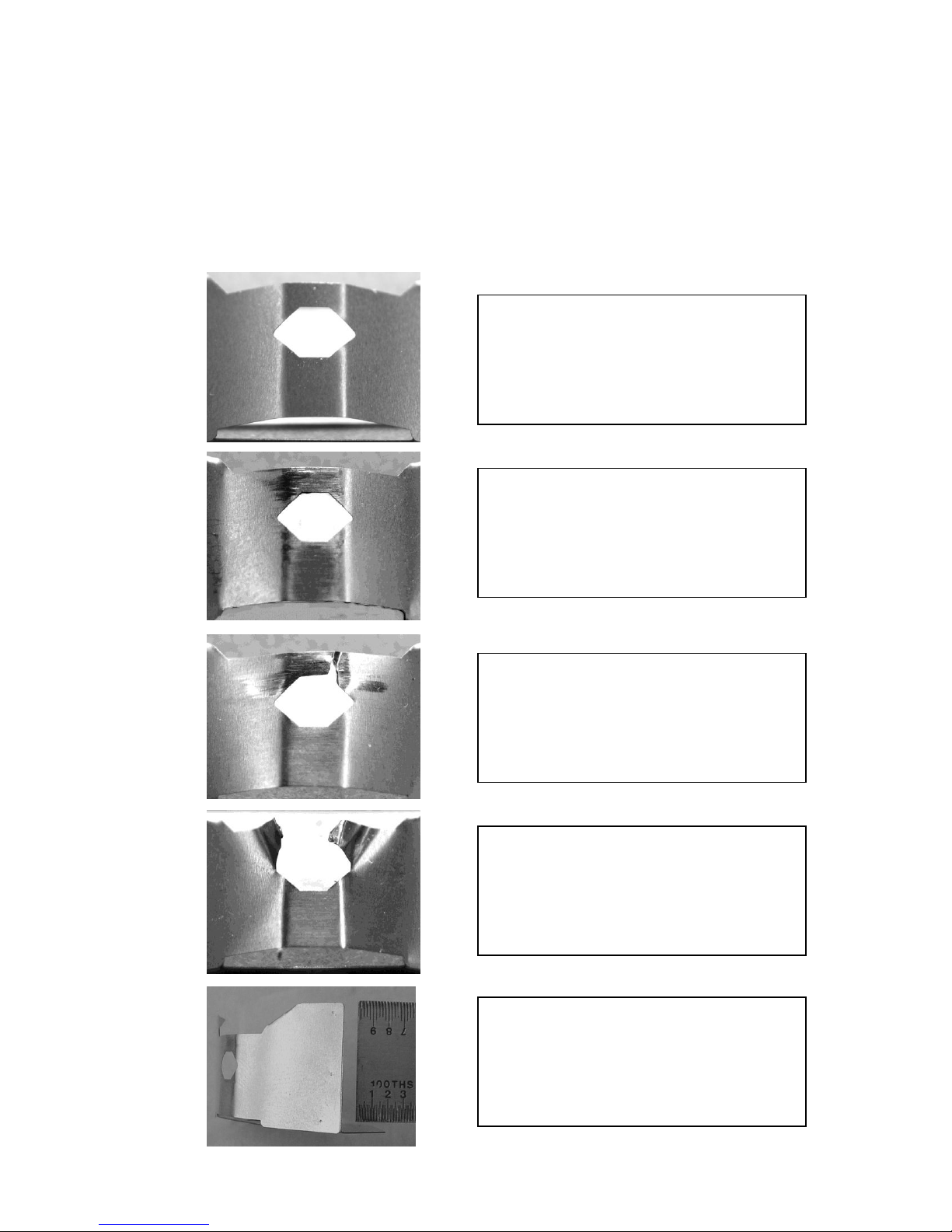
Print Quality Issues 9
Document Feed, Eject, or Jamming 10
Clear a Document Jam 11
Printer Specifics
Sensors 12
Keypad or Display 14
Error Conditions & Messages 15
Printer Tests and Demos 16
Diagnostic Flowchart 18
1999-2011 - Craden Peripherals Corporation
All rights reserved. This document, or any part thereof may not be reproduced in any form without
written consent from Craden Peripherals Corporation.