Digitimer Ltd –D188 Operator’s Manual Version 1.2
3
Table of Contents
Section 1 General Information .......................................................................................................................5
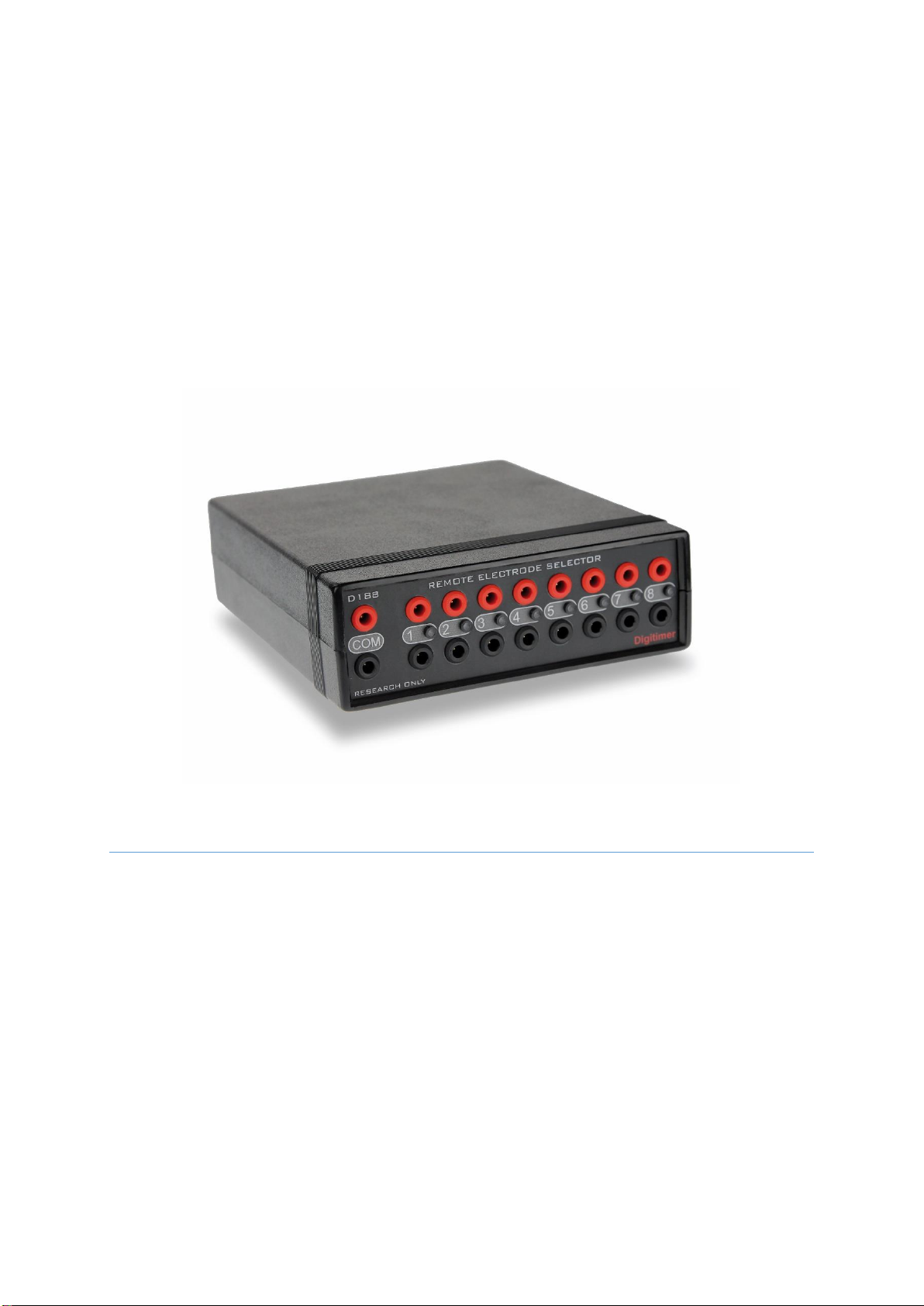
D188 Intended Usage & Description ..........................................................................................................5
Unpacking the D188....................................................................................................................................6
Supplied Accessories...............................................................................................................................6
Optional Accessories...............................................................................................................................6
Mains Connections .....................................................................................................................................6
Specifications..............................................................................................................................................7
Section 2 D188 Installation.............................................................................................................................9
Hardware Overview....................................................................................................................................9
D188 Front Panel ....................................................................................................................................9
D188 Rear Panel......................................................................................................................................9
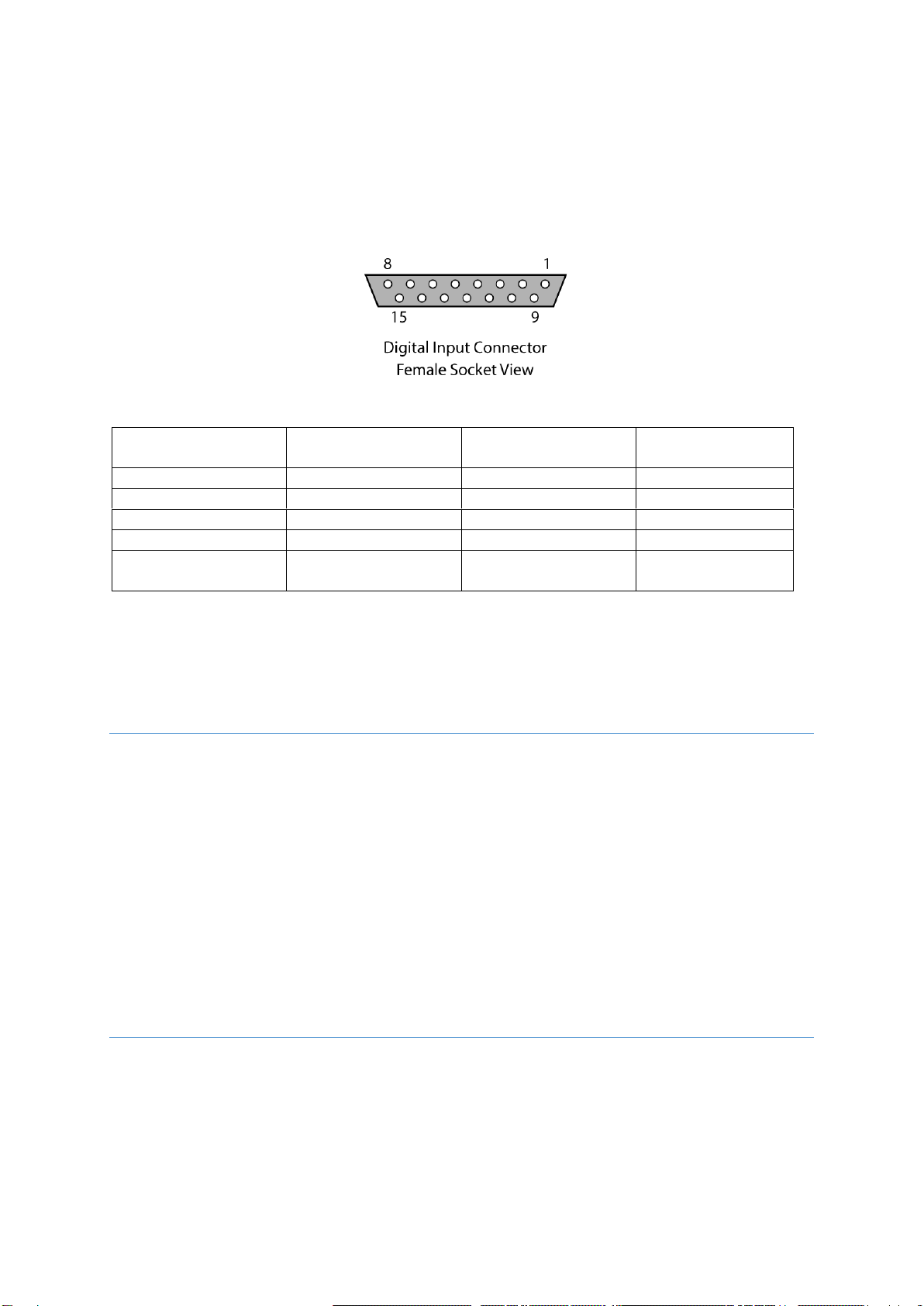
D188 Digital Input Socket .....................................................................................................................10
Installing the D188 Control Software........................................................................................................10
Installing the D188 Remote Electrode Selector Hardware.......................................................................10
Section 3 Software Overview .......................................................................................................................12
Introduction..............................................................................................................................................12
Standby .................................................................................................................................................12
USB (Manual) Control Mode.................................................................................................................13
1:1 Digital Control Mode.......................................................................................................................13
4:8 Digital Control Mode.......................................................................................................................13
Delay/De-bounce Setting......................................................................................................................13
LED Control ...........................................................................................................................................13
Persistent Storage of Settings...............................................................................................................13
Section 4 System Operation .........................................................................................................................15
Introduction..............................................................................................................................................15
Connecting the D188 to an Electrical Stimulator......................................................................................16
Connecting to a Digitimer DS5, DS7A, DS7AH, DS7R or DS8R Stimulator ............................................16
Connecting to a Digitimer DS2A, DS3 or DS4 Stimulator......................................................................16
Connecting to other Stimulators ..........................................................................................................16
Connecting the D188 to Stimulating Electrodes.......................................................................................16
Using Multiple D188’s with a Single Stimulus Source...............................................................................17
Using Manual Control...............................................................................................................................17
Using External Digital Control...................................................................................................................17