Dimplex WRCPF-KIT Manuale utente

Owner’s Manual
Model
WRCPF-KIT
7209110100R05
IMPORTANT SAFETY INFORMATION: Always read this manual rst
before attempting to install or use this device. For your safety, always
comply with all warnings and safety instructions contained in this manual
to prevent personal injury or property damage.
To view the full line of Dimplex products, please visit
www.dimplex.com

2 www.dimplex.com
Table of Contents
!NOTE: Procedures and
techniques that are considered
important enough to
emphasize.
CAUTION: Procedures
and techniques which, if not
carefully followed, will result in
damage to the equipment.
WARNING: Procedures
and techniques which, if not
carefully followed, will expose
the user to the risk of re,
serious injury, or death.
Welcome & Congratulations ..................3
Product Overview ...........................4
Receiver Installation (BF units only).............5
Wall Control Installation ......................7
Initialization ..............................13
Operation ................................14
Warranty.................................18

3
Welcome & Congratulations
Thank you and congratulations for purchasing a Wall Switch Remote
Control Kit from Dimplex.
NO NEED TO RETURN TO THE STORE
Questions with operation or assembly? Require Parts Information?
Product Under Manufacturer’s Warranty?
Contact us at: www.dimplex.com/customer_support
For Troubleshooting and Technical Support
OR Toll-Free 1-888-DIMPLEX (1-888-346-7539)
Monday to Friday 8:00 a.m. to 4:30 p.m. EST
In order to better serve you, please have your model and serial number
ready or register your product online before calling (See above)
Please carefully read and save these instructions.
CAUTION: Read all instructions and warnings carefully before
starting installation. Failure to follow these instructions may result in
a possible electric shock, re hazard and will void the warranty.

4 www.dimplex.com
Product Overview
The Wall Switch Remote Control
Kit is designed to work with
the following Dimplex electric
replaces:
• BF33STP
• BF33DXP
• BF39STP
• BF39DXP
• BF45DXP
• BFSL33
• BLF34
• BLF50
• BLF74
For the BF units, mentioned
above, follow the Remote
Receiver control installation
instructions starting on page 5.
For replace models BFSL33,
BLF34, BLF50 and BLF74, the
pre-installed remote receiver in
these models is compatible with
the Wall Switch Remote Control.
The Remote Receiver and
bracket contained in this kit will
not be required, proceed directly
to the Wall Control Installation
on page 7.
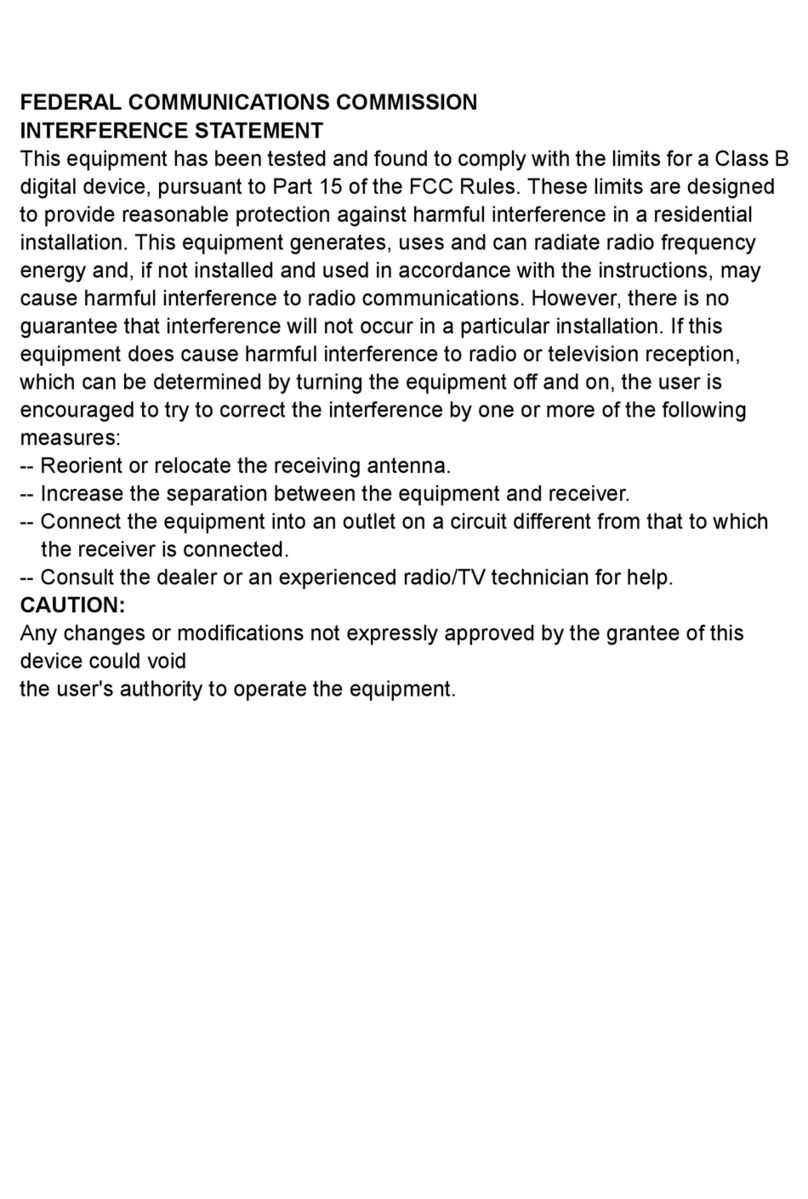
!NOTE: This equipment has been
tested and found to comply with
the limits for Class B digital device,
pursuant to part 15 of the FCC Rules.
These limits are designed to provide
reasonable protection against harmful
interference in a residential installation.
This equipment generates, uses and
can radiate radio frequency energy
and, if not installed and used in
accordance with the instructions, may
cause harmful interference to radio
or television reception, which can be
determined by turning the equipment
off and on, the user is encouraged to
try to correct the interference by one or
more of the following measures:
· Reorient or relocate the receiving
antenna.
· Increase the separation between the
equipment and the receiver.
· Connect the equipment into an outlet
on a circuit different from that to which
the receiver is connected.
· Consult the dealer or an experienced
radio/TV technician for help.
Operation is subject to the following
two conditions: (1) this device may not
cause interference and; (2) this device
must accept any interference, including
interference that may cause undesired
operation of the device.

5
Receiver Installation (BF units only)
1. Open steel curtain (remove
glass doors if applicable).
2. Remove two (2) screws on log
grate and remove log grate
(Figure 1).
5. Locate and depress the
mounting tabs on the plug con-
nector and remove the manual
control bracket from replace
(Figure 3).
6. Locate the plastic 9-pin plug
in the bottom corner of the
replace where the manual
controls were plugged in to.
Figure 1
Manual Controls
Screws
3. Pull front edge of plastic em-
ber bed grate up and forward
until rear tab releases from the
ledge located at the bottom
of the partially reective glass
(Figure 2).
!NOTE: Log set ts tightly into
rebox, some force may be
necessary to remove.
4. Locate and remove the two (2)
screws on the manual control
bracket (Figure 3). Remove
the bracket.
Figure 2
Back
ledge
Log
ember
bed
Rear
tab Front
edge
Side section
Figure 3
Mounting
tabs
Plug
connector
Manual controls
Screw locations

6 www.dimplex.com
7. Insert the plug connector from
the remote control bracket
(Figure 4) into plastic plug
inside the replace.
8. Run black antenna wire under
remote bracket and ensure
all wiring is placed such that
it does not interfere with re-
assembly.
9. Install the two (2) screws
removed in step 4 into the
remote control bracket and
attach it to the replace.
10.Replace the log set by insert-
ing front edge and pushing the
back down until rear tab snaps
under back ledge (Figure
2) and the logs are resting
against the partially reective
glass.
11.Replace log grate using two
(2) screws previously removed
in step 2.
Figure 4
Remote Control
Plug
Connector
Antenna
Receiver Installation (BF units only)

7
Wall Control Installation
!NOTE: All electrical wiring
must comply with all national
and local electrical codes and
regulations. Always use a
qualied and licensed electri-
cian should you have any
questions or concerns for all
wiring work.
!NOTE: The Wall Switch
Remote Control is made to
t standard Decora style
faceplates. Due to material
inconsistencies of individual
faceplates, it may be neces-
sary to remove the faceplate
for operations such as chang-
ing batteries.
Site Selection for Installation
Although this Wall Switch Remote
Control can operate on battery
power or by hard wire installa-
tion, a convenient and accessible
location should be chosen. The
range of the Wall Switch Remote
Control is approximately 50 feet
(15 m).
Installation requires the use of a
standard device box and should
the hard wire installation method
be chosen, a location near an
available 24V~ power source
should be considered.
WARNING: Electrocution or
other bodily harm and property
damage can occur if a live wire
is touched or damaged during
installation. Always consult
electrical schematics for the
installation location of all wir-
ing or consult a qualied and
licensed electrician before you
begin.
Installation
Required Tools and Hardware:
• Flat head screwdriver
• Wire cutters / strippers
• Two (2) wire nuts for 22 AWG
wire
• Standard wall device box with
minimum depth of 2.5 inches
(6.35 cm)
• 24V~ Power supply (for hard
wired power installation if
applicable)
Battery Powered Installation
1. Remove the Wall Switch Re-
mote Control and installation
hardware from its package.
2. Release the Controller from
its Outer Housing by pushing
the front face into the Outer
Housing until you hear a click.
This will release the push-lock
latches and allow the Control-

8 www.dimplex.com
Figure 5 Outer
Housing
Controller
ler to be removed from the
Outer Housing (Figure 5).
3. Open the Battery Compart-
ment as shown in Figure 6 and
remove the Insulating Strip as
shown in Figure 7.
4. Replace the battery compart-
ment cover.
Wall Control Installation
5. Reinsert the Controller back
into the Outer Housing by
realigning the tracks on the top
and bottom of the unit with
the guides inside the Outer
Housing. Push the Controller
in until you hear the push-
lock latches click (Figure 8).
6. Slide the Controller and Outer
Housing assembly into a stan-
dard device box and fasten
with the two (2) at head
screws (supplied) as shown in
Figure 9.
7. Attach your choice of Decora
style faceplate (not supplied)
to complete the installation
and to blend the installation in
with your choice of decor.
Figure 6
Battery
Compartment
Figure 7
Insulating
Strip

9
Wall Control Installation
Hard Wired Power Supplied
Installation
Before starting this installation,
it is helpful to initialize the Wall
Switch Remote Control with your
rebox (see Initialization section).
You should have the following
items ready and prepared:
• Installed standard wall device
box with a minimum depth of
2.5 inch (6.35 cm).
• A 24V~ power source leading
to the device box. Possible
sources could be a 24V~ door-
bell circuit or a Class 2 24V~
transformer.
• The 24V~ wire leads coming
into the device box should have
between 4 and 6 inches (10-15
cm) of slack left inside the box
to allow for ease of installation
and/or servicing.
• You may also leave the sup-
plied AAA batteries in the
Controller. There is an internal
electronic bypass that will draw
on the hard wired power source
before the batteries.
1. Unpack the Wall Switch Re-
mote Control and all hardware
from its package.
2. Release the Controller from
Figure 8
Outer
Housing
Controller
Guides
Tracks
Figure 9
Controller
Flat head screws
(supplied)
Wall Box
Outer Housing

10 www.dimplex.com
Wall Control Installation
its Outer Housing by pushing
the front face into the Outer
Housing until you hear a click.
This will release the push-lock
latches and allow the Control-
ler to be removed from the
Outer Housing (Figure 5).
3. Push the wire lead storage
compartment cover on the
back of the Control towards
the right (as shown), and re-
move (Figure 10).
4. Uncoil the two wire leads and
feed each of them through one
of the two holes located on the
wire lead storage compartment
cover (make sure orientation is
as shown as in Figure 11).
5. Replace the wire lead storage
Figure 10
Figure 11
compartment cover on the
Controller with wire leads fed
through and exposed.
6. Feed the two wire leads from
the Controller through the two
holes in the back of the Outer
Housing as shown in Figure 12.
7. Gently pull the wire leads
through while pushing the
Controller into the Outer Hous-
ing until you hear the push
lock latches click, locking the
Controller in place (Figure 13).
Locking Screw Option (Figure 14)
To prevent tampering, dam-
age, and theft, it is suggested to
install the locking screws. Once
installed, the locking screws will
prevent the Controller from being
released from the Outer Housing
Altri manuali per WRCPF-KIT
1
Indice
Altri manuali Dimplex Telecomando

Dimplex
Dimplex DPCRWS Series Manuale utente

Dimplex
Dimplex Multi-function Remote Control Manuale utente

Dimplex
Dimplex WRCPF-KIT Manuale utente

Dimplex
Dimplex Integrated On/Off Remote Manuale utente

Dimplex
Dimplex DPCRWS Series Manuale utente

Dimplex
Dimplex BFRC-KIT Manuale utente

Dimplex
Dimplex RC3215 Manuale utente

Dimplex
Dimplex 7206620100R02 Manuale utente

Dimplex
Dimplex Midline Remote Manuale utente

Dimplex
Dimplex DPCRWS Series Manuale utente