Echelon LonWorks MPR-50 Manuale utente

MPR-50 Multi-Port Router
User’s Guide
@®
078-0308-01B

Echelon, LON,LONWORKS,LonMaker, LNS, LONMARK, LonTalk, Neuron, 3120,
3150, LonPoint, and the Echelon logo are trademarks of Echelon
Corporation registered in the United States and other countries.
LonScanner is a trademark of Echelon Corporation.
Other brand and product names are trademarks or registered
trademarks of their respective holders.
Neuron Chips and other OEM Products were not designed for use in
equipment or systems which involve danger to human health or
safety or a risk of property damage and Echelon assumes no
responsibility or liability for use of these products in such applications.
Parts manufactured by vendors other than Echelon and referenced in
this document have been described for illustrative purposes only, and
may not have been tested by Echelon. It is the responsibility of the
customer to determine the suitability of these parts for each
application.
ECHELON MAKES AND YOU RECEIVE NO WARRANTIES OR
CONDITIONS, EXPRESS, IMPLIED, STATUTORY OR IN ANY
COMMUNICATION WITH YOU, AND ECHELON SPECIFICALLY DISCLAIMS
ANY IMPLIED WARRANTY OF MERCHANTABILITY OR FITNESS FOR A
PARTICULAR PURPOSE.
No part of this publication may be reproduced, stored in a retrieval
system, or transmitted, in any form or by any means, electronic,
mechanical, photocopying, recording, or otherwise, without the prior
written permission of Echelon Corporation.
Copyright © 2005, 2006 by Echelon Corporation.
Echelon Corporation
www.echelon.com

FCC Notice (for USA only)
Federal Communications Commission Radio Frequency Interference
Statement
Warning: This equipment has been tested and found to comply with the limits for a Class B
digital device, pursuant to part 15 of the FCC Rules. These limits are designed to provide
reasonable protections against harmful interference in a residential installation. This
equipment generates, uses, and can radiate radio frequency energy and, if not installed
and used in accordance with the instructions, may cause harmful interference to radio
communications. However, there is no guarantee that interference will not occur in a
particular installation. If this equipment does cause harmful interference to radio or
television reception, which can be determined by turning the equipment off and on, the
user is encouraged to try to correct the interference by one or more of the following
measures:
* Reorient or relocate the receiving antenna;
* Increase the separation between the equipment and the receiver;
* Connect the equipment to an outlet on a circuit different from that to which the
receiver is connected; or
* Consult the dealer or an experienced radio/TV technician for help.
Changes or modifications not expressly approved by Echelon Corporation could void the
user's authority to operate the equipment.
Safety
TÜV
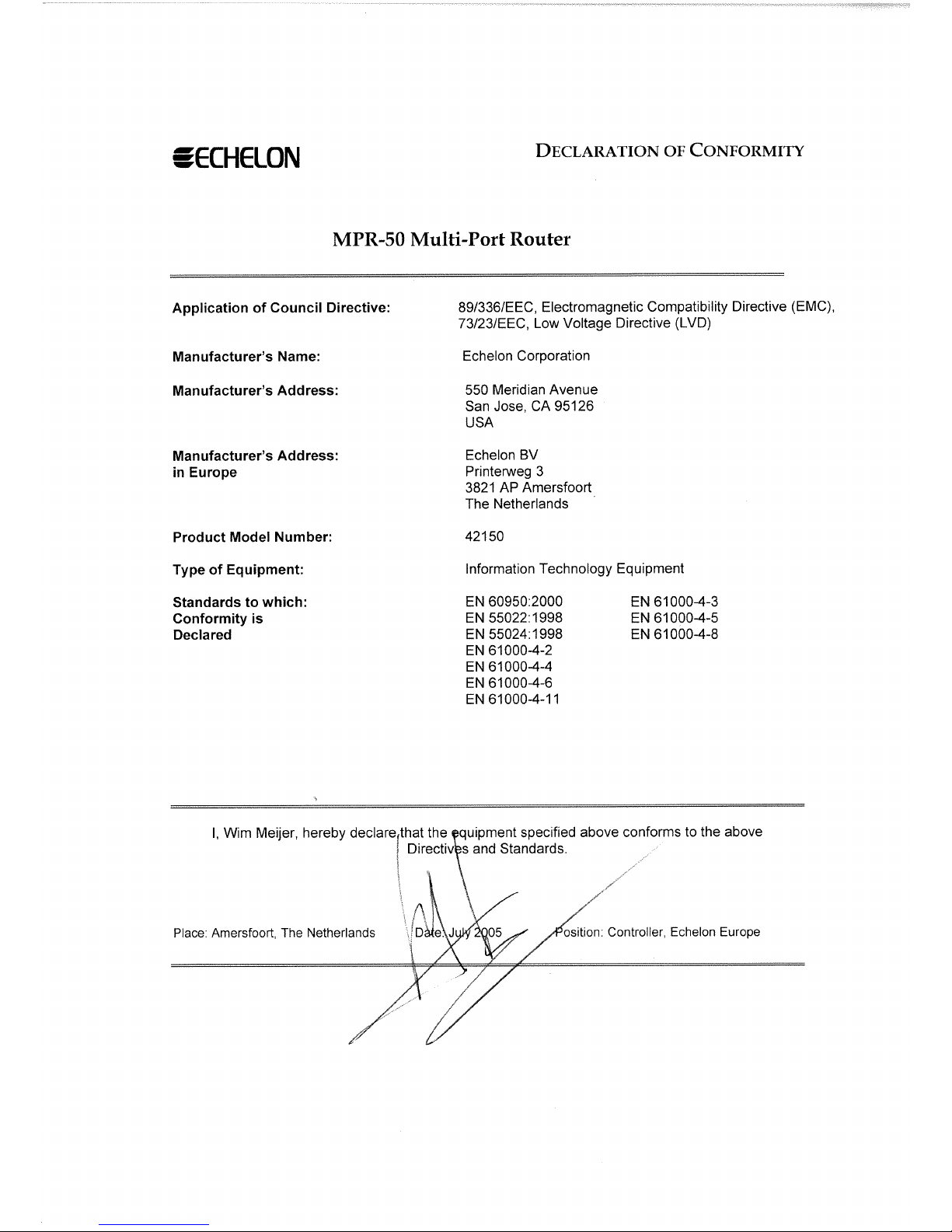
Certified, per EN 60950, 2000, IEC60950, 2000
MPR-50 Multi-Port Router User's Guide 3


Preface
This document describes how to install and use Echelon’s
MPR-50 Multi-Port Router and is written for system
designers and installers.
MPR-50 Multi-Port Router User's Guide i

Content
This manual provides information about the MPR-50 Multi-Port Router.
• Chapter 1 introduces the MPR-50 Multi-Port Router and provides
a quick overview.
• Chapter 2 describes the router hardware and how to connect it to
a network. Software content is described, too.
• Chapter 3 describes how to install the router on a network.
• Chapter 4 introduces the built-in channel monitor.
• Chapter 5 provides troubleshooting symptoms and diagnoses.
• Appendix A describes the Buffer Management Utility.
Preface
ii

Contents
FCC Notice
Declaration of Conformity
Preface i
Content ii
1 Overview 1
Introduction 2
2 MPR-50 Multi-Port Router Hardware and Software 3
Mechanical Description 4
Mounting and Connecting 4
MPR-50 Multi-Port Router Dimensions 6
Screw Terminal Connectors 6
Applying Power to the MPR-50 Multi-Port Router 7
Attaching the Router to a LONWORKS®Network 7
LED Legends 8
Service Buttons 10
Channel Connectors 10
Software 10
3 Connecting to the Network 11
Installing the MPR-50 on a Network 12
Repeater Mode 12
Commissioning with Network Tools other than the LonMaker®Tool 12
Commissioning with the LonMaker Integration Tool 13
Defining an MPR-50 Router 13
Moving a LonMaker Shape 14
Commissioning an MPR-50 Router 14
Buffers 18
4 MPR-50 Monitor 21
Introduction 22
Self-Installation 22
Service Button 22
Wink Request 23
Node Object Functional Block 24
Network Variables 24
Configuration Properties 26
Error Log 26
Channel Monitor Functional Blocks 27
Network Variables 27
Configuration Properties 28
Alarms 29
MPR-50 Multi-Port Router User's Guide iii

5 Troubleshooting 31
Troubleshooting Table 32
Appendix A Buffer Management Utility 35
Buffer Management Utility 36
Installing and Running the MPR Buffer Management Utility 37
Using the MPR Program 37
Checking the Current Buffer Sizes 37
Using Buffer Configure 37
Using Buffer Recovery Mode 39
Changing the Utility's Buffer Sizes 41
Preface
iv

1
Overview
This chapter introduces Echelon’s MPR-50 Multi-Port Router.
MPR-50 Multi-Port Router User's Guide 1

Introduction
Echelon’s MPR-50 Multi-Port Router performs LonTalk®(ANSI/CEA-709.1
standard) routing between five LonTalk channels: one TP/XF-1250 channel and four
TP/FT-10 channels. The MPR-50 may be used as a 2-way, 3-way, or 4-way
TP/FT-10–to–TP/FT-10 router, or in any combination with the TP/XF-1250 router.
The MPR-50 helps reduce the number of routing devices in multi-channel networks,
reducing both installation cost and time. The MPR-50 provides the highest possible
messaging performance: all four of the TP/FT-10 channels operate at saturation, the
maximum possible operating rate. The MPR-50 includes a flexible power supply, a
LONMARK®certified Monitor that displays status locally on LEDs as well as provides
status, and a time-stamped alarm log that is accessible via the network. In addition,
the router includes an intelligent repeater mode that requires no tools to install and
will typically be used in place of a four-way TP/FT-10 physical-layer repeater.
The MPR-50 can be installed by both LNS®and non LNS based network tools,
including the LonMaker Integration Tool. The router is wall and 35mm DIN rail
(EN 50 022) mountable, includes screw terminal connectors for power and channel
wiring, and provides separate service switches and 3.5mm jacks for each channel. A
CD included with the product provides documentation, LONMARK resource files, and
a LonMaker stencil to simplify router installation with the LonMaker tool.
2Overview
Indice
Altri manuali Echelon Router di rete
Manuali Router di rete popolari di altre marche

NETGEAR
NETGEAR FS526T - Switch Manuale utente

Korenix
Korenix JetNet 5710G Series Manuale utente

Automated Logic
Automated Logic ZN551 Manuale del proprietario

Cisco
Cisco ASR 1000 Series Manuale dell'operatore

EnGenius
EnGenius ESR-9710 Manuale utente

Cisco
Cisco 805 Series Istruzioni operative e di sicurezza