
egber CN1000 Manuale utente

Wh Portable Power
StationUser Manual
CN1000

CONTENTS
1. Important Safety Instructions ........................................... 01
2. About the Wh Portable Power Station ..........0
3. Using Portable Power Station ...........................................0
4. Product Storage and Maintenance ...................................1
5. Troubleshooting ................................................................ 1
6. Frequently Asked Questions and Answers(FAQ) .............1
7. Specifications ....................................................................1
8. Warranty ...........................................................................1
Thank you for your purchase of Wh Portable Power
Station. Building up a power system for your mobile house or
when go camping hunting, With Portable Power Station you can
easily set up a power system for ceiling fans, RV lighting,
laptops, and phones. Keep basic stuff charged up easily.
To ensure safety and avoid any property damage, please read
this manual before use and follow its guidance.
Important Safety Instructions
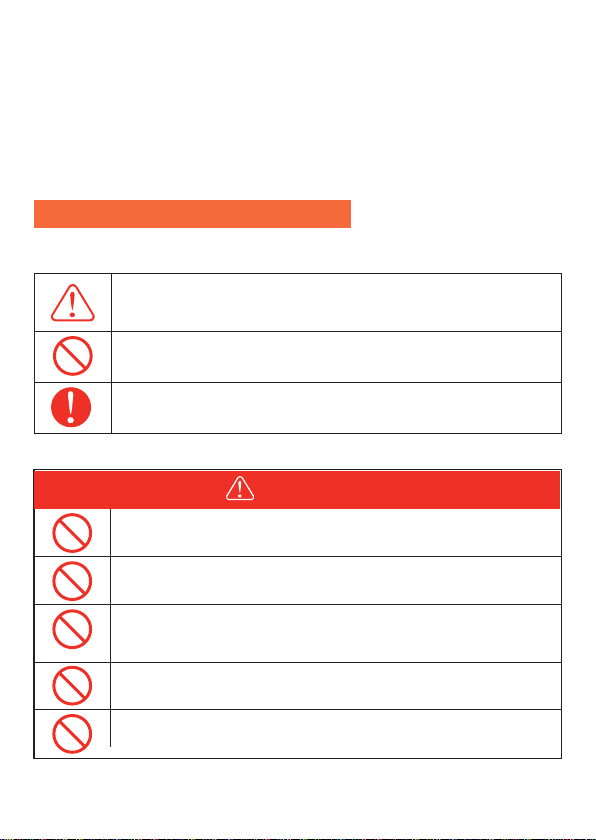
Please be sure to observe the following for safe use
It indicates that attention should be paid to fire, rupture and
high temperature when operating the product. Specific
attention is described in the figure.
This means that this behavior is prohibited when operating a
product. Specific prohibited content is described in the icons
or text in or near the icons.
Represents the mandatory operation of the product in
accordance with the instructions. Specific mandatory content
is described in graphics or text in or near the figure number.
01
DANGER
Please do not disassemble, repair or transform, which may
cause electric shock, heat, fire and other dangers.
Do not put the product near the fire source or put it into the
fire or heat, which will cause fire or burns and other dangers.
This product can not be charged and used in dew, bathhouse,
rain and other places; do not use water to clean the product, it
will cause electric shock, heat, fire and other dangers.
Do not use metal to contact AC output interface. It may cause
electric shock, fever, fire and other dangers.
Please do not use it as general waste disposal. Electricity
shock, heat and fire may occur in the garbage collection truck.
'$1*(5
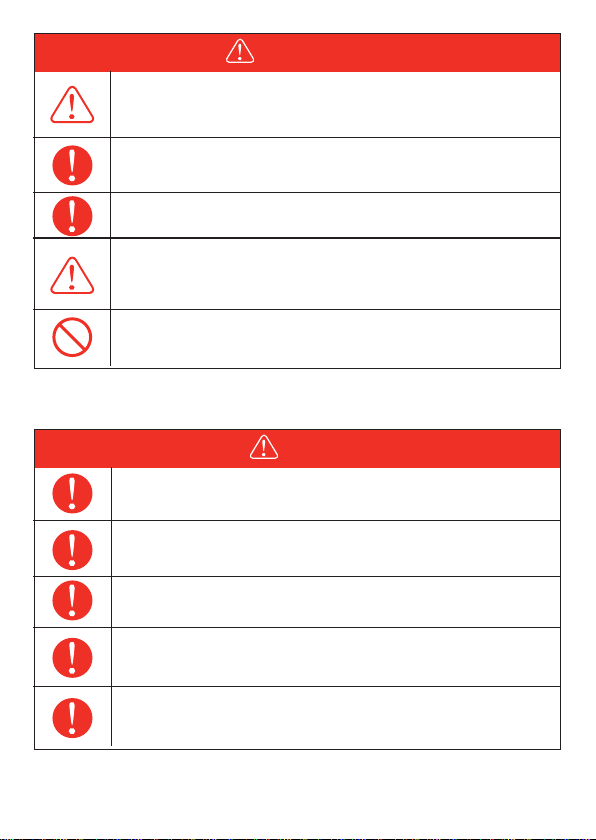
WARNING
Please keep the place clean for use and storage. Powder or
small metal contact terminal may cause short circuit,
accidents such as smoke or fire.
Be sure to check before use. In case of any abnormality such
as breakage, crack, leakage, fever and AC line breakage,
please stop using the product immediately.
Remove the AC cable from the socket when lightning strikes
during charging. When it thunders, a large current from the
socket may be generated Into a fever, fire, fire and other
accidents.
Please charge in the specified voltage range
(AC 100-240V).Otherwise, it may cause heating, fire, fire and
other accidents.
Do not let children use this product. Or it may cause accidents
or injuries.
0
Note
Please stop using the product immediately when there is any
abnormality such as rusting, peculiar smell, fever, etc.
Do not allow this product and the AC cable to get wet with
water or other liquids. It may cause short circuit, heat, fire,
etc.
Please carefully read the operating instructions of the
electrical products to be connected.
1MFBTFDIBSHFVTFUIJTQSPEVDUVOEFS˭TUPSBHFUIJT
QSPEVDUVOEFS˭PUIFSXJTFNBZDBVTFQPPSQFSGPS
NBODFPSIFBUVQ
Be sure to turn off the main power button during storage to
prevent unnecessary discharge of the battery and prevent
electric shock.
About the 1280Wh Portable Power Station
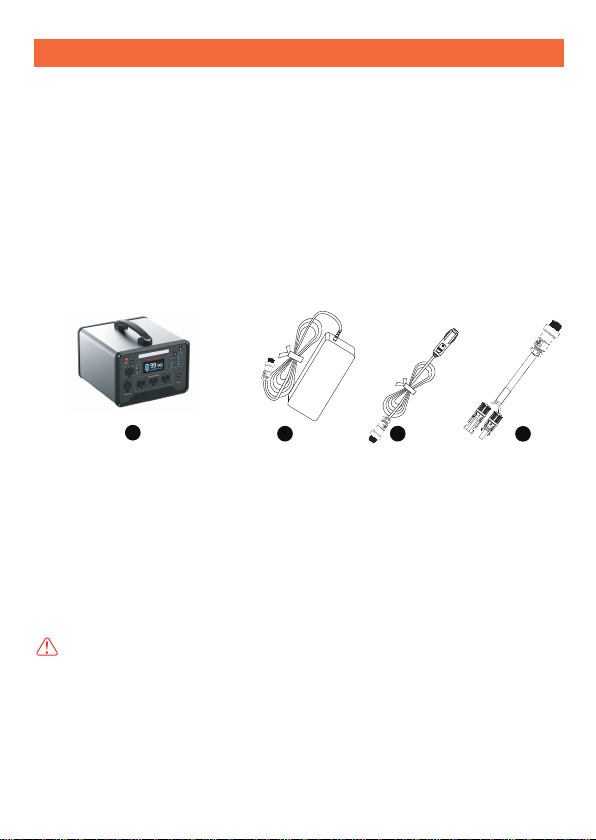
1.What’s in the box
1280Wh Portable Power Station×1
AC Adaptor (Including AC Charging Cable)×1
Cigarette Lighter Cable×1
DC to MC 4 Cable x 1
User Manual×1
12 3 4
Note: Picture is only for reference, pls take the product as the standard.
03

2.Product Introduction
LED Light Button
86%3RZHU%XWWRQ
86%2XWSXW3RUW
$&3RZHU%XWWRQ
Main Power Button
DC Power Button
DC 1292XWSXWPort
DC 129Car Cigarette Lighter Output Port
5. Charging Port( DC Input )
6. LCD Screen
7. LED Light
$& Output Port
Type-C PD Output
Port
Reset Hole
1. Battery Capacity Indicator
2. Battery Remaining Time
3. Input/Output Power
4. DC ON /OFF
5. USB ON /OFF
LCD Screen
TYPE-C ON /OFF
AC ON /OFF
50/60HZ
9.Low-temperature Indicator
10 Over-temperature Indicator
11. Fan Indicator
0
Β
Θ
Γ
ΕΔ
Ζ
Η
Κ
Ύ
ΐ
Α
Ώ
Ι
9
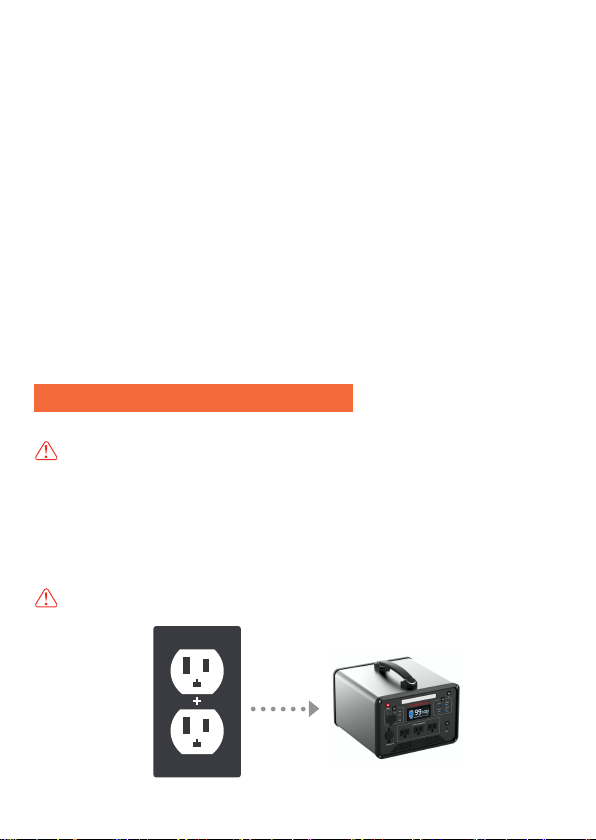
(1). AC Charger Charge the Product
LCD Battery Display:
The LCD Battery Display indicates the charge levelDQGWKH
UHPDLQLQJFDSDFLW\
When charging it, you will notice a battery segment blinking with
1 second interval.
This indicates the current charge status and the number under
INPUT shows the real-time charging power. Once it is fully
charged, all battery segments will be lit and remain solid.
Overtemperature indicator Display:
When the discharge temperature is greater than ˭ degrees,
the over-temperature protection indicator will be displayed on the
screen for 5 seconds.
Radiator indicator Display:
The fan will turn on when the power supply LQWHUQDOtemperature
reaches 113℉degrees.
Using Portable Power Station
Important Tips Before Use
Note: Please charge the product to 100% before using.
When charging the product, the battery capacity display icon on
LCD screen will be on dynamic status, after the battery is
charged fully, the display icon will on static status.
1 Charging
Note: Always use the standard AC charger that comes with
the product.
0

1 Connect the product and socket with the AC charger in the
package.
2 Please unplug the charger when charging completed.(it takes
about -hrs to fully recharge the product if using W
AC adapter charger).
3 Please use our adaptor, non-standard adapters may cause
defects in the product.
Note: It is normal for this product to get hot during charging.
Note: Make sure that the wiring is in good contact, otherwise
the contact terminals may melt at high temperatures.
1 Connect the product and the cigarette lighter socket with the
cigarette lighter cable in package.
2 Charge the product after starting the car.
Note: Make sure that the wiring is in good contact,
otherwise the contact terminals may melt at high temperatures.
Note: 7KHFDUQHHGVWREHVWDUWHGEHIRUHLWFDQFKDUJHWKH
SURGXFWRWKHUZLVHLWPD\UXQRXWRIEDWWHU\SRZHU.
(2) . Car Charger Charge the Product
(3) . Solar Panel Charge the Product
0
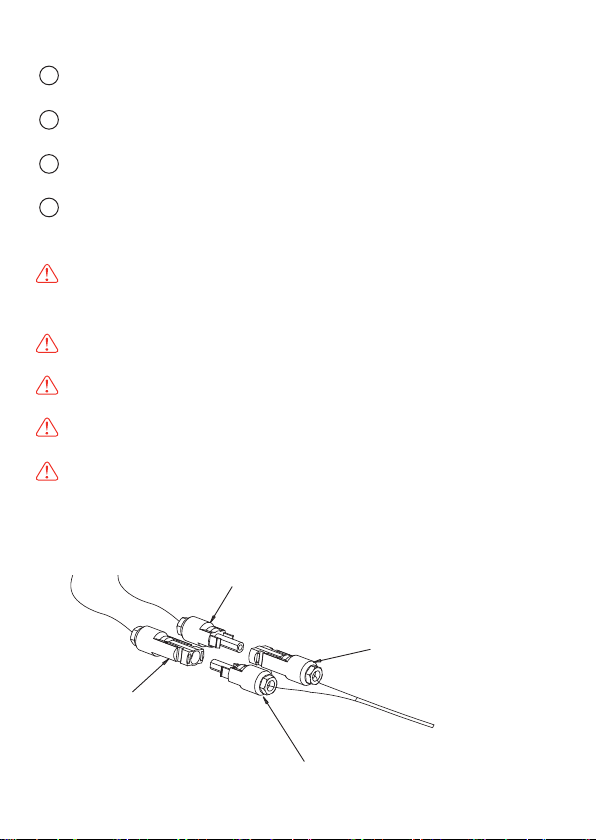
Please note: 6RODUSDQHOVQHHGWREHSXUFKDVHGVHSDUDWHO\
1 Choose suitable solar panel(YROWDJH12~24V /0D[
::
2 Put the solar panel under strong sunshine, face to the sun
SRVLWLYHO\
3 Take the 0&to Aviationconnector FDEOH, connect the
solar panel and the product.
4 When the product is charged fully by the Solar, it will stop
charging automatically. Please take out the charging cable, and
turn off our product.
Note: Please make sure the cable connecting is correct and
stable, or will cause the connector in high temperature status or
sparking.
Note: Please charge the product under 32-113℉temperature
environment.
Note: During the charging, it is normal situation if the product is
getting a little bit hot.
Note: The charging time is different when light intensity is
different.
Note: If you choose the solar panel which is with MC4 connec-
tor, please make sure the positive and negative poles of solar
panels are connected correctly. Refer to the following connection
chart.
0
Solar panel PV+
Solar panelPV-
Connecting cable PV+
Connecting cable PV-

2 Battery Life
3 Estimation of Backup Time
4.1 Buttons Operation
10W
1
80
.
80
2
2
90
.
90
5W LCD TV
.
5
1.
Note: The above data are for reference only. The backup time
varies with the power of different loads.
4. Operation Instruction
1 Main Power Button32:(5
Power on: 3UHVVDQGKROG the main power buttonand the LCD
screen lights up.
Power off: Press and hold the main power buttonWKH/&'
VFUHHQZLOOEHRII
2 DC Power Button
DC power on : 3UHVV the DC button, the LCD will GLVSOD\³
´
The portable power station is designed to retain up to 80% of its
original capacity at 2000 complete charge cycles when operating
under normal conditions.
Q: How to calculate the working time for your devices?
A: 1. AC output working time=wh * 0.85/the power of your device
For example, assume your power of device is 50W, working time
willbe wh * 0.85/0w=hrs ( rough calculated )
2. DC and USB output working time=wh * 0.95/the power of your
device
Indice


