RUBATO MAN2/1/2005
Entempo
5
To switch the RUBATO off press and hold the “Power” button for four seconds. The
display will become blank.
If the RUBATO is not in the play mode, it will automatically power off after a period.
This period is a user-controlled setting, accessed from the Settings Menu >> Power
Saving.
1.4 Clock
The RUBATO incorporates a real time digital clock. The user can change the value of
the date and time via Settings >> Clock >> Time & Date.
Use the “SKIP FORWARD” and “SKIP BACKWARD” buttons, to jump across the
value that needs changing (Day, Month, Year, Hour, Minute). Then, use the 3-way
switch to adjust to the values desired.
User can choose the time display via Settings >> Clock >> Clock Display. If user
chooses to display the clock, then the window title of the display will be replaced by
date DD-MM-YYYY and a real time digital clock showing the hour (HH), minute (MM),
seconds (SS) of the day in HH:MM:SS AM/PM format.
1.5 Running the RUBATO while plugged in
If operating the Player indoors and power is available, it is advisable to operate the
Player through the Universal AC Adapter/Charger. This will preserve battery life,
especially during power intensive operations such as downloading files from your PC
to the Player.
Reset
If the RUBATO is not responding to any button presses then it is possible to restart it
using the reset switch. Before resetting, check that, the unit has a fully charged
battery or is running from the AC Adapter.
Resetting Sequence
Press the reset button with a paperclip.
1.6 Software Installation & Usage:
The CD that comes with the player contains -
• Windows MediaTM Player Software in many languages (English, French, German,
Spanish, Italian, Swedish and Portuguese). You can use Windows Media TM
Player to download, copy, rip and play your music.
• Mixman StudioTM Software enables the budding musicians to create their own
music by “mixing” various predetermined sounds, adding voice and then
synchronizing it to a desired beat. Visit the Mixman’s official website for detailed
information (www.mixman.com).
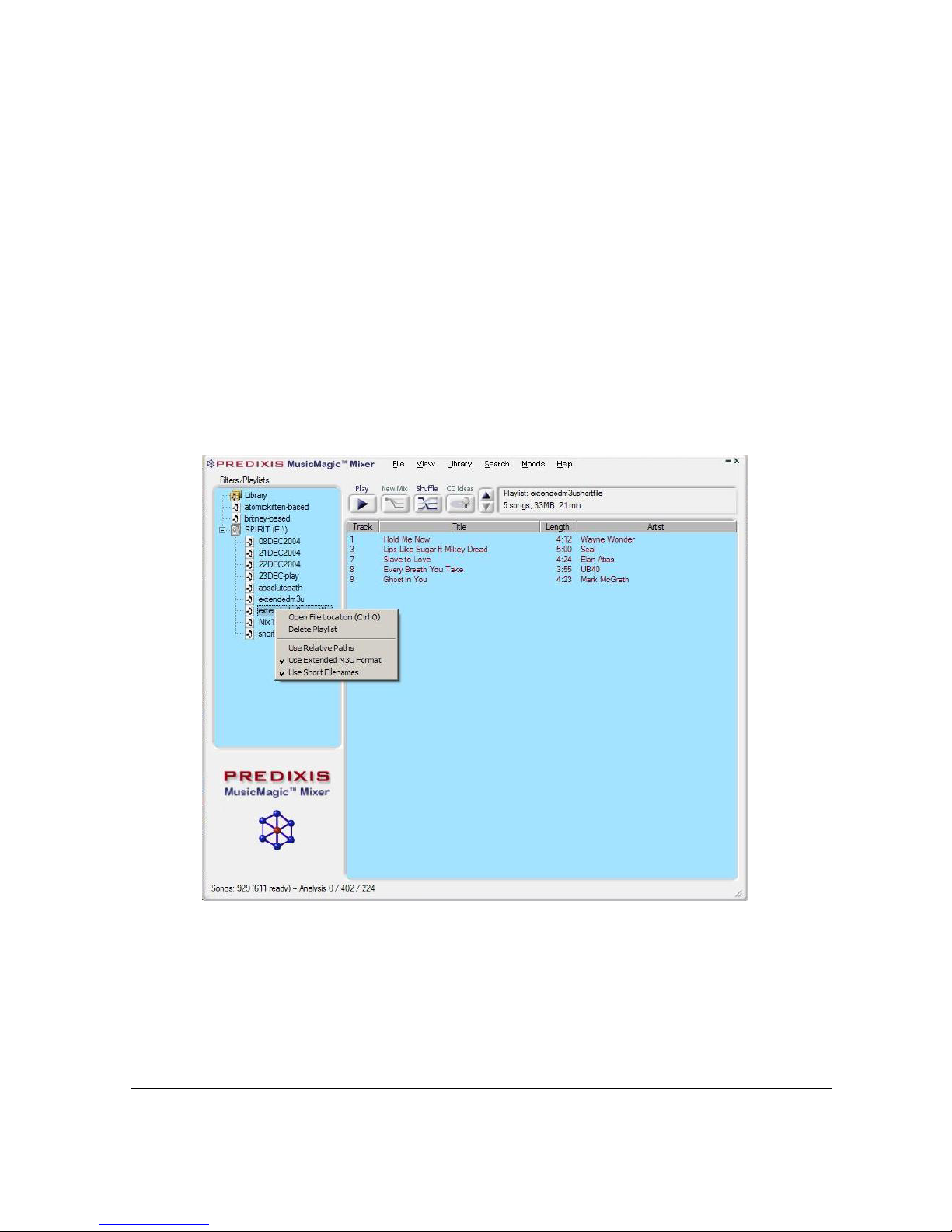
• MusicMagic MixerTM software is a powerful music library tool that allows users to
create dynamic and interesting playlists, or mixes. MusicMagic automatically
analyses your music collection. Analysed songs are used to build custom mixes
for hours of listening enjoyment. Visit MusicMagic’s official website for detailed
information (www.music.predixis.com).
• Soft copy of RUBATO Manual and Quick Start Guide
• Drivers for Windows 98SE