2. Getting Started
This chapter contains general information about what Envision Glasses are, what comes in
the box, and detailed steps on installing the Envision App, attaching the frame, pairing
Envision Glasses with the Envision App, starting the Envision Glasses Onboarding process
and updating the software.
2.1 What is Envision Glasses?
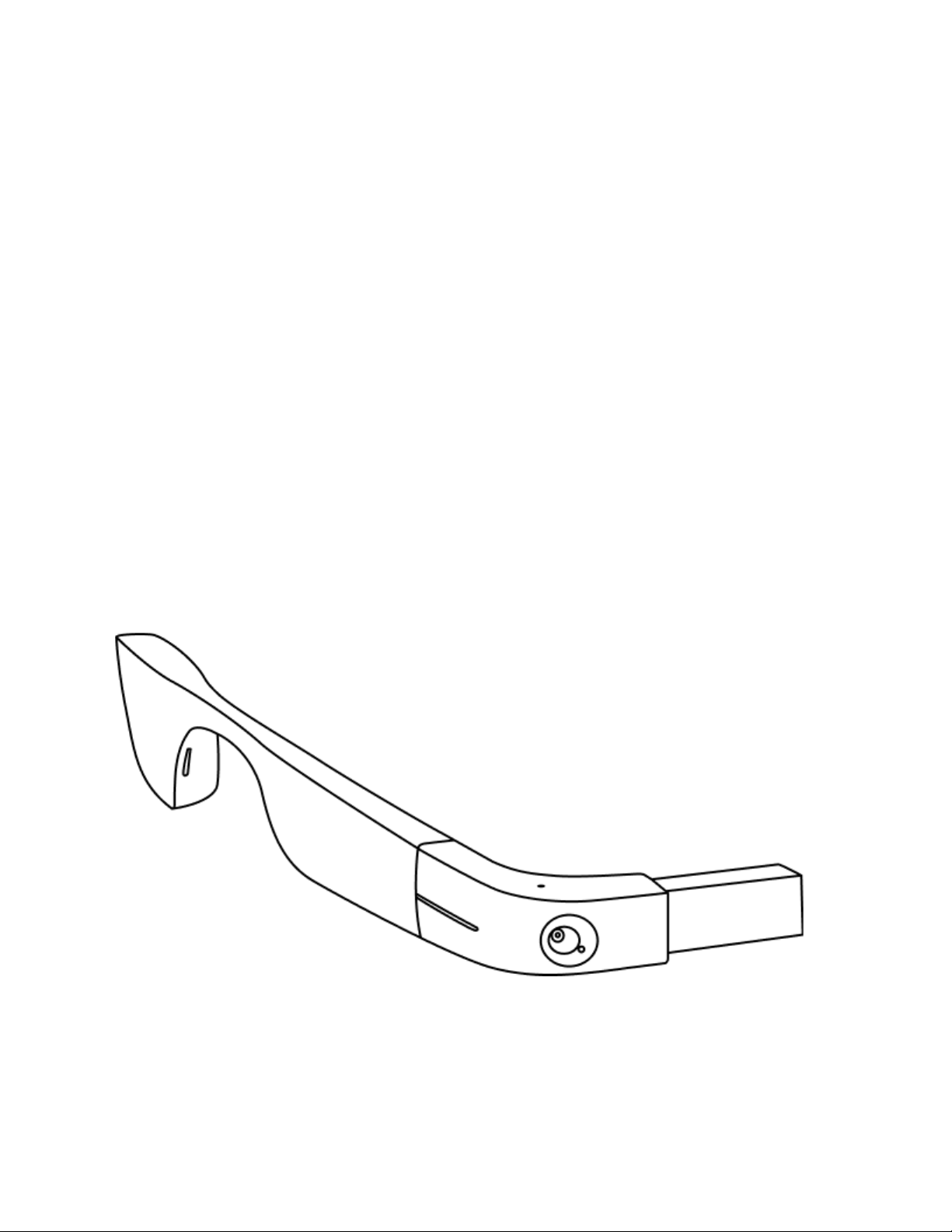
The Envision Glasses are a wearable assistive device that allows users to independently
access the world around them in a way that is convenient, hands-free, and discreet.
Envision Glasses make everyday life more accessible for those with visual impairments by
using Envision's award-winning AI technology to turn visual information into speech.
Turn text into speech
The Envision Glasses enable you to read and export all kinds of text from any surface in
over 60 languages. It uses fast and accurate Optical Character Recognition (OCR) to read
official documents, letters, street signs, handwritten cards, magazines, books and more. To
read it later, you can export the text to have it saved offline in your Envision App.
Conquer any situation with video calling
In a situation where you would prefer a person to assist you, you can also initiate a
hand-free video call to someone you know straight from the Envision Glasses with Call An
Ally feature. Request friends, family, and colleagues to see what is in front of you through
the camera on the Envision Glasses with the free Envision Ally App.
Find objects and recognise people
Looking for your keys, coffee cup, or the nearest trash bin? Need to identify your friend in a
café or your colleagues at work? With the Find Object and Find People features you can
scan your surroundings with the Envision Glasses to have the device find what you are
looking for.
Know what is around you
The Envision Glasses can describe scenes, identify colors, detect the amount of
light, and even recognize cash. Find the right items in your closet, go grocery
shopping and explore new places on your own.
For more information, please visit our website.