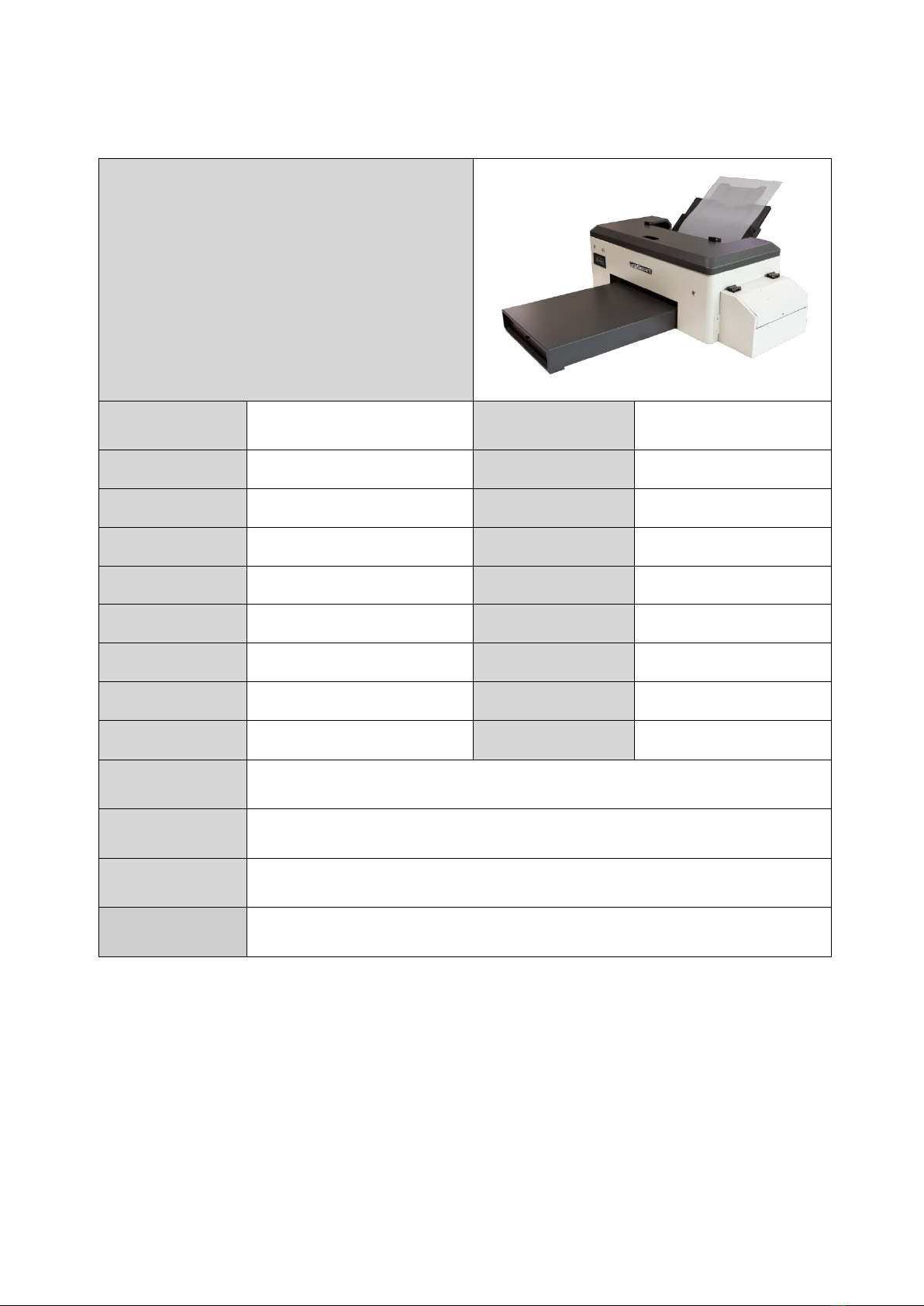
Shen Zhen Shi Chuang Cheng Da Technology Co., Ltd
10. Code of Practice for Printer Safety
1.1 avoid places where temperature and humidity are prone to drastic changes: keep away from dust areas;
avoid direct sunlight, strong light, or heat sources.
1.2 place around enough space to ensure ventilation and heat dissipation.
1.3 avoid placing in areas prone to vibration or uneven ground. The machine should be placed close to the
wall socket for easy online work with the computer.
1.4 connect the power cord directly to the wall socket, do not use extension cord, do not use damaged or
broken power cord. be sure to access the ground wire at the installation position.
1.5 printer's power plug, power cord, network wire must be in good contact, firm, avoid in the place of
frequent activities, so as not to accidentally fall off the system equipment damage.
1.6 avoid exposing the printer to flammable liquids, gases and smoke agents. or it could cause fire or electric
shock.
1.7 insert the printer power cord into the standard power outlet when the printer power switch is off.
1.8 do not remove any door cover or screws other than those specified in the manual.
1.9 machine starts, be sure to take away the irrelevant items on the machine and avoid paper clips, staples, or
other small metal falling into the machine.
1.10 Do not put your hand into the printer while the printer is working.
1.11 Do not move the printhead by hand, otherwise the printer may be damaged.
1.12 Power cord shall not be damaged, cut or modified. It is forbidden to place heavy objects on the power
cord or to pull or bend the power cord unnecessarily.
1.13 If any of the following occurs, the power switch should be turned off immediately and the plug should
be unplugged (grab the plug instead of the cable when unplugging it). (1) A foreign body is splashed into the
machine. (2) Suspected that the machine needs repair or repair. (3) Damage to the casing of the machine.
1.14 Do not touch parts labeled "high temperature surfaces ". Otherwise it could cause injuries.
1.15 Do not burn spilled or used toner. Dust of toner may burn in flames. Remove the power cord from the
wall socket before moving the printer; avoid damaging the power cord under the fuselage.
1.16 Cut off the power after work.