HALO HEAT & SYSTEM 2-ZONE EXTENSION INSTALLATION GUIDE
Product Code: 222145
2-Zone Extension kit for Halo Heat & System Wi-Fi or
Halo Heat & System RF.
Compatible with the following boilers: Logic Heat H,
Logic Heat H IE, Logic System S, Logic System S IE,
Logic+ Heat H, Logic+ System S, Logic Max Heat H,
Logic Max Heat H IE, Logic Max System S,
Logic Max System S IE Keston System, Vogue
System, Vogue GEN2 System, Vogue Max System,
Vogue Max System IE.
To install Halo with older boilers further details can
be found at idealheating.com
This installation guide is designed to work alongside
the installation guide from either the Halo Heat &
System RF (222141) or the Halo Heat & System Wi-Fi
(222143).
This guide will advise you on how to install and pair
the Halo control unit for Zone 2.
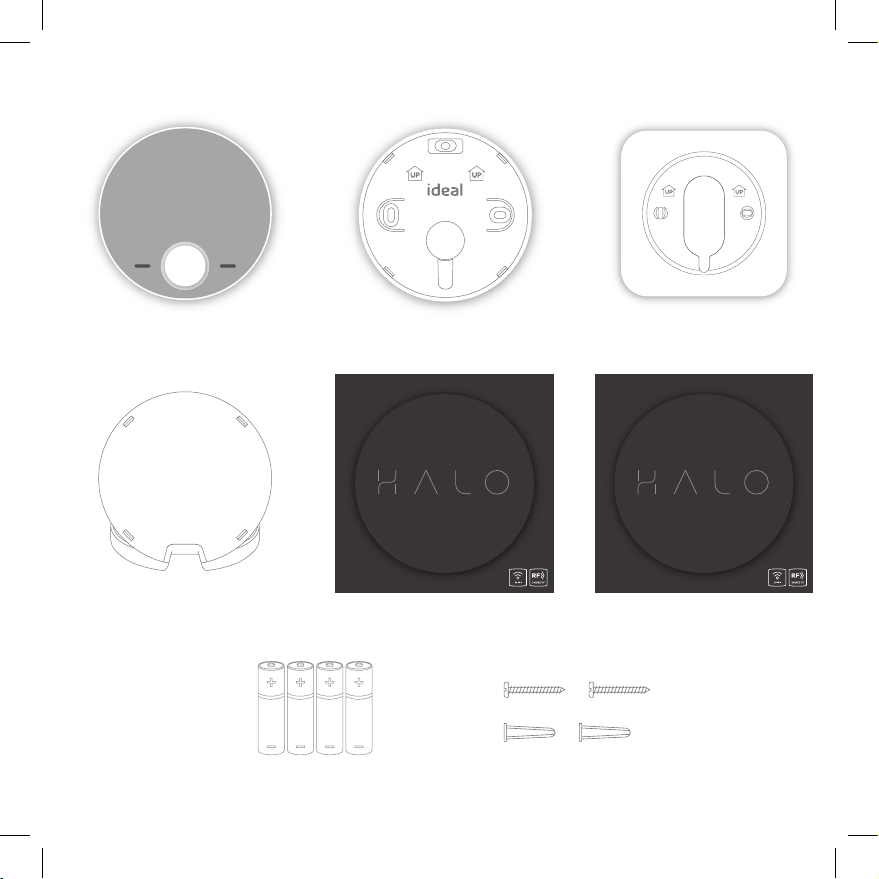
The Halo Heat & System 2-Zone Extension kit
must be installed by a competent person with
the appropriate safety qualifications. Please read
the instructions carefully. Failure to follow these
instructions can damage the product or cause a
hazardous condition.
These instructions are applicable to the Ideal Boiler
models stated and must not be used with any other
make or model of boiler. This product must be
installed to all applicable standards.
Halo Heat & System RF is a non-connected control
(control is via the Halo Heat & System unit only).
Halo Heat & System Wi-Fi is a wireless heating control
that is connected to the internet. You can download
the Halo app on Google Play or the Apple app store.
You will not have to pay to use the app.
For more information on the features in your Halo app
visit the Help section of the app or idealheating.com.
If you have purchased or are upgrading a Halo
Heat & System RF (non-connected control) you
can upgrade this to an internet heating control by
downloading the Halo app and following the steps
in the app to connect your Halo control. You will be
required to pay a connection fee to upgrade to
app-controlled heating.