Page 6 of 27 Rev: 4/19/2013 10:47 AM
•If you set Heat and Cool to the same temperature setpoint, Heat will automatically move
down 2° (the minimum allowable gap).
Energy Button Operation
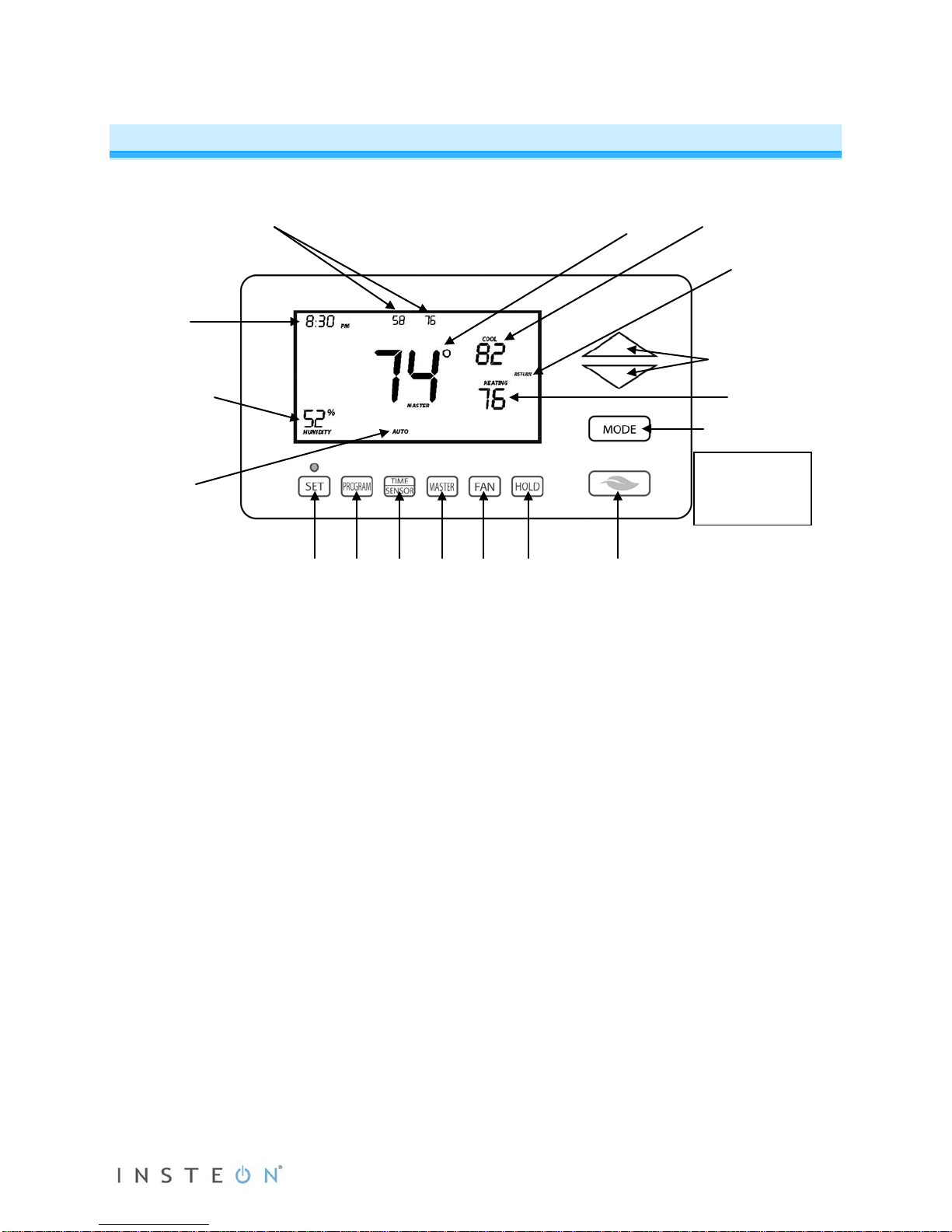
The Energy button (designated with the leaf) is a quick, efficient energy-saving option. When you press
the Energy button, INSTEON Wireless Thermostat will adjust the Heat and Cool setpoints by a specified
value. The default value is 4° from the current setting, but can be changed via home control software
such as HouseLinc.
•When you exit Energy mode, it will revert back the 4° that was changed upon entry.
•The unit remains in Energy mode until the Energy button is pressed again.
•Up/Down arrows adjust the temperature setpoint based on the mode you are in.
•Energy button does nothing because the
system is off (at maximum energy savings
already)
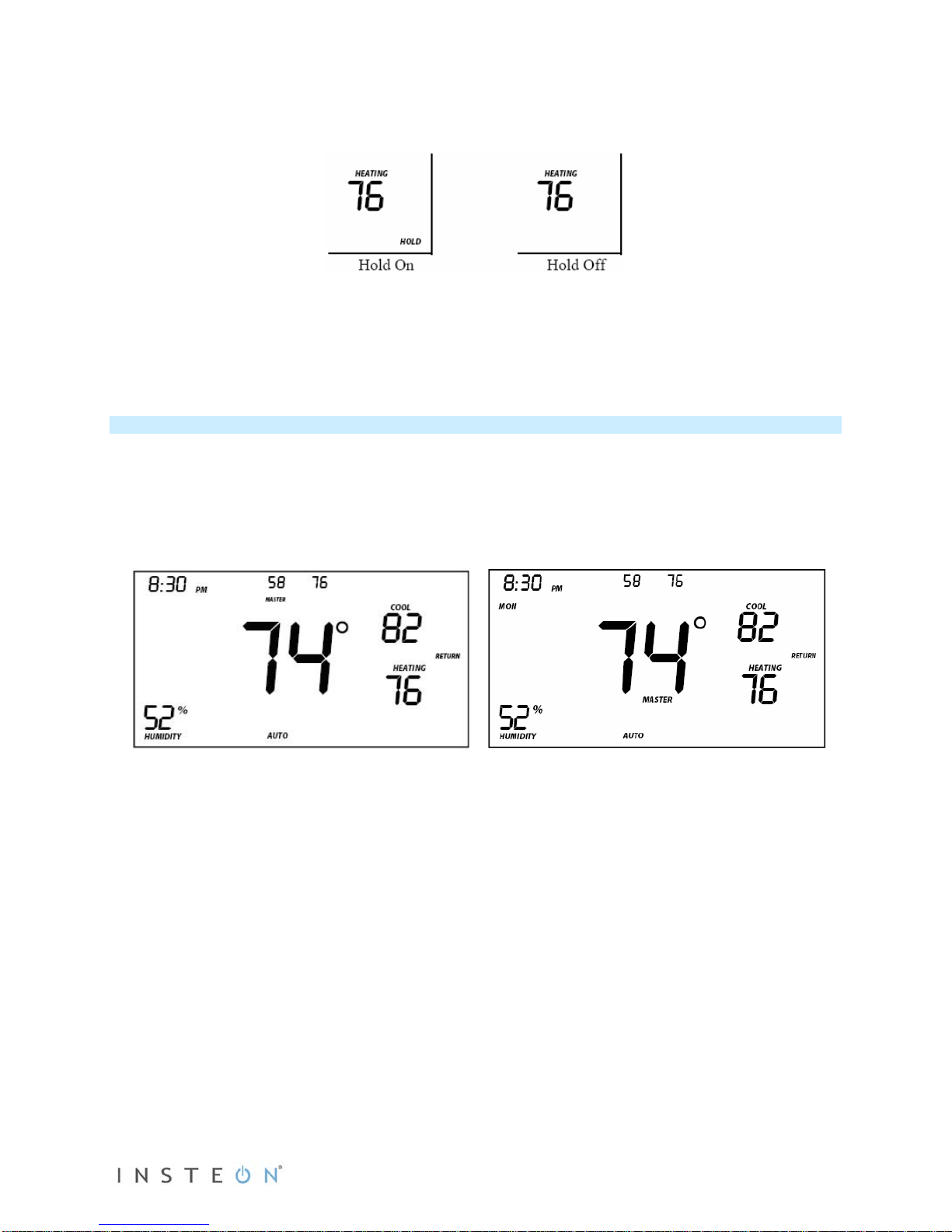
•When “Energy” appears on the screen for
Auto, Cool and Heat Modes, the 4°
setback is engaged
•Heat setback as specified
•Default setback is 4° less
•Notice that “Heating” is active on the left,
but not on the right since the setpoint is
lower that the actual temperature; the
element reads “Heat”
•Cool setback as specified
•Default setback is 4° more
•Both Heat and Cool setpoints changed as
specified
•Default setback is 4° more for Cooling and
4° less for Heating
•Notice that “Heating” is active on the left,
but not on the right since the setpoint is
lower that the actual temperature; the
element reads “Heat”