iVigil EFFIO-E Manuale utente

1
EFFIO-E ON SCREEN DISPLA
Y
INFRARED CAMERA
USER MANUAL
VER.: 1.2, P/N: R040138F

2
Contents
1. SAFETY PRECAUTIONS....................................................................................................3
2. INTRODUCTION .................................................................................................................4
3. FEATURES............................................................................................................................5
4. PACKING LIST ....................................................................................................................7
5. NAME and FUNCTION of EACH PART.............................................................................8
6. INSTALLATION ...................................................................................................................9
6.1 Camera Installation............................................................................................................9
6.2 Connect to Monitor..........................................................................................................12
6.3 Connect the Power...........................................................................................................12
7. OPERATION .......................................................................................................................13
7.1 OSD Framework..............................................................................................................13
7.2 OSD Main Menu Description..........................................................................................14
7.2.1 LENS: MANUAL /AUTO selectable. .....................................................................14
7.2.2 SHUTTER/AGC: AUTO / MANUAL selectable....................................................14
7.2.3 WHITE BAL.: ATW / PUSH / USER1 / USER2 / ANTI CR / MANUAL / PUSH
LOCK selectable. ....................................................................................................15
7.2.4 BACKLIGHT: BLC / HLC / OFF selectable...........................................................16
7.2.5 ATR: ON / OFF selectable.......................................................................................16
7.2.6 NR: ↲.......................................................................................................................16
7.2.7 PICT ADJUST: ↲....................................................................................................16
7.2.8 NEXT: ↲..................................................................................................................17
7.2.9 EXIT: ↲....................................................................................................................17
7.2.10 SAVE ALL: ...........................................................................................................17
7.2.11 PRIVACY: ON / OFF selectable. ..........................................................................17
7.2.12 MOTION: ON / OFF selectable.............................................................................18
7.2.13 CAMERA ID: ON / OFF selectable.......................................................................18
7.2.14 LANGUAGE..........................................................................................................19
7.2.15 CAMERA RESET..................................................................................................19
7.2.16 BACK.....................................................................................................................19
6. SPECIFICATION ................................................................................................................20
The author assumes no responsibility for any errors or omissions that may appear in this
document nor does the author make a commitment to update the information herein.

3
1. SAFETY PRECAUTIONS
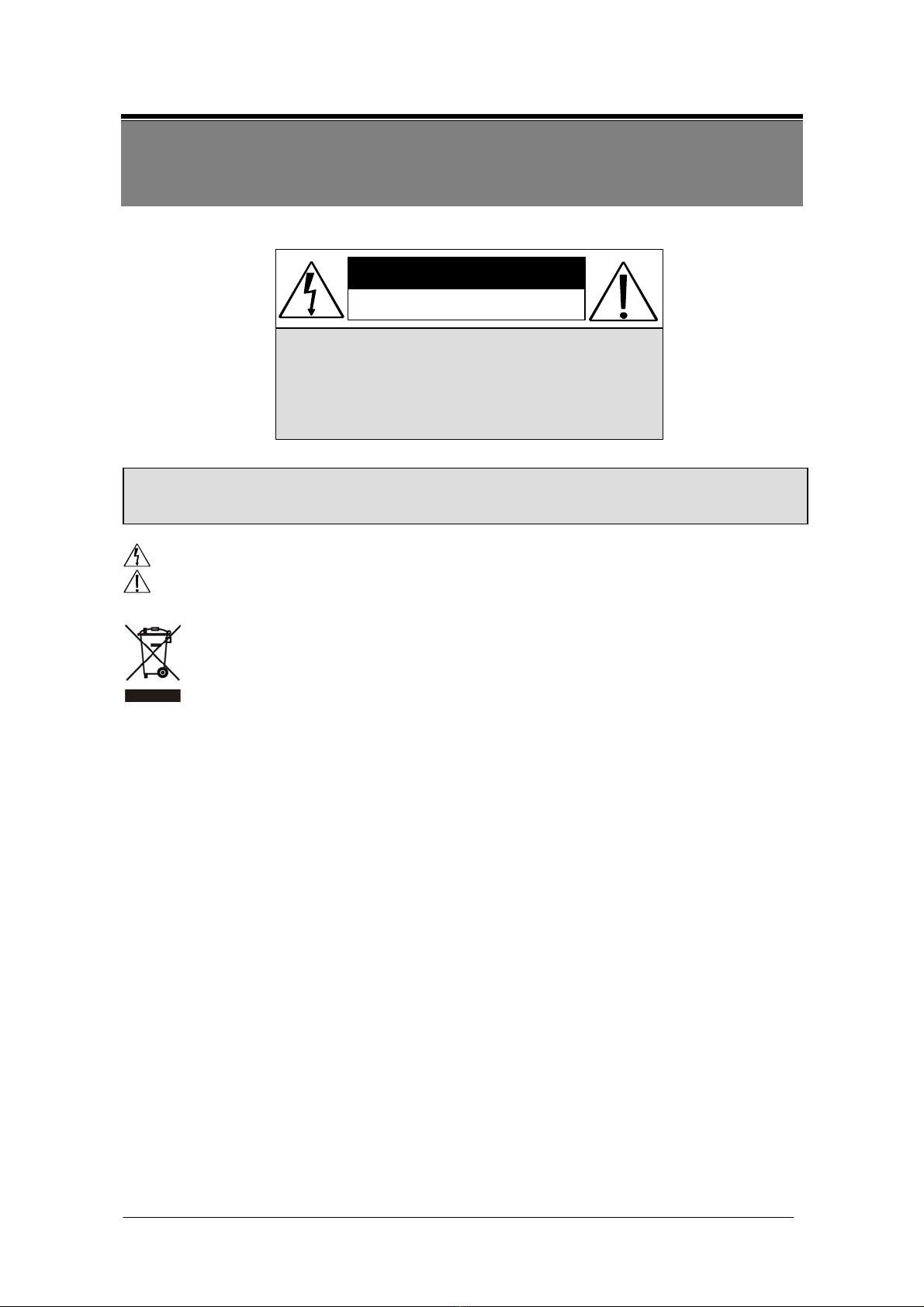
CAUTION
RISK OF ELECTRIC SHOCK.
DO NOT OPEN!
CAUTIO N :
TO REDUCE THE RISK OF ELECTRICAL SHOCK,
DO NOT OPEN COVERS (OR BACK).
NO USER SERVICEABLE PARTS INSIDE.
REFER SERVICING TO QUALIFIED
SERVICE PERSONNEL.
WARNING: Alert the user to the presence of un-insulated “dangerous voltage”.
CAUTION: Alert the user the presence of important operating and maintenance (Servicing)
instructions in the literature accompanying the appliance.
Disposal of Old Electrical & Electronic Equipment (Applicable in the European
Union and other European countries with separate collection systems).
This symbol on the product or on its packaging indicates that this product shall not be
treated as household waste. Instead it shall be handed over to the applicable collection point
for the recycling of electrical and electronic equipment. By ensuring this product is disposed
of correctly, you will help prevent potential negative consequences for the environment and
human health, which could otherwise be caused by inappropriate waste handling of this
product. The recycling of materials will help to conserve natural resources. For more
detailed information about recycling of this product, please contact your local city office,
your household waste disposal service or the shop where you purchased the product.
Please be extra careful not to shake the product.
Please avoid places where frequent vibrations or shocks.
Do not install the product in extreme temperature conditions.
Only use the camera under conditions where temperatures are between -10 and +50 . Be℃℃
especially careful to provide ventilation when operating under high temperatures.
Do not install the product in an environment where the humidity is high.
Unless the product is waterproof or weatherproof, otherwise it can cause the image quality to be
poor.
Never keep the product to direct strong light or sunlight.
It can damage the product.
Do not spill liquid of any kind on the product.
If it gets wet, wipe it dry immediately. Alcohol or beverage can contain minerals that corrode the
electronic components.
When any abnormal occurs, make sure to unplug the unit, and contact your local dealer.
It is advised to read the Safety Precaution Guide through carefully before operating the
product, to prevent any possible danger.

4
2. INTRODUCTION
Clear image quality has been achieved by employing a 1/3” Hi-Res. CCD, which
provides a horizontal resolution of 560 / 650 TV lines. The camera can be by External
Light Sensor; it provides Color image in full light condition (Day) and provides B/W
image in low light condition (Night) to reach the best effect. High performance:
providing unique ATR (Adaptive Tone Reproduction) , DNR (Digital Noise Reduction),
HLC (High Light Compensation), CRS (Color Rolling Support), Privacy function,
Mirror function, as well as manually adjusting picture quality functions (Such as
Contrast/Sharpness/Color etc.).

5
3. FEATURES
High Resolution
Excellent Sensitivity
CCD Sensor provides high resolution
reaching 560~600 / 650~700 TVL with
advanced and clear picture quality.
High sensitivity, low smear, high
anti-blooming and high S/N ratio.
Adaptive Tone Reproduction (ATR) Digital Noise Reduction (DNR)
ATR is the Single Scan WDR function;
it has the other name with Digital WDR,
Software WDR. perfectly shows the
image details between dark and light.
Newly added environment dynamic
detection switch, enhancing WDR
image efficiency.
With 2DNR enable, it can reduce the noise
to produce extremely clear picture quality
even under low light condition. It can
also saving the size of recording image
from DVR.
Day & Night High Light Compensation (HLC)
Mechanic IR Cut-Filter driving unit
with Light Sensor.
By setting mask are, the user will
experience better operation convenience
see a clearer image.
Privacy Mask Motion Detection
Privacy image masking with free
position, support up to 8 areas of
privacy masking zone. Privacy area
enlarges with digital zoom-in function.
Camera-site takes the initiative in
providing motion detection alert for a
more comprehensive monitoring and
careful editing of motion detection area.
When there are changes within the
detection area, the camera immediately
issues a warning.

6
Lens (External manual focus)
Ifrared
Built-in DC-type Vari-Focal lens with
ICR / Without ICR.
Built in the 42 pieces IR LED to support
40 Meters
OSD Mechanism
OSD (On Screen Display) Setup Menu.
Camera tile setup of up to 16 alphanumeric
letters.
Weatherproofing Housing Design and
Internal wire system with anti-cut
bracket.
Application
All function can be operated from OSD: AES (Automatic Electronic Shutter), AI
(Auto Iris), GC (Gain Control), WB (White Balance), BLC (Back Light
compensation), positive/ negative and Horizontal Mirror.
***Optional
Heater
Dual Power DC12V/AC24V
Built-in the ALARM OUT interface cable

7
4. PACKING LIST
Check to make sure all of the items shown below are included in your Portable Security
Recorder Kit. If something is missing, contact your dealer as soon as possible.
Item Description Item Picture QTY
Camera & Bracket
1
Appurtenances
1
Fix retaining screw &
Anchor ( for bracket)
4
L-Wrench
1
Instruction Manual
1

8
5. NAME and FUNCTION of EACH PART
1~5.OSD Button (Menu):
No. Name Function
1 LEFT LEFT
2 UP UP
3 ENTER Get in MENU and ENTER
4 RIGHT RIGHT
5 DOWN DOWN

9
6. INSTALLATION
6.1 Camera Installation
1. Install Camera
Use the supplied screws (in the appurtenance bag), and secure the camera in position.
2. Adjust 2-Axis Bracket
Adjust the bracket while checking the view angle from Axis) the monitor.
Loosen the X-Y screws and then adjust the 2-Axis bracket (X-Y to get the
desired viewing angle.
NOTE: This product is not suitable for horizontal 360° continuous rotation.

10
3. Focus Adjustment
Focus adjustment should be done with zoom focus at the same time. Use the
screwdriver to adjust the zoom/ focus ratio (from wide to tele or near to far).
NOTE: Focus adjustment position differs depending on model type.
4. Remove the Controller Cap
With your free hand or a coin remove the controller cap and make adjustments.
Indice