
Laser NRGVAULT PV500 Manuale utente
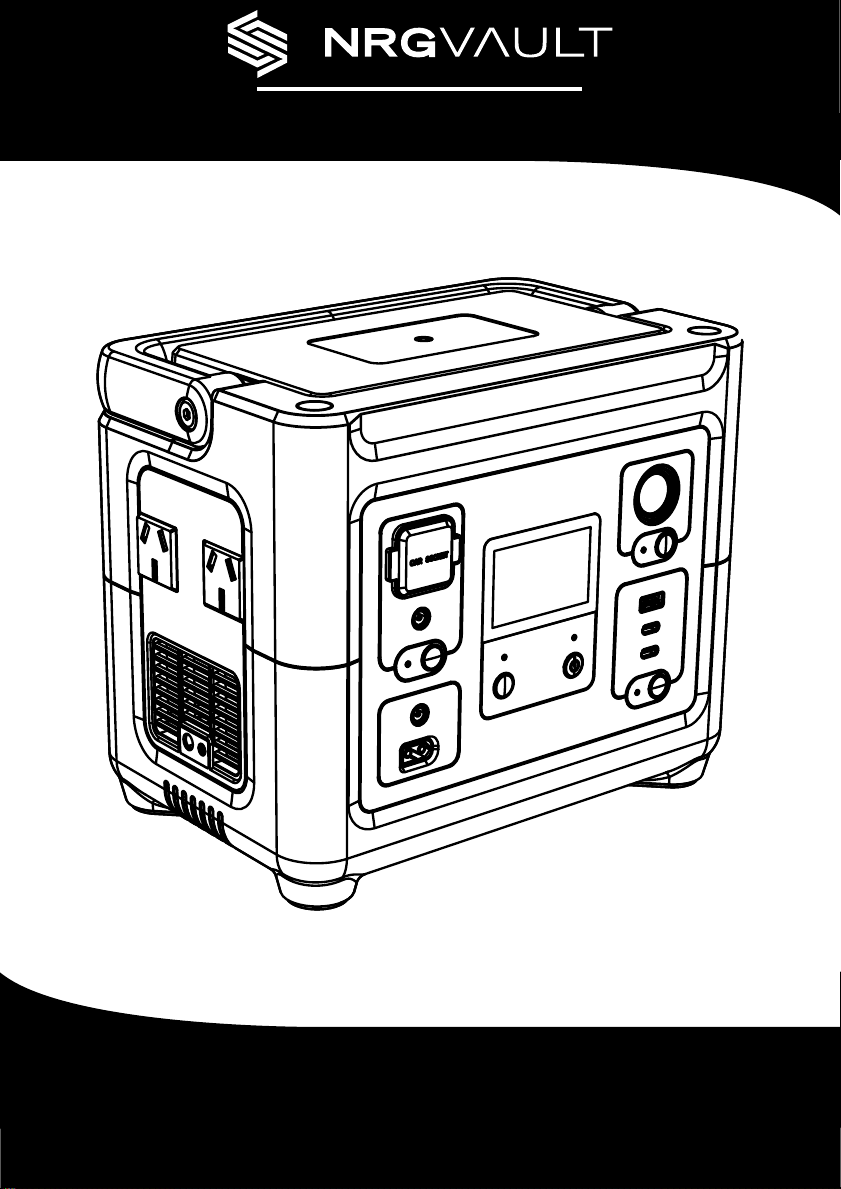
PWR-PV500-PS
User Manual
INTRODUCTION
This product is a portable energy storage power generator. It
can be used as a power source for emergency relief, outdoor
camping, oce equipment, entertainment and much more.
It is compact enough for portability but capable enough to
power small to medium appliances.
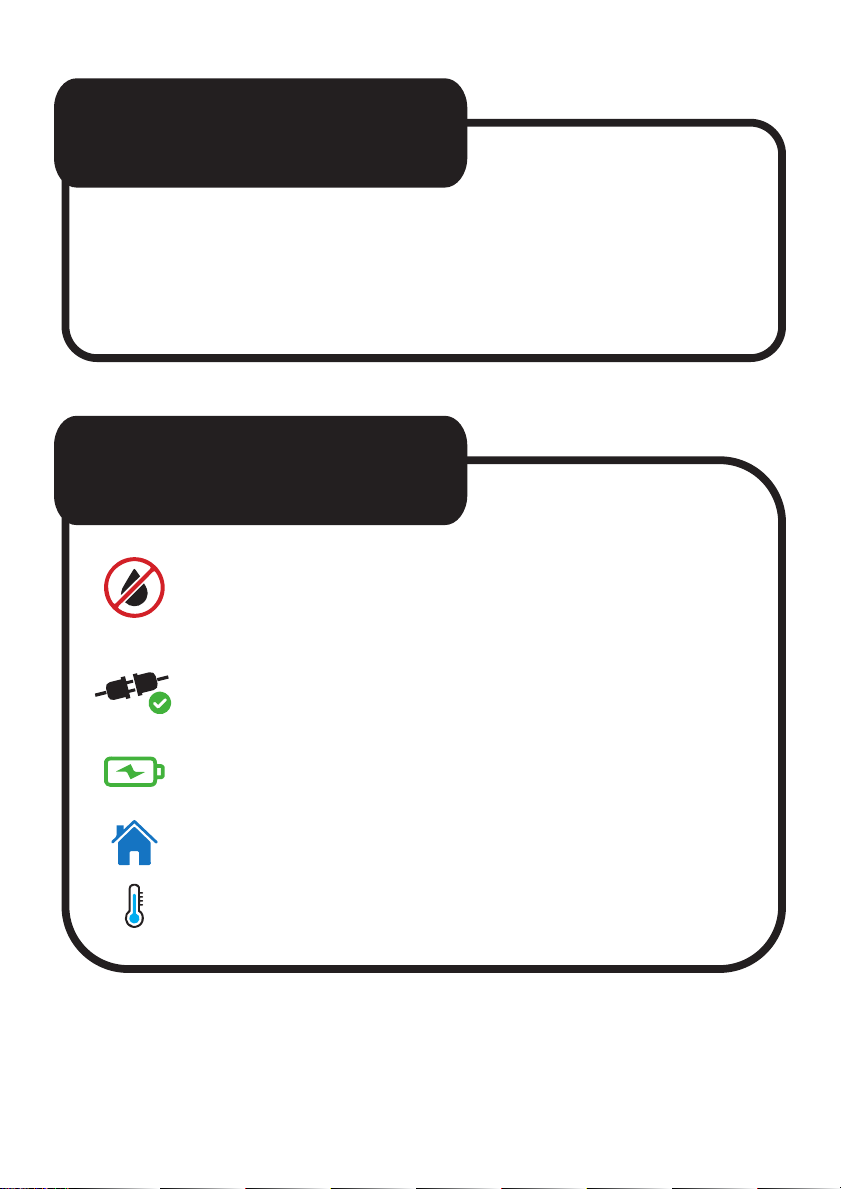
MAINTENANCE
• Clean with a soft dry cloth only. DO NOT use any water
or liquids as this could lead to damage of internal
components and electric shock.
• When not using the unit for extended periods, disconnect
from the power outlet and any connected devices, then
power o the unit.
• Charge the unit to approx. 80% battery every 3 – 6
months during extended periods of storage.
• Indoor storage only.
• Recommended storage temperature: 0 - 25°C.
GENERAL SAFETY
The NRGVault range of portable power stations has been made to the
highest standards for safety and reliability. Please retain the user manual for
important safety information about your device. This manual will help you
learn the features and specications of the device to assist with operability
and satisfaction during use. Failure to follow these guidelines for proper
use and care of your device may result in damage to the unit, or injury to
yourself and others.
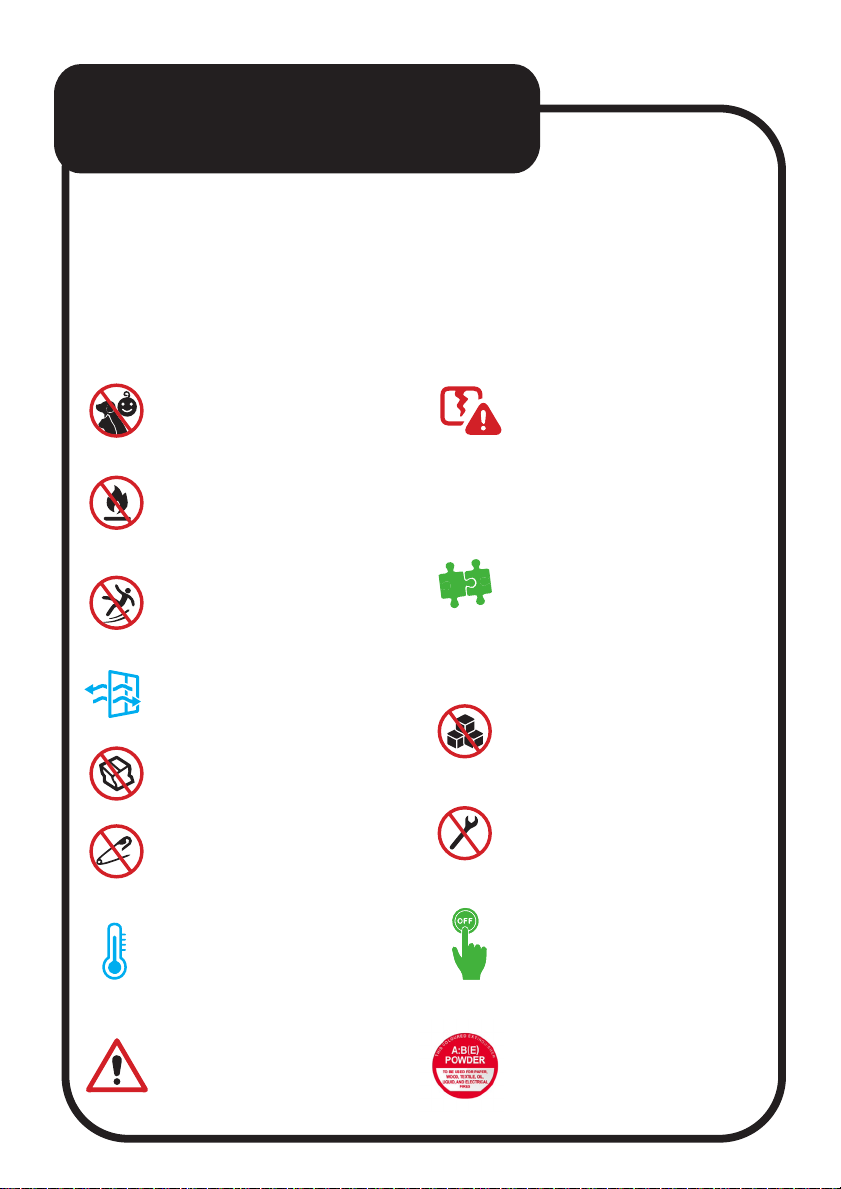
• NEVER use a damaged
device or a device with a
damaged battery with this
unit. This may lead to re, uid
leaks, overheating, or
explosion.
• Use approved accessories
only. Improper use or
incompatible accessories
may result in re, explosion,
or other safety hazards.
• DO NOT place other objects
on top of the unit during use
or storage.
• DO NOT attempt to modify,
repair, or replace any internal
components of the unit. If
necessary, please contact the
manufacturer.
• Turn o immediately in case
of malfunction or smoke.
• Use dry powder re
extinguisher in case of re.
• Keep children and pets away
from the device.
• DO NOT expose the unit to
re, liquids, dirt, or other
contaminants as this could
lead to re or electric shock.
• DO NOT place the unit on an
unstable, uneven, or slippery
surface.
• Always use the unit in a well
ventilated and spacious area.
• DO NOT dismantle, crush,
puncture, or squeeze the unit.
• DO NOT insert any foreign
objects into the vents, ports,
or other openings.
• Always operate or store the
device in accordance with
the specied temperature
range.
• DO NOT ignore warnings
from other manufacturers
when using this device.
TIPS FOR SAFE
CHARGING
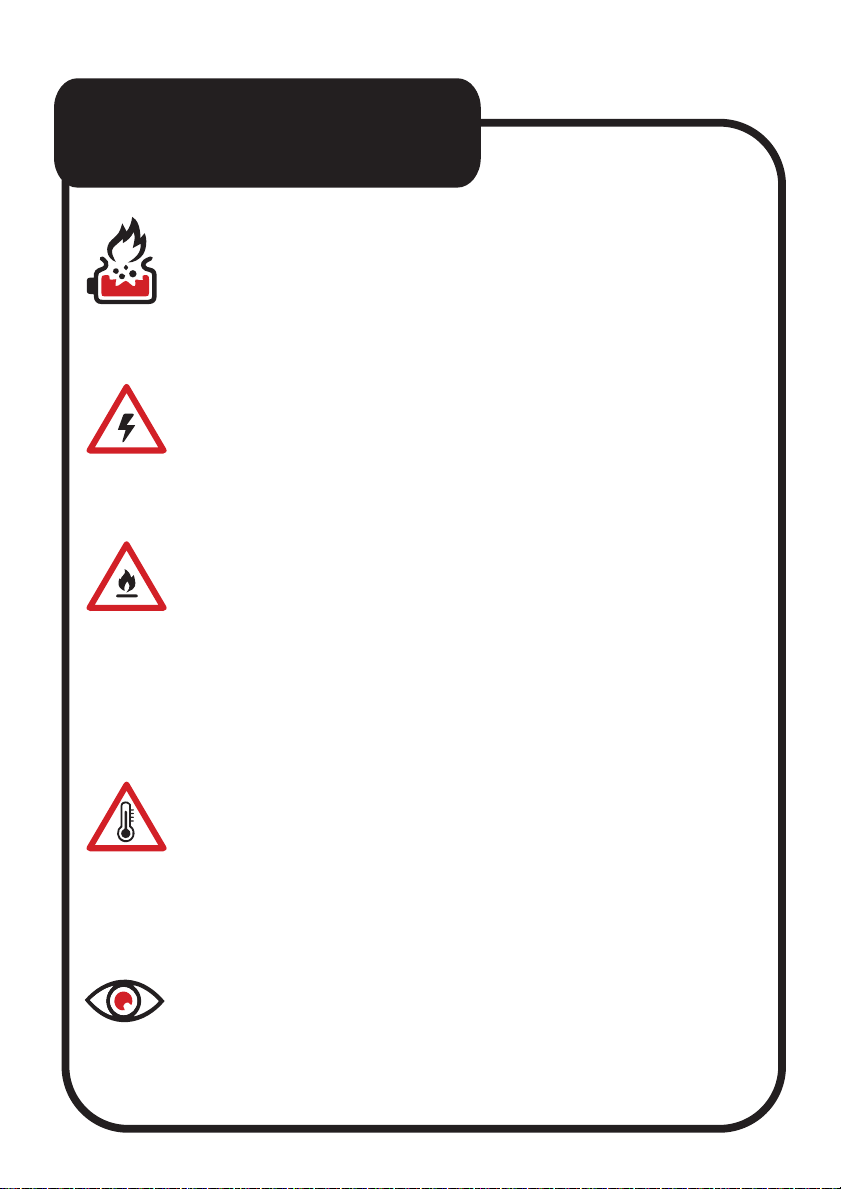
1. AVOID OVERCHARGING.
Disconnect power stations and devices after the battery
reaches a full charge. Leaving devices on a power station
too long may cause them to overheat and can reduce
battery life.
2. PICK THE RIGHT POWER OUTPUT.
Take special care to match the correct voltage and amp
values your device requires when using a power station.
Some power stations have multiple output ports so check
which one might be the most suitable for your device.
3. CHARGE ONLY ON NON-FLAMMABLE SURFACES.
Devices and power stations can get warm or sometimes
even hot during charging. Make sure to always place the
device and power station on a non-ammable surface when
charging. Do not place on beds, pillows, paper, or near any
fabric such as curtains or clothing under any circumstances.
4. AVOID EXTREME ENVIRONMENTS.
Do not recharge your devices or leave a power station in
environments where extreme temperatures can occur.
On particularly hot days do not charge or leave your power
station in places such as the inside of a car, or an
unairconditioned room. If it’s possible, try and wait till
the evening when temperatures are a bit cooler.
5. MONITOR CHARGING.
Recharge your devices while you are nearby, preferably in
the same room or another room close by. This way when
there is a defective battery or power station, you are able to
disconnect it immediately.

WHAT’S IN THE BOX
• PWR-PV500-PS Portable
Power Station
• AC Charging Cable
• User Manual
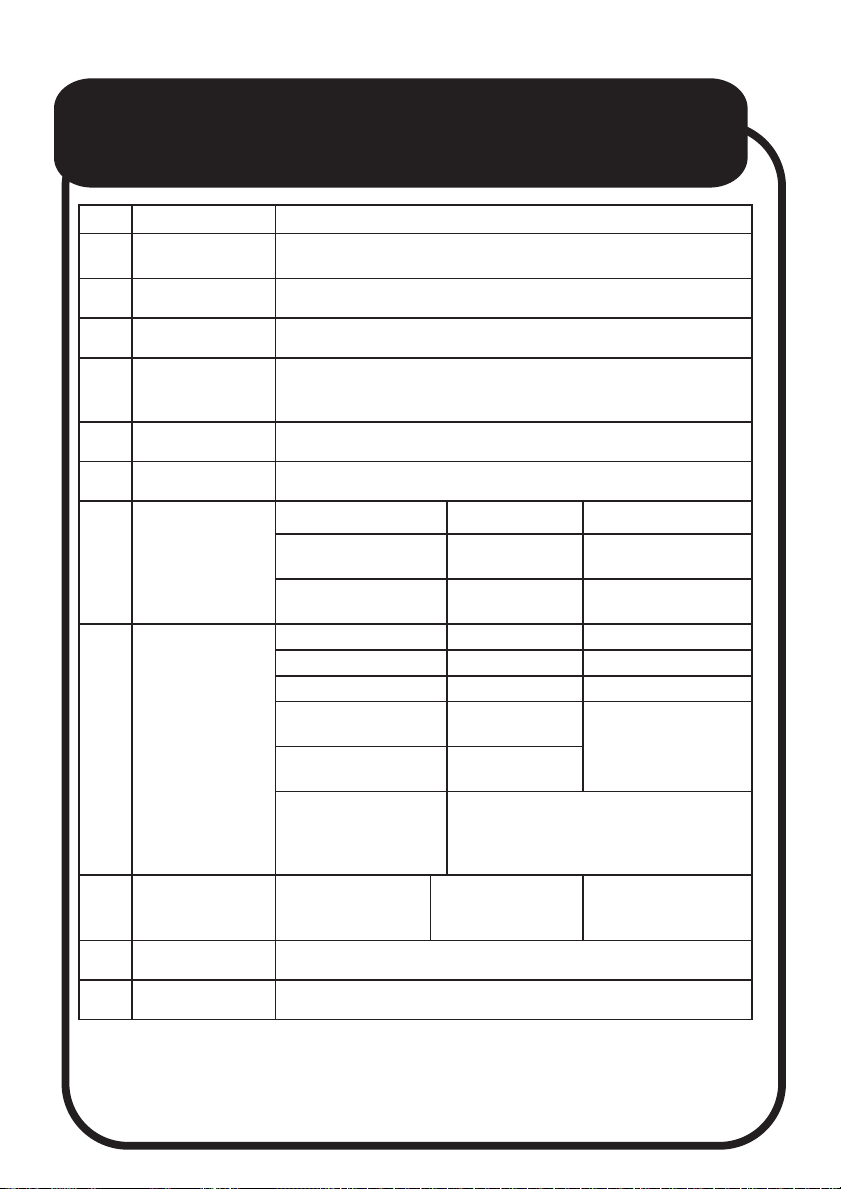
PRODUCT SPECIFICATIONS
No. Item Description
1 Battery Cell Battery Cell Type: LiFePO4
Model: 32700 3.2V/6000mAh x 16
2 Rated Capacity 288Wh (16V/18Ah)
3 Lifecycle 2000 cycles to 80%
4
Battery
Management
System
Under/Over Voltage Protection, Over Current Protection,
Short Circuit Protection, Overcharging Voltage Protection,
Over Temperature Protection, Overload Protection.
5 MPPT Supports Solar Power MPPT charging
6 Housing ABS+PC
7 Input Options
Wall charge 220-240V/50Hz Max 300w
Vehicle charge DC port:
2-28V, 5A 90W
Solar charge XT60 port:
12-28V, 5A 90W
8Output
Options
Type-C PD 100W [1] PD
Type-C PD 30W [2] PD
USB-A (QC3.0) [3] QC3.0 [3] Max 18W QC3.0 [3]
DC5521 13.6V/8A Max
108.8 W Total share 8A
12V Car Socket 13.6V/8A Max
108.8 W
2 x AC
AC: 220-240V~ 50Hz
Rated Power: 500W
Overload Protection: 550W 30s
Inverter Peak Power: 600W 1s
9 LED Light Modes LED Light Modes
1-Light
2-SOS
3-Emergency
Power: 3W
10 Dimensions 245 x 160 x 209mm
11 Weight 5.15kg
1. PD 100W = USB-C Power Delivery can deliver up to 100W of power.
2. PD 30W = USB-C Power Delivery can deliver up to 30W of power.
3. QC3.0 = Quick Charge 3.0 can charge devices up to 4 times faster than
conventional charging.
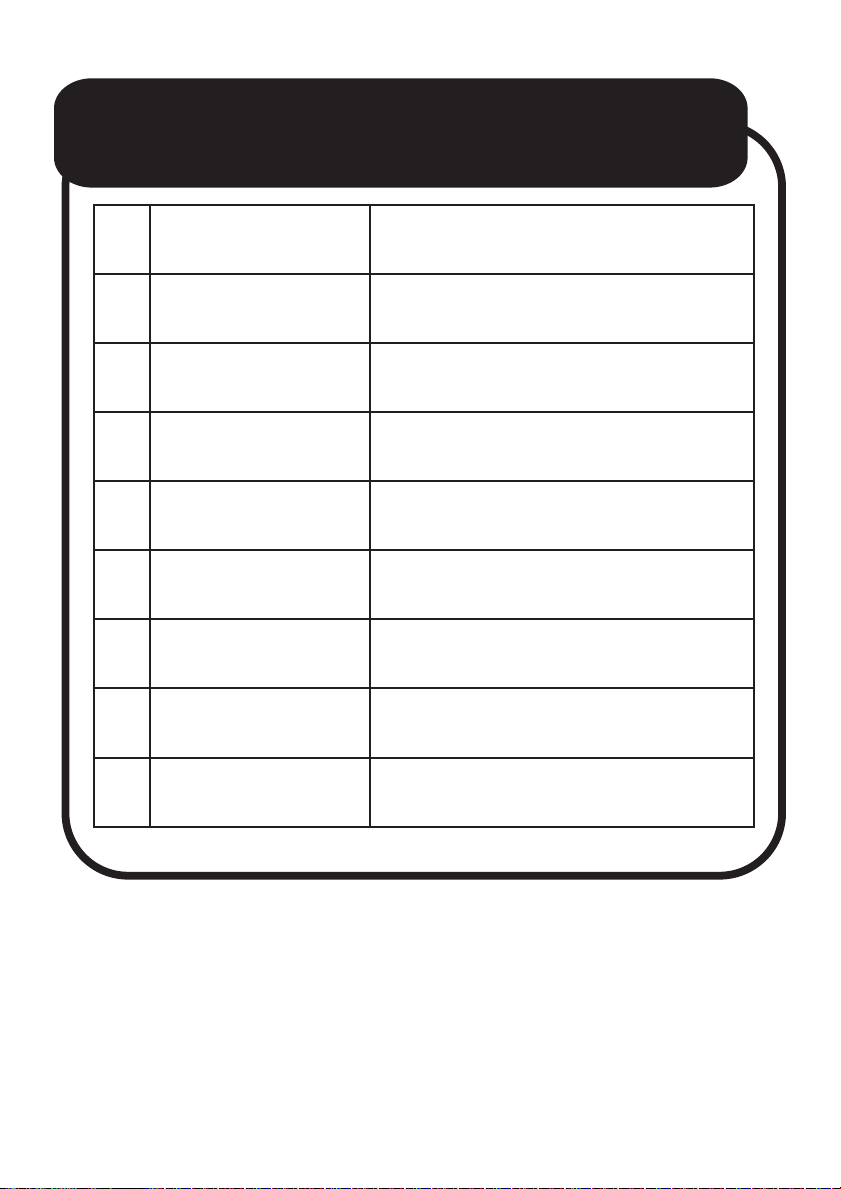
GENERAL SPECIFICATIONS
No. Item Parameter
1Battery Cell Standard
Voltage 3.2V
2Cells Conguration 5S3P
3 Battery Pack Voltage 16V
4 Output Waveform Pure Sine Wave
5 Operating Environment 0~40°C
6 Working Humidity 20%~90%
No condensation at 20-90% of humidity
7 Storage Temperature
Normal indoor storage temperature.
Recommended storage temperature:
0 ~ 25°C (Range)
8 Standby Time Recommend: Recharge every 3 months.
Required: Must be recharged every 6 months.
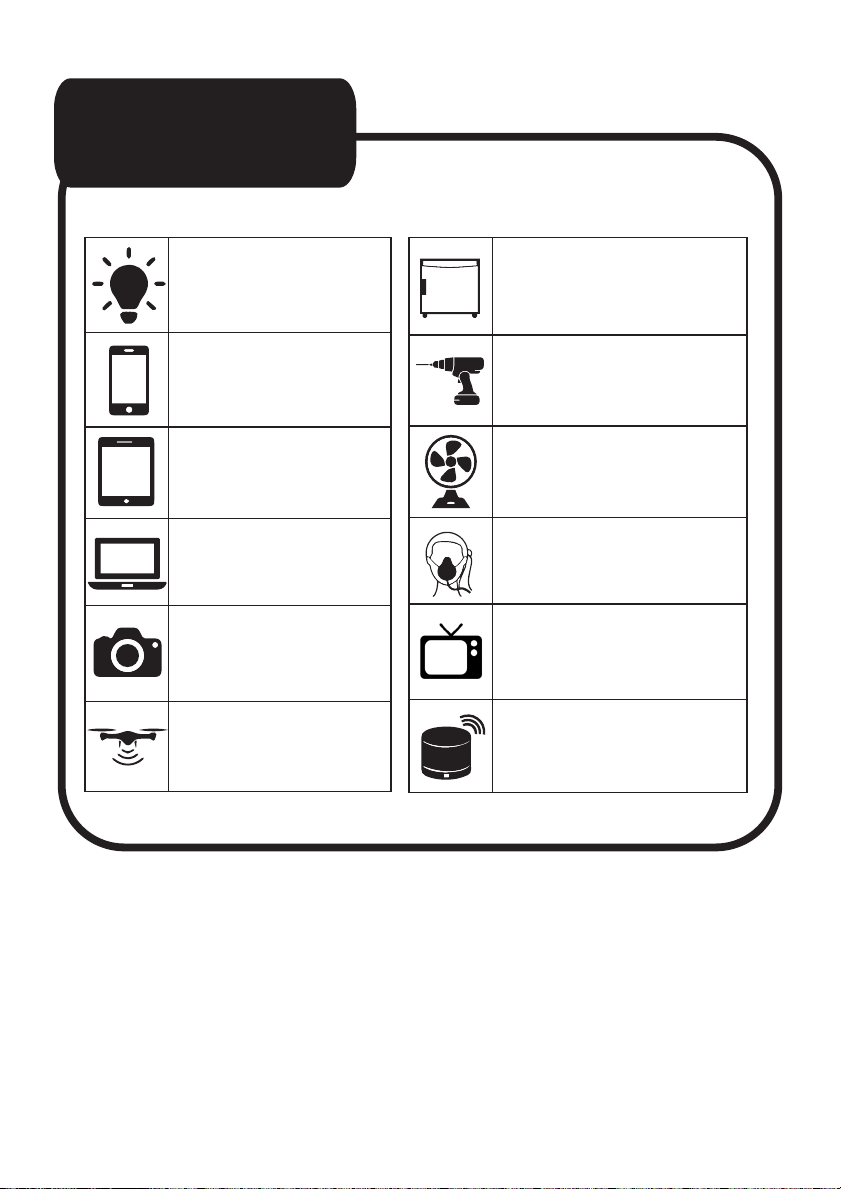
USE CASE
(approximations only)
Table Lamp
50 hours
iPhone 12
20+ Charges
Tablet
8+ Charges
Laptop
3 - 4 Charges
Camera
15+ Charges
Drone
5+ Charges
Mini Fridge
4 – 5 hours
Cordless Drill
8+ Charges
Fan
6 hours
CPAP Device
5 – 6 hours
TV
3 hours
Bluetooth Speaker
30+ Charges
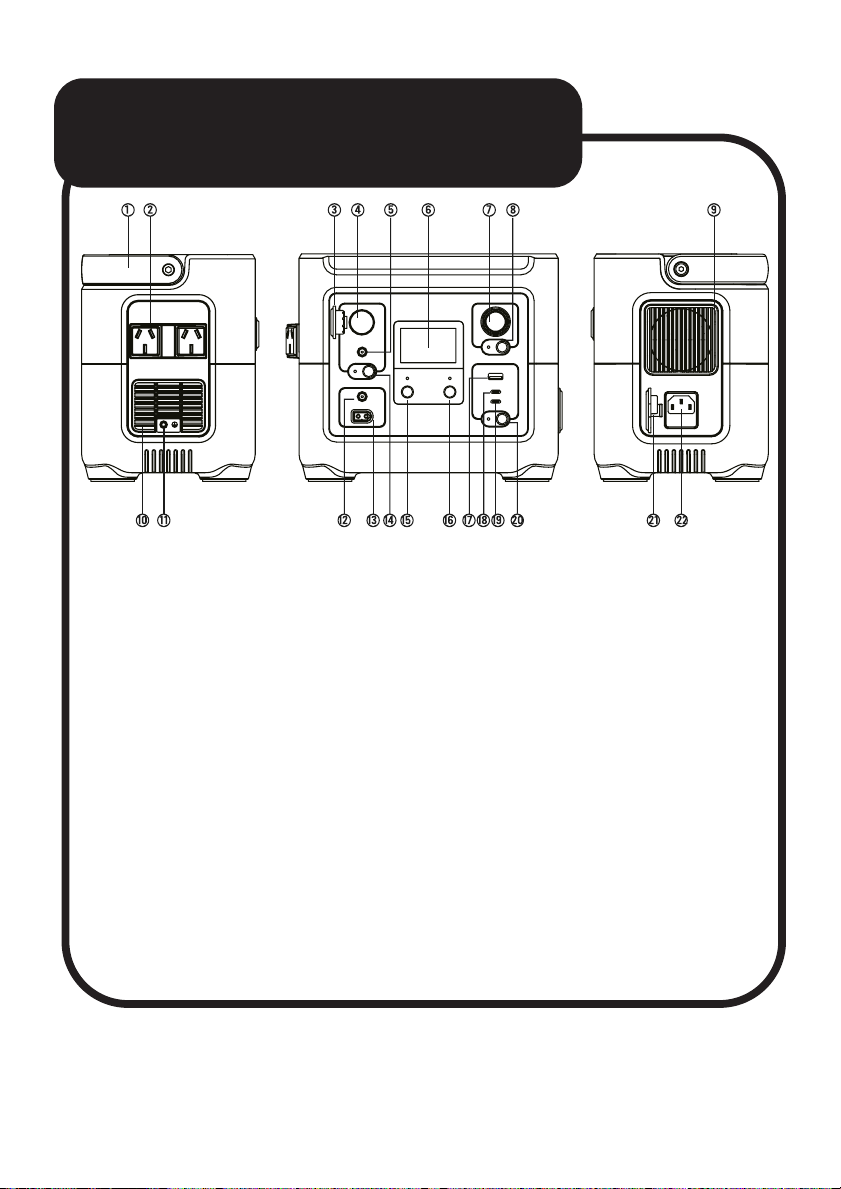
PRODUCT DIAGRAM
1 - Handle
2 - AC Output Port
3 - Dust Cover
4 - 12V Car Socket
5 - DC Output Port
6 - LCD Display
7 - LED Torch
8 - LED Torch ON/OFF Switch
9 - Cooling Hole
10 - Cooling Hole
11 - Ground Connection
12 - DC Input Port
13 - Solar Panel Input Port
14 - DC ON/OFF Switch
15 - AC ON/OFF Switch
16 - Main Power Button
17 - QC3.0 USB-A Output Port
18 - PD30W USB-C Output Port
19 - PD100W USB-C Output Port
20 - USB ON/OFF Switch
21 - Dust Cover
22 - AC Input Port
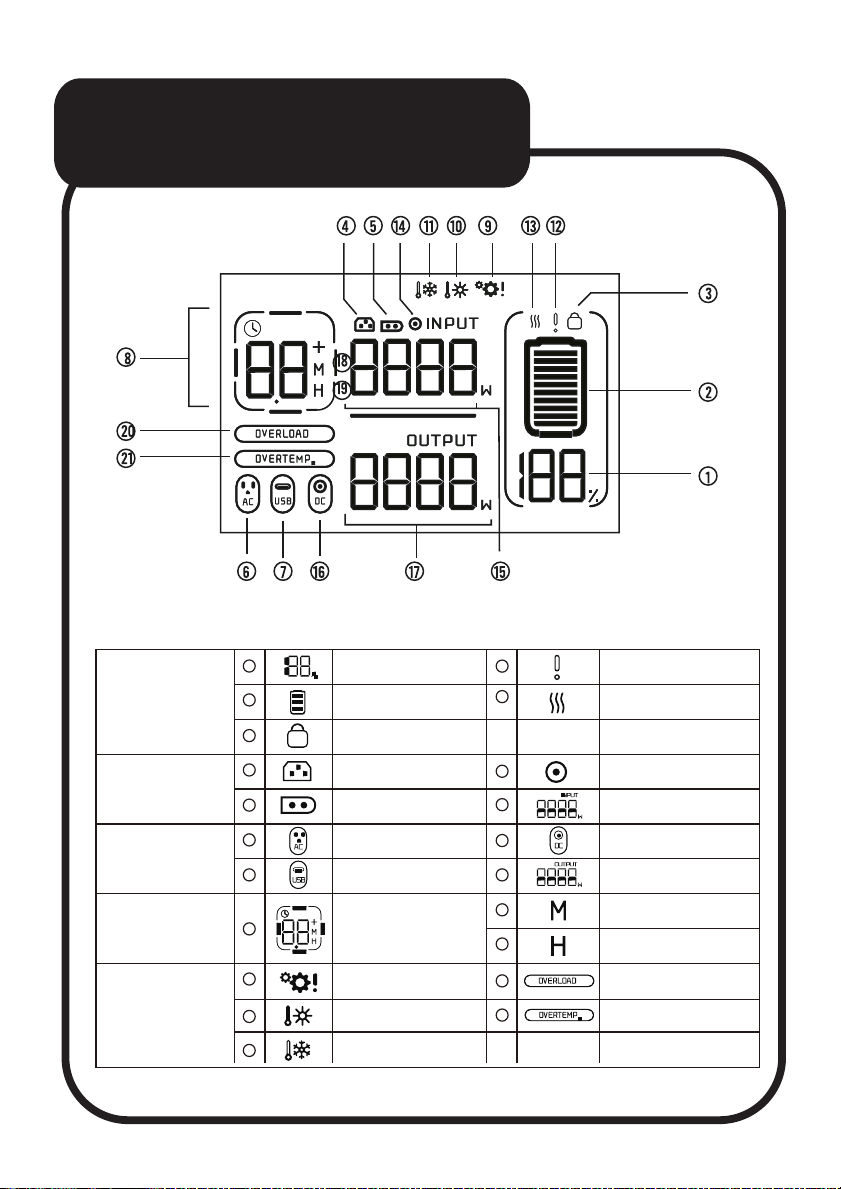
LCD DISPLAY
Battery Information
Indicator
Battery Power Level % Battery failure/low
voltage indicator
Battery Lock Protection
USB Output Indicators Output power
Hours
Solar Input Input Power
Over Temperature
Indicator
Over Temperature
Protection Indicator
System Failure Indicator Overload Protection
Indicator
Battery Power Level Battery high/low
temperature indicator
AC Input DC Input
Remaining discharge/
charge time
AC Output Indicators DC/Car Outlet Output
Minutes
Low Temperature
Indicator
Input Indicator
Remaining time
Indicator
Output Indicator
Protection Indicator
1
2
3
4
5
6
7
8
9
10
11
12
13
14
15
16
17
18
19
20
21
Questo manuale è adatto per i seguenti modelli
1
Indice
Altri manuali Laser Generatore portatile


