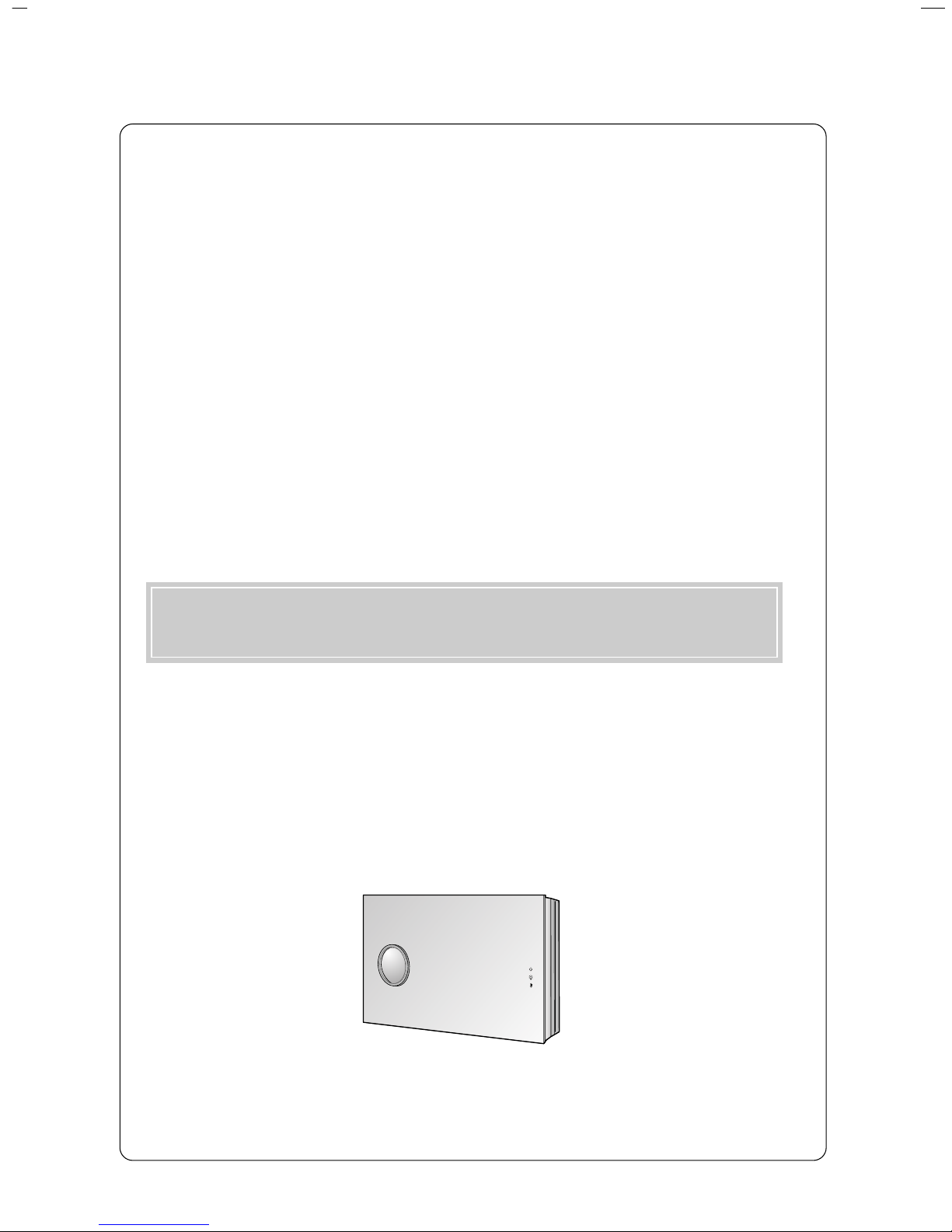
LG AN215 Manuale utente

LG DLP PROJECTOR
LG DLP PROJECTOR
Please read this manual carefully before operating your set.
Retain it for future reference.
Record model number and serial number of the set.
See the label attached on the bottom of the set and quote this
information to your dealer when you require service.
Model number :
Serial number :
AN215
OWNER’S MANUAL

DLP PROJECTOR
DLP PROJECTOR
FCC NOTICE
• A Class B digital device
This equipment has been tested and found to comply with the limits for a Class B digital device, pursuant
to Part 15 of the FCC Rules. These limits are designed to provide reasonable protection against harmful
interference in a residential installation. This equipment generates, uses and can radiate radio frequency
energy and, if not installed and used in accordance with the instructions, may cause harmful interference
to radio communications. However, there is no guarantee that interference will not occur in a particular
installation. If this equipment does cause harmful interference to radio or television reception, which can
be determined by turning the equipment off and on, the user is encouraged to try to correct the
interference by one or more of the following measures:
- Reorient or relocate the receiving antenna.
- Increase the separation between the equipment and receiver.
- Connect the equipment into an outlet on a circuit different from that to which the receiver is connected.
- Consult the dealer or an experienced radio/TV technician for help.
• Any changes or modifications not expressly approved by the party responsible for compliance
could void the user’s authority to operate the equipment.
Warning
This is a class B product. In a domestic environment this product may cause radio interference, in
which case the user may be required to take adequate measures.

Contents
3
ENGLISH
Contents
Introduction
Safety Instructions .......................................... 4
Part Descriptions
Main Body ....................................................... 7
Control Panel .................................................. 8
Remote Control............................................... 9
Installing Batteries........................................... 9
Projector Status Indicators.............................. 10
Accessories..................................................... 11
Optional Extras ............................................... 11
Installing and Composition
Installation Instructions ................................... 12
Basic Operation of the Projector..................... 13
Installing the projector to the wall ................... 14
Turning on the Projector ................................. 22
Turning off the Projector ................................. 22
Selecting source mode ................................... 22
Focus, Zoom, Position of the Screen Image
.......... 23
Connection
Connecting to a Desktop PC .......................... 24
Connecting to a Notebook PC ........................ 24
Connecting to a Video Source ........................ 25
Connecting to a DVD ...................................... 25
Connecting to a D-TV Set-Top Box ................ 26
Function
Video Menu Options
Adjusting Video ............................................... 27
APC (Auto Picture Control)............................. 27
Auto Color Temperature Control ..................... 28
Gamma Function ............................................ 28
Brilliant Color TM Function ............................... 28
White peaking Function .................................. 29
Black Level Function....................................... 29
Smart Iris Function.......................................... 29
Special Menu Options
Selecting Language ........................................ 30
Using ARC Function........................................ 30
Overscan Function.......................................... 31
Flip horizontal Function................................... 31
Auto sleep Function ........................................ 31
Using Keystone function ................................. 32
Using Blank function ....................................... 32
Selecting Blank image color ........................... 32
Lamp mode Function ...................................... 33
Checking Lamp time ....................................... 33
Using Still function .......................................... 33
Screen Menu Options
Auto configure Function .................................. 34
Using Phase Function..................................... 34
Using Clock Function ...................................... 34
Using Horizontal Function............................... 35
Using Vertical Function ................................... 35
Information
Supported Monitor Display.............................. 36
Maintenance.................................................... 37
Replacing the Lamp ........................................ 38
Memo .............................................................. 41
Specifications .................................................. 43
Disposal of your old appliance
1. When this crossed-out wheeled bin symbol is attached to a product it
means the product is covered by the European Directive 2002/96/EC.
2. All electrical and electronic products should be disposed of separately
from the municipal waste stream via designated collection facilities
appointed by the government or the local authorities.
3. The correct disposal of your old appliance will help prevent potential
negative consequences for the environment and human health.
4. For more detailed information about disposal of your old appliance,
please contact your city office, waste disposal service or the shop
where you purchased the product.

Safety Instructions
4
Safety Instructions
Please take note of the safety instructions to prevent any potential accident or misuse of the projector.
➟Safety Instructions are given in two forms as detailed below.
WARNING : The violation of this instruction may cause serious injuries and even death.
NOTES : The violation of this instruction may cause light injuries or damage to the projector.
➟After reading this manual, keep it in the place that the user always can contact easily.
Indoor Installation WARNING
Do not allow children to hang on the installed projector.
It may cause the projector to fall, causing injury or death.
Stand the projector when you
install.
If not, the power turns off.
Do not place the Projector in direct
sunlight or near heat sources such
as radiators, fires and stove etc.
This may cause a fire hazard !
Do not place inflammable materi-
als beside the projector
This may cause a fire hazard !
Outdoor Installation WARNING
Do not use the projector in a damp place such as a bathroom where it is likely to get wet.
This may cause a fire or an electric shock hazard !
Power WARNING
Indoor Installation NOTES
Disconnect the power and
remove all connections before
moving.
Do not place the projector close
to sources of steam or oil such
as a humidifier.
This may create a fire hazard or an
electric shock hazard !
Do not place the projector where
it might be exposed to excessive
dust.
This may cause a fire hazard !
Earth wire should be connected.
If the earth wire is not connected, there is a
possible danger of electric shock caused by
the current leakage.
If grounding methods are not possible, a
separate circuit breaker should be employed
and installed by a qualified electrician.
Do not connect ground to telephone wires,
lightning rods or gas pipe.
The mains plug should be insert-
ed fully into the power outlet to
avoid a fire hazard !
This may cause a fire hazard !
Do not place heavy objects on
the power cord
This may cause a fire or an electric
shock hazard !
Do not place the projector direct-
ly on a carpet, rug or place
where ventilation is restricted.
This would cause its internal tempera-
ture to increase and might create a
fire hazard !
The air flow from the projector inflow from the bottom left part and
outflows to the top right. Therefore when installing a ventilator close,
be careful not to change the direction of the air flow.
When installing the ventilator at the bottom part of the projector, it can cause a
fire by raising the internal temperature.
Only use the projector on a level
and stable place.
It may become unstable and affect
operation.
Ensure good ventilation around the
projector. The distance between the
projector and the ceiling or bottom
should be more than 20cm/8 inches.
An excessive increase in its internal
temperature may cause a fire hazard!
Do not block the vents of the pro-
jector or restrict air-flow in any way.
This would cause the internal tempera-
ture to increase and could cause a fire
hazard!

Safety Instructions
5
ENGLISH
Using WARNING
Do not place anything containing
liquid on top of the projector such
as flowerpot, cup, cosmetics or
candle.
This may cause a fire hazard !
In case of impact shock or
damage to the projector, switch it
off and unplug it from the outlet.
Contact a service center.
This may cause a fire or an electric
shock hazard !
Do not allow any objects to fall
into the projector.
This may cause an electric shock
hazard !
If water is spilt into the projector,
unplug it from the outlet immedi-
ately and consult a Service
Agent.
This may cause an electric shock haz-
ard !
Dispose of used batteries care-
fully and safely.
In the case of a battery being
swallowed by a child please consult a
doctor immediately.
In the event that an image does
not appear on the screen, please
switch the unit off and unplug it
from power outlet. Contact a
Service Agent.
This may cause a fire or an electric
shock hazard !
Do not remove any covers
(except lens cover). High risk of
Electric Shock!
CAUTION concerning the Power Cord
Most appliances recommend they be placed upon a dedicated circuit; that is,a single outlet circuit which
powers only that appliance and has no additional outlets or branch circuits.Check the specification page
of this owner's manual to be certain.
Do not overload wall outlets. Overloaded wall outlets,loose or damaged wall outlets, extension cords,
frayed power cords,or damaged or cracked wire insulation are dangerous.Any of these conditions could
result in electric shock or fire. Periodically examine the cord of your appliance,and if its appearance indi-
cates damage or deterioration, unplug it, discontinue use of the appliance, and have the cord replaced
with an exact replacement part by an authorized services.
Protect the power cord from physical or mechanical abuse, such as being twisted, kinked, pinched,
closed in a door, or walked upon. Pay particular attention to plugs, wall outlets, and the point where the
cord exits the appliance.
Don’t look directly onto the lens
when the projector is in use. Eye
damage may occur!
Do not touch metal parts during or
soon after operation since the
vents and lamp cover will remain
very hot!
Power WARNING
Do not plug too many devices into one outlet.
It may result in overheating of the outlet and causes a fire hazard !
Power NOTES
Never touch the power plug with
a wet hand
This may cause an electric shock
hazard !
Hold the plug firmly when unplug-
ging. If you pull the cord the cord
may be damaged.
This may cause a fire hazard !
Prevent dust collecting on the
power plug pins or outlet.
This may cause a fire hazard !
Do not plug in when the power
cord or the plug is damaged or
the connecting part of the power
outlet is loose.
This may cause a fire or an electric
shock hazard !
Ensure the power cord does not
come into contact with sharp or
hot objects such as a heater.
This may cause a fire or an electric
shock hazard !
Place the projector where people
will not trip or tread on the power
lead.
This may cause a fire or an electric
shock hazard !
Do not turn the projector On/Off by plugging-in or unplugging the power plug to the wall outlet.
(Do not use a switched power outlet to turn the unit on and off.)
It may cause mechanical failure or could give an electric shock.

Safety Instructions
6
Using NOTES
Do not place heavy objects on
top of projector.
This may cause mechanical failure or
personal injury!
Take care not to cause impact to
the lens particularly when moving
the projector.
Do not touch the lens of the pro-
jector. It is delicate and easily
damaged.
Others NOTES
Be sure to unplug if the projector
is not to be used for a long peri-
od.
Accumulated dust may cause a fire
hazard!
Refer to 38~39 page to replace
the lamp.
Do not mix new batteries with old
batteries.
This may cause the batteries to over-
heat and leak.
Cleaning NOTES
Contact a Service Center once a
year to clean the internal parts of
the projector.
Accumulated dust can cause mechan-
ical failure.
When cleaning the plastic parts such as projector case, unplug the
power and wipe it with a soft cloth. Do not use cleanser, spray water
or wipe with a wet cloth. Especially, never use cleanser (glass clean-
er), automobile or industrial shiner, abrasive or wax, benzene, alcohol
etc., which can damage the product.
It can cause fire, electric shock or product damage (deformation, corrosion and
damage).
Do not use any sharp tools on the projector as this will damage the casing.
Cleaning WARNING
Do not use water while cleaning
the projector
This may cause damage to the
projector or an electric shock hazard.
In the unlikely event of smoke or
a strange smell from the projector,
switch it off, unplug it from the wall
outlet and contact your dealer or a
service center.
This may cause a fire or an electric
shock hazard !
Use an air spray or soft cloth that
is moist with a neutral detergent
and water for removing dust or
stains on the projection lens.
Others WARNING
Do not attempt to service the projector yourself. Contact your dealer or a service center.
This may cause damage to the projector and could give an electric Shock as well as invalidating the warranty !
Only use the specified type of battery.
This could cause damage to the remote control.
Watch the projector screen keeping about 5 to 7 times the
diagonal distance of the screen.
Watching the screen too close can reduce your eyesight.
Never touch the wall outlet when
there is leakage of gas, open the
windows and ventilate.
It can cause a fire or a burn by a
spark.
Do not drop the projector or allow impact shock.
This may cause mechanical failure or personal injury !
Using WARNING

Part Descriptions
7
ENGLISH
Part Descriptions
Main Body
Indicators
Remote control sensor
* The projector is manufactured using high-precision technology. You may, however, see on the Projector screen tiny black
points and/or bright points (red, blue, or green). This can be a normal result of the manufacturing process and does not
always indicate a malfunction.
Lens shift
FOCUS Ring
S-Video Input
HDMI Input
AC IN
Video Input
COMPONENT
Input
RGB Input
(PC/DTV)

Part Descriptions
8
Control Panel
MENU Button
SOURCE Button
AOK Button
D/ KEY STONE Button
E/ SMART IRIS Button
G/ ZOOM + Button
F/ ZOOM - Button
POWER Button

Part Descriptions
9
ENGLISH
Remote Control
Installing Batteries
POWER
MENU
SOURCE
AUTO
BLANK
KEYSTONE
SMART IRIS
ZOOM
ARC STILL
OK
POWER Button
SOURCE Button
D / E Button
AOK Button
ARC Button (Refer to p.30)
STILL Button (Refer to p.33)
ZOOM +/- Button (Refer to p.23)
AUTO Button (Refer to p.34)
BLANK Button (Refer to p.32)
KEYSTONE Button (Refer to p.32)
F /G Button
• Open the battery compartment cover on the back of the remote control and insert the
batteries with correct polarity, match “+” with “+”, and match “-” with “-”.
• Install two 1.5V batteries.
Don’t mix used batteries with new batteries.
CAUTION
RISK OF EXPLOSION IF BATTERY IS REPLACED BY AN INCORRECT TYPE.
DISPOSE OF USED BATTERIES ACCORDING TO THE INSTRUCTIONS.
MENU Button
SMART IRIS Button (Refer to p.29)

Part Descriptions
10
* Lamp Indicator, operation indicator and temperature indicator on the projector show the user the operating status of the pro-
jector.
Lamp Indicator
Temperature Indicator
Operation Indicator
Projector Status Indicators
Operation Indicator
Lamp Indicator
Temperature Indicator
Orange
Green(flashing)
Green
Orange(flashing)
Off
Red
Red(flashing)
Green(flashing)
Orange
Red
Red (flashing)
Standby.
Lamp cooling until the lamp turn on.
On operation. (Turn on the lamp)
Projector lamp is cooling as power out (2 minutes)
Power off.
Projector lamp is reaching the end of its life and needs
to be replaced with a new lamp. (over 2000 hours)
The OSD, “Replace the lamp” is displayed 5 seconds
from the first power on.
The projector has trouble in the lamp or around it at
power-on. Retry Power On again later. If lamp indicator
is red (flashing) again, contact a service center.
The lamp cover is not closed.
This projector is in high temperature. Turn the power of
projector off and check the ventilator.
The projector is turned off as its high temperature.
Power has turned off due to problem with the
internal cooling fan. Contact a service center.
Indice
Altri manuali LG Proiettore