
Loadrite LR810 Manuale utente

LR810
WEIGHING
SYSTEM
Operating
Manual
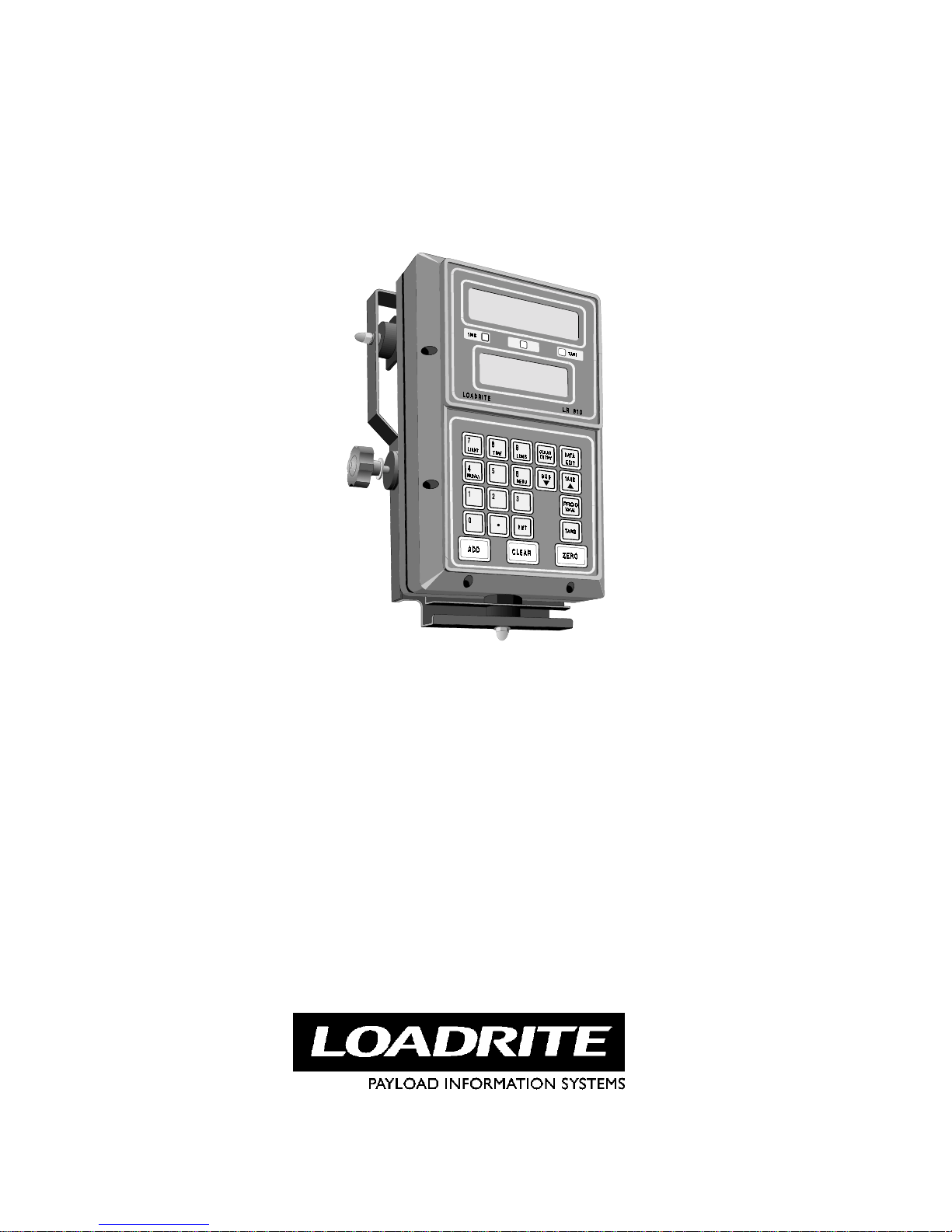
LR810
Distributed Worldwide by:
Loadrite Ltd
93 First Avenue
P.O. Box 13-115, Tauranga,
New Zealand
Facsimile: INTL-64-7-5776034
Phone: INTL-64-7-5782820

For: LOADRITE model LR 810
Software # 60042. Version: 3.20
Issue Date: December, 1996
Designed and Manufactured by:
A MEMBER OF THE LOADRITE GROUP OF COMPANIES
Actronic New Zealand Ltd reserves the right to make changes to the Loadrite range of products without prior notice
and assumes no liability in connection with the use of any Loadrite branded product.
© 1996, ACTRONIC NEW ZEALAND LTD
When re-ordering this manual, quote Doc number 80085-05.MAN


i
Contents
1 About This Manual.................................................................1
2 The Loadrite LR810 Weighing System................................2
Main Parts of the LR810 System.......................................................... 2
Weight Measurement............................................................................ 3
Displays ................................................................................................ 3
Indicator Lights..................................................................................... 4
Optical Trigger ..................................................................................... 4
3 Getting Started........................................................................5
Switching On........................................................................................ 5
Warming Up......................................................................................... 5
Weight Display Modes......................................................................... 5
Multiple Products ................................................................................. 6
4 Weighing - Overview..............................................................7
Before Weighing a Load....................................................................... 7
Weighing a Load .................................................................................. 7
Multiple Scales..................................................................................... 8
5 Total Mode...............................................................................9
Short Total............................................................................................ 9
Long Total .......................................................................................... 10
Clearing Totals for all Products.......................................................... 10
6 Target Mode..........................................................................11
7 Product Names......................................................................13
Identification/Tracking....................................................................... 13
One Product Only............................................................................... 13
Multiple Products ............................................................................... 13
8 Zeroing the LR810................................................................15
9 Automatic Zero Prompt.......................................................17
10 Adding, Subtracting and Recalling...................................18
Adding a Weight................................................................................. 18
Subtracting a Weight.......................................................................... 19
Recalling Last Weight ........................................................................ 21
11 Batch Weighing Mode........................................................22
12 Weighing with Tare............................................................23
13 Operating with Interlock...................................................25
14 Additional Data...................................................................26
15 Operator Menu Options.....................................................28
Menu Keys.......................................................................................... 28
Change Scale ...................................................................................... 28
Batch Mode On / Off.......................................................................... 29
Setting the Time and Date.................................................................. 29

ii
Clearing Long Totals.......................................................................... 30
Menu Map .......................................................................................... 32
16 Using the LD640 Data Logger...........................................33
Displays .............................................................................................. 33
17 Print Functions....................................................................34
18 Obtaining the Best Accuracy.............................................36
Lifting Speed ...................................................................................... 36
Trigger Point....................................................................................... 36
Bounce................................................................................................ 36
Centre of Gravity................................................................................ 36
Uneven Ground .................................................................................. 36
Temperature........................................................................................ 37
19 Span Calibration Correction.............................................38
20 Changing the Backup Battery...........................................40
21 Error Messages ...................................................................41
Lift Speed Changed? .......................................................................... 41
Bouncing Load ................................................................................... 41
Error Close to Tolerance Limit........................................................... 42
Trigger Fault....................................................................................... 42
22 Keys......................................................................................43
23 Specifications.......................................................................45
24 Output/Input Connections.................................................47
25 Index.....................................................................................49

1 About This Manual
1
1 About This Manual
This manual describes the day to day operation of the Loadrite LR810
weighing system.
Other Manuals
For information on ... See...
Installation of the system Installation Manual
Calibration of the system Setup and Calibration Manual
Printing weight data LP750 Data Printer Manual
Storing data LD640 Data Capture Manual
Parts list LR810 / LP750 Spare Parts Manual

2 The Loadrite LR810 Weighing System
2
2 The Loadrite LR810 Weighing System
The Loadrite LR810 weighing system measures the weight of loads lifted by
front end loaders, log loaders, fork lift trucks and similar machines which
use hydraulic rams to lift the load.
The heart of the system is the LR810 indicator which provides a keypad for
entering instructions and LCD screens to display readings and messages.
The indicator has internal memory which stores settings and production data
even when switched off.
The LR810 is installed in the cab of the loading machine and is connected to
sensors on the lifting arms.
Main Parts of the LR810 System
The main parts of the controller are shown in the diagram below.

2 The Loadrite LR810 Weighing System
3
Weight Measurement
The LR810 measures the hydraulic pressure in the lift cylinders as the
machine raises the load. The indicator converts pressure into a weight
reading and displays the value.
An electronic trigger device mounted on the lift arms ensures that the
pressure readings are always taken at the same position on every lift.
The weight of the bucket or forks and associated structures is zeroed out
when the system is calibrated so that only the weight of the payload is
displayed.
When a weight is displayed, the driver can add it to a total or use one of the
other functions described later in this manual.
Displays
The LR810 provides two displays.
The top display gives instructions and information to the operator, including
product names and weight data.
The bottom display shows the current weight as it is lifted, then shows the
total weight loaded or weight required to reach a target, depending on the
mode of operation currently selected.
Both displays on the LR810 can be backlit for ease of operation in low light
conditions.
>
>>
>To turn on or off the display lighting
•Press the LIGHT key.

2 The Loadrite LR810 Weighing System
4
Indicator Lights
The LR810 provides three indicator lights (positioned between the two
displays).
TRIG Light
This light comes on when the lifting arms have passed the trigger point.
This indicates that the displays now show the currently lifted weight.
Interlock Light (middle light
If the interlock feature is enabled, this light comes on when the bucket is in
the correct weighing position (not used with a standard LR810 installation).
TARE Light
This light is on when a tare has been entered. This means that the LR810 is
subtracting the tare weight from the lifted weight and is displaying the net
weight.
Optical Trigger
To ensure consistent and accurate measurement, the LR810 system
incorporates an optical trigger which initiates the weight measurement as the
lifting arms pass a certain point.
Indice
Altri manuali Loadrite Accessori


