The Master View CS-138D CPU Switch is a control unit that allows access to multiple
PCs from a single console (keyboard, mouse, and monitor). Before the
development of the Master View, the only way to control multiple computer
configurations from a single console was through a complex and costly network
system. Now, with the Master View CS-138D, you can easily access multiple
computers in a cost effective manner.
The Master View CS-138D provides three convenient methods to access any PC
connected to the system: using the port selection switches located on the Master
View CS-138D’s front panel; entering a Hot Key combination from the keyboard;
and using the menu driven OSD (On Screen Display) feature.
Setup is fast and easy; plugging cables into their appropriate ports is all that is
entailed. There is no software to configure, so there is no need to get involved in
complex software installation routines or be concerned with incompatibility
problems. Since the Master View CS-138D intercepts keyboard input directly, it works
on any hardware platform and with all operating systems.
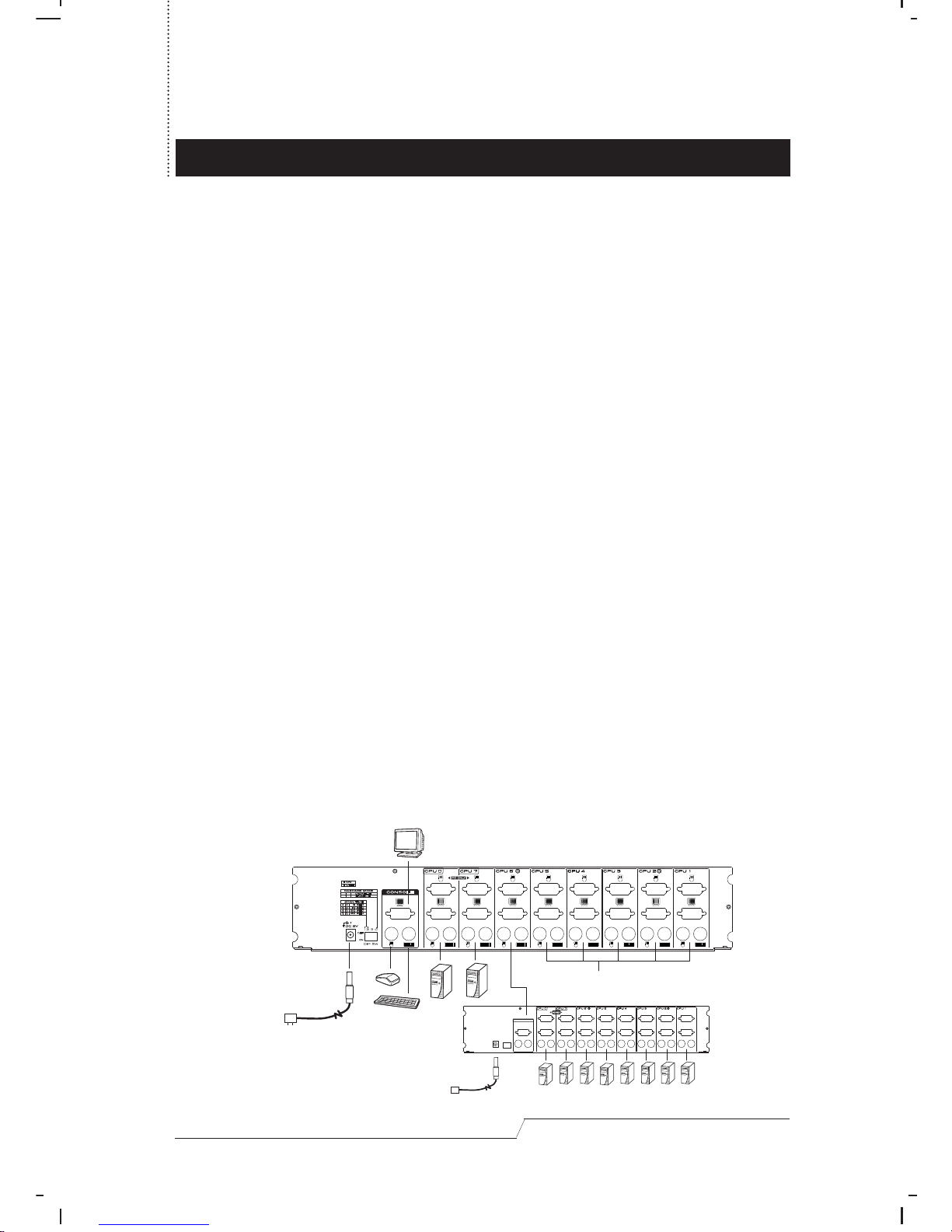
A Master View CS-138D unit can control up to eight PCs. Units can be cascaded to
three levels, which means that up to 43 Master Views can control up to 302 PCs -
all from a single keyboard-monitor-mouse console. A powerful Quick View Scan
Mode feature allows you to auto scan and monitor the activities of all operating
PCs on the installation one by one. To stop at a particular PC, simply press the
spacebar.
There is no better way to save time and money than with a Master View CS-138D
installation. By allowing a single console to manage all the attached PCs, the
Master View CS-138D eliminates the expense of purchasing a separate keyboard,
monitor, and mouse for each PC as well as saving all the space they would take
up. It also eliminates the inconvenience and wasted effort involved in constantly
moving around from one PC to another.
User's Manual 1
OVERVIEW