Envision B01 User Manual 20210702.docx || © 2021 MegaVoice Ltd. || Page 2 of 40
Easy Start!
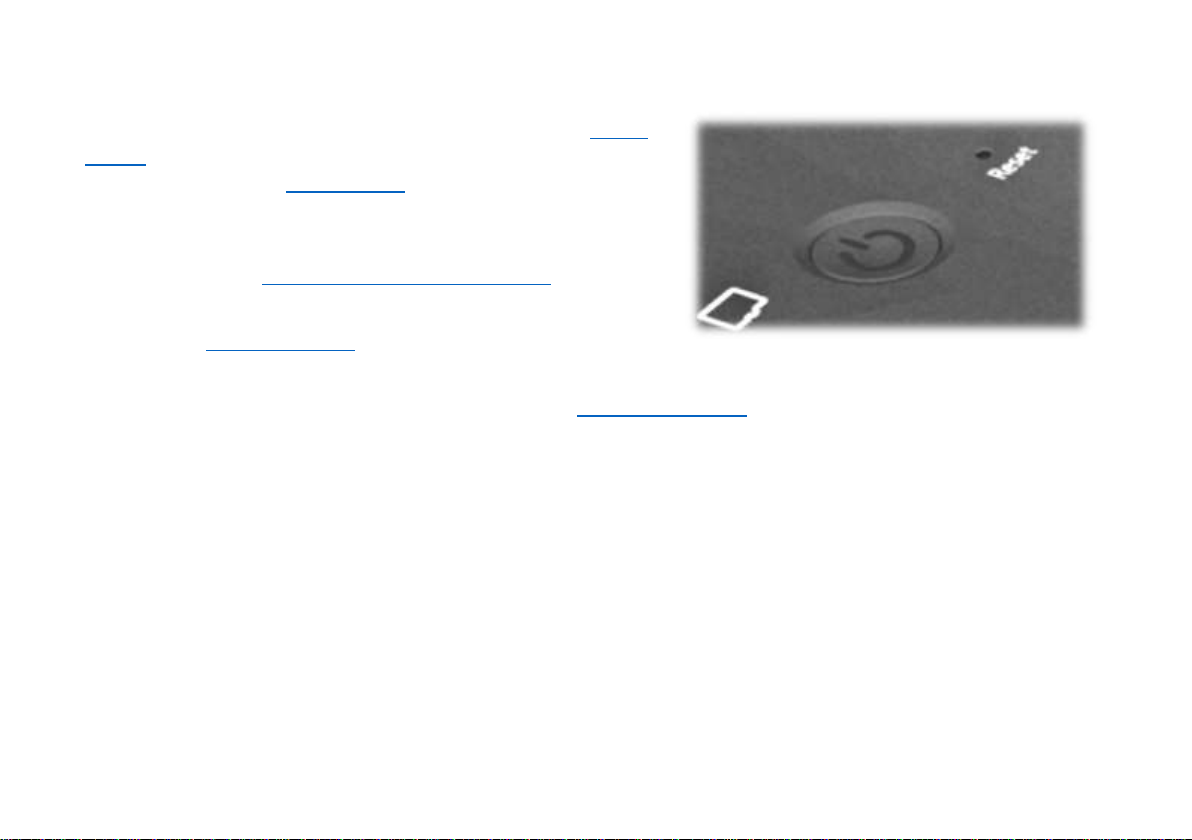
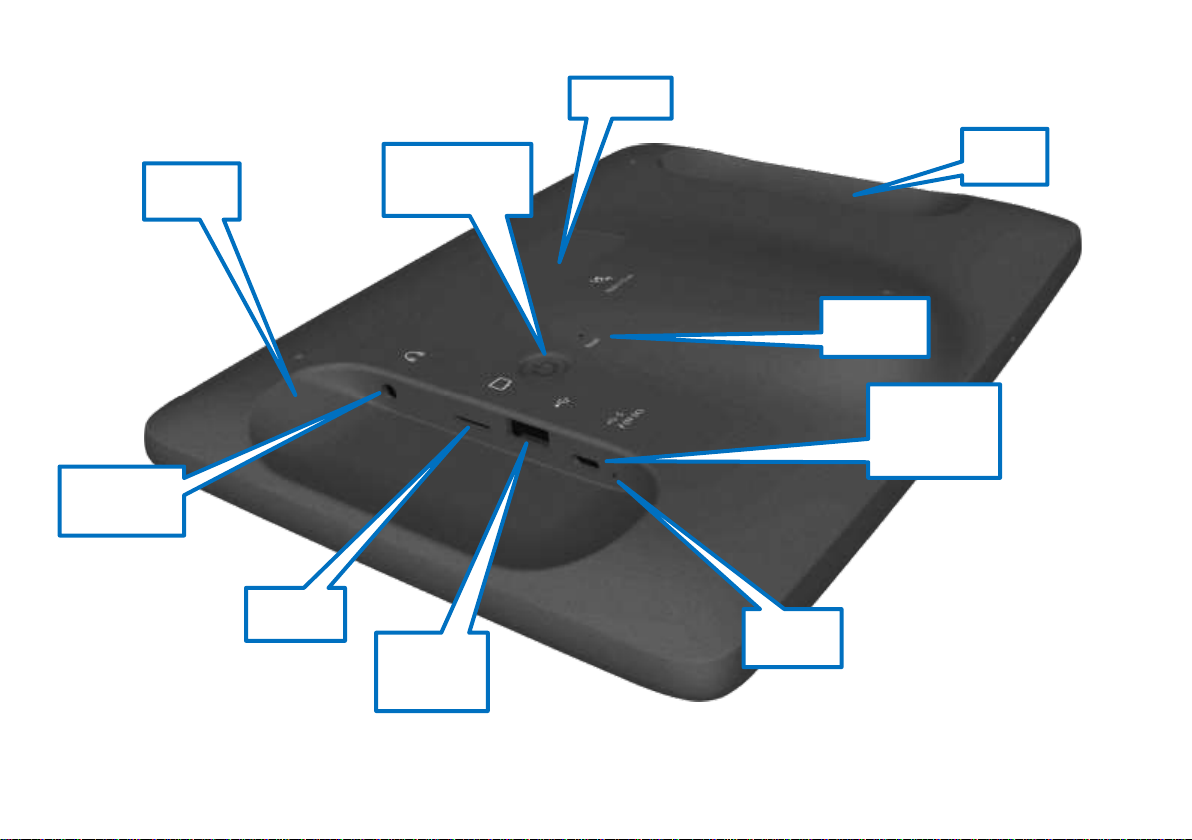
To turn your MegaVoice Envision on, press and hold the power
button on the back of the player until the “Starting Up…” screen
is displayed. Once the Home Screen is displayed the tablet is
ready.
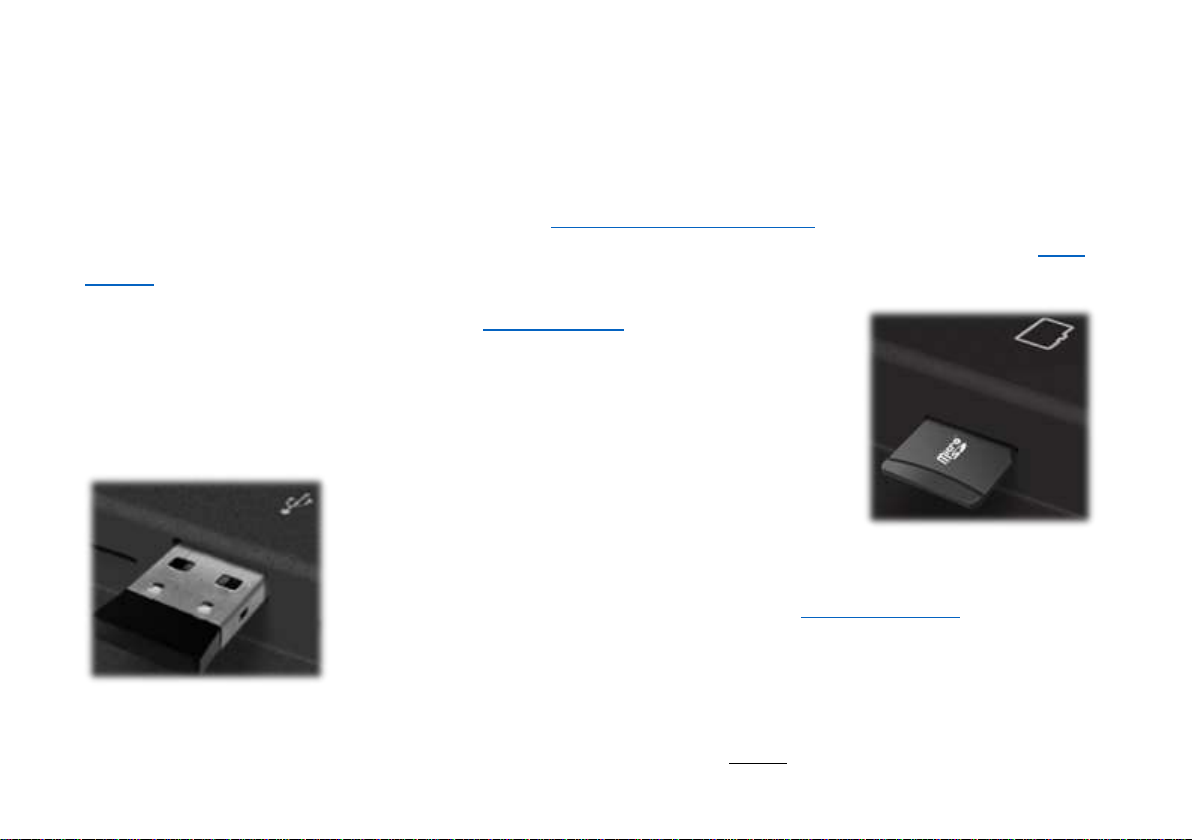
To begin use, make sure the currently selected input source is
populated with the correct folder structure and files.
To turn the tablet off, press the power button again for about 2
seconds. The power-off dialog will appear with a confirmation
bar. Swipe to the right to shut Envision down*.
*Envision may also be shut down or restarted from the Information Screen.
About the Screen
Your Envision includes a 10.1”, 800 x 1280 pixels, IPS touch screen.
•“Tap” works practically everywhere. “Drag” works for all sliders. “Swipe” works in the browser views.
•After 1 minute of inactivity, the screen will time out automatically, but the tablet is still on.
•If the screen is still untouched for an additional 15 minutes, and playback inactive, Envision will turn itself off.
•At any time during operation, a click on the power button will turn the screen off, but the player is still on. A
second click restores the screen.
•If the screen is turned off during active playback, the player will remain on as long as playback continues.