Operating instructions
On/Off
Press the [Select] button once to enter Modes selection
Use the [+] and [-] buttons to switch between modes:
“Cool”………………… Cooling
“Heat”………………… Heating
“Cool” & “Heat”……… Auto mode
“Fan”…………………. Fan onl
Press the [Select] button again to enter Auto fan selection
Use the [+] and [-] buttons to switch between:
“Fan”…………….…… Fan is on continuousl
“Auto Fan”…………… *Fan c cles on with demand
*Auto Fan is not available in "Fan onl " mode.
* In Heat mode, with Oil/Gas heat configuration (i.e., furnace):
Auto Fan – The fan will never be activated.
Fan – The Fan will work continuousl .
Press the [Select] button again to return to normal displa .
Press the [On/Off] button to turn the thermostat ON.
Press and hold the [On/Off] button (10 sec.) to turn the thermostat OFF.
Modes / Auto fan
Set point
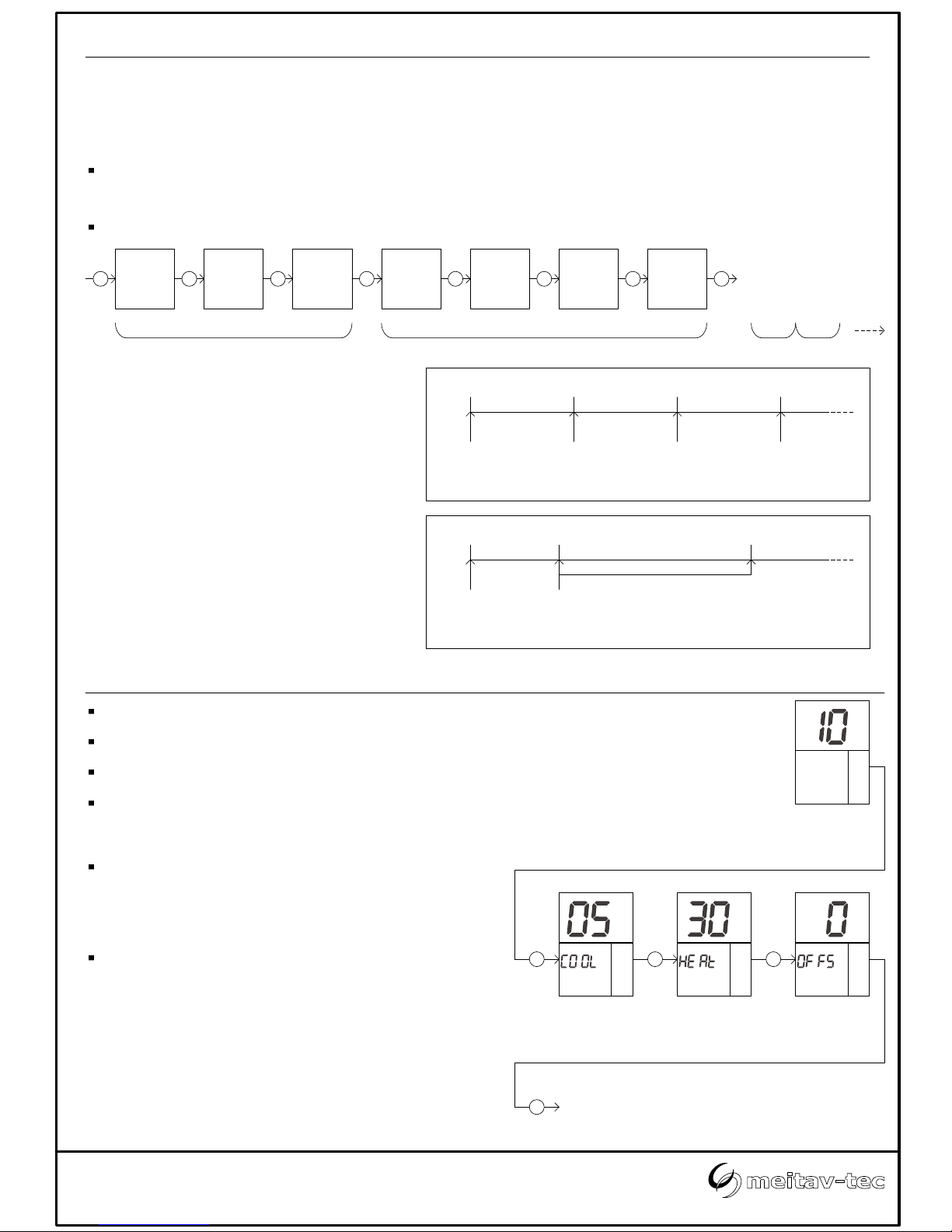
In Cool mode and in Heat mode:
Press the [+] or [-] buttons - "COOL" or “HEAT” will appear on displa and the
set-point temperature for cooling or heating will flash.
Adjust the set-point temperature for cooling or heating using the [+] or [-]
buttons.
Wait until displa returns to normal.
In Fan only mode or in auto change over mode (2 set points):
Press the [+] or [-] buttons - "COOL" will appear on displa and the set-point
temperature for cooling will flash.
Adjust the set-point temperature for cooling using the [+] or [-] buttons.
Wait 3 seconds - "HEAT" will appear on displa and the set-point temperature
for heating will flash.
Adjust the set-point temperature for heating using the [+] or [-] buttons.
Note the the set-point for heating must be lower than the set-point for cooling.
Wait until displa returns to normal.
Cool Heat Auto mode Fan only
Always ON On with
demand
Cool
Heat
Cool
Heat
Fan
Fan
Auto
Fan
Lock Buttons
Use the Lock option to prevent users from making unwanted changes.
When the thermostat is locked, the [Select], [+] and [-] buttons are disabled,
however, the users can turn the thermostat ON or OFF. The displa will alternate
between "Loc" and real time clock.
Make sure both temperature set points are different than 10°C.
Lock the thermostat - Press and hold the [Select] button (20 seconds) until "Loc"
appears on displa .
Unlock the thermostat - Press and hold the [Select] button again (20 seconds)
until "UnLo" appears on displa .
LockedUnlocked
File: ETN24-SUPER-PROG-US-C-LOCK-7DAYS_rev1(4 pages).vsd
Tel: +972 3 9626462
Fax: +972 3 9626620
www.meitavtec.com | support@meitavtec.com
ETN24-SUPER-PROG-US-C-LOCK-7DAYS
Owner’s manual & Technician Settings
or
Set point
for cooling
Set point
for heating
Set point
for cooling
Set point
for heating
SelectOn/Off Prog
ºC
ON
A.Speed
Cool
Heat
Su
Start Fan
AM