5
1.2.1 Checking Appearance
Below table lists the minimum requirement to implement and operate the unit. No hardware/software component inferior to
the requirements is recommended.
Table 1 - 1: System Requirements
System Hardware
CPU Intel Pentium 4 2.4GHz or equivalent
RAM 1 GB or above
Display NVIDIA GeForce 6 Series or ATI Mobility Radeon 9500
System Software
Operating System Microsoft Windows XP, Windows Vista, or Windows 7
Browser Internet Explorer 8 or above, Chrome, Firefox
Unit
Power Supply
DC 12V / AC 24V / PoE (for Indoor Dome Network Camera & Fixed Network Camera)
AC 24V/ PoE (for Outdoor IR Dome Network Camera & IR Bullet Network Camera)
DC12V/PoE (for Flat Mini Dome Network Camera)
PoE (for Indoor IR Dome Network Camera)
Networking
Wired** 10/100BASE-T Ethernet (RJ-45 connector)
*a switch is required for surveillance on multiple units.
Note
Caution
All the installation and operations should comply with your local electricity safety rules.
To avoid damage to the unit, never connect more than one type of power supply (PoE IEEE802.3
Ethernet Class 0, DC 12V / AC 24V or AC24V power plug) at the same time. If using PoE, this unit must be
connecting only to PoE networks without routing to heterogeneous devices.
1.2.2 Default IP address
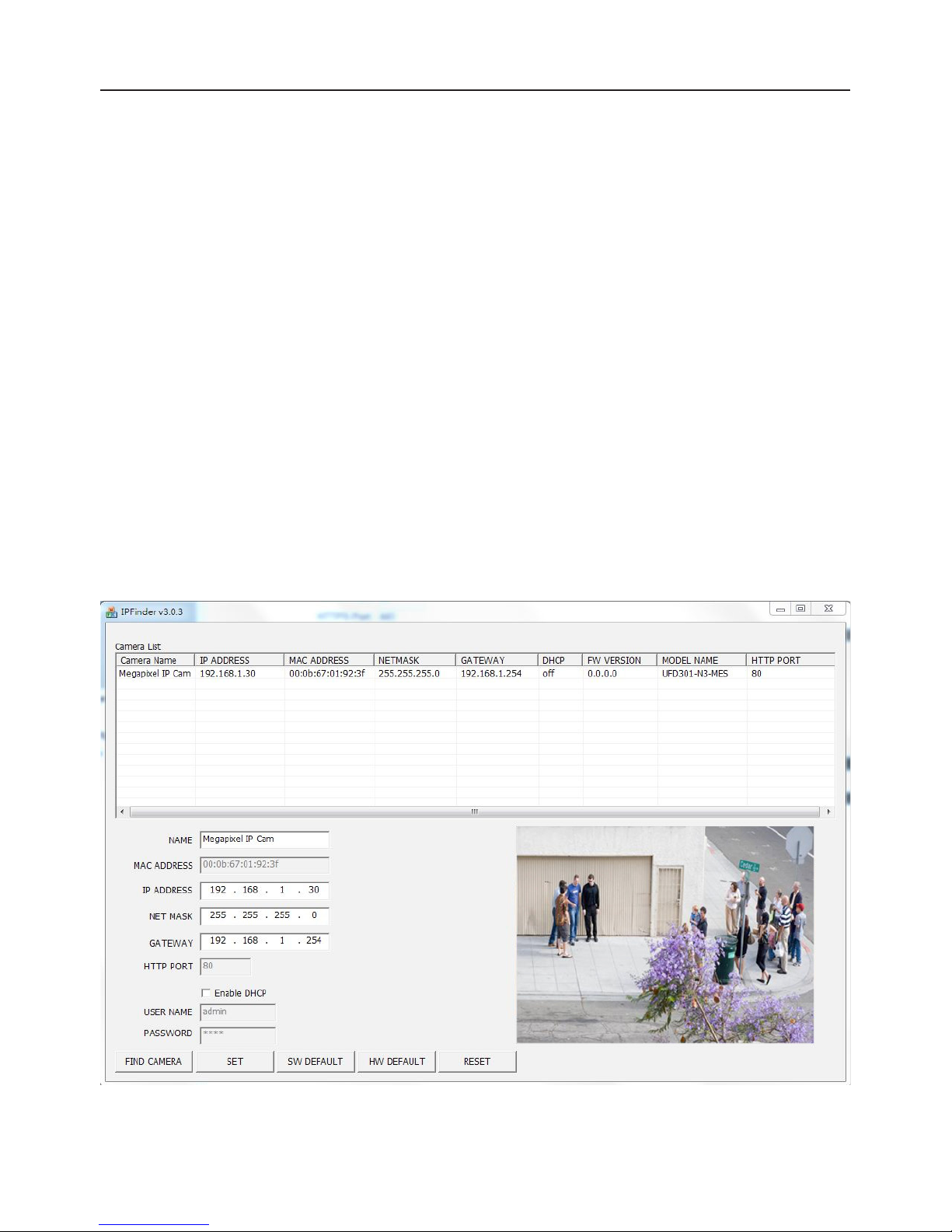
Since this is a network-based unit, an IP address must be assigned at the very first. The unit’s default IP address is
192.168.1.30 and sub mask is 255.255.255.0. However, if you have a DHCP server in your network, the unit would obtain
an IP address automatically from the DHCP server so that you don’t need to change the camera’s IP address. But be sure to
enable DHCP in "Network Settings".
1.2.3 Connecting from a computer & Viewing Preparation
Connecting from a computer
1. Make sure the unit and your computer are in the same subnet.
2. Check whether if the networking available between the unit and the computer by executing ping the default
IP address. To do this, simply start a command prompt (Windows: from the Start Menu, select Program.
Then select Accessories and choose Command Prompt.), and type“Ping 192.168.1.30”. If the message
“Reply from…”appears, it means the connection is available.
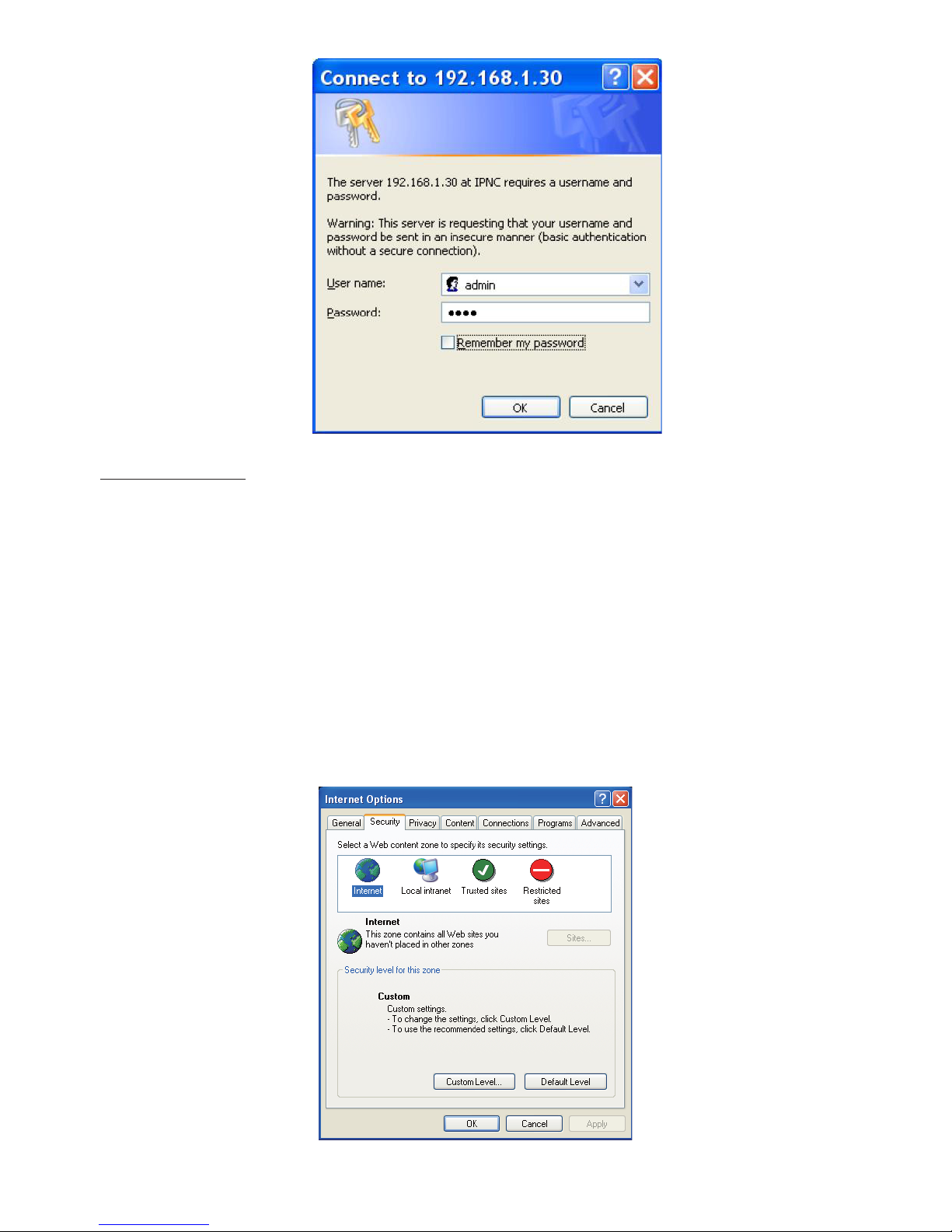
3. Start Internet Explorer and enter IP address: 192.168.1.30. A login window should pop up. In the window,
enter the default user name: admin and password: 1234 to log in.
Further administration on the unit can be found in“2. Administration and Conguration".
1.2 Connection