
Mini Gadgets BB2ElectricalBox Manuale utente
1 Version 2.1
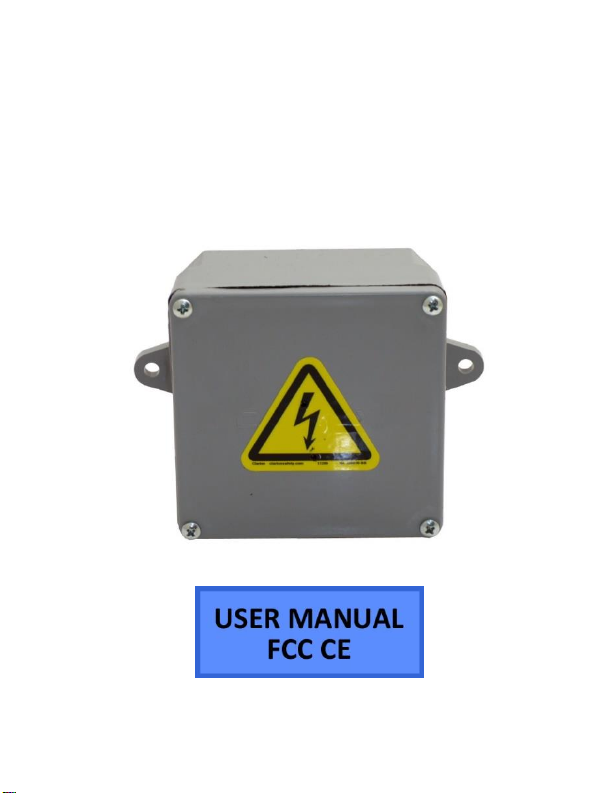
BB2 Electrical Box
SKU: BB2ElectricalBox

2 Version 2.1
THANK YOU FOR PURCHASING THE BB2ELECTRICALBOX
Please read this manual before operating the camera and
keep it handy.
Your purchase should include:
1 x Bush Baby Electrical Box
1 x Remote Control
1 x USB Cable
1 x User Manual

3 Version 2.1
GET FAMILIAR WITH YOUR BB2 ELECTRICAL BOX
Camera
USB Port

4 Version 2.1
OPERATING THE CAMERA
NOTICE: Allow the device to charge 12 hours on the wall
adapter.
HOW TO TURN ON THE CAMERA
1. Point the remote control at the dog’s right eye
(remote sensor) and press the “Power button.”
(The Green Indicator Light on the back of the
unit will turn on)
2. The camera is now in Standby Mode
HOW TO TURN OFF THE CAMERA
1. Press the “Power Button” on the remote control.
(The Green Indicator Light will turn off)
2. The camera is now off.

5 Version 2.1
HOW TO RECORD VIDEO
1. When the camera is in Standby Mode press the
“Video Button” one time (The Green Indicator
Light will flash three times)
2. Once the Green Indicator Light turns off the
camera is now recording video.
3. To stop recording, press the “Video Button” once
and the device will enter back in to standby
mode.
HOW TO TAKE PICTURES
1. When the camera is in Standby Mode press the
“Photo Button”. (The Green Indicator Light will
flash once)
2. Once the Green indicator light flashes once the
picture has been taken.
HOW TO RECORD MOTION DETECTION

6 Version 2.1
1. When the camera is in Standby Mode press the
“Motion Detection Button”. (The Green
Indicator Light will flash several times then turn
off)
2. Once the blue indicator light is done flashing, the
camera is now recoding motion detection.
3. To stop recording, press the “Motion Detection”
button one time.
RETRIEVE THE FILES TO YOUR PC
1. Plug the device into your PC using the USB cable
2. Power on the device using the remote and wait
for your computer to recognize it
3. Locate “Removable Disk” inside the (My)
Computer folder
AutoPlay Removable Disk > Open folder
to view files

7 Version 2.1
Or… Go to Start > Computer > Removable Disk
4. Open the Removable Disk drive
5. Open the [folder name] folder
6. Double click the file you want to view

8 Version 2.1
VLC Player is recommended for
watching videos
TROUBLESHOOTING
THE DEVICE WON’T TURN ON
Charge the device for at least 4 hours before the
first use
Make sure the charging cable is securely inserted
into the device and into the power source
THE DEVICE ISN’T CHARGING
Replace the battery or charging cable
If you are charging via a wall power source, you
may need to charge via your PC. The AC adapter
might be bad
MY COMPUTER DOESN’T RECOGNIZE THE DEVICE

9 Version 2.1
Unplug the device from your PC and reboot the
device
Unplug the device from your PC and reboot your
PC
Try using a different USB slot on your PC
Replace the USB cable
OTHER PROBLEMS
Call our technical support at 770–694–6923

10 Version 2.1
SPECIFICATIONS
Video Resolution
1280 x 960
Video Format
.AVI
Frames per Second
Up to 30 fps
Recording Time
10 Hours
Vision Angle
72 degrees
Motion Detection
6 meters for straight-
line distance
Photo Resolution
1600 x 1200
Photo Format
.JPG
Audio Quality (Optional)
64 kbps
Audio Format (Optional)
.WAV
Battery Life
90 hr
Memory Capacity
32 GB
Recording Capacity
2GB ≈ 1 hour
Player Software
VLC recommended
Operating Systems
Windows XP & Up
Mac 10.6 & Up
Indice
Altri manuali Mini Gadgets Attrezzatura di sicurezza


