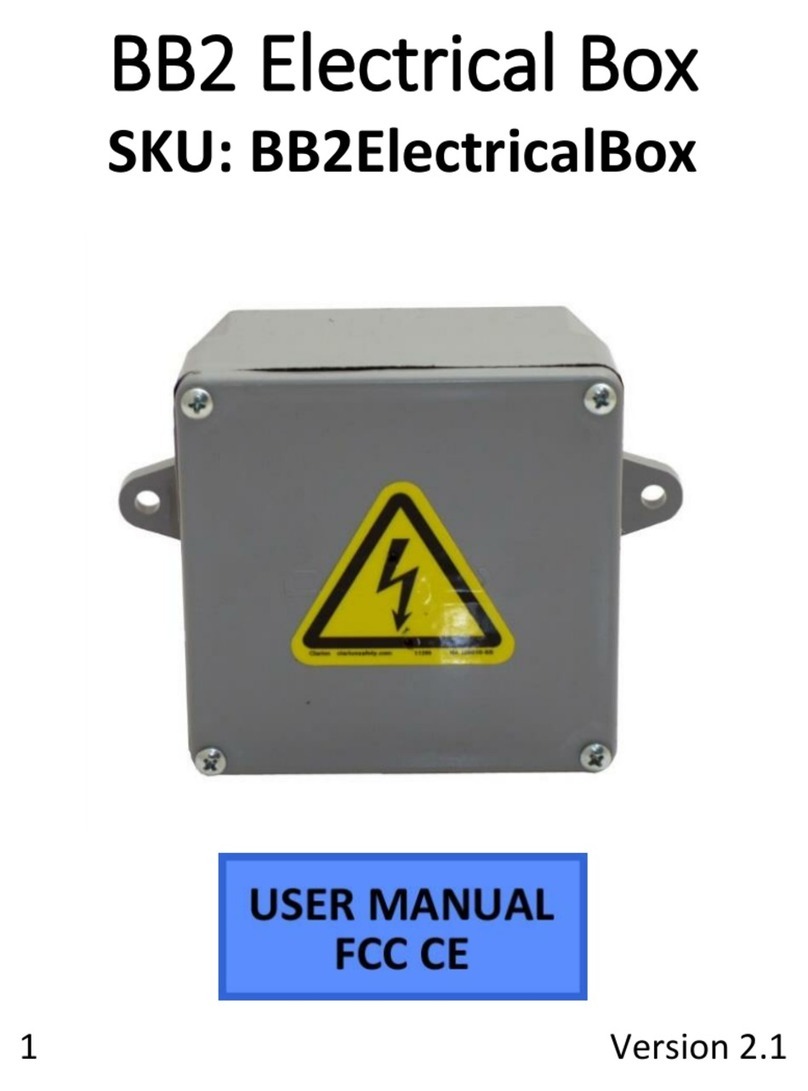
Mini Gadgets BB3JunctionBox Manuale utente

1 Version 1.1
BushBaby3 Junction Box
SKU: BB3JunctionBox

2 Version 1.1
THANK YOU FOR PURCHASING THE BUSHBABY3JUNCTIONBOX
Please read this manual before operating the camera and keep
it handy.
The BushBaby3 Junction Box conceals a powerful camera with a
viewing angle of 62º. Like all BushBaby products it is equipped
with motion detection functionality and remote control
operation. This junction box is weather resistant and even has
plenty of space for normal electrical devices such as a sprinkler
system control unit or outdoor lighting. It looks like a typical
electrical junction box. Not only is it covert, it is also secure
thanks to its locking latch so no curious passerby can open the
unit.
Your purchase should include:
1 x BB3Junctionbox
1 x Remote Control
1 x Internal AC adapter
1 x Instruction Booklet
1 x 8GB MicroSD Card and Adapter

3 Version 1.1
GET FAMILIAR WITH JUNCTION BOX HIDDEN CAMERA

4 Version 1.1
OPERATING THE BUSHBABY 3 CAMERA
Removable storage devices
Removable storage units use user provided MicroSD cards and
allow DVR board access.
To insert the Micro SD Card:
1. Slide the metal trapdoor to unlock it
2. Lift up the metal trapdoor on the board
3. Insert the MicroSD card
4. Put the metal trapdoor back down and slid it
into place
IMPORTANT NOTICE: Do not insert or remove the SD card while
the unit is on or in standby mode. Doing so may cause data loss
or file system corruption.
HOW TO TURN ON THE BUSHBABY3
1. Press the A button
The red indicator light will turn on
oThe BushBaby is now in standby
mode
HOW TO TAKE PHOTOGRAPHS
1. Press the B button
The red indicator light will blink once

5 Version 1.1
oThe BushBaby has taken a
photograph
HOW TO RECORD VIDEO
1. Press the C button
The red indicator light will blink twice and
then turn off
oThe BushBaby is now recording live
video
HOW TO USE MOTION DETECTION
1. Press the D button
The red indicator light will blink twice and
then turn off
oThe BushBaby will only record video
when it detects motion
HOW TO SET THE TIME AND DATE STAMP
1. Visit http://time.mgidownloads.com
2. Choose “All Bush Baby 2/Bush Baby 3”
3. Select your time zone
4. Click “Download”
5. Connect your device to your computer as described in
the “How to Retrieve The Files” section of this manual

6 Version 1.1
or use an external card reader to access the memory of
the SD Card.
6. The appropriate text file with the current time will
download to your computer’s downloads folder.
Navigate there and copy and paste the TXT file to the
root directory of the device’s SD card.
7. Disconnect the device from your computer and do a
test recording to confirm that date/time settings was
successful.

7 Version 1.1
HOW TO RETRIEVE THE FILES
Locate the USB port on the product. You can find the USB port
on the board—the same place where the indicator light and
power switch are located—and is the same connection as the
charging port.
It will look like the following:
Generally this will be located on the back, bottom, or inside of
the device.
1. Plug the device into your PC using the USB cable
2. Locate “Removable Disk” inside the (My) Computer
folder
MicroSD
Card
USB Port
On / Off
Switch
Indicator Light

8 Version 1.1
AutoPlay Removable Disk > Open folder to
view files
Or…
Go to Start > Computer > Removable Disk
3. Open the Removable Disk drive
4. Open the DCIM folder
5. Double click the file you want to view
VLC Player is recommended for watching
videos
IMPORTANT NOTICE: It is required that the product’s power cord
be plugged into an AC outlet to operate the DVR. The DVR will
not run on USB power alone.
TROUBLESHOOTING
Question:
What happens if the memory fills up?
Answer:
If the memory fills up while recording video, the oldest
file on the card will be deleted and a new file will be
created. Video recording will not stop once the card is
full.

9 Version 1.1
Question:
Why does the red light flash on the device when it is in Motion
Detection mode?
Answer:
The red light will flash 2 times to indicate that motion
has been detected. This denotes a new 3 minute cycle
of recording.
OTHER PROBLEMS
Call our technical support at 770–694–6923

10 Version 1.1
SPECIFICATIONS
Resolution
720p HD (1280*720) @ 30fps
Video Format
.AVI
Photo Resolution
4032*3024
Photo Format
.JPG
Vision Angle
62°
Minimal Illumination
1LUX
Remote Operating Distance
25 meters
Scope for Sound (optional)
40 meters
Supported Operating
Systems
Windows XP & Up
Mac OSX 10.5 & Up
Video Recording Files
Full Video: 20 minute files
Motion Video: 3 minute files
Memory
MicroSD Card or Internal
Storage
SD Card Format
FAT32
Recommended Speed
Class 6 or above
Time Consumed of Storage
1GB/20 minutes
Indice
Altri manuali Mini Gadgets Attrezzatura di sicurezza