
New Rock Technologies OM20 Manuale utente

New Rock Technologies, Inc.
OM Series
User Manual
OM20
OM50
OM80
OM200
OM200G
OM80E
http://www.newrocktech.com

Amendment Records
Document Rev.05 (2017-07)
Changed the description of 2.14 Direct Inward System Access (DISA).
Document Rev.04 (2017-04)
Added "2.19 Incoming Call Number Binding".
Document Rev.03 (2014-06)
Added "2.16 Barge-in" and "2.17 Callback on Busy"; and updated "3 *99 Voice Menu".
Document Rev.02 (2011-11)
Document Rev.01 (2011-8)
Copyright © 2017 New Rock Technologies, Inc. All Rights Reserved.
All or part of this document may not be excerpted, reproduced and transmitted in any form or by any
means without prior written permission from the company.

Manual Description
This manual shows how to use OM’s features step by step. Some features need to be preset by
administrator before you can use. Please refer to Administrator Manual for presetting the features by
using Web utility.

Contents
Amendment Records.................................................................................................................................................... 2
Manual Description ....................................................................................................................................................... 3
Contents........................................................................................................................................................................... 4
Contents of Figure......................................................................................................................................................... 5
Contents of Table........................................................................................................................................................... 7
1 Basic Operation .........................................................................................................................................................1-1
1.1 Determining Your Extension Number.................................................................................................................................. 1-1
1.2 Making Calls........................................................................................................................................................................ 1-1
1.2.1 Calling another Extension........................................................................................................................................ 1-1
1.2.2 Calling the Operator................................................................................................................................................. 1-2
1.2.3 Calling an Outside Party .......................................................................................................................................... 1-3
2 Extension Features ....................................................................................................................................................2-1
2.1 Extension Lock..................................................................................................................................................................... 2-1
2.2 Speed Dialing....................................................................................................................................................................... 2-2
2.3 Hotline.................................................................................................................................................................................. 2-3
2.4 Call Pickup and Call Pickup Blocking ................................................................................................................................. 2-4
2.5 Call Waiting ......................................................................................................................................................................... 2-5
2.6 Call Hold.............................................................................................................................................................................. 2-6
2.7 Call Transfer......................................................................................................................................................................... 2-7
2.8 Call Parking.......................................................................................................................................................................... 2-8
2.9 Calling among Three Parties ................................................................................................................................................ 2-8
2.10 On-the-fly Recording ......................................................................................................................................................... 2-9
2.11 Call Forking...................................................................................................................................................................... 2-10
2.12 Outbound Transfer ........................................................................................................................................................... 2-10
2.13 Secretary Assistance......................................................................................................................................................... 2-11
2.14 Direct Inward System Access (DISA).............................................................................................................................. 2-12
2.15 Call Monitoring................................................................................................................................................................ 2-12
2.16 Barge-In............................................................................................................................................................................ 2-13
2.17 Callback on Busy.............................................................................................................................................................. 2-13
2.18 Do not Disturb.................................................................................................................................................................. 2-14
2.19 Incoming Call Number Binding ......................................................................................................................................... 2-1
3 *99 Voice Menu .........................................................................................................................................................3-2
4 Appendix: Feature Codes ........................................................................................................................................4-1

Contents of Figure
Figure 1-1 Determining extension number................................................................................................................................. 1-1
Figure 1-2 Direct dialing............................................................................................................................................................ 1-1
Figure 1-3 Dialing with a prefix................................................................................................................................................. 1-2
Figure 1-4 Direct dialing............................................................................................................................................................ 1-2
Figure 1-5 Dialing with a prefix................................................................................................................................................. 1-2
Figure 1-6 Dialing with a prefix................................................................................................................................................. 1-3
Figure 1-7 Direct dialing............................................................................................................................................................ 1-3
Figure 2-1 Extension lock .......................................................................................................................................................... 2-1
Figure 2-2 Extension unlock ...................................................................................................................................................... 2-1
Figure 2-3 Set up speed dial code............................................................................................................................................... 2-2
Figure 2-4 Inquire/Delete speed dial code.................................................................................................................................. 2-2
Figure 2-5 Dial speed dial code.................................................................................................................................................. 2-2
Figure 2-6 Immediate hotline..................................................................................................................................................... 2-3
Figure 2-7 Hotline with delay..................................................................................................................................................... 2-3
Figure 2-8 Direct pickup ............................................................................................................................................................ 2-4
Figure 2-9 Pick up operator’s call .............................................................................................................................................. 2-4
Figure 2-10 Call pickup.............................................................................................................................................................. 2-4
Figure 2-11 Group pickup.......................................................................................................................................................... 2-5
Figure 2-12 Call pickup blocking............................................................................................................................................... 2-5
Figure 2-13 Continue the current conversation .......................................................................................................................... 2-5
Figure 2-14 Place the original party on hold .............................................................................................................................. 2-6
Figure 2-15 Talk to two parties alternately................................................................................................................................. 2-6
Figure 2-16 Place the current call on hold and make a new call................................................................................................. 2-6
Figure 2-17 Talk to two call parties alternatively....................................................................................................................... 2-7
Figure 2-18 Explicit call transfer................................................................................................................................................ 2-7
Figure 2-19 Blind call transfer ................................................................................................................................................... 2-7
Figure 2-20 Call parking ............................................................................................................................................................ 2-8
Figure 2-21 Calling among Three Parties................................................................................................................................... 2-9
Figure 2-22 On the fly recording................................................................................................................................................ 2-9
Figure 2-23 Set up forking number .......................................................................................................................................... 2-10
Figure 2-24 Request/cancel forking number ............................................................................................................................ 2-10
Figure 2-25 Outbound transfer................................................................................................................................................. 2-10
Figure 2-26 Activate secretary assistance................................................................................................................................. 2-11
Figure 2-27 Disable secretary assistance.................................................................................................................................. 2-11
Figure 2-28 Check status of secretary assistance...................................................................................................................... 2-11
Figure 2-29 For internal use ................................................................................................................................................... 2-12
Figure 2-30 For external use (PIN authenfication)................................................................................................................... 2-12
Figure 2-31 For external use (cellphone number authentication) ............................................................................................. 2-12
Figure 2-32 Call monitoring..................................................................................................................................................... 2-13
Figure 2-33 Barge-in................................................................................................................................................................ 2-13
Figure 2-34 Callback on Busy.................................................................................................................................................. 2-14
Figure 2-35 DND ..................................................................................................................................................................... 2-14
Figure 2-36 Incoming Call Number Binding.............................................................................................................................. 2-1

Figure 3-1 Managing the features with *99 voice menu ............................................................................................................ 3-2
Figure 3-2 Menu for a trunk incoming call (with the account code verified for identification) ................................................. 3-3
Figure 3-3 Menu for a trunk incoming call (with the handset's phone number verified for identification) ................................ 3-4

Contents of Table
Table 4-1 Feature codes ............................................................................................................................................................. 4-1


OM Series User Manual
New Rock Technologies, Inc. 1-1
1 Basic Operation
1.1 Determining Your Extension Number
Operation: lift the handset and press #00.
Figure 1-1 Determining extension number
Off-hook Press #00 Listen to extension number
1.2 Making Calls
1.2.1 Calling another Extension
There are two ways to call another extension depending on the dialing scheme of the system set by your
administrator.
Direct dialing: dial extension number.
Figure 1-2 Direct dialing
Off-hook Hear dial tone Dial extension number Hear ring back tone
Dialing with a prefix: press * and dial extension number.
#00
Extension number
Extension number
User Manual OM Series
1-2 New Rock Technologies, Inc.
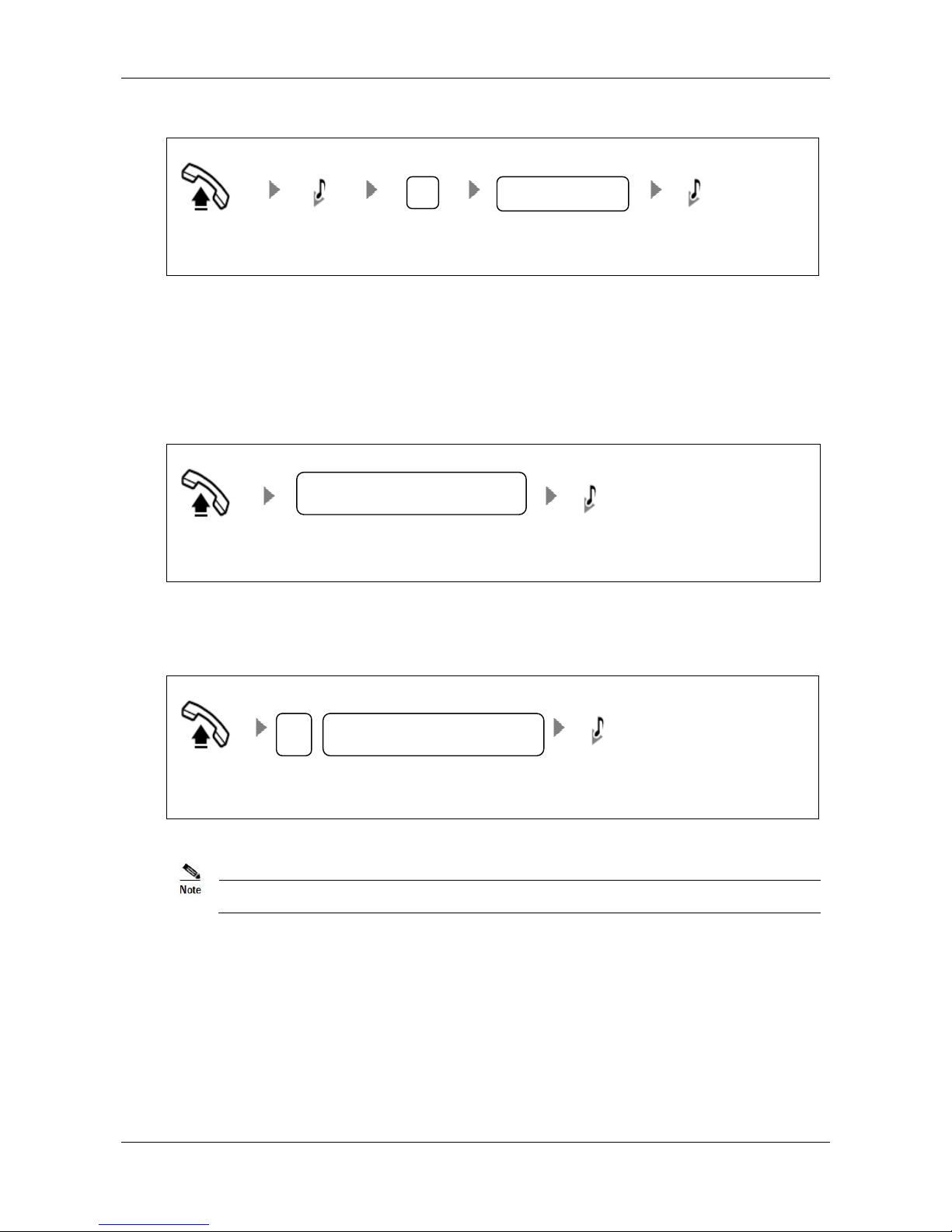
Figure 1-3 Dialing with a prefix
Off-hook Hear dial tone Press * Press extension number Hear ring back tone
1.2.2 Calling the Operator
There are two ways to call the operator depending on the dialing scheme set by your administrator.
Direct Dialing: press 0or dial operator’s extension number.
Figure 1-4 Direct dialing
Off-hook Press 0 or operator’s extension number Hear ring back tone
Dialing with a prefix: press * and dial 0or operator’s extension number.
Figure 1-5 Dialing with a prefix
Off-hook Press *0 or *operator’s extension number Hear ring back tone
0 is the default prefix for dialing operator, and it can be changed by your administrator.
*
Extension number
*
0 or operator’s extension number
0 or operator’s extension number
Altri manuali per OM20
1
Questo manuale è adatto per i seguenti modelli
5
Indice
Altri manuali New Rock Technologies Sistema telefonico


