NST CVD3IP Manuale

120326-1
HARDWARE
INSTALLATION GUIDE
Version 1. 0. 2
Released on 1st of April., 2012
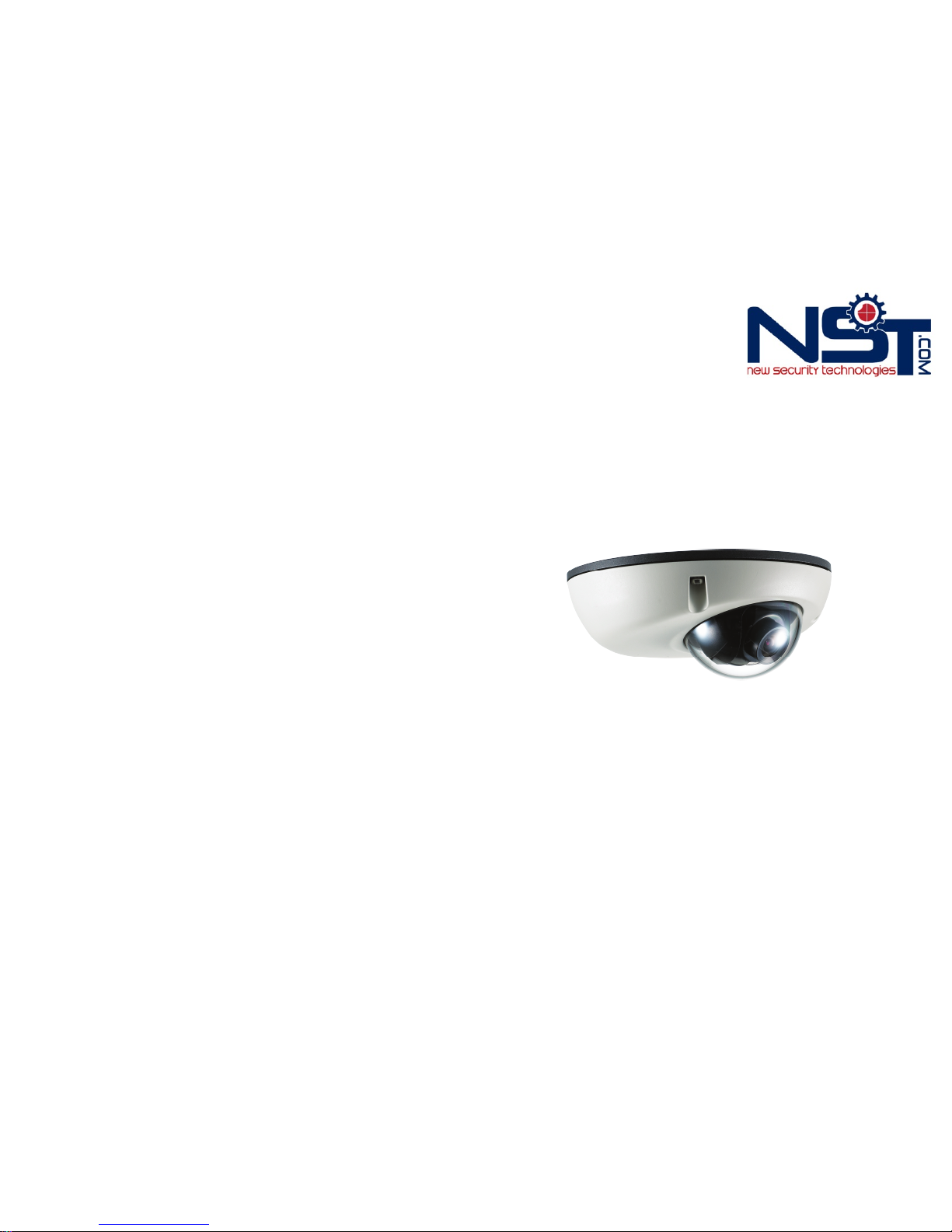
CVD3IP 1.3 Megapixel(720P) Indoor Dome IP Camera
CVD3IP
1-512-756-1678

Dear Customers!
INFORMATION
By selecting this product, you have decided to use a professional device that
guarantees highest quality and reliability. We would like to thank you very much for your
confidence and kindly ask you to read the following instructions carefully before
Installation and operation in order to take full advantage of all quality features regarding
this product.
CAUTION
CAUTION
RISK OF ELECTRIC
SHOCK
DO NOT OPEN
TO REDUCE THE RISK OF ELECTRIC SHOCK,
DO NOT REMOVE THE COVER (OR BACK).
NO USER SERVICEABLE PARTS INSIDE.
REFER SERVICING TO QUALIFIED PERSONNEL.
The lighting flash with an arrowhead symbol, within an equilateral
triangle is intended to alert the user to the presence of uninsulated
dangerous voltage within the product’s enclosure that may be of
sufficient magnitude to constitute a risk of electric shock to persons.
The exclamation point within an equilateral triangle is intended to alert
the user to the presence of important operating and maintenance
(servicing) instructions in the literature accompanying the appliance.
This equipment has been tested and found to comply with limits for a Class A digital
device, pursuant to part 15 of the FCC Rules. These limits are designed to provide
reasonable protection against harmful interference when the equipment is operated in a
commercial environment. This equipment generates, uses, and can radiate radio
frequency energy and, if not installed and used in accordance with the instruction
manual, may cause harmful interference to radio communications. Operation of this
equipment in a residential area is likely to cause harmful interference in which case the
user will be required to correct the interference at his own expense.
WARNING
Changes or modifications not expressly approved by the manufacturer could void the
user’s authority to operate the equipment.
CAUTION – To prevent electric shock and risk of the fire hazards
Do NOT use power source other than that specified.
Do NOT expose this appliance to rain or moisture.
This installation should be made by a qualified service person and should conform to
all local codes.
2 3
Table of contents
1. Precautions ------------------------------------------------------------- 4
2. Limitation of liability --------------------------------------------------- 5
3. Disclaimer of warranty ----------------------------------------------- 5
4. Package ----------------------------------------------------------------- 6
5. Cable Connection ----------------------------------------------------- 7
6. Installation ----------------------------------------------------------- 8~9
7. Dimension (mm) ---------------------------------------------------- 10
8. Specification ----------------------------------------------------- 11~12

· Please read the manual carefully before the installation in order to make use the
camera to be set up correctly and to have the best picture quality.
·Please keep the manual in good condition for your future reference and service
application.
·Installation and services should only be carried out by an authorized personnel
according to local safety regulations.
·If any liquid or solid matter gets into the housing, immediately disconnect the camera
from power supply and have it checked by your authorized dealer before reusing.
·Avoid installing the camera at extremely hot or cold places.
·If you are not a certified person, never try to dismantle the camera. To avoid electric
shock, never remove the screws or covers. There are no parts inside that need
maintenance by the user. All maintenance should be carried by qualified personnel.
·Avoid installing the camera at a place of high humidity.
·Avoid installing the camera at the place exposed to gas or oil.
·Keep the top glass of the lens always clean in order to obtain the best picture quality
all the time. Be careful not to be stained by fingerprint.
·Please give a special attention to keep the unit from dangerous drop or
external shock during the process of transportation or handling.
·Never try to touch the camera in wet hand. It may cause an electric shock.
·Do not expose the camera to radioactivity. It causes a serious damage on the sensor.
This publication is provided “AS IS” without warranty of any kind, either express or
implied, including but not limited to, the implied warranties of merchantability, fitness
for any particular purpose, or noninfringement of the third party's right. This publication
could include technical inaccuracies or typographical errors. Changes are added to the
information herein, at any time, for the improvements of this publication and/or the
corresponding product(s).
4 5
1. Precautions 2. Limitation of liability
In no event shall seller be liable to any party or any person, except for replacement or
reasonable maintenance of the product, for the cases, including but not limited to
below :
(1) Any damage and loss, including without limitation, direct or indirect, special,
consequential or exemplary, arising out of or relating to the product;
(2) Personal injury or any damage caused by inappropriate use or negligent operation
of the user;
(3) unauthorized disassemble, repair or modification of the product by the user;
(4) Inconvenience or any loss arising when images are not displayed, due to any reason
or cause including any failure or problem of the product;
(5) Any problem, consequential inconvenience, or loss or damage, arising out of the
system combined by the devices of third party.
(6) Any claim or action for damages, brought by any person or organization being
photogenic subject, due to violation of privacy with the result of that surveillance-
camera's picture, including saved data, for some reason, becomes public or is used
for the purpose other than surveillance.
3. Disclaimer of warranty

6 7
4. Package 5. Cable Connection
Indoor Dome IP Camera
1EA
Instruction manual
1EA
Tapping Screw
3EA
Sponge
1EA
Drilling template
1EA
3-Drilling Hole
50-Template
Power Connector
Network Connector
This IP camera uses 12VDC for power source. Please make sure to use a UL/CE
approved and 12VDC regulated power supply for input power.
☞NOTE
PoE is not available for CVD3IP. Do not connect
PoE device into this product.
CD
‐Hardware Installation Guide (PDF)
‐IP Camera Manual (PDF)
‐NVR Pro Manual
‐NVR Lite (16Ch) Program
‐IPScan Utility Program (IP Installer)

8 9
6. Installation 6. Installation
6-1. Tool-free 3-Axis mounting mechanism 6-2. Installation overview
Perfect 3-axis
PAN ±20°
TITLT 90°
ROTATION 90°
-Panning axis up to ±20 degree
-Tilting axis up to 90 degree
-Rotation axis up to ±90 degree
Drilling template
wall
Tapping screw
PH 3x12L (3EA)
Star Screw M3*8.5L
Sponge plate
Bottom case
Top case

10 11
7. Dimension (mm) 8. Specification
Classificaon Specificaon
General
CPU 32-bit ARM9 RISC CPU up to533MHz,
32KB I/D-Cache, MMU
Video Buffer 16Mbyte VideoFrame Buffer
Flash 16 Mbyte Flash Memory
SDRAM 256Mbyte
Image
Pickup
Image sensor 1.3 Megapixel 1/3" SONY progressive scan
CMOS image sensor
Total Pixels 1384(H) x 1076(V) 1.49 Megapixel
Effecve Pixels 1329(H) x 1049(V) 1.39 Megapixel
S/N Rao More than 50dB
Min. Illuminaon 0.5 Lux with DSSX2 (F1.2, 30IRE, AGC On)
Lens 3.0mm Megapixel Board Lens
Video
Video compression H.264 baseline profile, Moon JPEG
Resoluons Up to720p (1280 X 720)
Frame rate
H.264 Up to30fps at HD(720p)
MJPEG Up to15fps at VGA
(Simultaneous dual stream)
MJPEG single stream up to30 fps at HD(720P)
Video streaming
Support mulstream with H.264, MJPEG
Adjustable frame rate
VBR/CBR inH.264
Pan/Tilt/Zoom Digital PTZ
Image seng
Day & Night
AutoWhite Balance
AutoExposure
Privacy Mask
Effect - Color, Sharpness, Mirror/V-Flip, etc.
Network
Network Security
Password protecon
User access log
HTTPS encrypon
Supported protocol HTTP, HTTPS, FTP, SMTP, UPnP, DNS, DynDNS,
NTP, RTSP, RTP, TCP, UDP, ICMP, DHCP

12 13
MEMO8. Specification
System
integraon
Intelligent video Moon detecon up to 1280x720
with 32x24 blocks
Alarm trigger Moon detecon
Alarm events File upload via p, e-mail
Noficaon via email, FTP and TCP
Video buffer 16MB pre-alarm and post-alarm
Recording Save to Micro SD card with event mode and
connuous mode
Firmware upgrade Remote upgrade via network
API CGI Interface document
AcveX Interface(ocx(dll) + document)
etc RESET Buon 1 x Factory Reset Buon
Physical
Power Source 12VDC
Power Consumpon Max. 4.2W
Net Weight 383g Appr.(Camera Only)
LED's Power, Network Connecon
Dimension 110(Ø) x47.5(H)
IP Grade IP67
Environment
Operang
Temperature -25 degree~50 degree Celsius (-13F~122F)
Storage Temperature -25 degree~60 degree Celsius (-13F~140F)
Soware Included Soware NVR
Lite
(16
Channel),
IP Installer (Windows Only)
Package Package Contents Network Camera, User Manual, Soware CD
* Specifications are subject to change without prior notice for improvement.

14 15
MEMOMEMO

Network Camera & Video Server
USER MANUAL
Version 1.7.1
Released on 1st of Sept., 2011

2
Table of Contents
Safety and Regulatory Notices ......................................................................................................................................3.
Section 1: Product Overview
1.1 About Network Cameras and Video Servers...................................................................................... 5
1.2 Main Features and Benefits ............................................................................................................................ 5
Section 2: Physical Description
2.1 Package Contents ........................................................................................................................................... 6
2.2 Front View of Indoor Box Camera.................................................................................................................... 6
2.3 Other Network Camera and Connector ........................................................................................................... 8
2.4 Network Video Server…..…….......................................................................................................................... 8
Section 3: Installation Summary and Examples .......................................................................................................... 10
Section 4: Assigning an IP address and Accessing the Camera’s Homepage
4.1 Connecting the Camera to a PC ......................................................................................................................11
4.2 Setting Up the IP address Using IPScanUtil Program .................................................................................... 12
4.3 Accessing the Camera’s Homepage ................................................................................................................13
Section 5: Main Page View and Function Icons ............................................................................................................15
Section 6: Administrator Menu
6.1 Overview of the Administrator Menu ............................................................................................................... 18
6.2 Camera Configuration ………………………………………………………………………………………………… 19
6.3 Event Configuration …………………………………………………………………………………………………… 29
6.4 User Configuration …………………………………………………………………………………………………….. 31
6.5 Network Configuration ………………………………………………………………………………………………... 32
6.6 System Configuration ……………………………………………………..………………………………………….. 37
6.7 PTZ Configuration ……………………..…........................................................................................................ 41
Section 7: Glossary of Terms ………………….............................................................................................................. 42
Indice
Altri manuali NST Telecamera IP


