Optibox Anaconda HD Manuale utente

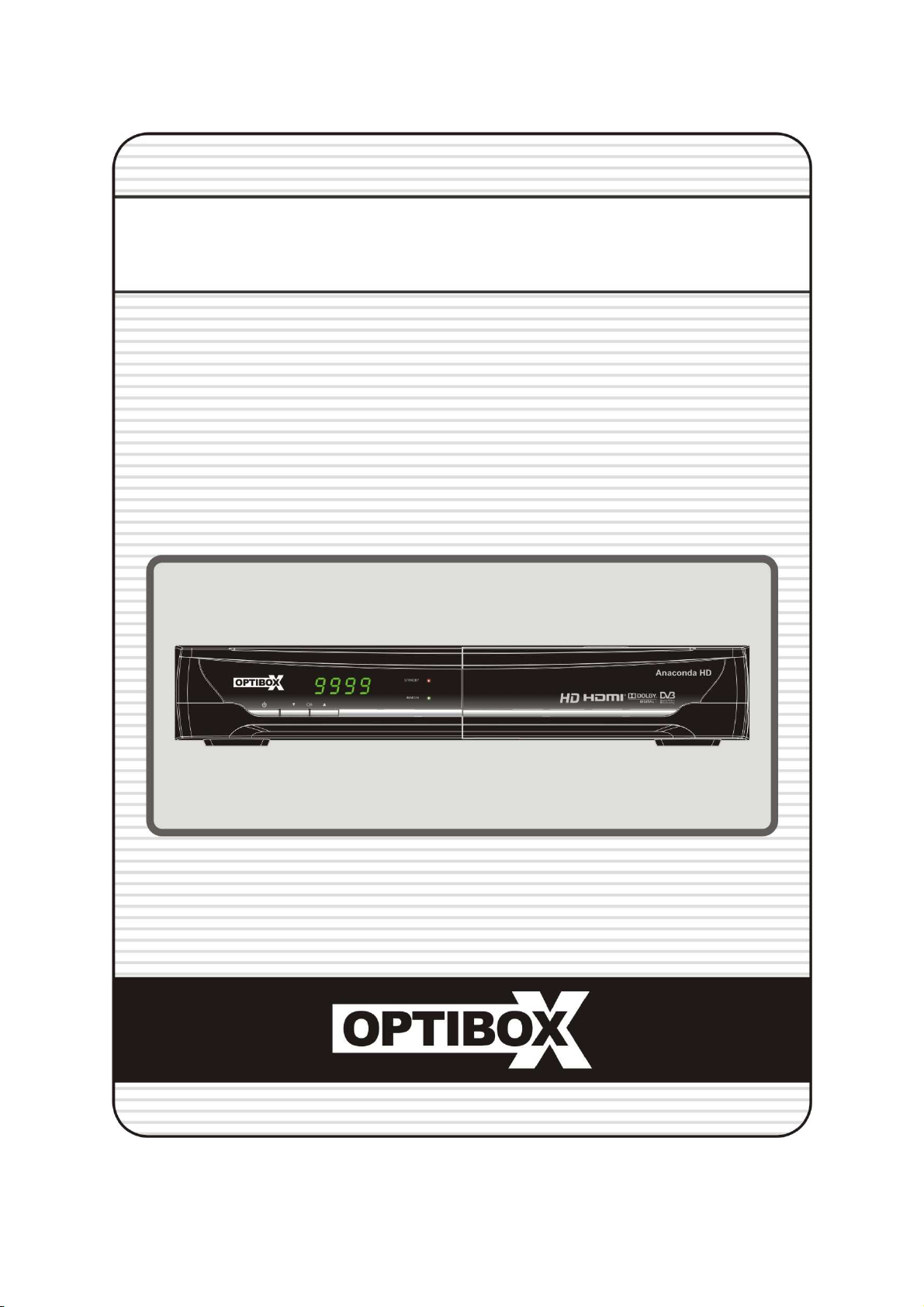
Full HD Digital Satellite Receiver
Digital Innovation Life
User's Manual
Anaconda HD


3
INDEX
INDEX...................................................................................................................................3
Precautions.........................................................................................................................5
1. Important Safety Instructions......................................................................................................5
2. Notice .........................................................................................................................................5
3. Copyright....................................................................................................................................6
4. Disclaimer...................................................................................................................................6
5. Trademarks ................................................................................................................................6
Before You Begin................................................................................................................7
1. Main Features ............................................................................................................................7
2. Accessories................................................................................................................................8
Hardware Description.........................................................................................................9
1. Front Panel Configuration ..........................................................................................................9
2. Rear Panel Configuration.........................................................................................................10
3. Remote Control Unit.................................................................................................................11
Connecting diagram .........................................................................................................14
1. Receiver to A/C power..............................................................................................................14
2. Receiver to TV with Digital A/V Output.....................................................................................14
3. Receiver to TV with Analog A/V Output....................................................................................15
4. Connecting to Antenna Cable ..................................................................................................15
Guide of Functions ...........................................................................................................17
1. Selecting a Service...................................................................................................................17
1.1 Using CH UP/DOWN buttons..............................................................................................17
1.2 Using Service List ...............................................................................................................17
1.3 Using Simple Service List ...................................................................................................17
1.4 Using Recent Service List...................................................................................................18
2. Information Window..................................................................................................................18
3. Multi-Picture Display.................................................................................................................18
4. Electronic Program Guide (EPG).............................................................................................18
5. Favorite Group .........................................................................................................................19
6. Volume Control.........................................................................................................................19
7. Pause .......................................................................................................................................19
8. Subtitle......................................................................................................................................20
9. Audio Control............................................................................................................................20
10.Teletext.....................................................................................................................................21
11. PIP (Picture in Picture).............................................................................................................21

4
PVR (Personal Video Recorder) Function.......................................................................23
1. Recording.................................................................................................................................23
1.1 Recording methods.............................................................................................................23
1.2 Recording Edit.....................................................................................................................25
1.3 Long Time recording ...........................................................................................................25
1.4 Pause during recording.......................................................................................................25
2. Time Shifting.............................................................................................................................27
3. Playback (Play List)..................................................................................................................28
3.1 Recorded Files....................................................................................................................28
3.2 Imported Files .....................................................................................................................29
3.3 Music...................................................................................................................................29
3.4 Photo...................................................................................................................................29
4. Bookmark .................................................................................................................................30
5. Trick mode................................................................................................................................31
Menu Map..........................................................................................................................32
Main Menu of Guide..........................................................................................................33
1. System Tools............................................................................................................................33
1.1 Storage Manager.................................................................................................................33
1.2 Timer Settings.....................................................................................................................34
1.3 Service List Manager ..........................................................................................................34
1.4 Data Transfer.......................................................................................................................36
2. Configuration............................................................................................................................37
2.1 Recording Option................................................................................................................37
2.2 Parental Control ..................................................................................................................38
2.3 Display Setting ....................................................................................................................38
2.4 Time Setting ........................................................................................................................39
2.5 Language Setting................................................................................................................39
2.6 A/V Output Setting ..............................................................................................................40
3. Installation ................................................................................................................................41
3.1 Dish Setting.........................................................................................................................41
3.2 Positioner Setting................................................................................................................41
3.3 Service Search....................................................................................................................42
3.4 Network Setting...................................................................................................................43
3.5 System Recovery................................................................................................................44
3.6 System Information.............................................................................................................44
4. Utility.........................................................................................................................................45
4.1 Calculator............................................................................................................................45
4.2 Calendar..............................................................................................................................45
4.3 CAS (Conditional Access System)......................................................................................45
4.4 Plugin ..................................................................................................................................46
4.5 YouTube..............................................................................................................................47
Troubleshooting................................................................................................................48
Specifications....................................................................................................................49

5
Precautions
1. Important Safety Instructions
Read these instructions.
Keep these instructions.
Heed all warnings.
Follow all instructions.
Do not use this apparatus near water.
Clean only with dry cloth.
Do not lock any ventilation openings. Install in accordance with the manufacturer’s instructions.
Do not install near any heat sources such as radiators, heat registers, stoves, or other apparatus
(including amplifiers) that produce heat.
Do not reverse the safety purpose of the polarized or grounding-type plug. A polarized plug has two
lades with one wider than the other. A grounding type plug has two lades and a third grounding
prong. The wide lade or third prong is provided for your safety. If the provided plug does not fit into
your outlet, consult an electrician for replacement of the o solete outlet.
Protect the power cord from eing walked on or pinched particularly at plugs, convenience
receptacles, and the point where they exit from the apparatus.
Only use attachments/accessories specified y the manufacturer.
Use only with the cart, stand, tripod, racket, or ta le specified y the manufacturer, or sold with the
apparatus. When a cart is used, use caution when moving the cart/apparatus com ination to avoid
injury from tip-over.
Unplug this apparatus during lightning storms or when unused for long periods of time.
Refer all servicing to qualified service personnel. Servicing is required when the apparatus has een
damaged in any way, such as power-supply cord or plug is damaged, liquid has een spilled or o jects
have fallen into the apparatus, the apparatus has een exposed to rain or moisture, does not operate
normally, or has een dropped.
WARNING : To Prevent fire or shock hazard do not expose the set to rain or moisture.
2. Notice
These servicing instructions are for use y qualified service personnel only. To reduce the risk of
electric shock, do not perform any servicing other than that contained in the operating instructions
unless you are qualified to do so.
The apparatus shall not e exposed to dripping or splashing and that no o jects filled with liquids,
such as vases, shall e placed on the apparatus.
The mains plug is used as the disconnect device. The disconnect device shall remain readily opera le.

6
To reduce the risk of electric shock, do not remove
the cover (or ack).
No user servicea le parts are inside.
Refer servicing to qualified service personnel.
The Lightning Flash with arrowhead sym ol
within an equilateral triangle, is intended to
alert the user to the presence of un-insulated
"dangerous voltage" within the product
enclosure that may e of sufficient magnitude
to constitute a risk of shock to persons
The exclamation point within an
equilateral triangle is intended to alert
the user to the presence of important
operating and maintenance
(servicing) instructions in the
literature accompanying the product
3. Copyright
This manual is protected y copyright laws.
Copy, use and reproduction of this manual in part or whole without Manufacturer’s prior written
approval are prohi ited.
4. Disclaimer
The manufacturers, distri utors and agents are not lia le to any kind of damage caused y the
use of the information contained in this manual.
The instruction and descriptions which this manual contains are ased on the time of this
manual's production.
The manufacturer constantly updates it with new functions and technology.
All the specifications are su ject to change without prior notice.
. Trademarks
HDMI, the HDMI logo and High-Definition Multimedia Interface are
trademarks or registered trademarks of HDMI Licensing LLC
Manufactured under license from Dol y La oratories.
Dol y and the dou le-D sym ol are trademarks of Dol y La oratories.

7
Before You Begin
1. Main Features
Supports MPEG4 /MPEG2 - HD/SD and Fully DVB-S2 /DVB-S Compliant
Intelligent Blind Scan for oth SD and HD TV & Multi-Satellite Search
Multi-LNB Controlled y DiSEqC Control Version 1.0, 1.1, 1.2 and USALS
HDTV PVR Receiver ( H.264/ MPEG4 HD )
Em edded Linux OS
Time Shifting, Recording & Play ack with External HDD (USB 2.0)
Simultaneously Records of Services and allows Watching 2 others (PIP)
Powerful Extended EPG supports and Event Recording
Three USB 2.0 Host ports (MP3 Player & JPEG Viewer)
Xvid file play ack supported
Ethernet port Supported
On-Screen Display with Full Color & Resolution
Favorite Groups
Powerful Service List Manager for Favorites, Lock, Skip, Move, Edit and Delete
Service Sorting y Alpha et, Transponder and CAS
User Friendly & Multi-language Supported (OSD & Menu)
Teletext / Su title Supported
Maximum 10,000 Services(TV & Radio) Programma le
Picture-in-Picture (PIP) & Multi-picture Display
Parental Lock / System Lock / Installation Lock
HDMI Video & Audio Output
(576i, 576p, 720p, 1080i, 1080p)
CVBS(composite) Video & Audio Output via RCA
CVBS, RGB, Video & Audio Output via TV SCART
Optical Output for Digital Audio(SPDIF)
Software & Service channel Data ase upgrade via USB & RS-232C port
1 Smart card reader and 2 Common Interface Slots
1W Stand- y Power Consumption

8
2. Accessories
NOTE : If any accessories listed above are missing, contact the sales representative where you
purchased this unit.
User's Manual
AAA size Batteries X2
AC Power Cord
Rem
ote Control
H MI Cable

9
Hardware Description
1. Front Panel Configuration
1. POWER BUTTON : Press to switch etween STANDBY and POWER ON modes.
2. CH Up/Down BUTTON : Press to change services in normal mode, or to move highlighted- ar in
menu mode.
3. isplay : The 4-digit shows service num er or menu state in normal mode. Show local time in
stand y mode.
4. Remote Sensor : Receives signal from remote controller.
5. STAN BY Indication LE (RE ) : The LED lights on in stand y mode.
REMOTE Indication LE (GREEN) : The LED lights on when a key on the Remote Control is pressed.
6. USB (Front) : Use it when connecting to external USB storage device.
7. SMART CAR REA ER : Insert smart card for encrypted service access.
8. PCMCIA : To receive other pay-tv service you need a CA-Module(Viaccess, Irdeto, Nagravison, etc.)
and a smart card from the service provider.

10
2. Rear Panel Configuration
1. LNB IN: Use to connect a satellite antenna.
2. LNB OUT: Use it when connecting to another STB for loop-through.
3. AU IO L/R : Connects to the TV or VCR using a RCA ca le. (Stereo audio output / White, Red)
4. VI EO : Connects to the TV or VCR using a RCA ca le. (Composite video output / Yellow)
5. SP IF : Connects to the audio system using a S/PDIF ca le. (digital audio)
6. TV SCART : Connects to the TV input using a TV SCART ca le.
7. RS-232C : Serial port for firmware update and data transfer.
8. Ethernet : Local area network port for direct computer connection.
9. USB : Use it when connecting to external USB storage device.
10. H MI : Connects to the TV y using a HDMI ca le for the est quality picture and audio.
11. A/C Switch : Power switch
12. A/C power cable socket : Connects to A/C power cord.
Indice
Altri manuali Optibox Ricevitore


