1. Introduction
UP! mini 3D Printer User Manual 2
1. INTRODUCTION...........................................................................................................................3
1.1 HOW TO USE THIS MANUAL.........................................................................................................3
1.2PRECAUTIONS.............................................................................................................................3
1.2.1 Safety ................................................................................................................................3
1.2.2 Protection..........................................................................................................................4
2. OVERVIEW....................................................................................................................................5
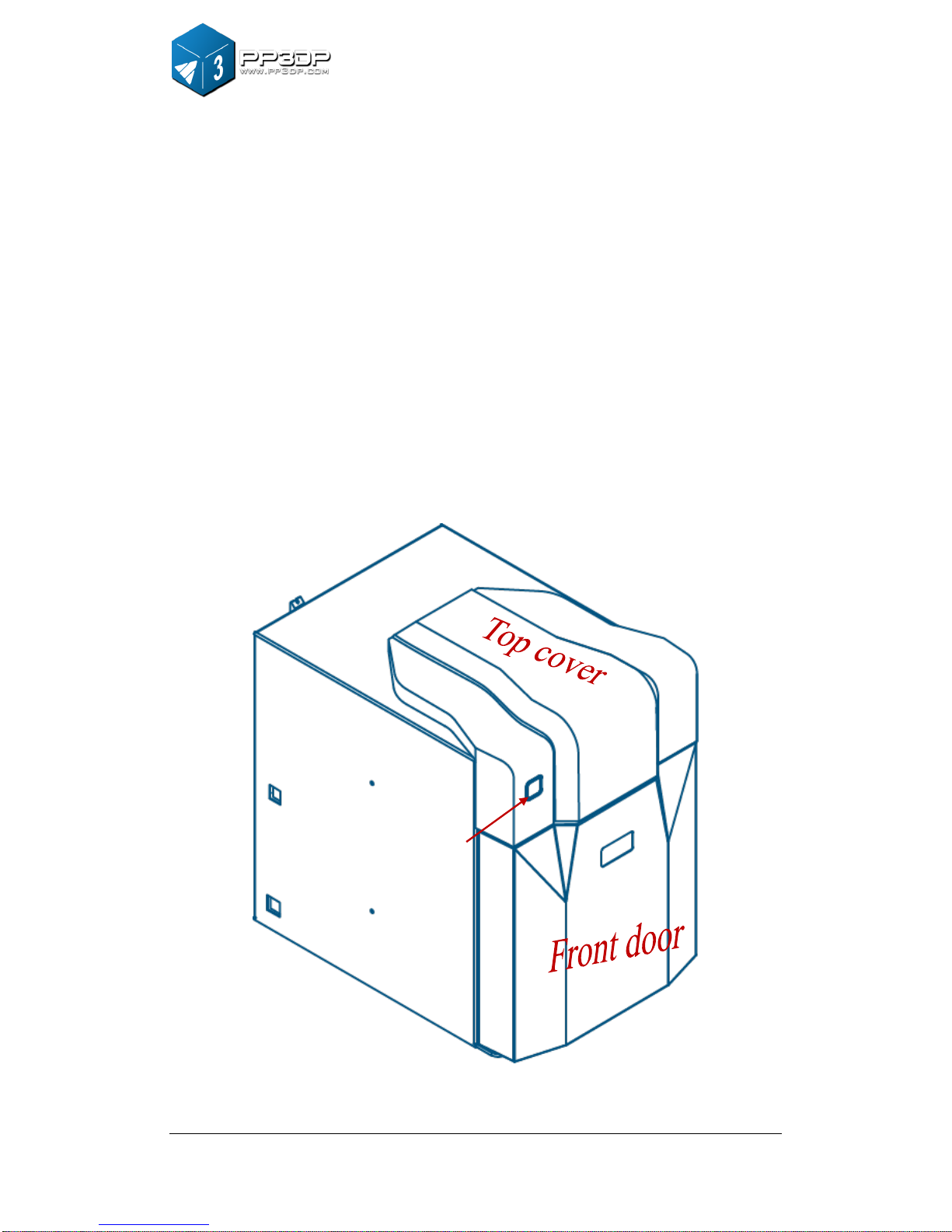
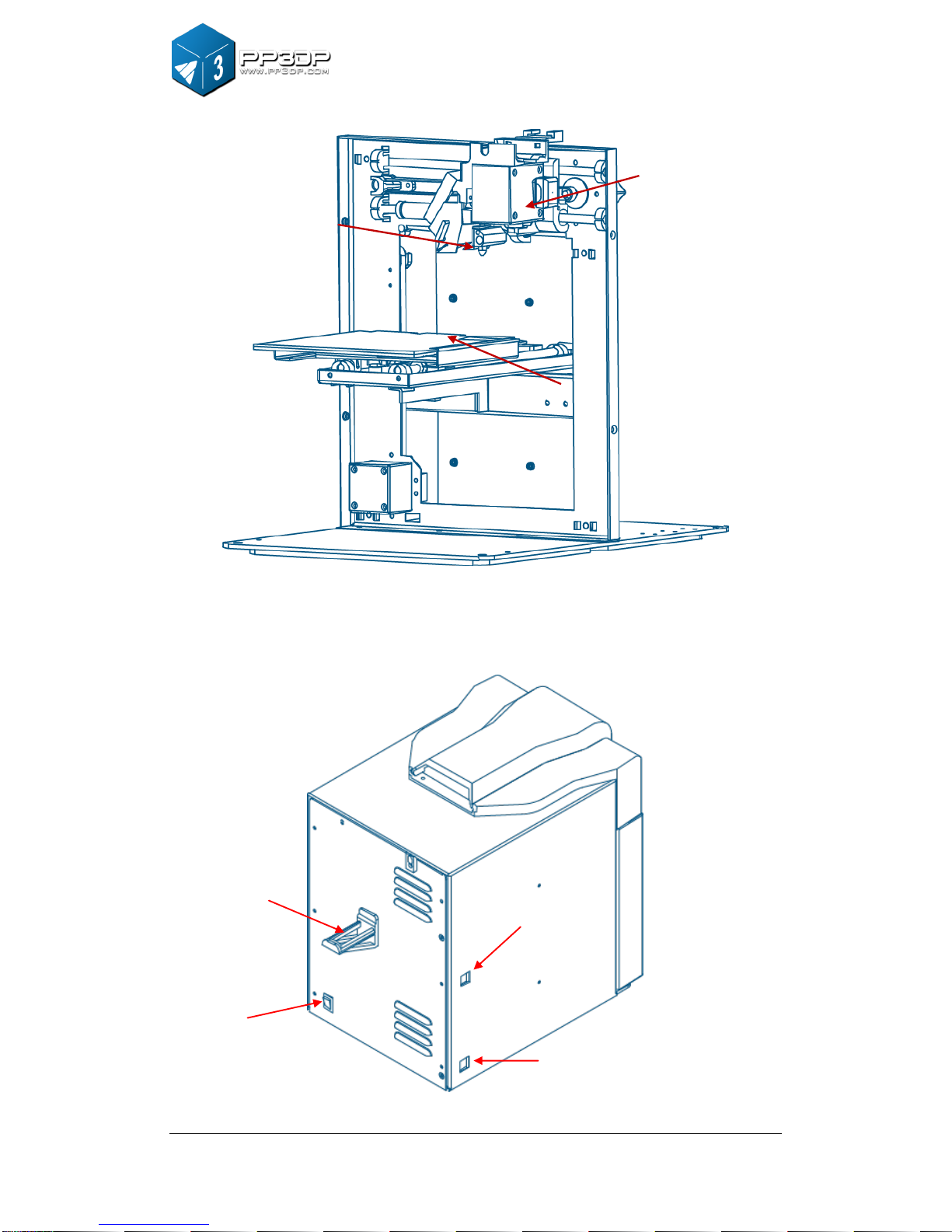
2.1APPEARANCE .............................................................................................................................5
2.2 SPECIFICATIONS.........................................................................................................................8
2.2.1 Printer Physical Characteristics......................................................................................8
2.2.2 Specifications....................................................................................................................9
2.2.3 Environmental specifications...........................................................................................9
3. OPERATION................................................................................................................................10
3.1 PREPARATION...........................................................................................................................10
3.1.1Installation the printer .......................................................................................................10
3.1.2 Installing the software....................................................................................................13
3.1.3 Installing drivers..............................................................................................................14
3.2 USING THE BASIC FUNCTIONS...................................................................................................16
3.2.1 Start the program............................................................................................................16
3.2.2 Loading a 3D model.......................................................................................................16
3.2.3View Options....................................................................................................................19
3.2.4 Model transformations................................................................................................... 20
3.2.5 Placing models onto the build platform........................................................................22
3.3 GETTING READY TO PRINT.......................................................................................................23
3.3.1 Initializing the Printer......................................................................................................23
3.3.2 Calibrating the Nozzle Height .......................................................................................24
3.3.4 Other Maintenance Options..........................................................................................28
3.3.5 Preparing the Platform...................................................................................................30
4. PRINTING ....................................................................................................................................36
5. MODEL REMOVAL.....................................................................................................................39
6. MAINTENANCE ..........................................................................................................................42
6.1 CHANGING THE MATERIAL........................................................................................................42
6.2 VERTICAL CALIBRATION............................................................................................................42
6.3 CLEANING THE NOZZLE ............................................................................................................44
6.4 REMOVING /CHANGING THE NOZZLE ........................................................................................45
6.5 LUBRICATION OF BEARINGS......................................................................................................46
6.6 SPARE PARTS ...........................................................................................................................46
7. TIPS & TRICKS...........................................................................................................................47
8. TROUBLESHOOTING................................................................................................................48
SOLUTION FOR "WINUSB.DLL NOT FOUND"PROBLEM.....................................................................48