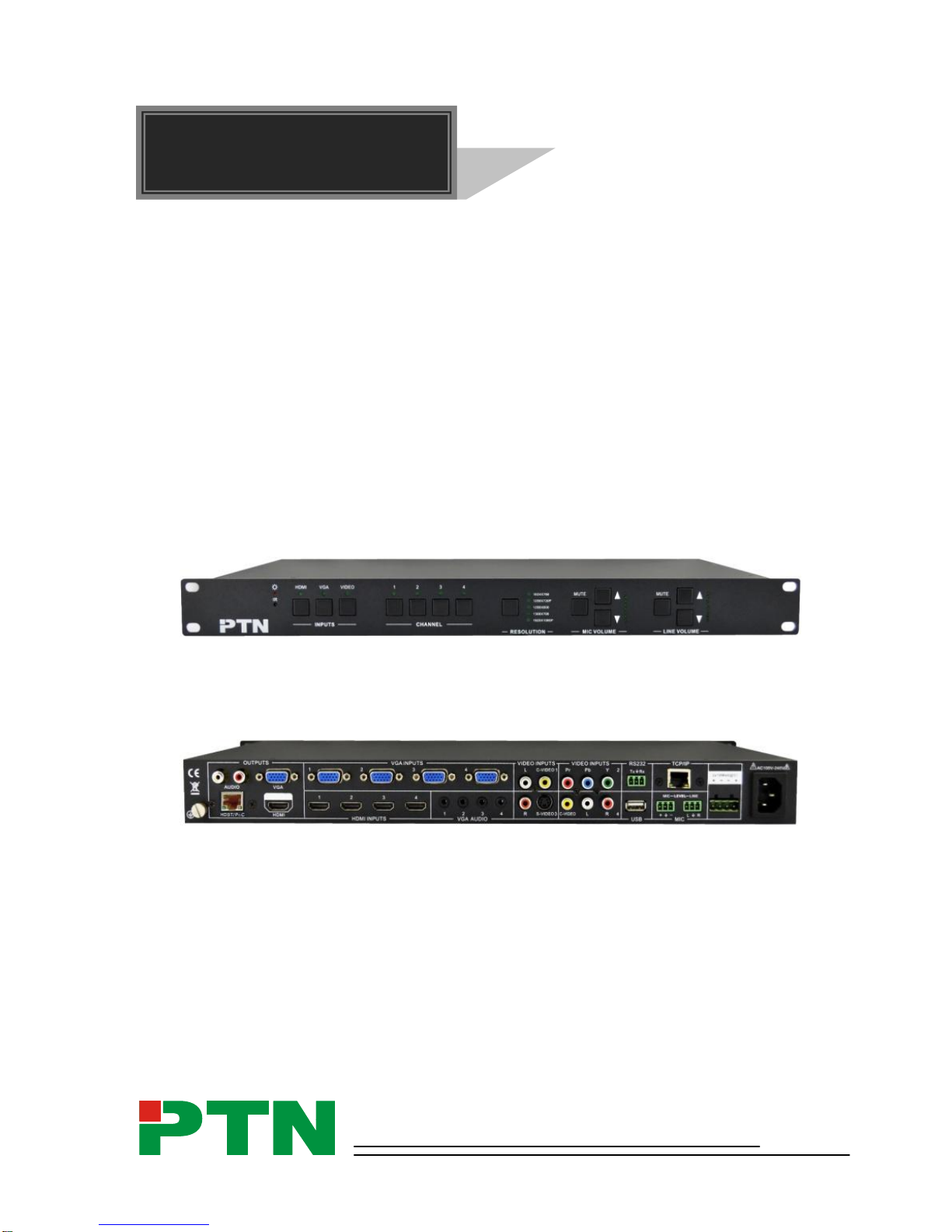
Scaler Switcher with Digital Amplifier
PTN Electronics Limited www.PTN-electronics.com
Contents
1. Introduction.................................................................................................................1
1.1. Introduction to SC121D-TN ..............................................................................1
1.2. Features...........................................................................................................1
1.3. Package List.....................................................................................................1
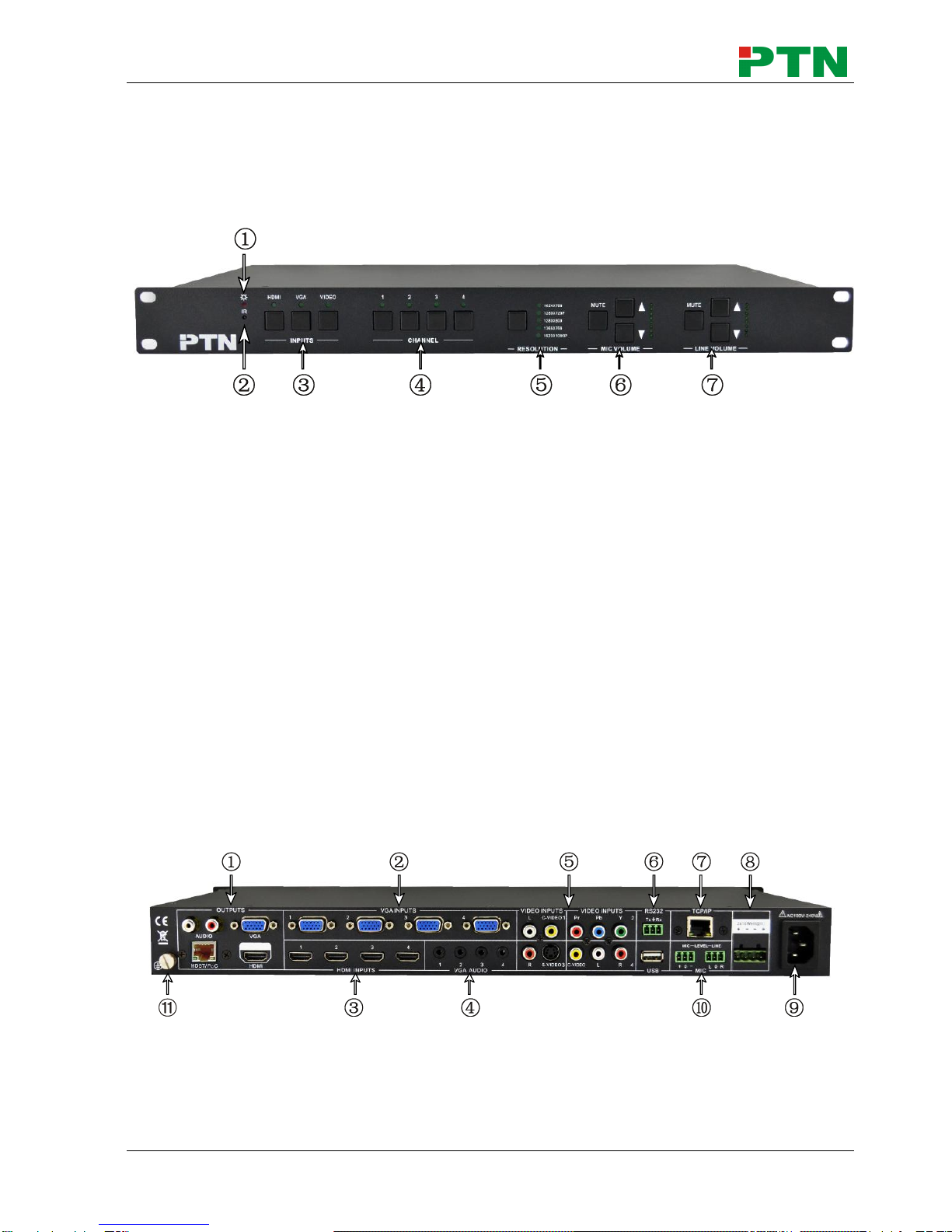
2. Panel Description........................................................................................................2
2.1. Front Panel.......................................................................................................2
2.2. Rear Panel........................................................................................................2
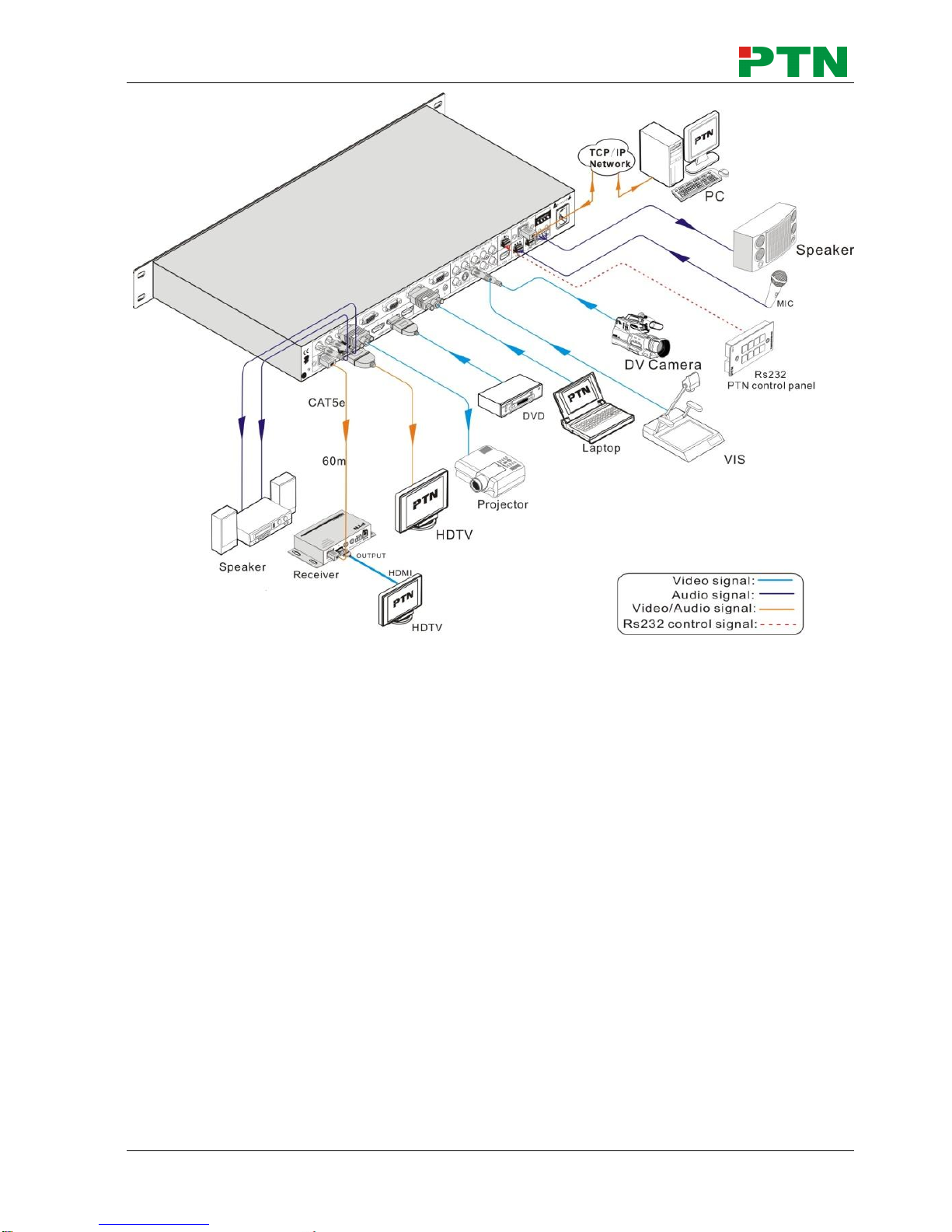
3. System Connection.....................................................................................................3
3.1. Usage Precautions...........................................................................................3
3.2. System Diagram...............................................................................................3
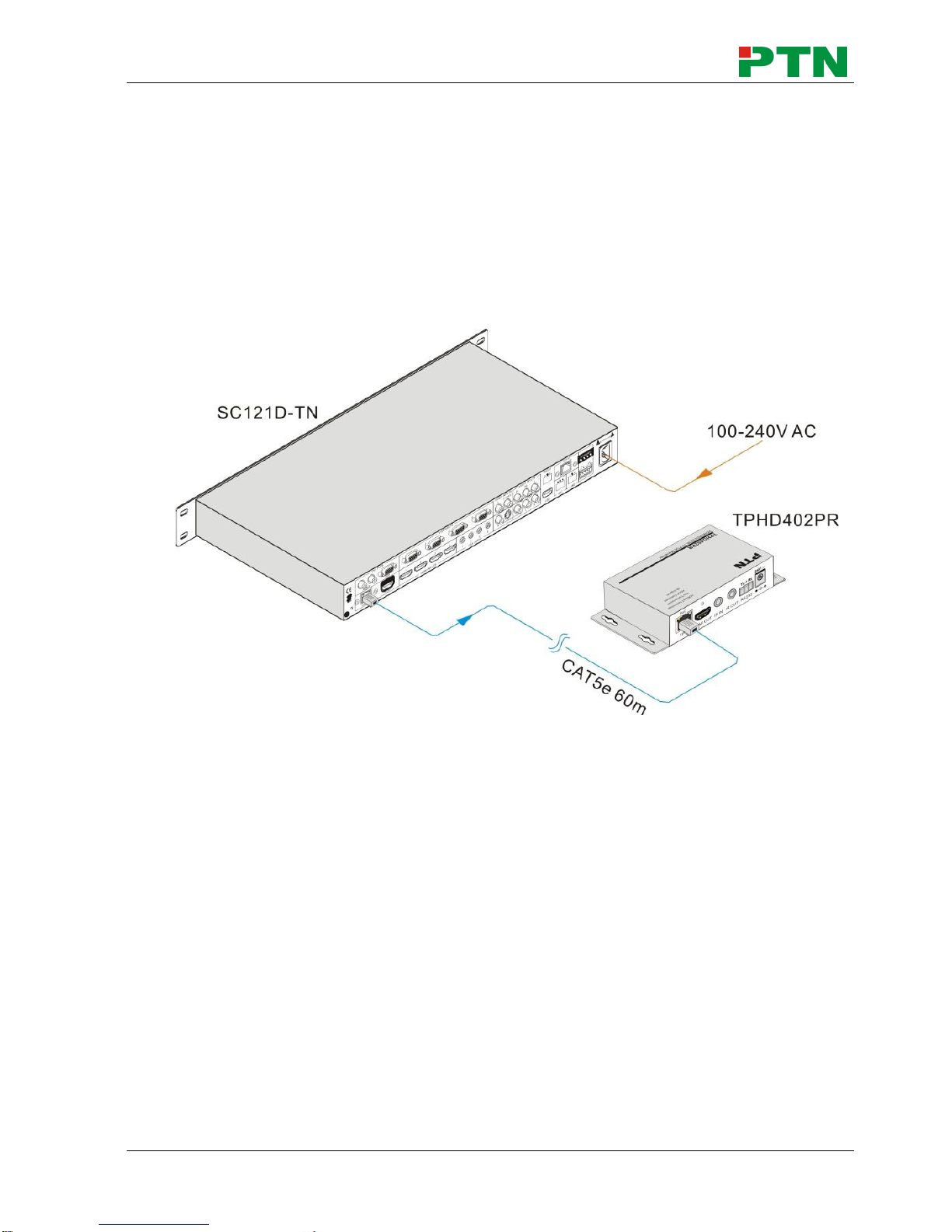
3.3. Connection Procedures....................................................................................4
3.4. PoC Solution.....................................................................................................5
3.5. Applications......................................................................................................6
3.6. Collocation Products.........................................................................................6
4. Operations..................................................................................................................7
4.1. Operations of the IR Remote............................................................................7
4.2. OSD Operations...............................................................................................8
4.2.1. Picture Setting........................................................................................8
4.2.2. Audio Setting..........................................................................................9
4.2.3. System Setting .....................................................................................10
4.3. Firmware Update............................................................................................10
4.4. RS232 Control................................................................................................11
4.4.1. Installation/uninstallation of RS232 Control Software...........................11
4.4.2. Basic Settings.......................................................................................11
4.4.3. RS232 Commands...............................................................................12
4.5. TCP/IP Control ...............................................................................................15
4.5.1. Control Modes......................................................................................15
4.5.2. TCP/IP Settings....................................................................................16
5. Specification .............................................................................................................18
5.1. Specifications of SC121D-TN.........................................................................18
5.2. Specifications of Video/Audio Input/output .....................................................19
5.2.1. C-Video and S-Video input...................................................................19
5.2.2. YPbPr input ..........................................................................................19
5.2.3. VGA input .............................................................................................20
5.2.4. HDMI input ...........................................................................................20
5.3. Audio input/output...........................................................................................20
6. Panel Drawing ..........................................................................................................21
7. Troubleshooting & Maintenance ...............................................................................22
8. After-sales Service....................................................................................................23