1 Description...................................................................................................4
2 Safety conditions........................................................................................5
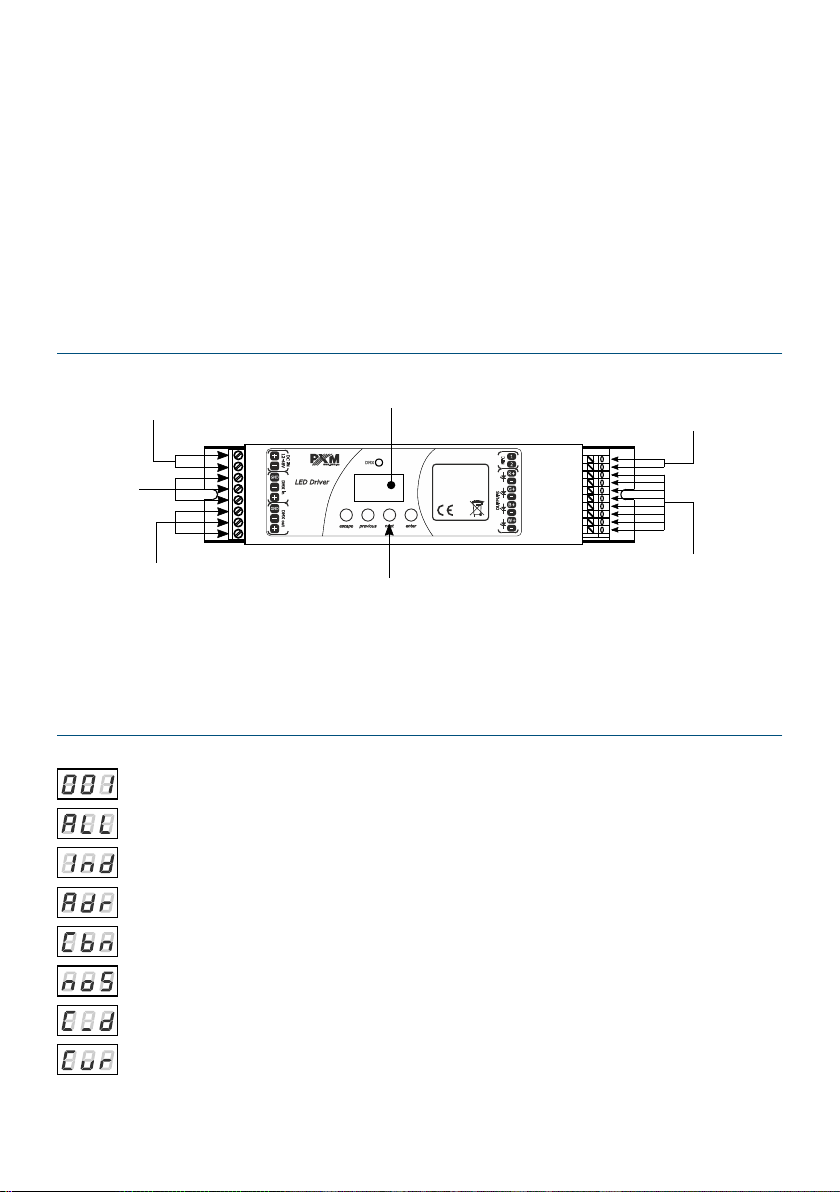
3 Connector and control elements.............................................................6
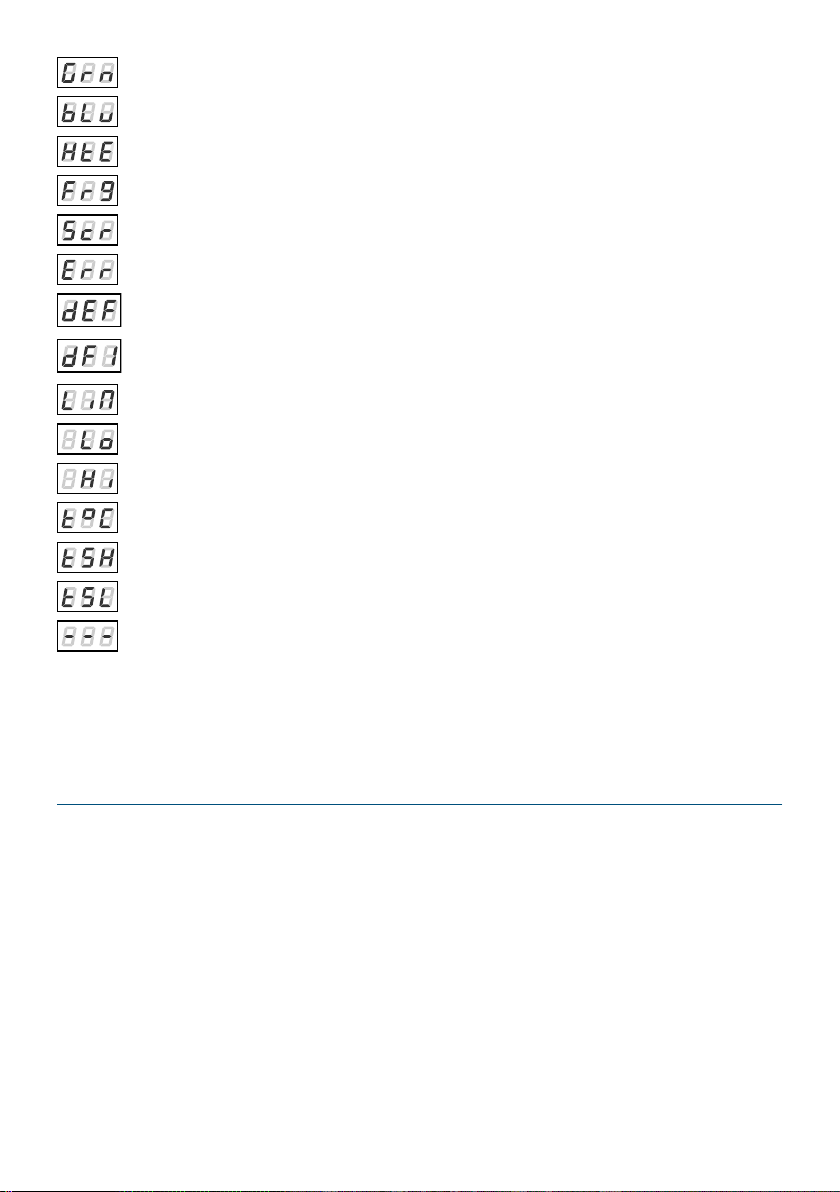
4 Designation of displayed messages.......................................................6
5 Device programming.................................................................................8
5.1 Button features............................................................................................................
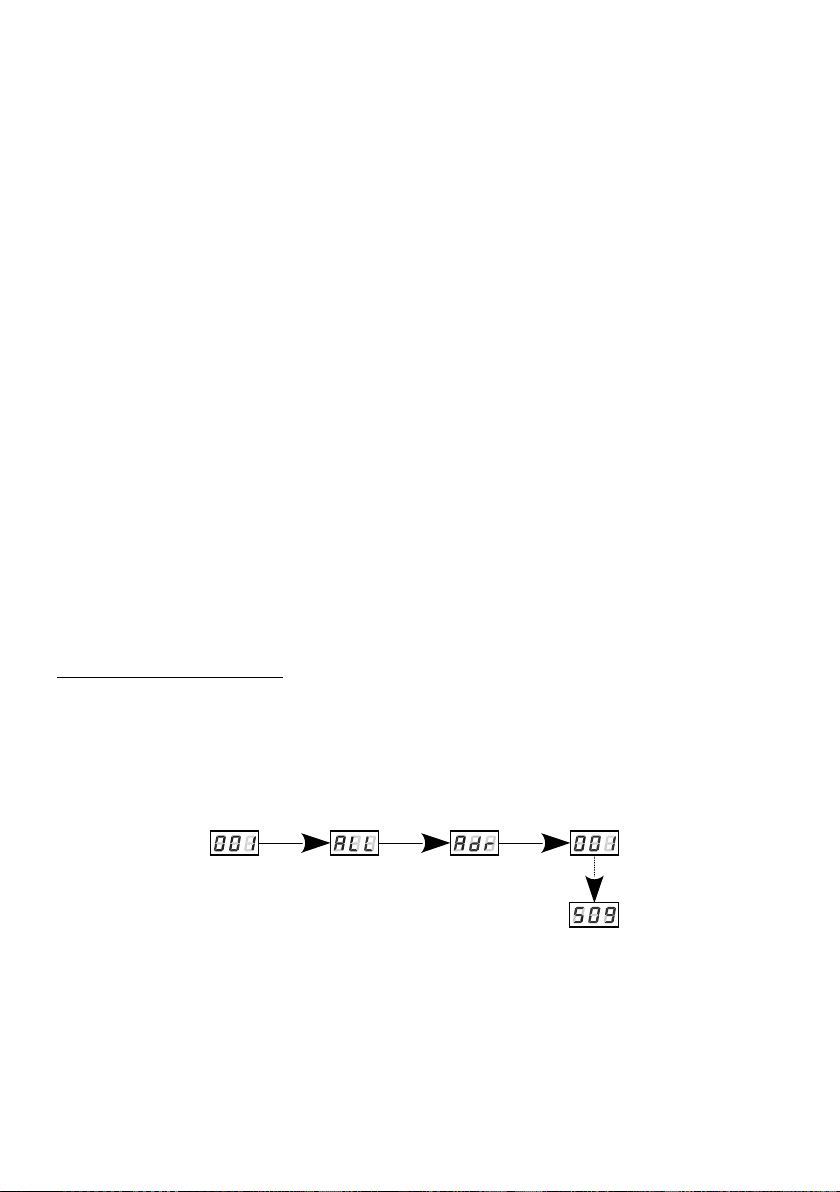
5.2 Group DMX address settings....................................................................................
5.3 Individual DMX address settings...........................................................................10
5.4 Color settings mode.................................................................................................11
5.5 No DMX signal response.........................................................................................14
5.6 Description of programs.........................................................................................15
5.7 Master / Slave function...........................................................................................17
5.8 White balance............................................................................................................18
5. Smooth....................................................................................................................... 1
5.10 Selection of control curve.....................................................................................21
5.11 Light control frequency.........................................................................................22
5.12 Screen saving (screen blanking)..........................................................................23
5.13 Temperatures limits and sensor failure.............................................................23
5.14 Display function......................................................................................................25
5.15 Default settings and device errors......................................................................26
5.15.1 Restore default settings...............................................................................27
5.15.2 Error message................................................................................................28
6 Device update...........................................................................................2
7 DMX signal connecting...........................................................................30
8 RDM – available parameters..................................................................31
Programming............................................................................................35
10 Connection scheme..............................................................................36
11 Dimensions.............................................................................................41
12 Technical data........................................................................................42