
RUPTELA FM-Plug4 Manuale utente

FM-Plug4
User Manual
v2.2
2020-04-06

1
Table of Contents
1 Introduction ....................................................................................................................3
1.1 Purpose of This Document .........................................................................................3
1.2 Legal Information......................................................................................................3
1.3 Contact Information................................................................................................... 3
1.4 Document Changelog................................................................................................. 4
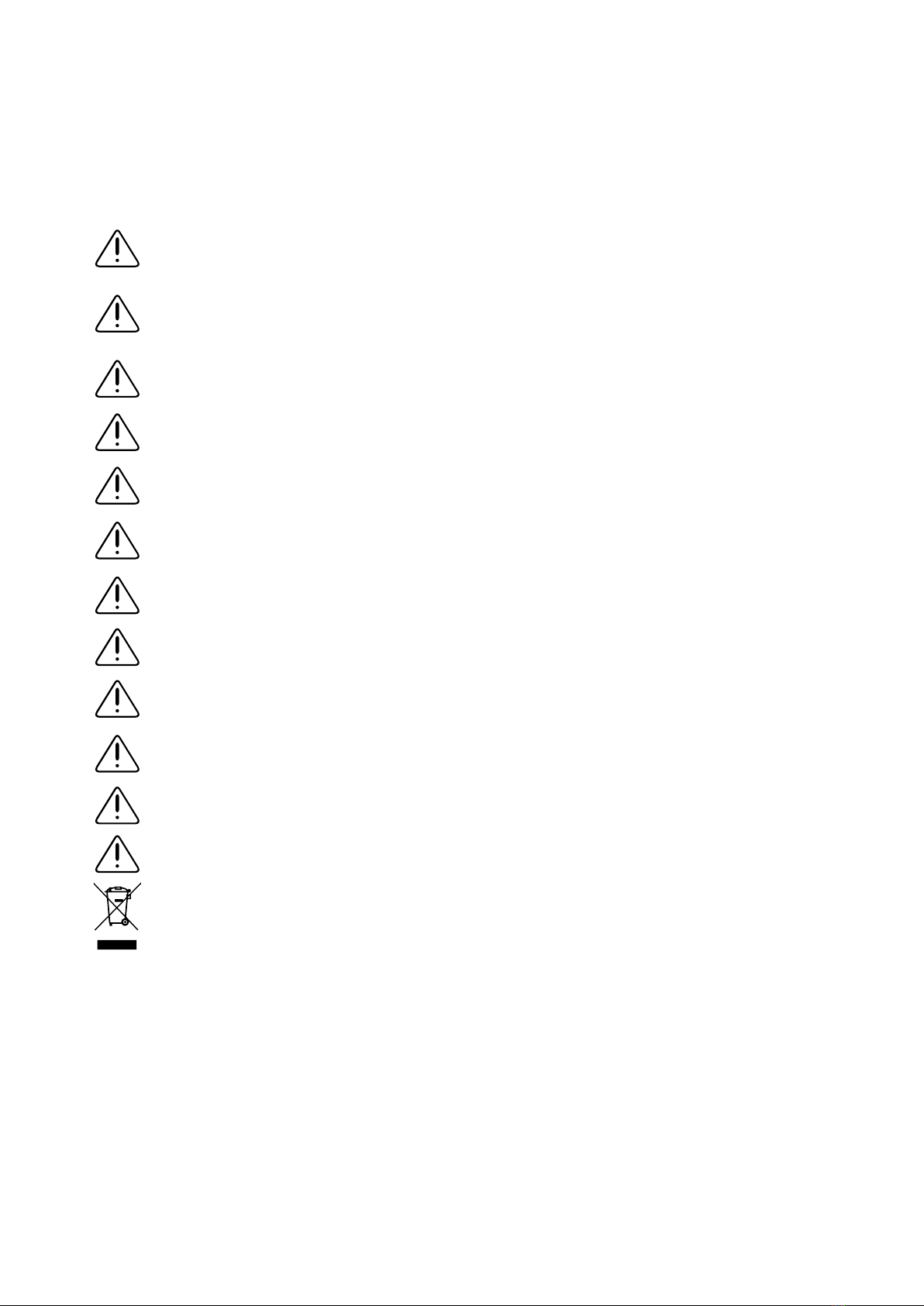
1.5 Safety Information.....................................................................................................5
1.6 Notations..................................................................................................................6
1.7 Acronyms and Abbreviations.......................................................................................7
1.8 References................................................................................................................ 8
2 Product Information .........................................................................................................9
2.1 About .......................................................................................................................9
2.2 Device Overview........................................................................................................9
2.3 Key Features........................................................................................................... 10
2.4 Package Contents.................................................................................................... 11
2.5 Certifications........................................................................................................... 12
3 Technical Information..................................................................................................... 13
3.1 Indication LED Patterns............................................................................................ 13
3.2 Device Pinout.......................................................................................................... 13
3.3 Physical Characteristics ............................................................................................ 14
3.4 Technical Characteristics .......................................................................................... 14
3.4.1 Environmental Specifications.............................................................................. 14
3.4.2 Electrical Specifications...................................................................................... 14
3.4.3 Power Consumption @ 12 V DC ......................................................................... 15
3.4.4 Connectivity ..................................................................................................... 15
3.5 Interfaces ............................................................................................................... 16
3.5.1 Power Supply ................................................................................................... 16
3.5.2 CAN Interface................................................................................................... 16
3.5.3 K-Line/L-Line .................................................................................................... 16
4 Device Preparation ......................................................................................................... 17
4.1 Opening the Device ................................................................................................. 17
4.2 Inserting a SIM Card................................................................................................ 18
4.3 Closing the Device ................................................................................................... 18
4.4 USB Cable Connection.............................................................................................. 19
5 Driver Installation .......................................................................................................... 20
5.1 Driver Installation Procedure .................................................................................... 20

2
6 Device Configuration ...................................................................................................... 21
6.1 Device Center ......................................................................................................... 21
6.2 Starting the Configuration ........................................................................................ 22
6.2.1 Configuration Menu........................................................................................... 24
6.3 Configuration Basics ................................................................................................ 25
6.3.1 File Extension ................................................................................................... 25
6.3.2 Loading a Configuration from a File .................................................................... 25
6.3.3 Saving a Configuration to a File.......................................................................... 25
6.3.4 Loading a Configuration from a Device ............................................................... 26
6.3.5 Saving a Configuration to a Device ..................................................................... 26
6.4 Essential Settings .................................................................................................... 27
6.4.1 Server Settings ................................................................................................. 27
6.4.2 Backup Server .................................................................................................. 28
6.4.3 APN Settings .................................................................................................... 29
6.4.4 Engine Detection and Data Collection Settings..................................................... 30
6.5 Advanced Configuration ........................................................................................... 31
6.6 Configuration via SMS Commands............................................................................. 31
6.7 Updating Firmware .................................................................................................. 32
6.7.1 File Extension ................................................................................................... 32
6.7.2 Updating Firmware Automatically ....................................................................... 32
6.7.3 Updating Firmware Manually.............................................................................. 33
6.7.4 Updating Firmware Over-the-air ......................................................................... 33
7 Installation in Vehicle ..................................................................................................... 34
7.1 Installation Check-up ............................................................................................... 34
7.2 Troubleshooting ...................................................................................................... 35
7.2.1 gsminfo............................................................................................................ 35
7.2.2 getapn ............................................................................................................. 35
7.2.3 coords.............................................................................................................. 36
7.2.4 reset................................................................................................................ 36

3
1Introduction
1.1 Purpose of This Document
The purpose of this user manual is to provide information about the FM-Plug4 devices. This user
manual describes the main features of the device and how to use it. Detailed descriptions of
functionalities and peripheral devices can be found on our documentation website: doc.ruptela.lt.
1.2 Legal Information
Copyright © 2020 Ruptela. All rights reserved. Reproduction, transfer, distribution or storage of
parts or all of the contents in this document in any form without the prior written permission of
Ruptela is prohibited. Other products and company names mentioned in this document are
trademarks or trade names of their respective owners.
1.3 Contact Information
General enquiries
Website: ruptela.com
E-mail: info@ruptela.com
Phone: +370 5 2045188
Technical support
E-mail: support@ruptela.com
Phone: +370 5 2045030

4
1.4 Document Changelog
Version
Date
Modification
2.0
2019-11-18
Updated: User manual structure and design.
2.1
2019-12-17
Updated: Configuration example images.
2.2
2020-04-06
Added: Backup Server.
5
1.5 Safety Information
The following information is provided to ensure safe operation of the device. Please read it carefully
before you start using the device!
All the associated (additional) equipment such as computers, batteries, sensors, etc.
shall meet the requirements of standard EN60950-1.
Do not disassemble the device. If the enclosure of the device is damaged, or the
insulation of the wires is damaged, disconnect the power supply cables from the power
supply source first.
All wireless data transferring equipment produces interference that may affect other
devices placed nearby.
The device can be installed or dismounted only by qualified personnel!
The device must be firmly fastened in a predefined location. The predefined location is
described in the installation instructions.
The configuration must be performed using a 2nd safety class computer (with an
autonomic power supply).
Make sure that the device is installed in a location where it will not be subjected to harsh
environmental conditions for extended time periods.
Any installation and/or handling during a lightning storm is prohibited.
Caution! If an incorrect type of battery is used for replacement, there is a high explosion
risk. Dispose of used batteries according to the environmental requirements.
For configuration use cables that were purchased from Ruptela. Ruptela is not
responsible for any harm or damage caused while using the wrong cables.
Switch off the vehicle ignition before disconnecting the device.
Install the device in a restricted access location, not accessible or visible to the driver.
This crossed-out wheelie bin symbol means that waste equipment should not be
disposed of with your other household waste. The product must be taken to separate
collection points at the product’s end-of-life.

6
1.6 Notations
The following notations are used in this document to highlight important information:
Bold text
Used to indicate user interface elements or for emphasis.
Italic text
Used to indicate items that belong to a list and can be selected.
Note
Used to highlight important information or special conditions.
Caution
Used to mark actions that require caution when handling the product.
Warning
Used to mark actions that may cause irreversible damage if performed incorrectly.
Tip
Suggestions on how to proceed.

7
1.7 Acronyms and Abbreviations
AC/DC –Alternating Current/Direct Current
APN –Access Point Name
CAN –Controller Area Network
HDOP –Horizontal Dilution of Precision
GLONASS –Global Navigation Satellite System
GMT –Greenwich Mean Time
GNSS –Global Navigation Satellite System
GPRS –General Packet Radio Service
GPS –Global Positioning System
GSM –Global System for Mobile Communications
OBD –On-board Diagnostics
LED –Light Emitting Diode
PCB –Printed Circuit Board
SMS –Short Message Service
TCP –Transmission Control Protocol
UDP –User Datagram Protocol
USB –Universal Serial Bus
VCOM –Virtual Communication Port

8
1.8 References
Datasheets: https://doc.ruptela.lt/display/AB/FM-Plug4+datasheet%2C+manuals+and+peripherals
Quick Start Guides:
https://doc.ruptela.lt/display/AB/FM-Plug4+datasheet%2C+manuals+and+peripherals
Device Center: https://doc.ruptela.lt/display/AB/Device+Center
Advanced configuration manual:
https://doc.ruptela.lt/display/AB/FM-Plug4+datasheet%2C+manuals+and+peripherals
Firmware and configurator files: https://doc.ruptela.lt/pages/viewpage.action?pageId=884795
Microsoft Framework: https://www.microsoft.com/en-us/download/details.aspx?id=17851
VCOM drivers: https://doc.ruptela.lt/display/AB/Drivers+and+utilities

9
2Product Information
2.1 About
FM-Plug4 is a compact, low cost and low power consumption tracking device that is plugged into
the vehicle using the OBD2 diagnostic port. It acquires its position with a GNSS signal and transfers
data to a server via cellular GSM and GPRS networks. FM-Plug4 comes in the following variations:
•FM-Plug4 (the basic version)
•FM-Plug4+ (has an internal battery)
FM-Plug4
FM-Plug4+
2.2 Device Overview
OBD2 connector
Microphone
Micro USB interface
Indication LED
Altri manuali per FM-Plug4
1
Indice


