
Samwontech TEMI 300 Manuale utente

TEMI 300
INSTRUCTION MANUAL
TEMPERATUREㆍHUMIDITY
PROGRAMMABLE CONTROLLER

Contents (Ⅰ : User’s Guide)
1. Safety Guide 4
2. Control Keys and Display 6
7
4.1 FIX Mode 9
4.2 PROG Run Screen 10
4.3 MAIN Screen Operation & Setting 12
4.3.1 Function 12
4.3.2 PROGRAM 15
3. Basic Flow Map
4. Setting Up Parameter in Each Group 9
4.3.3 RESERVE 18
4.3.4 GRAPH 19
4.4 SETUP Screen 20
4.4.1 INPUT 20
4.4.2 OUTPUT 22
4.4.3 ON/OFF 24
4.4.4 Inner Signal(IS) 26
4.4.5 ALARM 27
4.4.6 DO CONFIG 29
4.4.7 BIAS 32
4.4.8 DI NAME 34
4.4.9 PASSWORD 35
4.4.10 PID SET 36
4.5 TROUBLE SHOOTING 38

5.7 Analog Input Connection
5.8 Analog Output Connection 44
5.11 External Contact Input Connection(DI) 45
5.12 Use an Auxiliary Relay 46
43
5.6 Grounding and Power Cable Connection 43
Table 1 : Alarm Type 28
12
Figure 3 : WAIT - Ex. Wait Function Release Within WTM 17
Figure 4 : WAIT - Ex. PV can’t enter the wait zone within WTM 17
Figure 8 : Alarm Operation 28
Figure 1 : Overshoot Suppressing by Fuzzy Function 12
Figure 5 : AT GAIN 22
Figure 6 : Ex. ON/OFF MODE 25
5. Installation
39
5.1 Dimension & Panel Cutting Size
5.2 How to Install Mount
41
5.3 Power Cable Specification
41
5.4 Terminal Specification
42
40
39
5.5 Terminal Arrangement and External Wiring
5.9 External Contact Output Connection(RELAY) 45
Figure 9 : Ex. UP, SOAK, DOWN 29
Figure 11 : PID Group 36
Figure 7 : Ex. Inner Signal Zone 26
Figure 10 : Ex. Piece Bias Formula 32
Figure 2 : Ex. SLOPE Setting
5.10 External Contact Output Connection(DO) 45

Contents (Ⅱ : Communication User’s Guide)
1. Communication Overview 47
2. Wiring for Communication 48
3. Configuration of Command 49
3.1 Consist of Command 49
3.2 Type of Command 50
3.3 Error Response 50
3.4 RSD Command 51
2.1 RS485 Interface Connection with TEMI 300 48
3.5 RRD Command 52
3.6 WSD Command 53
3.7 WRD Command 54
3.8 STD Command 55
3.9 CLD Command 56
4. D-REGISTER 57
4.1 PROCESS 58
4.2 FUNCTION 60
4.3 RESERVATION 62
4.4 IS/ALARM 63
4.5 PID 64
4.6 OUTPUT 65
4.7 INPUT 67
4.8 PROGRAM 68
4.9 ON/OFF 69
Enclosure D-Register 70

1. Safety Guide
!
CAUTION
!
CAUTION
!
CAUTION
The following safety symbols are used in this manual
(A) If this symbol is marked on the product, the operator must investigate the explanation given in this
manual to protect injury or death to personnel or damage to instrument.
(1) For Production : it should be marked when operator must refer the explanation in the
manual to avoid loss of life or damage to instrument.
(2) For Instruction Manual : it marks to avoid operator’s loss of life and injury that may result
comes from Electric Shock.
(B) Protective Ground Terminal
It marks the terminal must be connected to Ground prior to operating the equipment.
(C) It marks additional Information on the operation and features of the product.
(D) It marks for further information on the current topic and pages
☞
!
CAUTION
?
NOTE
Precautions on this instruction Manual
(1) This Manual should be passed on the end User and keep a suitable place for operator to
study and check the function of the product.
(2) Operator should carefully study, understand how to operate this product before
(3) This manual is describing the functions of the product. We, Samwontech, does not warrant
that the functions will suit a particular purpose.
(4) Under absolutely no circumstance may the contents of this manual in part or in whole be
transcribed or copied without permission.
(5) All contents of this manual has been made to ensure accuracy in the preparation, However,
should any errors or omissions come to the attention of the user, feel free to contact our
sales representatives or our sales office
Regarding Safety and Unauthorized Modification
(1) In order to protect this product and the system controlled by it against damage and ensure
its safe use, make certain that all of the safety instructions and precautions in this manual
are strictly adhered to.
(2) We, Samwontech, are not guarantee safety if the products are not handled according to
this instruction manuals
(3) If separate protection or safety circuits are to be installed for this product or the system
which is controlled by this product, ensure that such circuits are installed external to the
product.
(4) Don’t try to make modifications or additions internal to the product. It may becomes
electric shock, burn or out of order.
(5) In case of replacement parts or consumables of the product, must call to our sales office.
(6) Protect this product from moisture. It may becomes out of order.
(7) Protect any kind of shock and vibration to the product. It may becomes product defects
and out of order
Regarding an exemption from responsibility
(1) Samwontech co. Ltd does not make any warranties regarding the product except Warranty
conditions those mentioned in this manual.
(2) We assumes no liability to any party for any loss or damage, direct or indirect, caused by
the use or any unpredictable defect of the product.

!
CAUTION
!
CAUTION
!
CAUTION
Environmental precautions for installation.
(1) Be sure to operate the controller installed on a panel to prevent electric shock.
(2) To install the controller, do select a location where;
■ No one may accidentally touch terminal.
■ Mechanical vibrations are minimal.
■ No corrosive gas is prevent.
■ Temperature fluctuation is minimal.
■ Temperature can be maintained. (50 ℃ below / 10 ℃ over)
■ No direct heat radiation is present.
■ No magnetic disturbances are caused
■ No water is splashed.
■ No flammable materials are around.
■ No wind blows. (prevent Dust with salt)
■ No ultraviolet rays are present.
■ Pollution Degree 2
■ Installation Category II
■ Do not block openings
■ If the equipment is used in a manner not specified by the manufacturer,
the protection provided by the equipment may be impaired.
■ A switch or circuit-breaker acting as the disconnect device shall be included in the
application or the building installation
Precautions of Controller Mounting.
■ Keep the input circuit wiring as far as possible away from power and ground circuit.
■ Keep the controllers in 10℃ ~ 50℃/ 20 % ~ 90 % RH,
Warming up needed to use controller when temperature is below 10℃ in advance.
■ Do not mount front panel facing downward.
■ To prevent electric shock, be sure to turn off and the source circuit breaker before wiring.
■ The power consumptions are 100-240VAC, 50/60Hz, 15VAmax and operate without power
switching in advance.
■ No work in wet hands ( it caused electric shock)
■ Follow operation by precaution in the manual to avoid fire, electric shock, loss of life etc.
■ Requested to follow mounting and operation methods just indicated in this manual.
■ Refer the way of grounding connection, however, keep away for grounding to Gas pipe,
water pipe, lightening rod etc.
■ Be sure not to power connection before finishing of wiring between each contact point.
■ Not close and wrapping the heat hole in back case of controller.
Regarding the production Quality Assurance.
(1) The guaranteed period of the production quality assurance is (1) one year after end user
buy it and it will be free to fix defected product under regular usage described
by this manual.
(2) It will be charged to fix defected product after warranty period. This charge will announced
by our actual cost to be calculated during the fixing time.
(3) It will be charging even if within warranty period as following events.
(3.1) Defect by operator and user’s default.(forget password, production initialize)
(3.2) Natural disaster.(fire, water flow etc)
(3.3) Additional shift after 1st installed.
(3.4) Improperly repaired, or altered, modified in anyway.
(3.5) Power failure in unstable power condition.
(4) Feel free to contact our sales office whenever it need to make A/S.

2. Control Keys and Display
⊙
Control Keys
Key Contents
Run / Stop controller (Pressing the key at least 3 sec.)
Switching between running and main menu page
Change the up level page on the parameter setting page
Switches to next page on the same level
Switches to previous page on the same level
Change to page on the menu
Switching between parameters or registering parameter settings
Move left / right on the parameter setting page
Shifting position to modify value
Decrease the value of parameters
Change to other available items
Move between GROUP
Increase the value of parameters
Change to other available items
Move between GROUP

3. Basic Flow Map
FIX MODE
TEMP & HUMI TEMP Only
MAIN MENU
PROG MODE
TEMP & HUMI TEMP Only
POWER ON

SETUP MENU

4. Setting Up Parameter in Each Group
4.1 FIX Mode
FIX Mode is controlling Temperature & Humidity with fixed SP
FIX STOP : Stop state
SP : Set point (Setting by “SET” key)
READY : Ready to running
Start running by “RUN/STOP” key
FIX running 1st screen
FIX RUNNING : Fix running state
PROCESS TIME : Running time
T : State of ON/OFF
IS : State of Inner Signal
FIX running 2nd screen
PV : Process value of temperature & humidity
MV : Manipulate value
RUN PID NUMBER : Running PID Number
(Display “TEMP, HUMI AUTO TUNING” when the auto tuning)
Symbol Parameter Range Display Unit Default Edit
T.SP
H.SP
P.TM
T.MV
H.MV
R.PID
TEMP SP
HUMI SP
PROCESS TIME
TEMP MV
HUMI MV
RUN PID NUMBER
T.EU(0.0 ∼ 100.0%) T.EU T.EU
(0.0%) OAlways
H.EU(0.0 ∼ 100.0%) H.EU H.EU
(0.0%) O
When HUMI
OPER=ON
00H00M ∼ 99H59M TIME 00H00M XAlways
0.0 ∼ 100.0 %0.0% XAlways
0.0 ∼ 100.0 %0.0% X
When HUMI
OPER=ON
1 ∼ 6 ABS ×XAlways
Altri manuali per TEMI 300
1
Indice
Altri manuali Samwontech Controllori

Samwontech
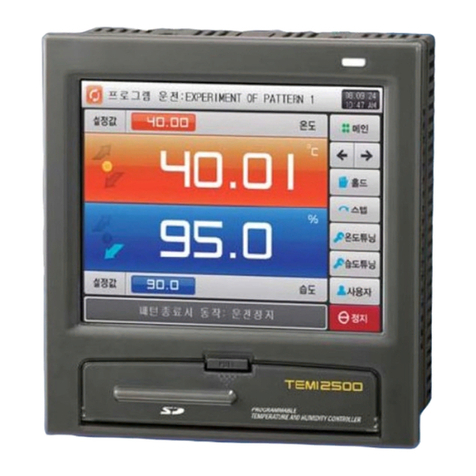
Samwontech TEMI1000 Series Manuale utente
Samwontech
Samwontech TEMI2000 Series Manuale utente

Samwontech
Samwontech TEMP2020M Series Guida rapida
Samwontech
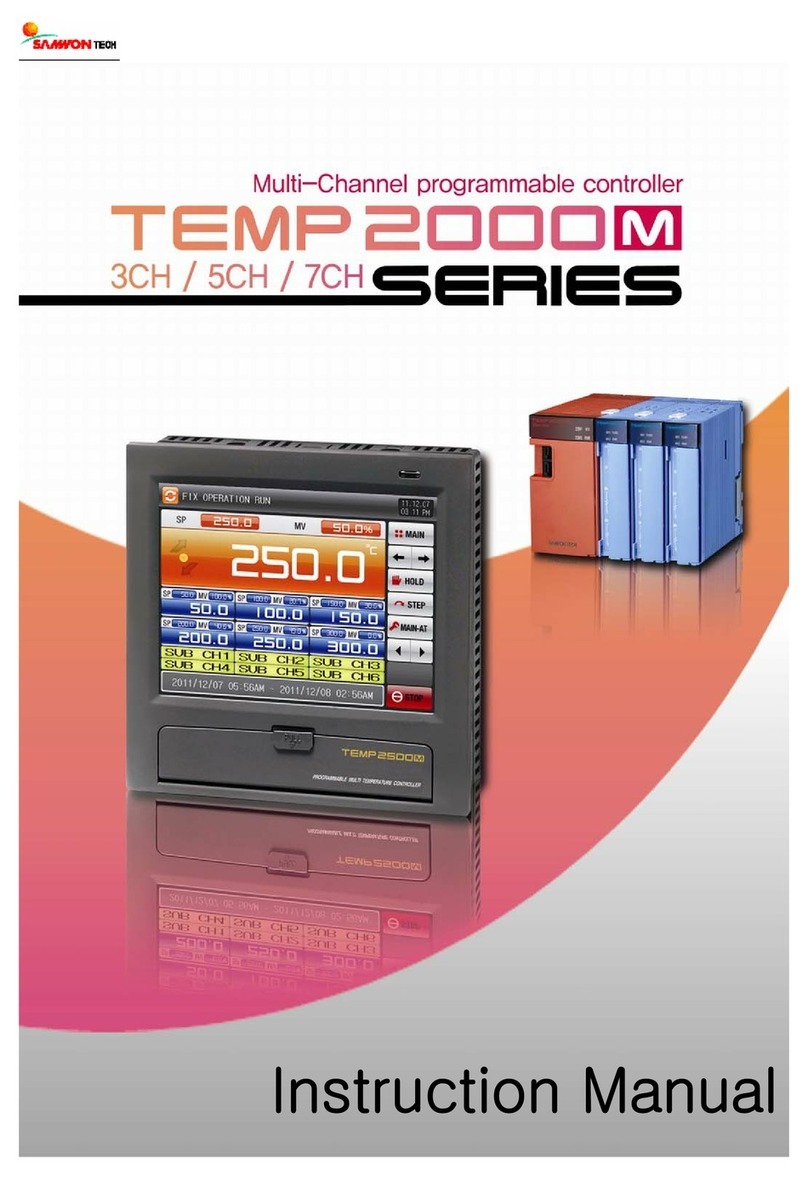
Samwontech Temp 2000 M Manuale utente

Samwontech
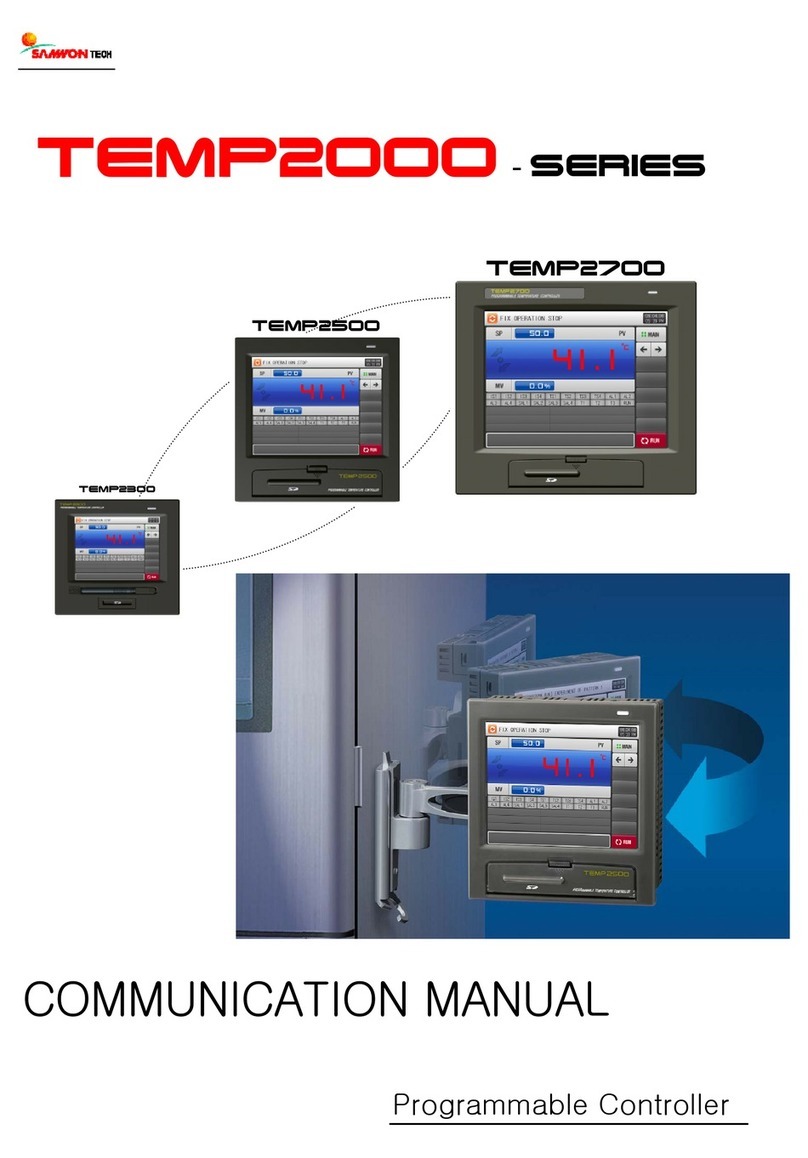
Samwontech TEMP2000 Series Manuale utente

Samwontech
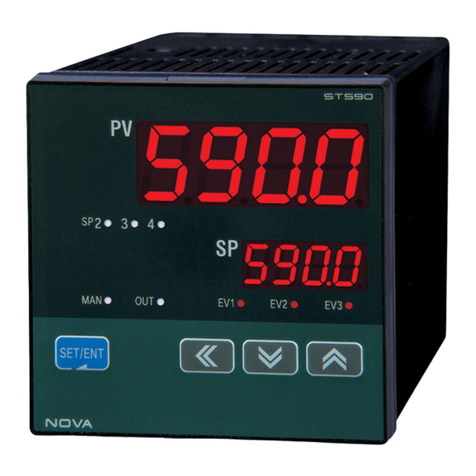
Samwontech NOVA541 Manuale utente
Samwontech
Samwontech Nova Series Manuale utente
Samwontech
Samwontech TEMP2000 Series Manuale per l'uso e la cura

Samwontech
Samwontech TEMI770 Manuale utente

Samwontech
Samwontech TEMI 300 Manuale utente


