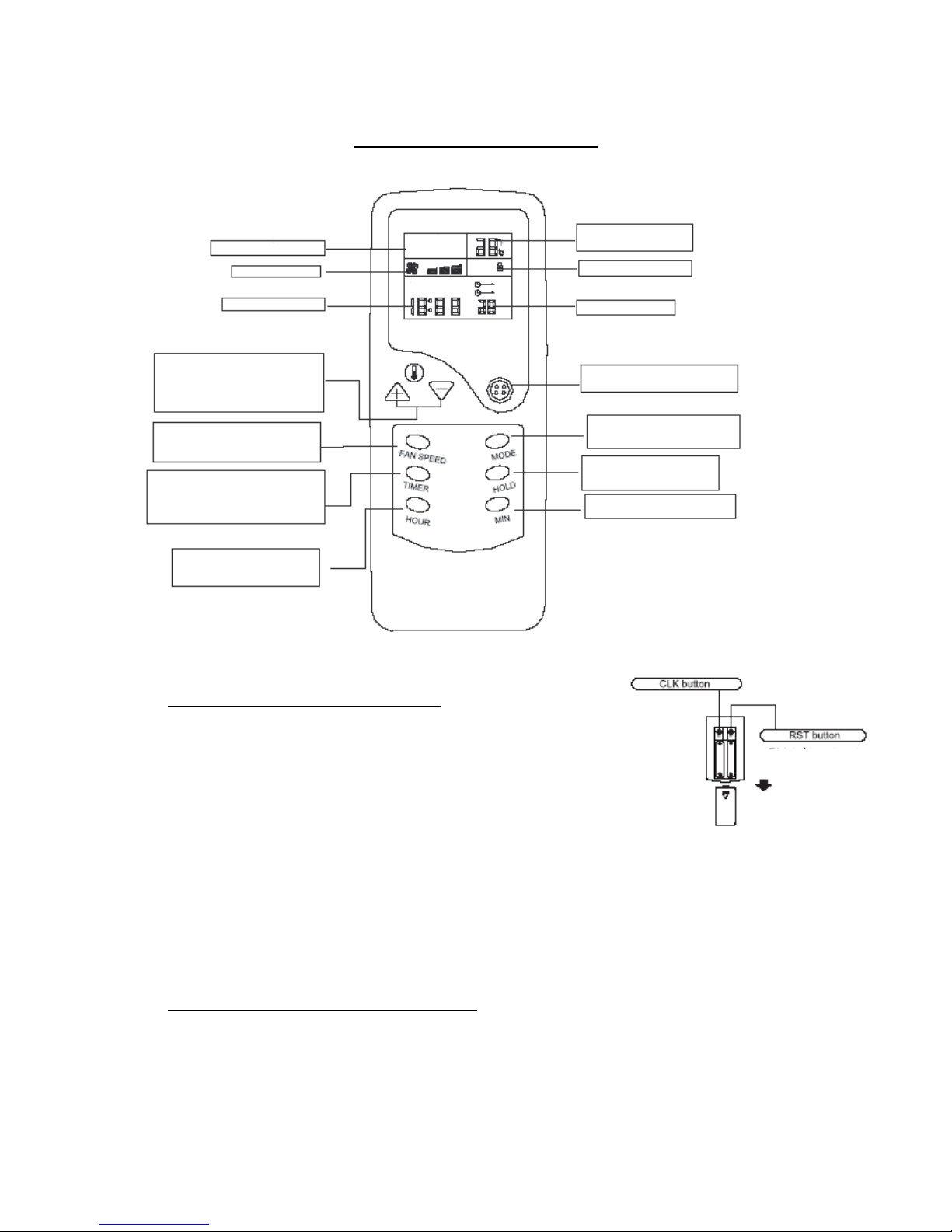
HAND HELD REMOTE CONTROL
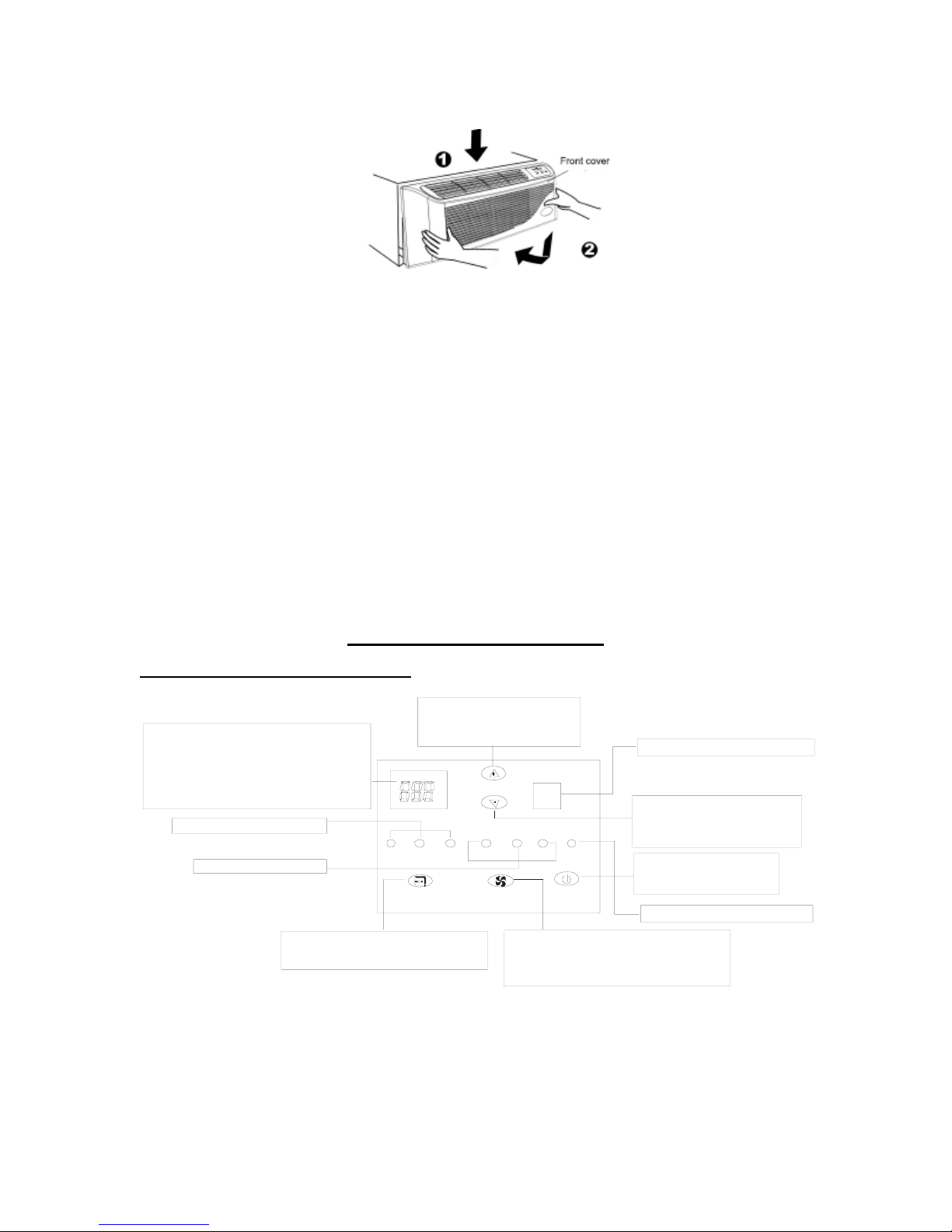
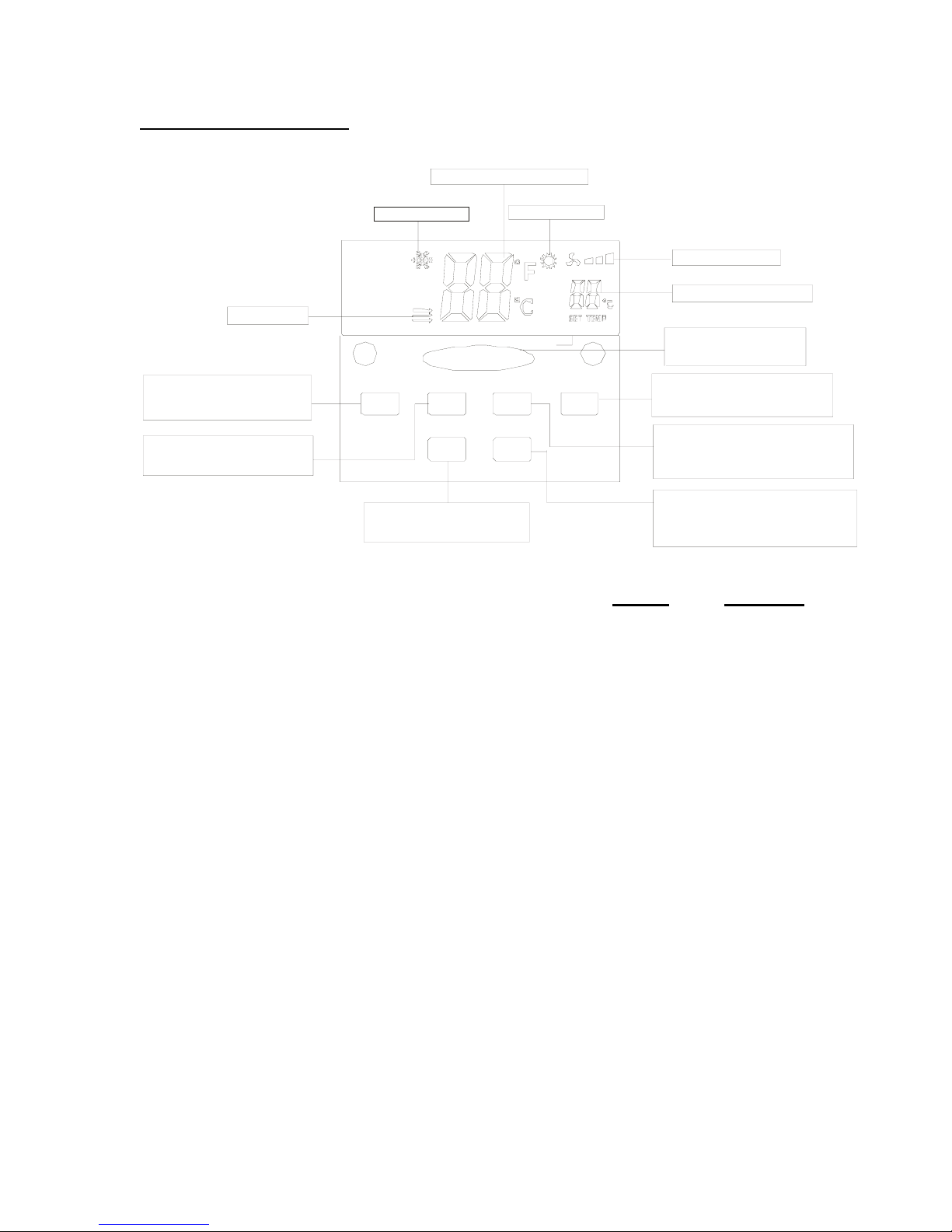
Operation Mode Indicator HEAT
COOL FAN
TEMPindicator
Indicates set temperature
KeyboardLockedindicator
HTIMER time indicator
ON/OFFButton
Press this button to turnthe unit
on or off
MODE Button
Press this buttontoselect the
cooling, fan, or heating mode
HOLD Button
Press this button to lock or unlock
the remote control keyboard
MIN Button
This button is only used to set the
time of day clock
AM PM ON
OFF
ON/OFF
F
Fan Speed Indicator
Time of day indicator
Temp Set Buttons
These buttons are usedtoset the
room temperature. Eachpress of the “+”
or“-”buttonincreases or decreases the
room temperature setting by 1° F.
FANSPEEDButton
Use this buttontoselect between
HIGH, MED(ium), or LOW
fanspeeds
TIMER Button
This button is used to select the Automatic
TURN ON or Automatic TURN OFF mode.
Used together with the “HOUR” button, the
time setting can be made within the range of
1 to 12 hours in 1 hour increments
HOUR Button
This button is used to set the time of day
clock, or the time interval for the
automatic turn on or automatic
turn off mode.
Battery installation and replacement: Press this button to set clock
Remove the rear cover and install two “AAA” alkaline cells
into the remote control observing correct battery polarity. Press this button to reset to factory
settings or clear settings.
Set the time of day clock by depressing the “CLK” button with Slide to remove.
the tip of a pencil or pen, then pressing the “HOUR” button until
the correct hours and “AM” or “PM” are indicated on the display.
Press the “MIN” button until the correct minutes are indicated on the display.
Depress the “CLK” button again to lock the time setting into the remote control.
Reinstall the rear cover of the remote control.
Note: the TIMER function will not operate correctly unless the correct time of day is set
on the remote control.
COOLING/FAN/HEATING mode operation:
•Press the ON/OFF button with the remote control pointing toward the front
panel of the packaged terminal air conditioner.
•Press the MODE button to select the desired mode of operation
(COOL/FAN/HEAT).
950-0094revF - 10 - November 26, 2008