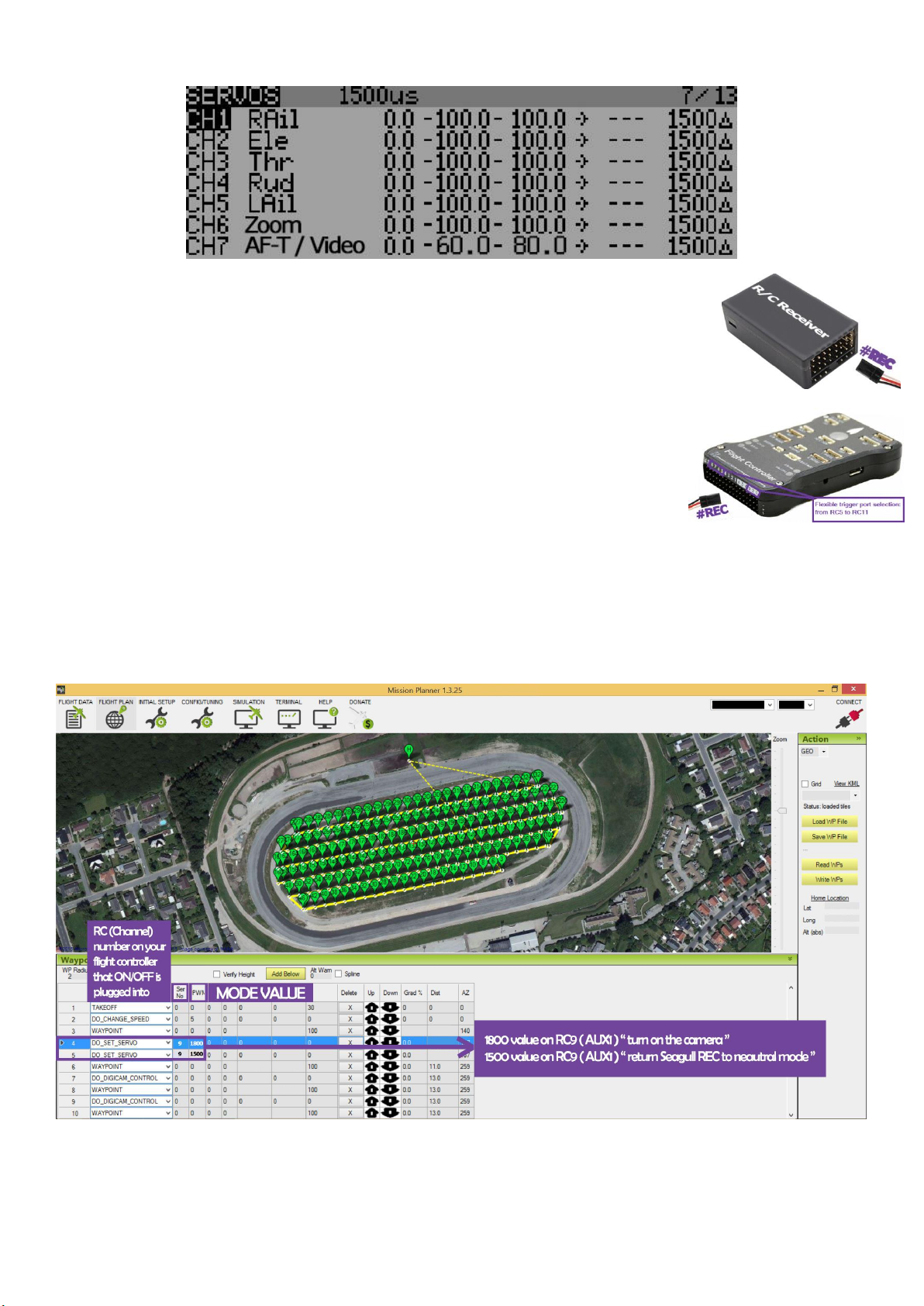
Example with Seagull #REC using Zoom and AF-T / Video record on channel 6 and 7 on a transmitter:
Connecting to your Receiver / Flight Controller
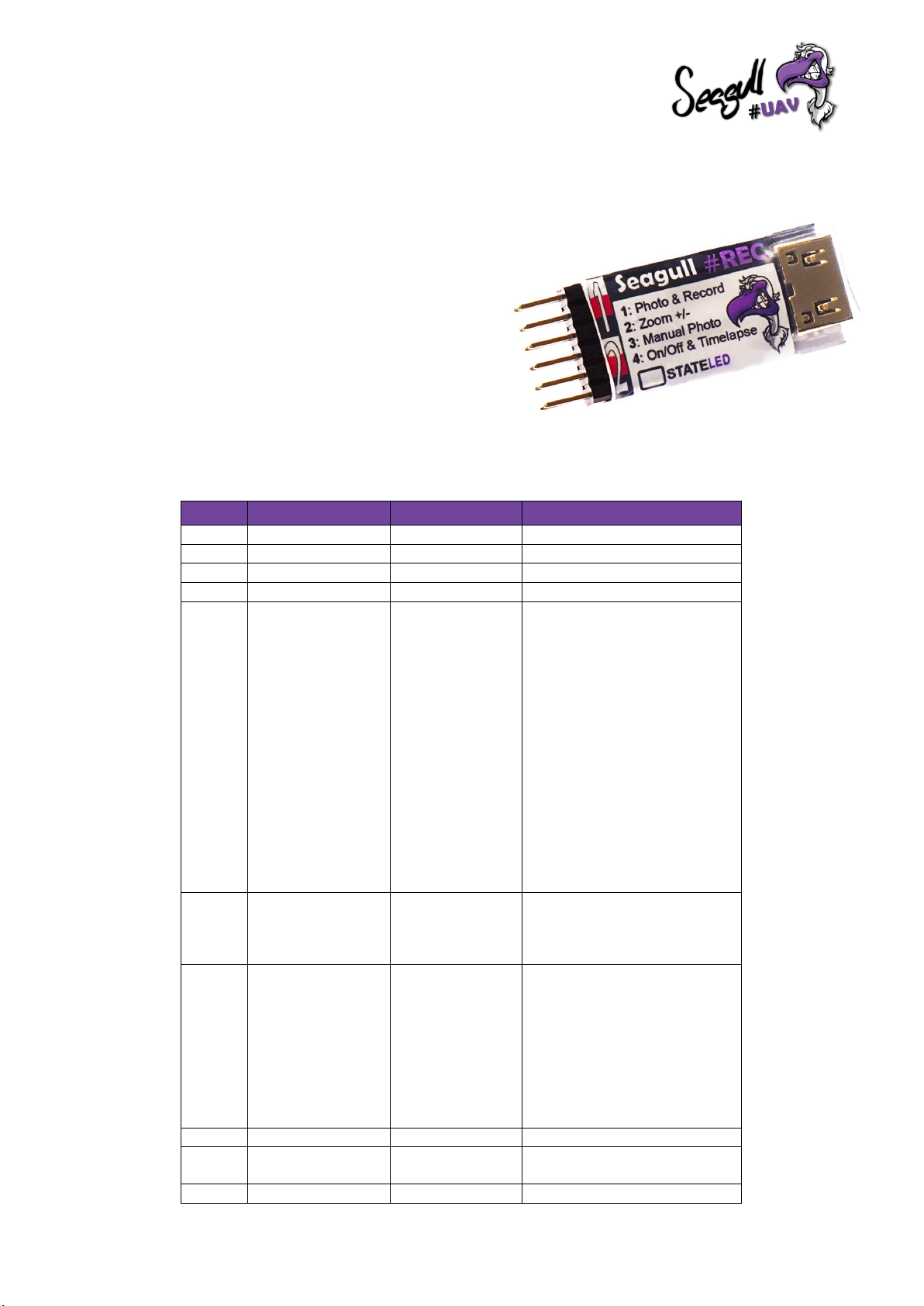
Connect the servo cable by following the colored polarity markings on Seagull #REC and connect the
other end of the servo cable to your Receiver / Flight Controller, with the correct polarity.
Please refer to the manual of your specific R/C radio system or Flight Controller to find out more
about how to connect accessories and which ports to utilize.
NOTE:To be able to wake the camera from a "Powered Off" state, Seagull #REC needs to be powered
also by the input pins.
Pixhawk users –ensure that the input rail is powered by BEC or other power source ranging
between min. 3.8 - 16 volts max in order for #REC to function properly.
Camera On/Off
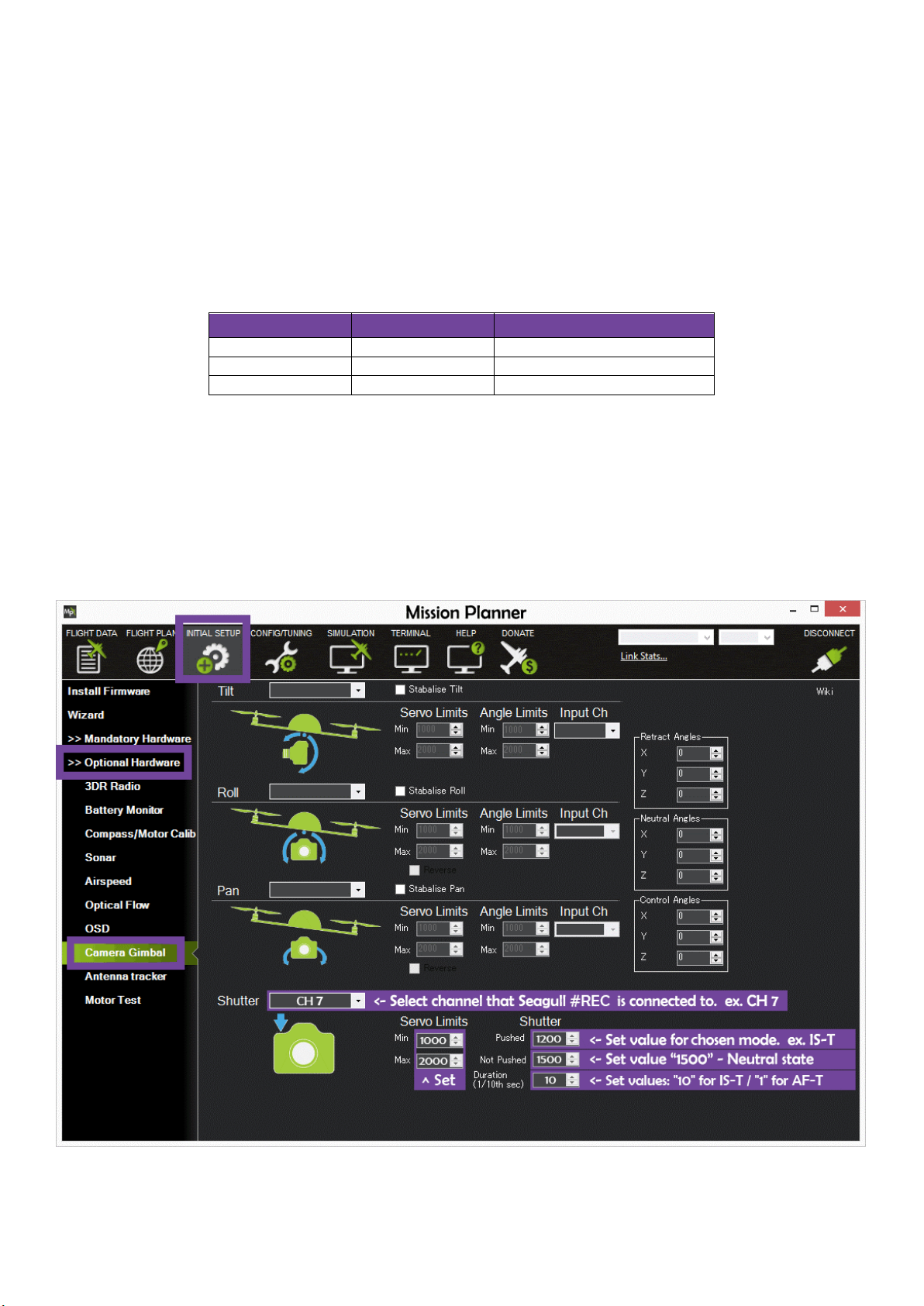
If you wish to integrate "Camera On/Off" into your Survey / Mission plan with Ground control or Mission Planner software,
simply follow the steps below.
In this scenario we want to turn on the camera after take-off.
NOTE: Repeat the sequence at the end of the mission in order to retract the lenses to protect the mechanism before landing. Very helpful on plane platforms
as well as multirotor platforms in order to prevent dust getting into a retractable lens mechanism on a compact camera.