Release Version 1.0
2
Caution (If you do not keep any of the below guidelines, you may get injured or suffer
property loss.
■Avoid installing near strong magnetic fields or radio waves and wireless devices such as radio
or TV.
- Install in a place that is free from magnetic, radio, or excessive vibration.
■Proper ambient temperature and humidity are recommended.
- Avoid extremely high temperatures(over 50°C) or low(below -10°C), and humid conditions.
■Do not place heavy items on the product or let foreign substances enter inside the device.
- It may cause failure.
■Install in well ventilated place, and avoid direct sunlight or heat appliance.
■Strong shock or vibration may cause device failure. Be careful when using the device.
- Install in a place without severe vibration.
■If you notice any unusual noise or smell, unplug the power supply immediately and contact
the place of purchase or service center.
- There may be a risk of fire and electric shock.
■Rotate the air properly in the system operating room and secure the cover of the main body.
- It may be the cause of failure by environmental factors.
■Refer the device to the service center and get regular checkup to maintain the performance
of the system.
- We are not responsible for any damages caused by user’s carelessness.
■Be sure to plug the power cord with grounded outlet.
- There is a risk of electrical shock and personal injury.
■Place the power plug in a location that is easy to operate.
- If a failure of the product occurred, the power plug must be unplugged to power down
completely. The power button on the main body does not completely disconnect power.
■Do not use this device in close proximity to a device that produces strong waves such as
radio set(TRANCEIVER, Walkie-talkie, etc.) or repeater. It may affect HD-SDI and EX-SDI signal,
or cause disorders such as noise or crack on the screen.
■The transmission medium(CABLE) must be a UTP(CAT.5e) cable.
■Be careful not to change the cable configuration during installation. (Refer to ‘4. CABLE PIN
Configuration’ on page 5.)
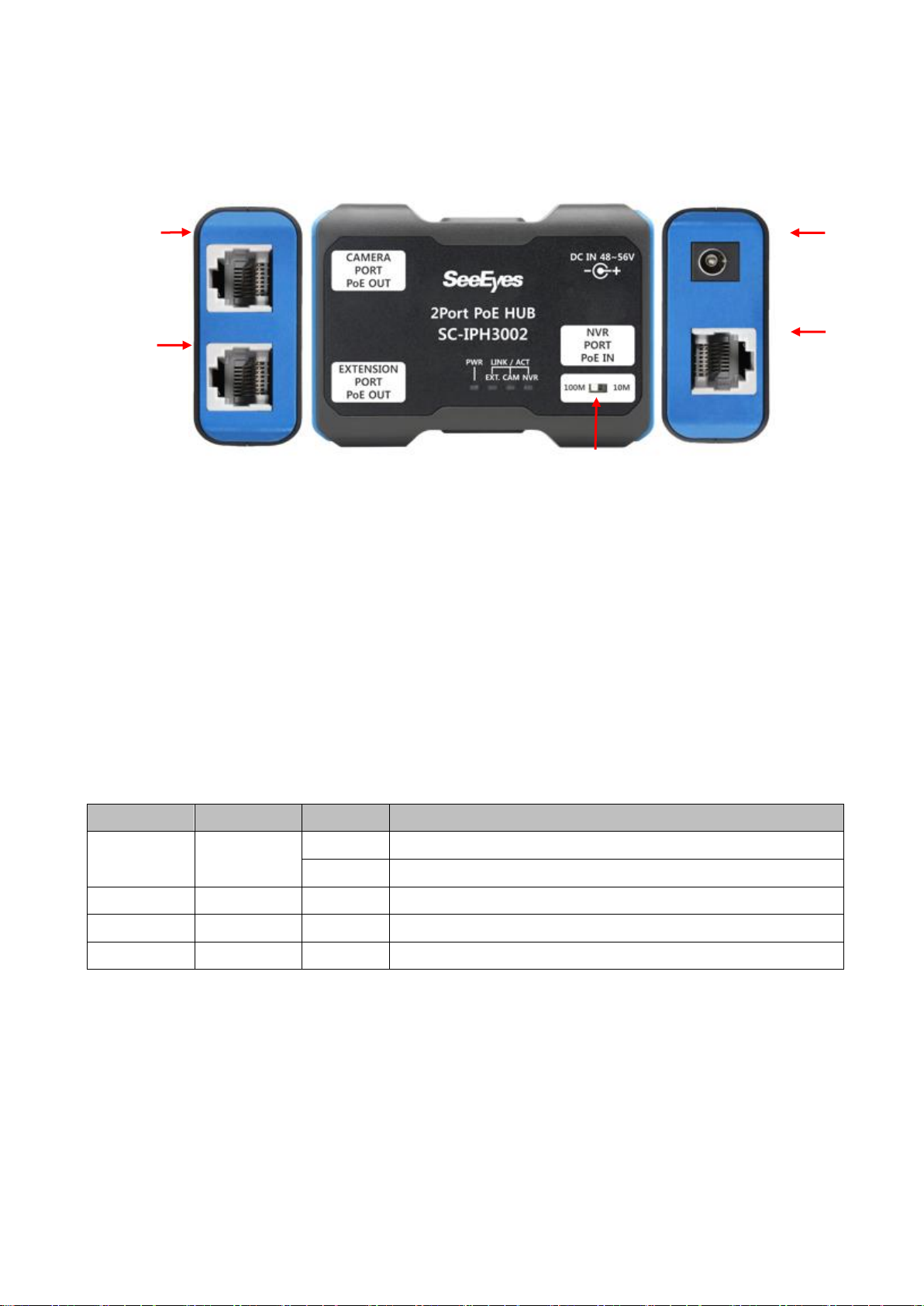
■This product’s CAMERA PORT has a maximum output power of 30W and the EXTENSION
PORT has a maximum output power of 30W. Please check the output power of each port when
connecting a camera or more than two product in series.
- The supply power is limited by the camera’s power consumption, transmission distance and cable loop
resistance, and may affect other channels.
■UTP(Unshielded Twisted Pair) Cable is for indoor use only. Use a STP(Shield Twisted Pair)
Cable which is covered for outdoor use.
■Transmission distance may vary depending on the type of UTP cable.
■Refer to the user’s manual for problems or questions besides the above. Contact our service
center if you need assistance from a professional technician.