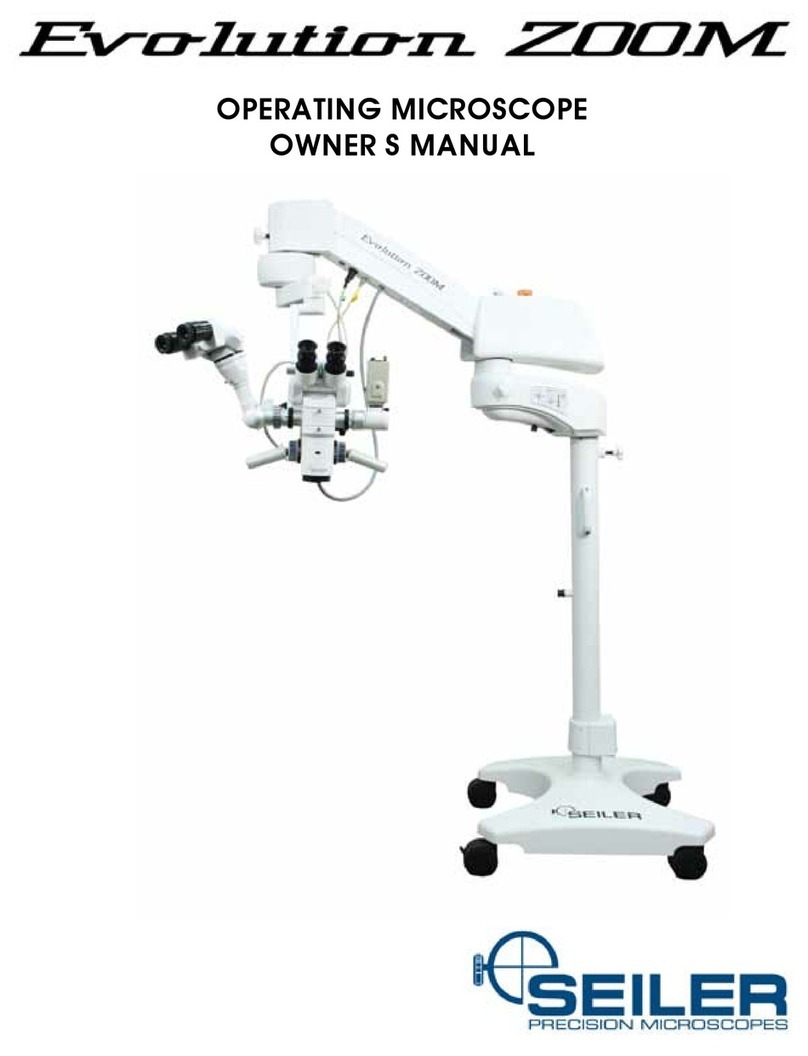
Seiler Evolution xR6 Manuale utente

PRECISION MICROSCOPES
EVOLUTION XR6
LED Dental Microscope Slim Model
User’s Manual

2
Table of Contents
Table of Contents 2
Installaon & Assembly 3
LED Illuminaon Instrucons 8
LED Warranty 13
Interpupillary Distance Adjustment 13
Parfocalizing 14
The Color Filter and Cleaning 15
Dimensions 16
Parts Breakdown 17

3
Installaon & Assembly
1. Remove the base from the box and set base
boom up (casters facing up) on the cardboard
or foam from the box for cushion.
2. Remove the base weights from the weights box
and insert the weights one at a me into the
boom of the base.
Align the pins with the holes and depress the
thumb lock buon to put the weights into place.
Flip the base over so that the top center post is
facing upward.
* Be sure to check to make sure that the
weights are secured before ipping the base
over.

4
3. Remove the pole from the packaging and insert pole into the center post hole in the base. Align the two
indenon marks in the pole to the holes in the base center post hole collar.
4. Once the pole is secured into the base, insert the Light Housing/Light Source poron of the microscope
into the top of the pole. This is where the illuminaon system is housed. Make sure that the light source is
secured while inserng the light source into the pole.
Once the pole is in the collar and indenons are
aligned, use the provided Allen Wrench to ghten
the two Allen bolts in the base center post collar to
secure the pole.

5
5. Next insert the Pantographic Arm into the light
source arm.
6. Place the Liquid Light Guide cable through the
boom cover.
7. Aer the Pantographic Arm is inserted and the Liquid Light Guide cable is secure, add the extension piece
into the top of the Pantographic Arm on the under side. Be sure to loosen the black knob and pull plunger on
the Pantographic Arm in order to insert the extension arm. Screw on the white locking knob.
Plunger
8. Next, insert the 45 degree coupler into the extension arm. Screw down the white locking knob.

6
9. Insert the Angle Arm into the 45 degree coupler coming o the opc pod. Screw down the white knob.
10. Insert the Liquid Light Guide cable into the light port opening on the Opcal Pod.
11. Secure the Binocular Head onto the Opcal Pod by ghtening the thumb screw.
Thumb Screw

7
PANTOGRAPHIC ARM BALANCING
NOTE: Pantographic Arm may need tension
adjusted (black knob on top, turn counter-
clockwise to add tension, clockwise to release
tension). This may need to be done if camera/
video are added to the scope. This will increase
or decrease the tension to desired funcon for
user. The Pantographic Arm may have to be in the
horizontal posion to make adjustments.
Tension Knob

8
LED Illuminaon Instrucons
1. INTRODUCTION
Congratulaons on the purchase of your new SSL-2000 Light Source! This user-friendly LED light source is a high
eciency light source ulizing state of-the-art superior illuminaon technology. It oers a variety of features such as:
• 6500º K daylight brightness for good color denion
• Quiet operaon
• Long life, 50,000 hrs.
• Compact and light weight
• Pulse-width Modulaon (PWM) Electrical Dimming
This secon of the manual will help you to install the device and opmally integrate it with other components of
your system. It will also instruct you how to operate the LED Light Source and how to keep it clean. It will give you
maintenance and service guidelines as well as recommendaons for best performance results.
1.1 INDICATIONS FOR USE: The LED Light Source is used to illuminate the site of surgery during minimally invasive
surgical procedures. The light is transmied from the light source through a ber opc cable and a scope.
2. WARNINGS
To prevent re or electric shock, do not open or expose the LED light source unit to rain or moisture. Refer all servicing to
qualied personnel only.
Not suitable for use in presence of ammable anesthec mixture with air or with oxygen or nitrate oxide.
To prevent any potenal electro-magnec interference, do not use any kind of cellular phone near the
light source.
This product should be used only with type BF endoscopic instruments which have been cered
according to IEC 601-1 for medical equipment and IEC 601-2-18 for endoscopic equipment.
Cauon: This product is not provided as sterile.
Cauon: All devices connecng to the LED Light Source must be classied as medical equipment. When
addional informaon processing equipment is connected to the LED Light Source, the operator must
determine that all equipment complies with the appropriate end-product standards (such as IEC 60950
or IEC 60065 and the Standard for Medical System, IEC 60601-1-1).
Cauon: The LED Light source can cause permanent eye damage if viewed directly with unprotected eye.
To reduce the chance of eye damage, set the intensity control always to the minimum level and plug the
ber opc cable into the unit before turning on the power.
EQUIPMENT CONNECTION
Cauon: The ber opc cable must be a NON-CONDUCTIVE CABLE. It should not have conducve
shielding or any other conducve connecon between the paent and equipment. Such connecon will
impair safety of the equipment. It must be rinsed free of soaking/disinfectant soluon and dried before
plugging into the LED light source receptacle. Ensure the opcal surface is clean before engaging into the
light source.

9
3. SPECIFICATIONS
Item Specicaon
Light Source Type LED (Light Eming Diode)
Power 50 Wa
Color Temperature 6500º K
Led life 50,000 hours (typical)
Light guide adapter
Brightness control PWM (Pulse-width Modulaon) – 0-100% Dimming
Input voltage 100-240V AC, 50/60 Hz
Rated Power 52 wa
Regulatory Approvals UL60601-1,CAN/CSA C22.2 No.601.1 (SUP1+AM2),EN 60601-1-2 and CE
marked
Equipment Class Class I, BF-type
Mode of Operaon Connuous operaon
Water Resistant Not Protected Equipment, IPX0
Operang Environment
Temperature
Relave Humidity
Air Pressure
+0° to +40° C (32° to 104° F)
0 to 85%rh, non condensing
700 to 1060 hPa
Storage Environment
Temperature
Relave Humidity
Air Pressure
-20° to +60° C (-4° to 140° F)
30 to 95%rh, non condensing
700 to 1060 hPa
Dimensions 4.65” W x 3.32” H x 7.25” D
Weight 2.5 lbs./1.14 kg
4. OPERATING ELEMENTS, SYMBOLS AND FUNCTIONS
4.1 FRONT PANEL
No. Name Funcon
1Power switch Turns the light source on and o. Fan will operate
2Light Guide Adapter
3Intensity Control Electronically controls the light output
2
1
3

10
4.2 REAR PANEL
Figure 2. LED Light Source Rear Panel
No. Name Funcon
1AC main inlet Accepts AC power cord
2Fuse 2A, 250V (1/4” x 1 ¼”) me delay
3Grounding Connector For potenal equalizaon
4Venng grids Allows adequate venlaon and cooling of the light
source
4.3 Boom Panel
Figure 3. LED Light Source Product Label
2
3
14
Altri manuali per Evolution xR6
1
Indice
Altri manuali Seiler Microscopio