6
OPERATION
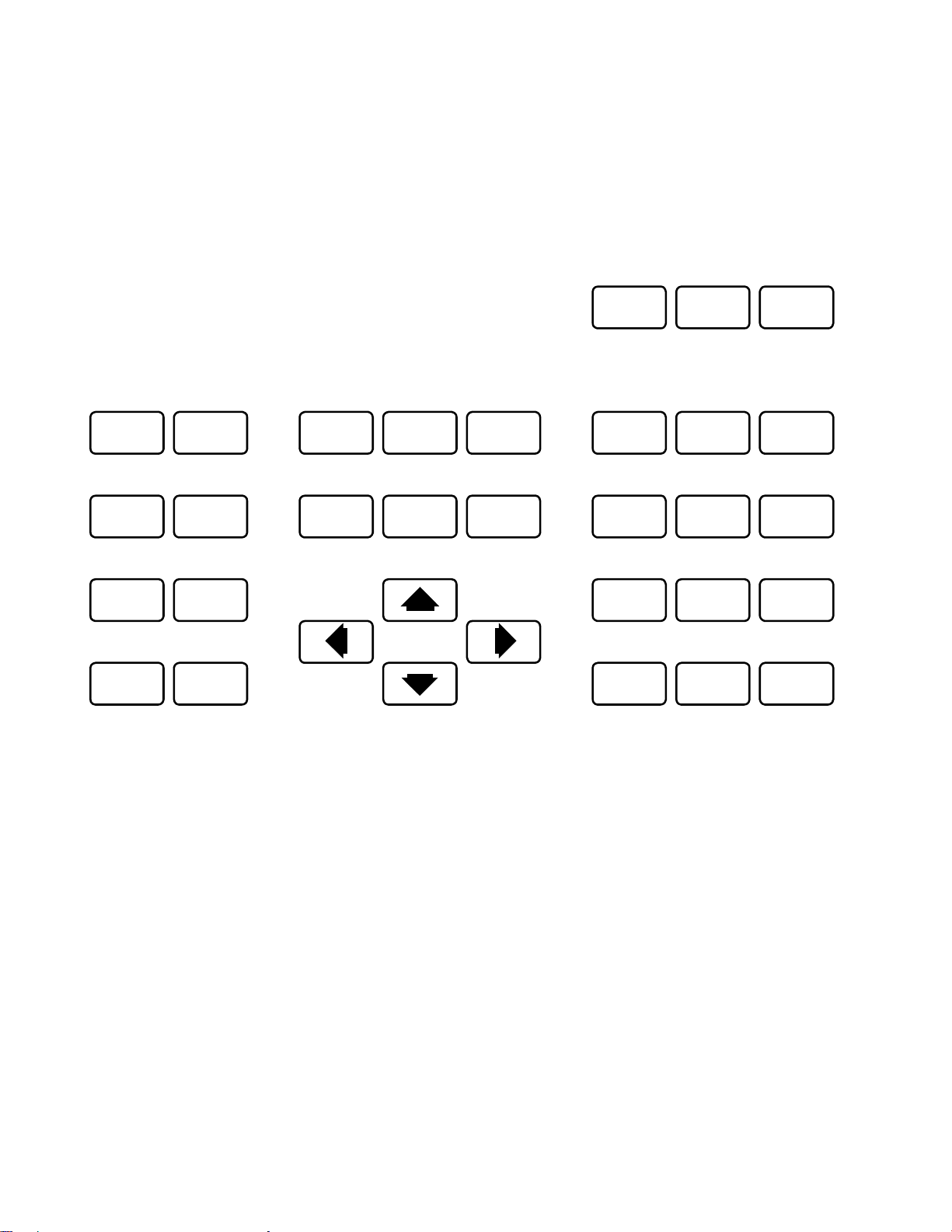
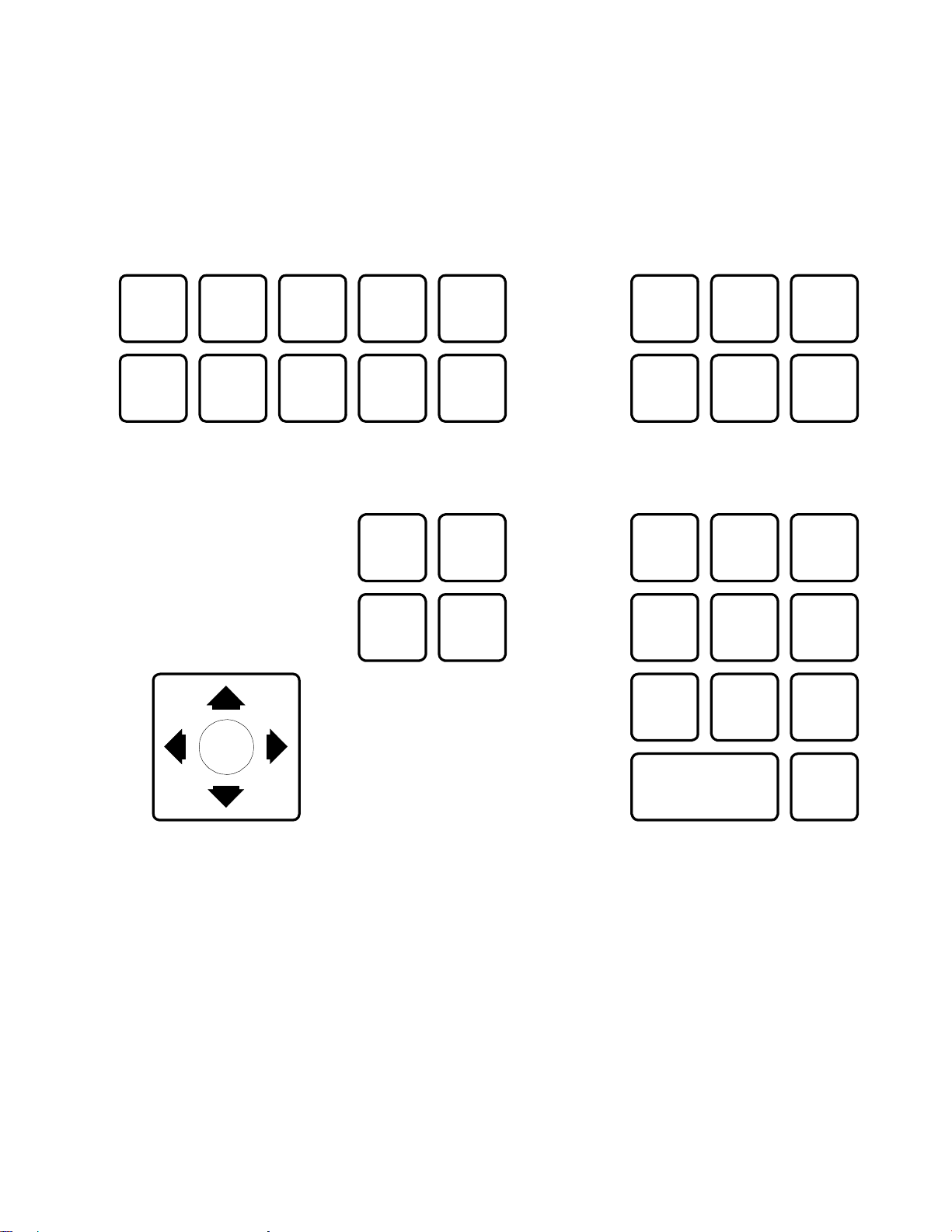
Pan, tilt, zoom, focus, iris commands and presets 1 thru 16 are converted directly. For other
commands, refer to the diagram for your controller type. For KTD-405 controllers use [Find] key
instead of [Set] key to recall presets, use [Store] key to program presets, and press and hold
[Tour]forAutopan.
Settingscanlimits, recordingapattern forplayback,and accessingthe dome's on-screenmenu
are accomplished through a series of keystrokes. The keystroke series starts by pressing and
releasing the [Alarm] key followed by a recall preset number.
Note:theKalatel pre-positionsmust beenabled.If presetsabove 9areenabled, thepreset com-
mand requires a two digit number. For example #1 would be [Set] [01] instead of [Set] [1].
Pelco'spattern canbe recorded andrun aseithera fullpatternortwo halves.Torecorda pattern,
press the appropriate sequence, move the cameras in the desired pattern, then press [Stop] or
[Close] to end the recording.
COMMAND KTD-304/404KEYBOARDS KTD-405KEYBOARD
Runpattern 1 [Alarm][Set][00][Set][01] [Tour][01]
Runpattern 2 [Alarm][Set][00][Set][02] [Tour][02]
Runfull pattern [Alarm][Set][00][Set][03] [Tour][03]
Recordpattern 1 [Alarm][Set][00][Set][04] [Alarm][Find][00][Find][04]
Recordpattern 2 [Alarm][Set][00][Set][05] [Alarm][Find][00][Find][05]
Recordfull pattern [Alarm][Set][00][Set][06] [Alarm][Find][00][Find][06]
EndRecording [Stop] or [Close] [Aux3(Stop)]
Displayonscreenmenu [Alarm][Set][07][Autopan] [Alarm][Find][07][Tour- hold]
(Use tilt control to navigate and Iris Open to make selections.)
Set pan left limit [Alarm][Set][08][ZoomIn] [Alarm][Find][08][ZoomIn]
Set pan right limit [Alarm][Set][08][ZoomOut] [Alarm][Find][08][ZoomOut]
Set autopan left limit [Alarm][Set][08][FocusNear] [Alarm][Find][08][FocusNear]
Set autopan right limit [Alarm][Set][08][Focus Far] [Alarm][Find][08][FocusFar]
KTD-301KeyboardSpeeds
If the code translator is configured for a fixed speed Kalatel controller, the slow and fast keys on
theKTD-301willchangethe speedvalue forthe Pelcopanand tiltcommands. (Onpower-up the
translatordefaultsto amediumspeed.)
[Slow] Decreasespeedvalue
[Fast] Increasespeedvalue
The KTD-301 cannot simultaneously send commands from keys in the same row or column.
Thus, the slow and fast keys will work while pan right is depressed, but slow and pan left will not
work at the same time. Likewise, fast will not work while a tilt key is depressed.