Smart Technologies SMART Hub SE240 Manuale utente

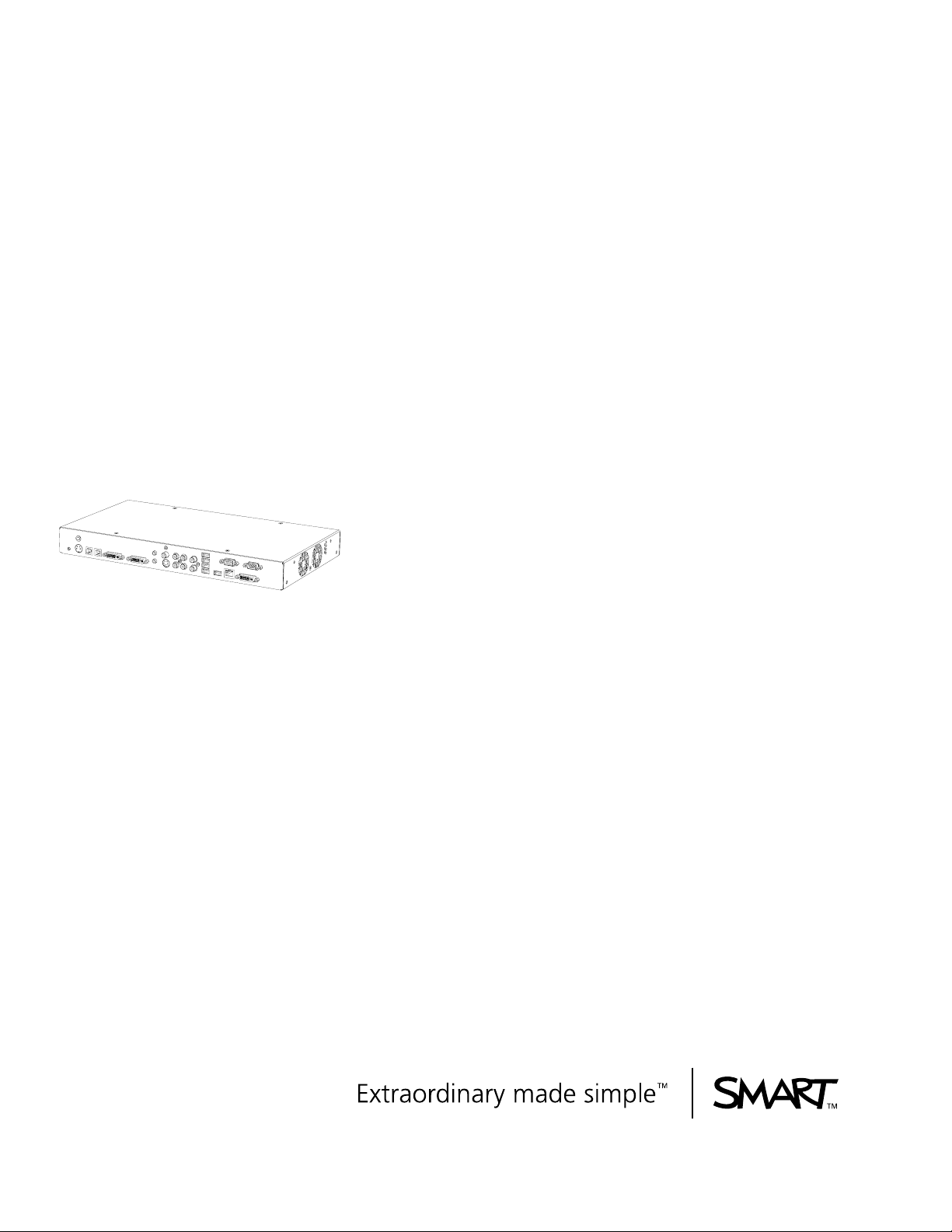
SMART Hub SE240
Installation and User’s Guide
PLEASE THINK BEFORE YOU PRINT

Product Registration
If you register your SMART product, we’ll notify you of new features and software
upgrades.
Register online at www.smarttech.com/registration.
Keep the following information available in case you need to contact SMART
Technical Support.
Serial Number: ___________________________________________________
Date of Purchase: ___________________________________________________
FCC Warning
This equipment has been tested and found to comply with the limits for a Class A digital device, pursuant to Part 15 of the
FCC Rules. These limits are designed to provide reasonable protection against harmful interference when the equipment is
operated in a commercial environment. This equipment generates, uses and can radiate radio frequency energy and, if not
installed and used in accordance with the manufacturer’s instructions, may cause harmful interference to radio
communications. Operation of this equipment in a residential area is likely to cause harmful interference in which case the
user will be required to correct the interference at his own expense.
Trademark Notice
SMART Board, Actalyst, SMART Podium, SMART Bridgit, SMART Notebook, SMART Meeting Pro, Unifi, the SMART logo
and smarttech are trademarks or registered trademarks of SMART Technologies ULC in the U.S. and/or other countries.
Windows and Internet Explorer are either registered trademarks or trademarks of Microsoft Corporation in the U.S. and/or
other countries. All other third-party product and company names may be trademarks of their respective owners.
Copyright Notice
©2010 SMART Technologies ULC. All rights reserved. No part of this publication may be reproduced, transmitted,
transcribed, stored in a retrieval system or translated into any language in any form by any means without the prior written
consent of SMART Technologies ULC. Information in this manual is subject to change without notice and does not
represent a commitment on the part of SMART.
Patent No. US5448263; US6141000; US6320597; US6326954; US6337681; US6741267; US6747636; US7151533;
US7289113; US7499033; US7626577; CA2058219; CA2252302. Other patents pending.
02/2010

Contents
1About Your SMART Hub SE240 ........................................................................... 1
Overview......................................................................................................... 1
SMART Hub SE240 Features......................................................................... 2
Computer Input ........................................................................................ 3
Computer Output...................................................................................... 3
Firmware Features.......................................................................................... 3
Standard Accessories..................................................................................... 3
Power Supply ........................................................................................... 3
Cables and Adapters................................................................................ 4
2Installing Your Hub................................................................................................ 5
Environmental Requirements ......................................................................... 5
Storage Temperature and Humidity ......................................................... 5
Water and Fluid Resistance ..................................................................... 5
Dust and Scratching ................................................................................. 5
Electrostatic Discharge (ESD).................................................................. 5
Conducted and Radiated Emissions ........................................................ 5
Before Installing Your Hub.............................................................................. 6
Tools Required ......................................................................................... 6
Additional Cables Required for Your Hub ................................................ 6
Optional Accessories ............................................................................... 6
Installing Your Hub ......................................................................................... 7
Mounting Your Hub .................................................................................. 7
Connecting Your Hub ............................................................................... 9
Verifying that Your Firmware is Current ................................................. 10

ii | CONTENTS
3Configuring Your Hub.......................................................................................... 11
Orienting Your SMART Products.................................................................. 11
Configuring Multiple SMART Hub SE240 Units............................................ 12
Exporting and Importing Configuration Settings..................................... 12
Securing Configuration Settings ................................................................... 13
Connecting Your Computer to Your Hub ...................................................... 14
Configuring the Display Settings................................................................... 15
Configuring Network Settings ....................................................................... 15
Command Summary .............................................................................. 18
Collaborating Using SMART Bridgit Software .............................................. 18
Configuring SMART Bridgit Software ........................................................... 19
Creating a SMART Bridgit Meeting............................................................... 19
Configuring the SMART Bridgit Software Meeting Settings.......................... 21
Leaving a SMART Bridgit Meeting ......................................................... 21
Connecting to Computers and Video Sources.............................................. 22
Configuring Room Control Settings .............................................................. 23
Enabling and Using Room Control Settings
through the Serial Interface .................................................................... 23
Enabling and Using Room Control Settings through TELNET ............... 24
Command Summary for Your Hub ............................................................... 25
Power State Commands ........................................................................ 25
Input Selection Commands
Video and Audio Commands ................................................................. 26
System Information Commands ............................................................. 27
Configuring Language and General System Settings................................... 27
Disabling Your System Hardware Settings ............................................ 28

iii | CONTENTS
4Using Your Hub................................................................................................... 29
Basic Tools ................................................................................................... 29
Sidebar................................................................................................... 29
Page Sorter ............................................................................................ 29
SMART Keyboard .................................................................................. 29
Right-Click .............................................................................................. 30
Volume Adjustment ................................................................................ 30
System Help ........................................................................................... 31
Starting Your Hub Session ........................................................................... 31
Whiteboarding............................................................................................... 31
Saving or E-mailing a File............................................................................. 32
Using Your SMART Product with Computer Inputs ...................................... 34
5Maintaining Your Hub.......................................................................................... 35
Updating Your Hub’s Firmware..................................................................... 35
Maintaining Your Hub’s Hardware ................................................................ 36
6Troubleshooting Your Hub .................................................................................. 37
Resetting Your Hub ...................................................................................... 37
Troubleshooting ............................................................................................ 38
AHardware Environmental Compliance................................................................. 41
Waste Electrical and Electronic Equipment
Regulations (WEEE Directive)...................................................................... 41
Restriction of Certain Hazardous Substances (RoHS Directive) .................. 41
Packaging ..................................................................................................... 41
China’s Electronic Information Products Regulations................................... 42

iv | CONTENTS
BCustomer Support ............................................................................................... 43
Online Information and Support.................................................................... 43
Training......................................................................................................... 43
Technical Support......................................................................................... 43
Shipping and Repair Status .......................................................................... 44
General Inquiries .......................................................................................... 44
Warranty ....................................................................................................... 44
Registration................................................................................................... 44

Chapter 1
About Your SMART
Hub SE240
Overview
The SMART Hub SE240 is a device you connect to your SMART Board™ interactive
whiteboards, SMART Board for Flat-Panel Displays interactive overlays, SMART
Board interactive display frames, Actalyst™ interactive overlays and SMART
Podium™ interactive pen displays. It has the following features:
• Whiteboard capability for writing and dawing with digital ink
• SMART Bridgit™ software for collaborating with others
• Digital ink features for working with computer and video source inputs on your
SMART products’ displays
• User-friendly design
• Easy-to-maintain hardware
IMPORTANT
To ensure your hub functions as expected, immediately upgrade your hub’s
firmware at www.smarttech.com/SE240firmware.htm.

2 | CHAPTER 1 – ABOUT YOUR SMART HUB SE240
SMART Hub SE240 Features
Your hub’s compact size allows you to easily integrate it into your boardroom or
classroom. You can mount it in four ways:
• 19" (48.3 cm) rack mounting
• wall mounting
• tabletop or shelf mounting
• under-shelf mounting
Your hub includes connectors for:
• SMART products
• up to two computers and two video sources
• speakers
• other peripheral devices (including USB storage devices)

3 | CHAPTER 1 – ABOUT YOUR SMART HUB SE240
Computer Input
Computer Output
Firmware Features
Your hub’s main firmware features include whiteboarding for writing and drawing with
digital ink, and saving documents for later use.
Standard Accessories
SMART provides the following accessories with your hub. If you need to purchase
replacements, contact your authorized SMART reseller.
Power Supply
SMART provides a 12V DC, 5.0A power supply and the cable you need to connect it
to a power outlet (depending on your region).
NOTE
The cable you need to connect the power supply to a power outlet is included with
your hub.
•VGA •SXGA
• SVGA • SXGA+
•XGA •MAC
•WXGA
• SVGA • 720P
•XGA •1080i
• WXGA • 1080p
• SXGA

4 | CHAPTER 1 – ABOUT YOUR SMART HUB SE240
Cables and Adapters
SMART provides the following cables:
• 6' (1.8 m) DVI male to VGA male cable to connect to the Extended Control Panel
(ECP) from the DVI-out port.
• 6' (1.8 m) DVI male to DVI male cable to use if your display supports DVI ports.
• DVI male to VGA female adapter to connect your hub to a projector or display
using a VGA cable.
NOTE
Use this adapter if you use an Actalyst interactive overlay.
• USB to serial adapter to connect your hub to your SMART product if it has a serial
connector instead of a USB connector.
NOTE
You can purchase additional cables from your authorized SMART reseller.
Indice
Altri manuali Smart Technologies Interruttore