MICROLIFT OPERATION
PU H BUTTON
7
Fig. 4
Fig. 5 Fig. 6
FOR MICROLIFT FITTED WITH
PU H BUTTON CONTROL
Microlift controls are located beside the landing shutter doors on
each floor that the lift serves. The controls are very simple; each
control station contains an individual button for each floor that
the lift serves, green being the “call” button for the particular
floor you are on and white buttons to send the lift to any of the
other floors. The red indicator is a ‘Lift in Use’ light.
CALLING
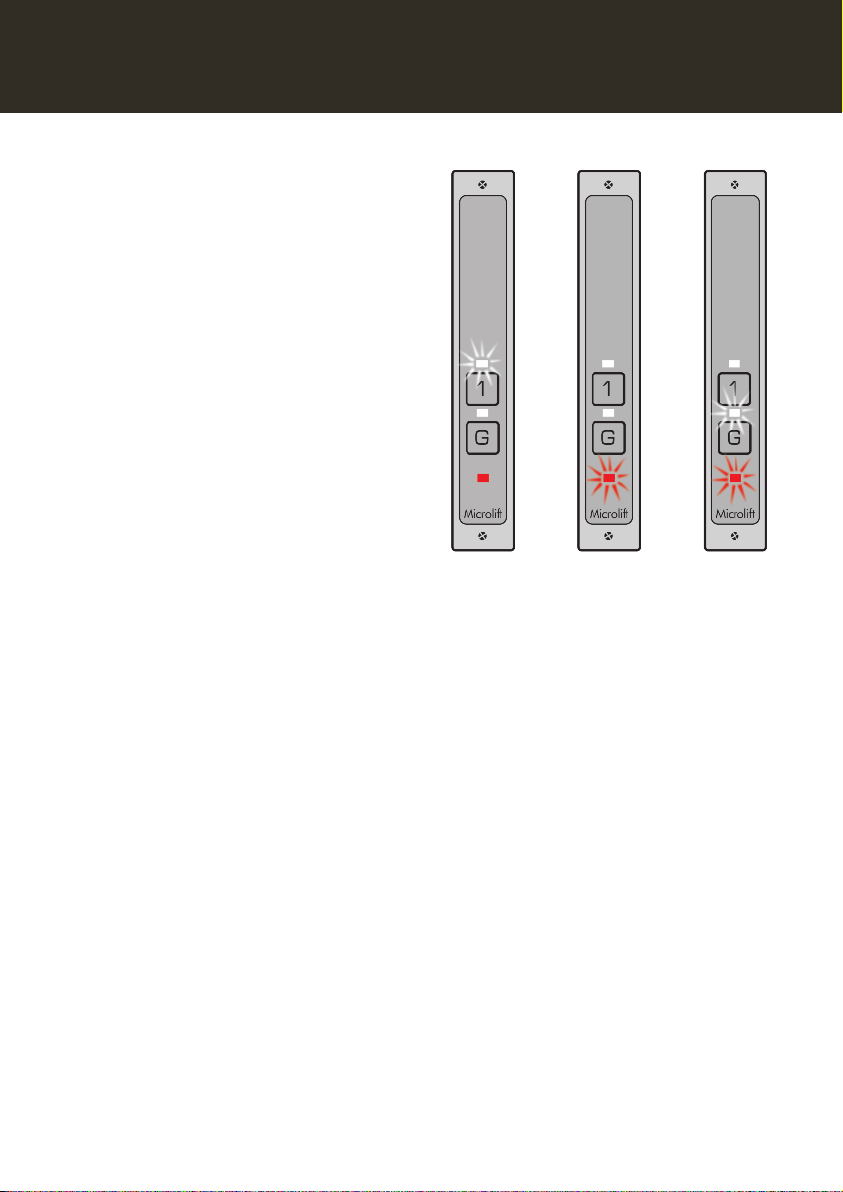
• f the green button is illuminated, the Microlift is at that floor
ready to be loaded.
• f a white button is illuminated, this indicates that the lift is at
another floor. f the red light is not illuminated, the Microlift
can be called by pressing the green button (Fig. 4).
• The red light will come on to confirm that the Microlift is on
its way (Fig. 5).
• On arrival the green button will illuminate and the red light
will go out. The arrival buzzer will also sound. This shows the
Microlift has arrived and is ready to be loaded (Fig. 6).
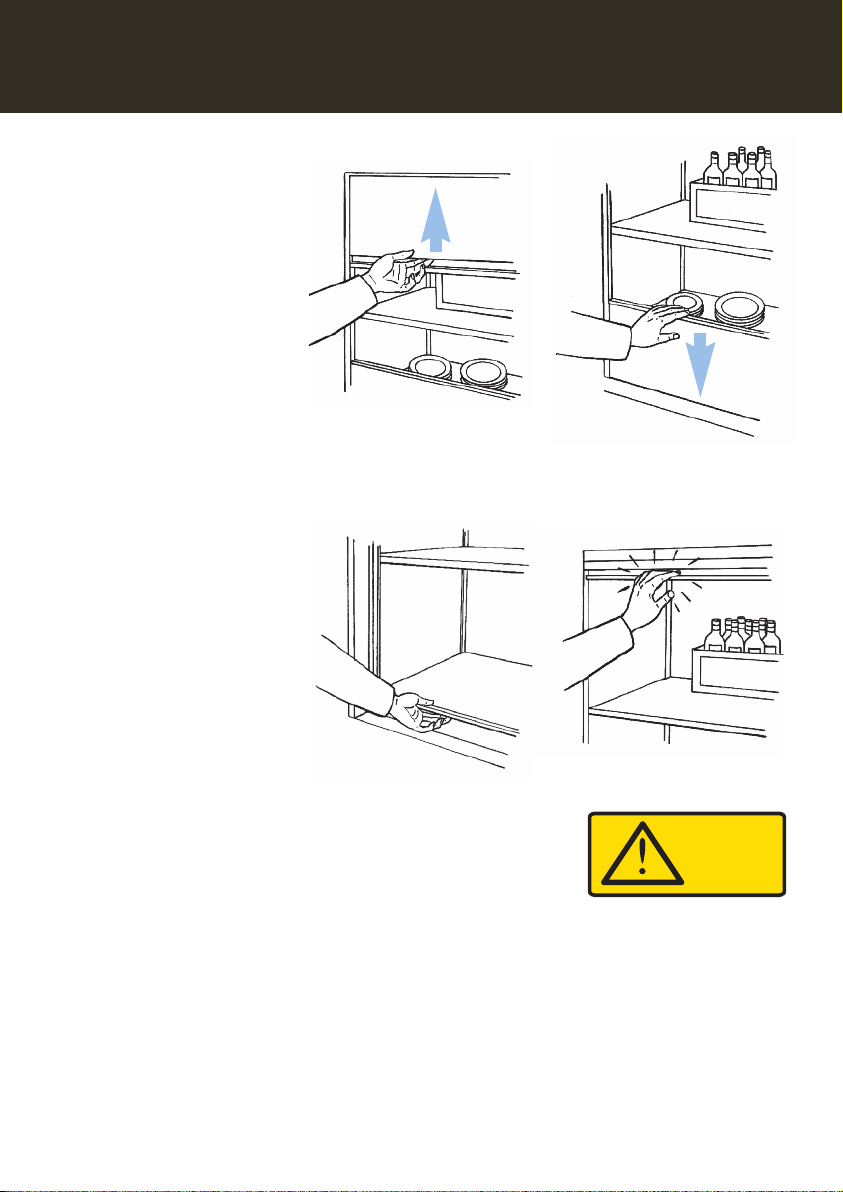
• When the landing shutter door is opened, the red light will
also illuminate to show users on other floor levels that the
Microlift is in use (Fig. 7).
• f a white button is illuminated, this indicates that the lift is on
another floor.
• f the red light is illuminated this indicates that the Microlift is
not available because either the inner car shutter door (if fitted)
or landing shutter door is not properly closed.
• f the red light stays on, go to the floor indicated by the
white button and close the landing shutter door and/or the
inner car shutter door (if fitted) to put the Microlift back into
service.
ENDING
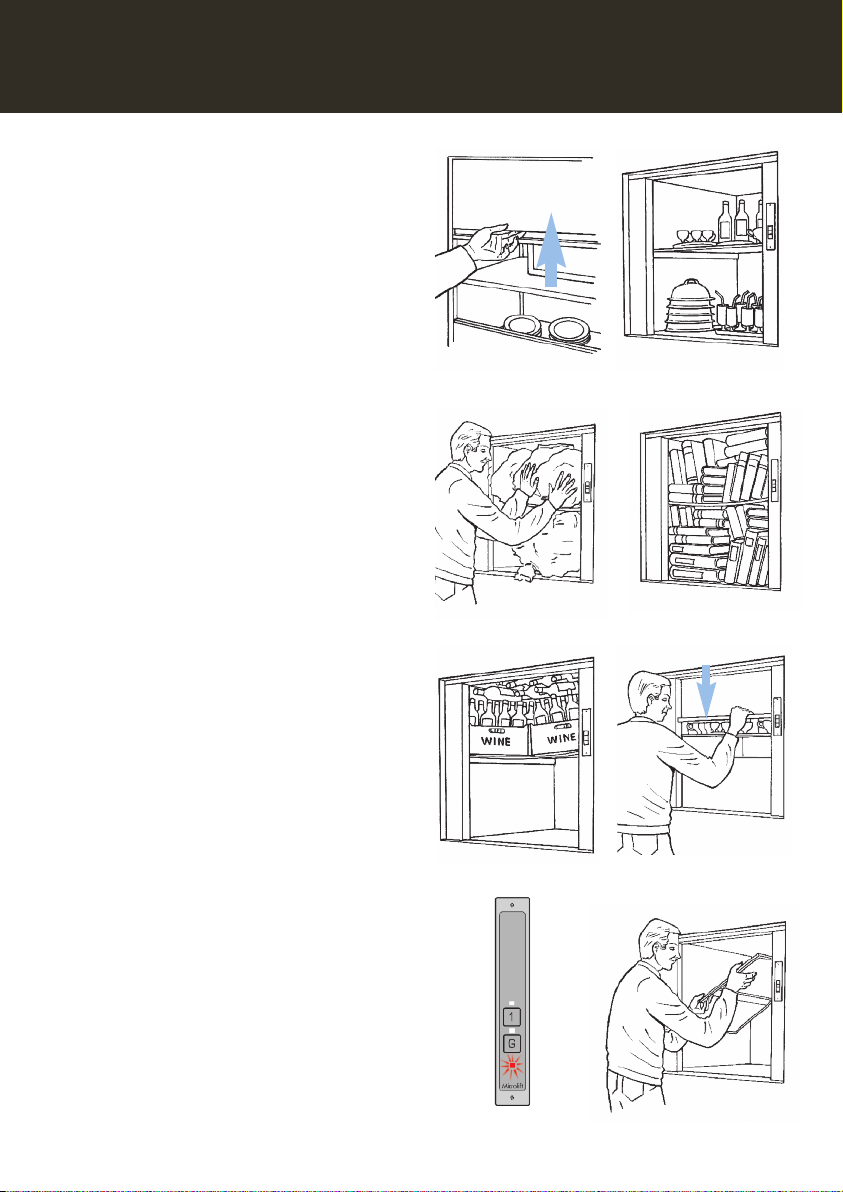
• Press the white button to send the lift to the desired floor
(Fig. 8).
• The green light will go out and the red light will come on
to confirm that the Microlift is on its way.
• On arrival at the selected floor the red light will go out and
the green button at that floor will illuminate.
• The Microlift arrival buzzer will also sound as the Microlift
arrives.
Fig. 8
Fig. 7