3 Precautions prior to Installation
Precautions prior to Installation
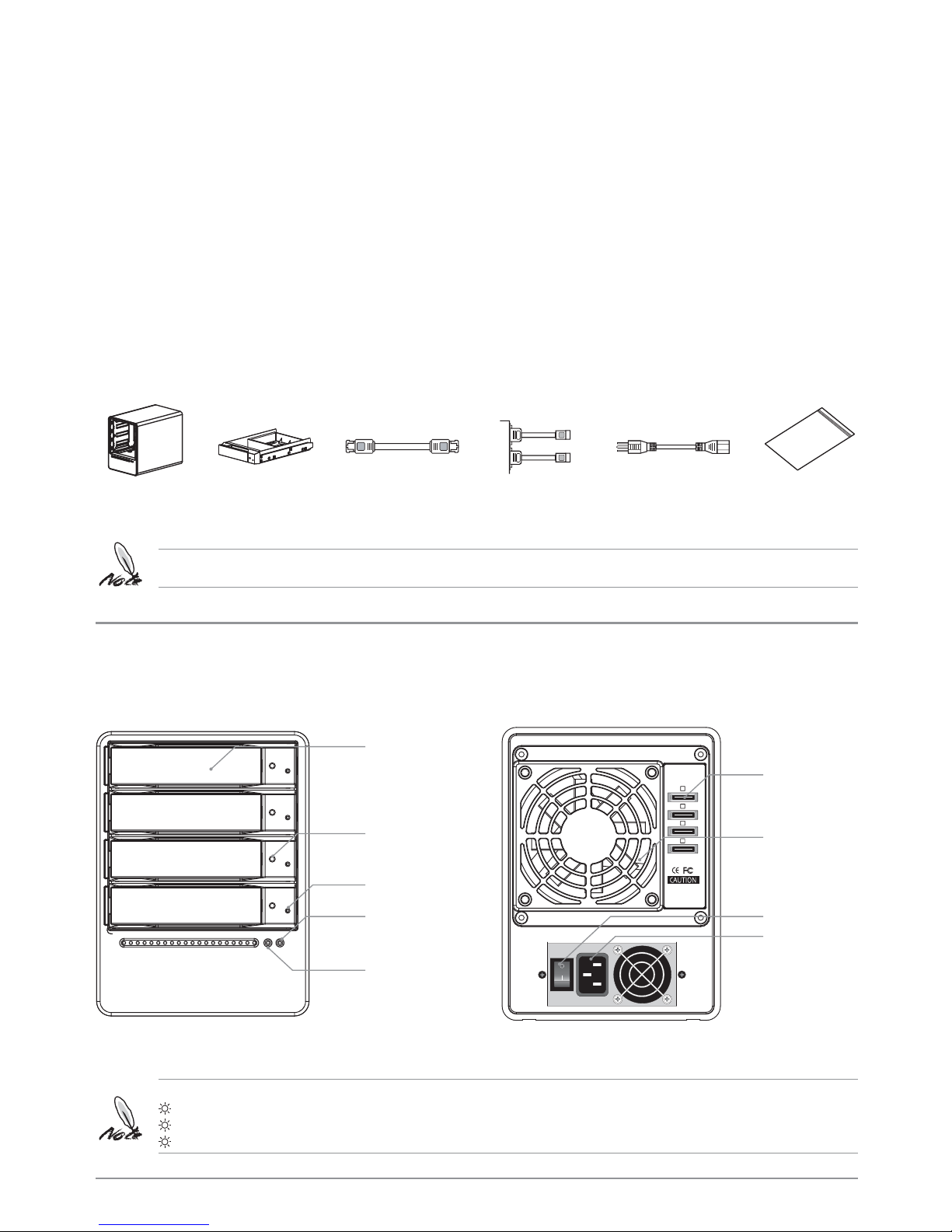
1. Before installation, please refer to the (Package Contents and Accessories) and ensure
necessary parts are fully provided. Contact the original distributor in case of any missing or
damaged item.
2. Please use the power cord that comes with the package to connect the power supply. Do
not disassemble or modify the device without authorization. Be sure to use 100-240V,
60Hz, power supply. Any unauthorized disassembly or modification may cause damage to
the electronic parts and deprive you of the benefit under the warranty. STARDOM is not
liable and responsible for any damage due to unauthorized disassembly or modification, if
such unauthorized disassembly or modification results in data damage or loss, or causes
the operating system unable to start.
3. Please carefully go through the Quick Installation Guide and back up your data on the
hard drive before installating or using the newly purchased hard drive to avoid data loss
in case of inadvertent operation. STARDOM is not reliable and responsible for any data
damage due to inadvertent operation, if such inadvertent operation results in
data damage or loss, or causes the operating system unable to start.
4. Hardware Requirements:
A.Before installing Windows XP Professional, please make sure your system meet the
following hardware requirements:
a. PC with 233MHz or faster (or equivalent)
b. 128MB of RAM recommended (64MB minimum required)
c. 1.0 GB of available hard disk space (for installing the RAID management software)
d. VGA monitor
e. Keyboard, mouse or compatible pointing device, CD-ROM drive (for installing the
RAID management software)
f. SATA II 3.0 GHz interface
B.Before installing Macintosh, please make sure your system meet the following
hardware requirements:
a. 128 MB of RAM recommended (64 MB minimum required)
b. 1.0 GB of available hard disk space (for installing the RAID management software)
c. VGA monitor
d. Keyboard, mouse or compatible pointing device, CD-ROM drive (for installing the
RAID management software)
e. SATA II 3.0 GHz interface
C.Check Hardware Compatibility
a. Please use a motherboard with SATA II (3.0 GHz) interface to enhance compatibility
and transmission efficiency.
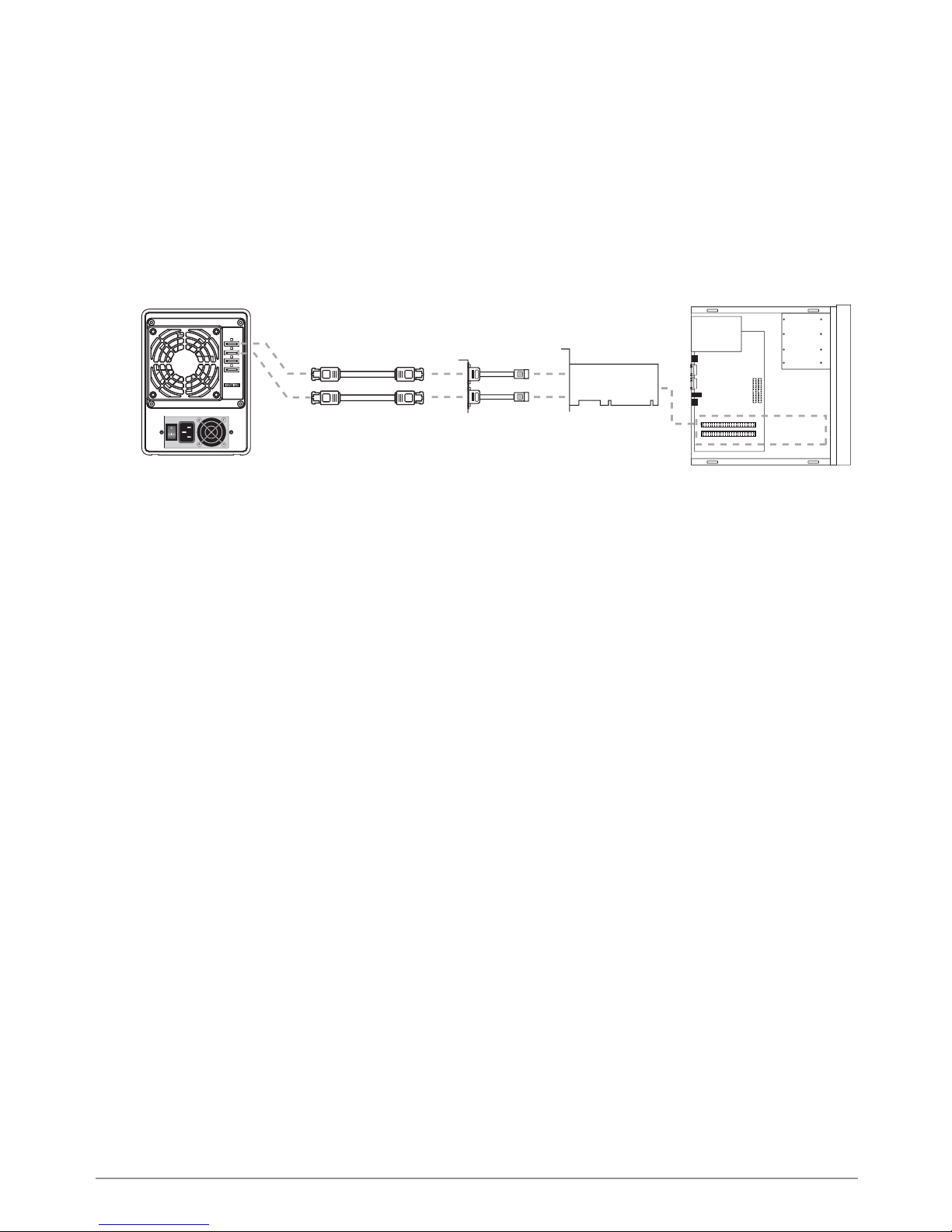
b. Please purchase an interface card supporting at least 4Ports SATA II (3.0 GHz) .
5. OS Software Requirements
A.This product is applicable to the following operating systems:
a. Windows 2000/2003/XP
b. Mac OS 10.3.5 or higher
c. Linux 2.6.13 or later