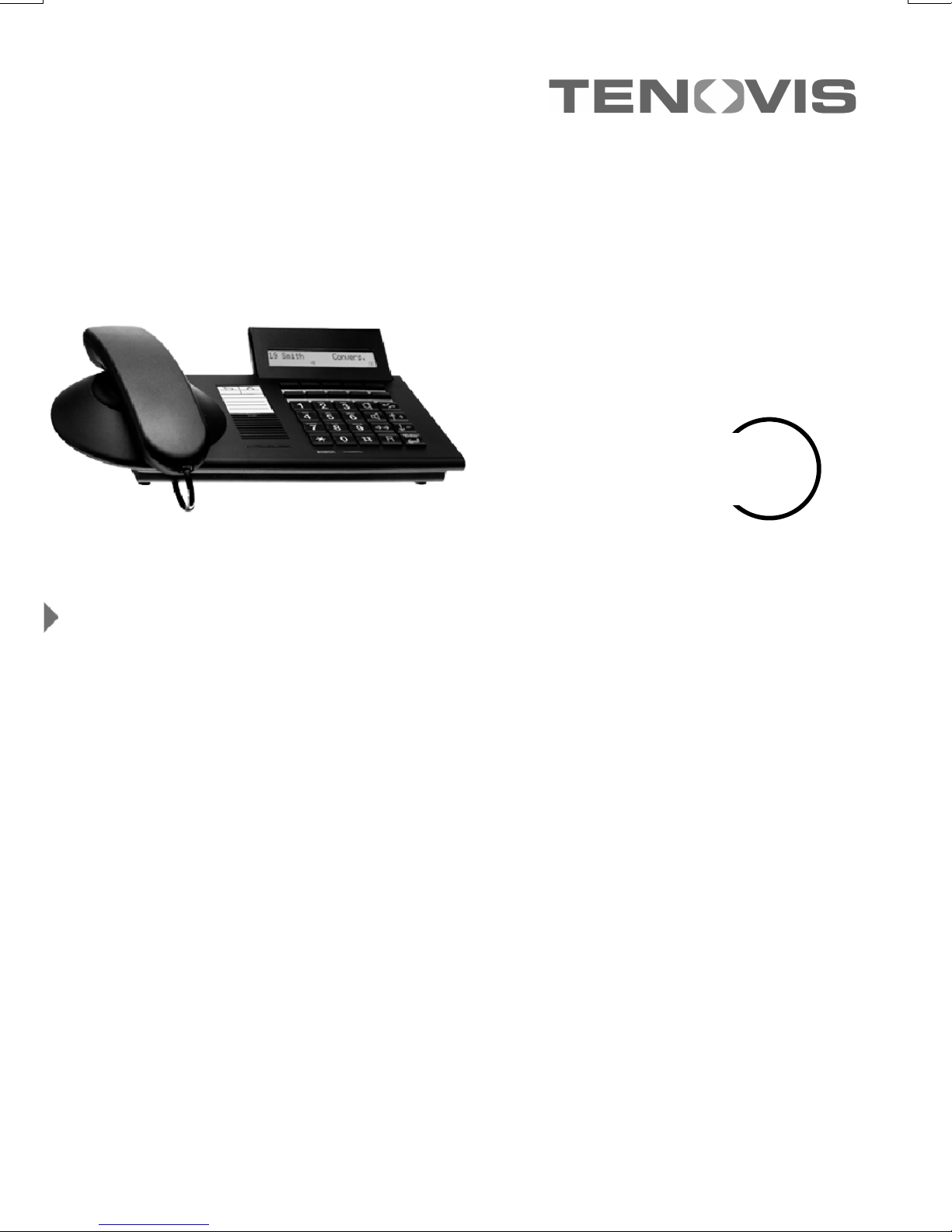
Tenovis Integral TS 13 Manuale utente

connected to ISDN Telecommunications Systems Integral
Operating Instructions
We give you the edge.
Telephone
Standard
Integral TS 13

Familiarise yourself with your telephone
2
Important notes
What you should definitely read
-- Your TS 13 and all keys at a glance (see Pages 5--6)
-- Basic operating principles (starting on Page 8)
Please note
This telephone is only for connection to Tenovis TK system digital interfaces and
meets the basic requirements of the European guidelines 1995/5/EG
(Radio und Telecommunication Terminal Equipment, R&TTE).
This telephone is not designed for direct operation on public telephone network in-
terfaces
If problems occur when operating the device, please consult your dealer or the
Tenovis service in the first instance.
The Declaration of Conformity can be requested from the following internet address.
www.tenovis.com/deutsch/verzeichnis/conformance.htm or under index look for
the key word: Conformity
The equipment may only be opened or repaired by a qualified technician. Do not
open the telephone yourself. Doing so could damage the unit and cause it to mal-
function.
Positioning the telephone
Place the telephone on a non--slip surface, especially if the furniture is new or has
recently been cleaned with cleaning agents. Enamels or cleaning agents may con-
tain substances which soften the base parts of your telephone, and the softened
bases can leave undesirable marks on the furniture. Tenovis cannot assume liability
for damages of this kind.

3
Table of Contents
Familiarise yourself with your telephone
Important Notes 2......................................................
Table of Contents 3.....................................................
Your TS 13 at a glance 5...............................................
All keys at a glance 6...................................................
Get to know your telephone
Special features of your telephone 7......................................
Basic operating principles 8.............................................
Make it easy on yourself 11...............................................
Get to know your telephone
Making a call 12........................................................
Accepting calls 17.......................................................
Handsfree mode 19.....................................................
Making several connections simultaneously 21.............................
Conference 24..........................................................
While you are out (Call diversion) 27.......................................
Changing call diversion from another phone 32..............................
Telephoning with convenience
Storing call numbers 34..................................................
Storing a call number as a note 41.........................................
Who called? (Call list) 42.................................................
View call charges 44.....................................................
Reminding yourself (Appointments) 48.....................................
When you have something to say 53.......................................
Outside business hours (Night service) 59..................................
Locking your telephone 60................................................

4
Table of Contents
Using the telephone with partners
Using the telephone with partners 63......................................
Customising your telephone
Changing general settings 65.............................................
Specifying language and audio settings 72..................................
Extras for your telephone
Konf-Tel external handsfree equipment 75..................................
DSS module 77.........................................................
Handsfree with auxiliary loudspeaker 80...................................
Operating your telephone from a PC 81....................................
Special areas of application
Telephoning in a hotel 82.................................................
When in doubt, look it up
Overview of all functions 91..............................................
Symbols and messages in the display 95...................................
Ringing- and handset tones 104...........................................
If something’s not working 105.............................................
Key word index 106......................................................

Familiarise yourself with your telephone
5
Your TS 13 at a glance
Display
The displays assist you in
operating the phone.
Display keys
For various purposes;
the current function is
shown in the display
LED-display
Flashes when
you receive a
call
Digit keys
with letters
For dialing call numbers
and entering codes
Pre--assigned
function keys
For quick access to
certain functions.
AEI interface
For connecting
accessories
(on the bottom of the
phone)
Handsfree
microphone
(on the bot-
tom of the
phone)

Familiarise yourself with your telephone
6
All keys at a glance
Digit keys with letters:
For dialing call numbers and
entering codes.
Star and Hash:
For special functions
Handsfree mode:
Activates the loudspeaker and
microphone so that you can use
the phone with the handset on--
hook.
Call monitoring:
Switches the loudspeaker on and
off and enables dialing with the
handset on--hook.
Redial:
Displays the redial menu (the five
most recently dialed external call
numbers).
Refer--back:
Initiates refer--back.
Release:
Releases the current connection
and, in entry mode, exits the cur-
rent menu.
Menu / Up--arrow:
Displays the menu from which
you can execute many of your
phone’s functions.
Down--arrow:
Moves the highlight in the display
downwards.
Enter:
Calls up a highlighted menu item,
or confirms an entry.

Get to know your telephone
7
Special features of your telephone
The display helps you
The display contains various information such as the status of your current
connection.
The displays also guide you step--by--step through the operation of the phone.
The display keys have varying functions, depending on the operating steps you
are currently executing. The current function of each key is shown in the display
(see Page 10).
The display shows you the call number of every ISDN caller, enabling you to see
who is on the other end of an incoming call. If name and call number of the caller
have been stored in your telephone system, you will see the caller’s name.
Menu and function keys
Most functions can be selected and executed via the menu (see Page 9). To
make operation easier, you can assign frequently used functions to the display
keys (see Page 91).
Protection against unauthorised use
You can use the lock function to protect your phone against unauthorised use
(see page 60).

Get to know your telephone
8
Basic operating principles
The following pages provide a short description of the basic operating principles of
your telephone.
-- How to select and call up functions in the menu
-- What your phone’s idle display shows you
-- How to use the display keys of your phone
Table of contents
Selecting functions in the menu 9........................................
Cancelling a procedure 9................................................
What does the idle display show? 10.......................................
Using a status message to call up the associated menu item 10...............
Display keys 10.........................................................

Get to know your telephone
9
Basic operating principles
Selecting functions in the menu
Press this key. The menu is displayed.
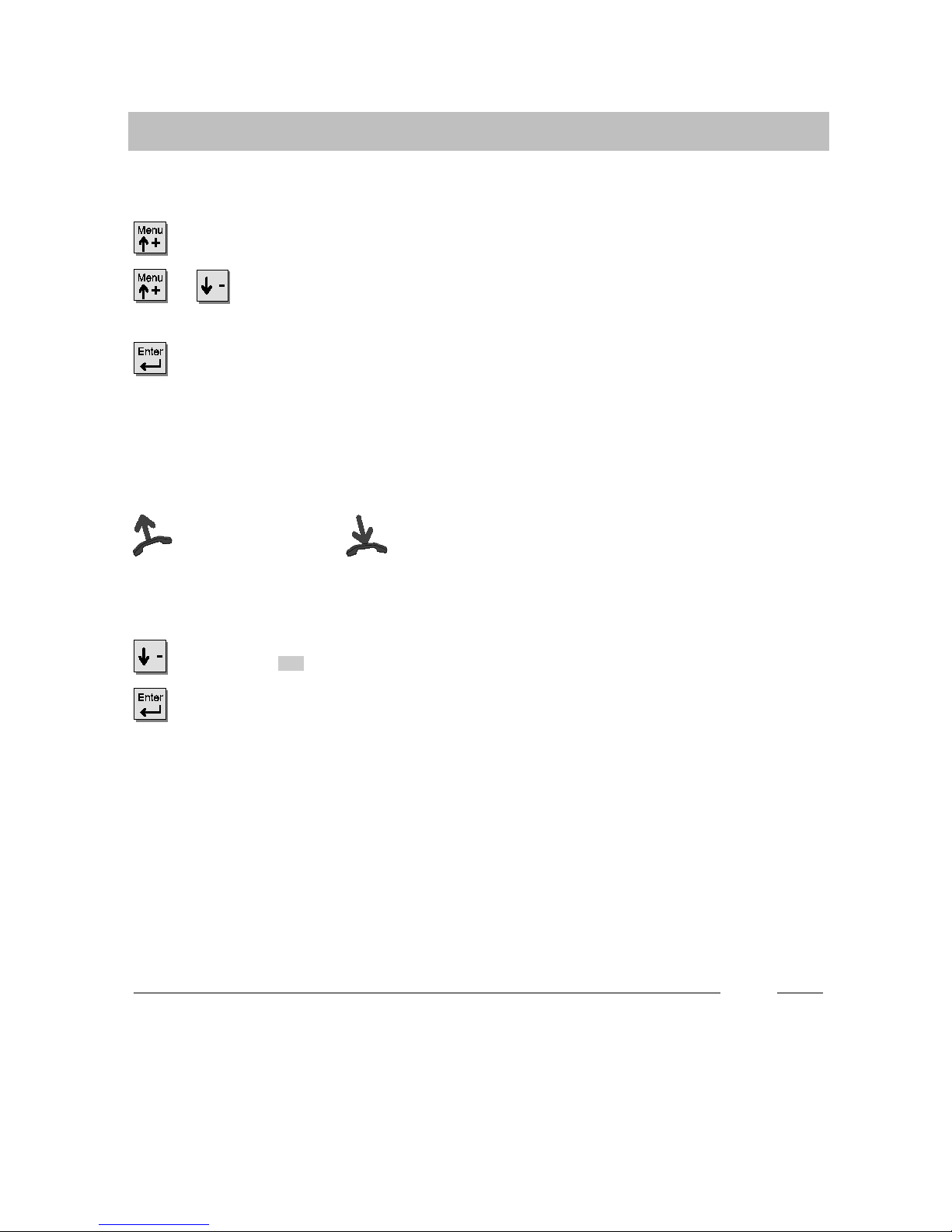
or Press the up or down arrow key until the desired menu item is high-
lighted.
Press this key to call up the highlighted function.
Cancelling a procedure
Ifyoumadeamistake:
Lift the handset and replace it again.
Ending and storing a setting
Scroll to the End menu item.
Confirm your selection.
i
xIf you cannot find the desired function in the menu, check whether it is assigned
to a display key. Functions assigned to display keys no longer appear in the
menu.
xMore functions become available while you are using the phone. These can then
be called up in the same manner.

Get to know your telephone
10
Basic operating principles
What does the idle display show?
The idle display contains:
-- Your name and call number
-- Date and time
-- Additional information on the status of
your phone, e.g. “Night service 1 (on)”.
Using a status message to call up the associated menu item
To change the status, e.g. deactivating night service:
Scroll to the desired status message, e.g. night service 1 (on) .
Confirm your selection.
To deactivate night service.
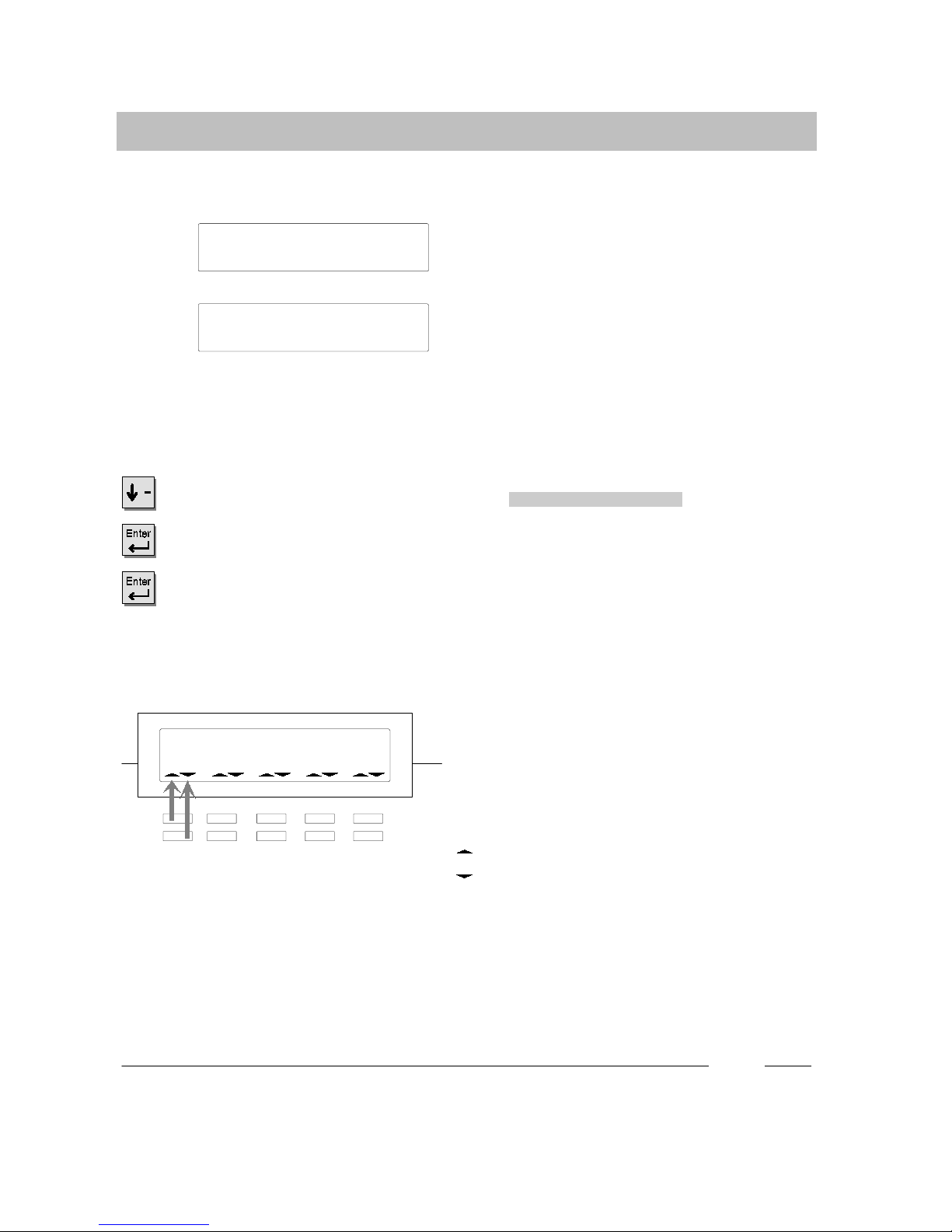
Display keys
The display keys may have various func-
tions, e.g. acting as line keys to occupy ex-
ternal lines.
In that case, the symbols below the keys
display the status of the corresponding line:
Symbol for the upper key
Symbol for the lower key
Symbol flashes slowly: Internal call
Symbol flashes quickly: External call
Symbol illuminates: Busy
i
xYou can connect a DSS module to your telephone. This makes it possible for
you to enter letters (see Page 79).
21 Miller 15.04.99 16:50
Night service 1 (on)
Indice
Altri manuali Tenovis Telefono

Tenovis
Tenovis Integral TB 13 Manuale utente

Tenovis
Tenovis Integral T3 Compact Manuale utente

Tenovis
Tenovis Integral T3 Compact Manuale utente

Tenovis
Tenovis Integral T3 Compact Manuale utente

Tenovis
Tenovis Integral T3 Manuale utente

Tenovis
Tenovis OS33 Manuale utente

Tenovis
Tenovis Economy Integral TE 13 Manuale utente

Tenovis
Tenovis Integral TH 13 Manuale utente

Tenovis
Tenovis Integral TB 13 Manuale utente

Tenovis
Tenovis TS 13 Manuale utente