
TileVision TV/17/FR Manuale utente

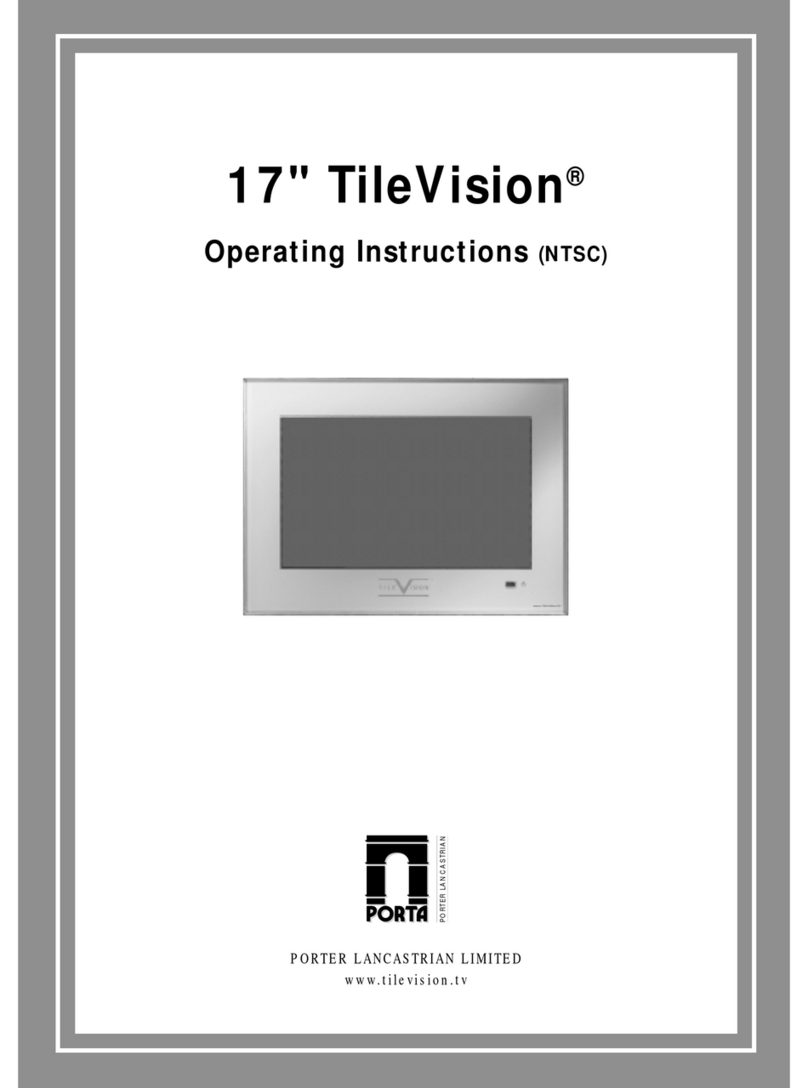
17" TileVision®
Operating instructions
PORTER LANCASTRIAN
PORTER LANCASTRIAN LIMITED
www.tilevision.tv

17" Widescreen TileVision®
A Wide Array of Screen Settings
You can choose different screen settings depending on the type of programme you are
watching or the surrounding conditions (the lighting or the outside weather conditions).
You can switch among the Sports, Movies, Music and Normal options, or you can
configure the screen settings yourself.
A Wide Array of Sound Settings
You can choose an optimal sound setting for the type of program you are watching.
You can switch among the Music, Movie, News and Normal options, or you can configure
the settings yourself.
Favourite Channel Memory
You can store your favourite channels in the order of preference for easy channel
selection.
Teletext Function
You can display teletext information at any time on your TileVision®.
CAUTION
RISK OF ELECTRIC SHOCK
DO NOT OPEN
This symbol is intended to alert the user to the presence of important operating
and maintenance (servicing) instructions in the literature accompanying the
appliance.
CAUTION: DO NOT REMOVE COVER.
NO USER-SERVICEABLE PARTS INSIDE.
REFER SERVICING TO QUALIFIED SERVICE PERSONNEL.
BEWARE OF STATIC SENSITIVE PARTS.

Safety Instructions
1
Do not use a damaged socket and do not let the power cord
touch a heat source.
–This may cause an electric shock or fire.
Do not attempt to service the unit.
Contact an authorised dealer or repair service.
–Servicing the unit yourself may cause an electric shock or fire.
If there are any unusual sounds or smells coming from the
unit, unplug it immediately and contact an authorised
dealer or repair service.
–This may cause an electric shock or fire.
If an outside antenna is connected to the unit, ensure the
external to internal cable entry is fully sealed
–This may cause an electric shock or fire.
Do not connect too many extension cords or plugs to
an outlet.
–This may cause a fire.
Keep the power adaptor away from any heat source.
–This may cause a fire.
Ensure the antenna is located away from overhead cables.
–This may cause an electric shock.

2
Tools Required
Suction Lifter
Silicone Isopropyl Alcohol
I
s
o
p
r
o
p
y
l
A
l
c
o
h
o
l
Soft Cloth

Table of Contents
3
Safety Instructions ................................................................................................................................1
Tools Required ......................................................................................................................................2
Unpacking your TileVision®....................................................................................................................4
Your TileVision®....................................................................................................................................5
Connector Inputs ..................................................................................................................................5
Connections ..........................................................................................................................................6
Connecting an Antenna or Cable ..........................................................................................................7
Connecting to the RCA or S-Video Input (AV1 or AV2) ........................................................................8
Connecting to a DVD or DTV Set-Top Box Input ..................................................................................9
Connecting to the SCART Input ............................................................................................................9
Installing the Front Plate ....................................................................................................................10
The Remote Control ............................................................................................................................11
Switching the TileVision®On/Off ..........................................................................................................12
Selecting a Picture from External Sources ........................................................................................12
Selecting your Language ....................................................................................................................12
Tuning and Storing Channels in Memory ............................................................................................13
Customising the Picture ......................................................................................................................15
Customising the Sound ......................................................................................................................16
Adjusting the Speaker Volume & Selecting the Speaker Sound Source ............................................17
Listening to Stereo Sound/Dual Sound ..............................................................................................18
Setting the Sound Effect ....................................................................................................................18
Setting the Date & Time ......................................................................................................................19
Setting the Preset Time (On/Off) ........................................................................................................20
Setting the Sleep Timer ......................................................................................................................20
Setting Restrictions On Button Input ..................................................................................................21
Reducing Picture Noise ......................................................................................................................21
Setting the OSD Display Time ............................................................................................................22
No Key Operation Auto Power Off ......................................................................................................22
No Signal Auto Power Off ..................................................................................................................23
Watching your Favourite Channels ....................................................................................................23
Display the Picture in Picture (PIP) ....................................................................................................24
Changing the Picture Size ..................................................................................................................26
Display a Still Image ............................................................................................................................26
Teletext Functions ..............................................................................................................................27
Displaying the Teletext Information ....................................................................................................27
Selecting Special Teletext Functions ..................................................................................................28
Connecting to the PC ..........................................................................................................................29
Adjusting the Screen Colour ..............................................................................................................30
Troubleshooting ..................................................................................................................................31
Specifications ......................................................................................................................................32

Unpacking your TileVision®
4
Accessories
Please make sure the following items are included with your TileVision®
if any items are missing, contact your dealer.
Two boxes supplied –
1. Back Box Assembly –(first fix)
2 speakers.
2 lengths speaker cable.
1 12V DC Adaptor.
1 12v DC Power cord.
1 back box.
1 Back box Installation instructions.
2. Front Assembly –(second fix)
1 front plate assembly complete with velcro sealing strips.
1 remote control.
1 Installation and instruction manual.

Your TileVision®
5
Front View
Indicator
Red
Green
Green blinking
Remote control sensor and indicator
Status
Stand-by
Power on
Remote control
Power Indicator Status
Connector Inputs
Power Input Jack
Power Input Jack (7-pin Not Used)
RGB Video Input Connector (PC)
DTV/DVD Video (Y/Pb/Pr) Input
DTV/DVD Audio Input
1
2
3
4
5
AV1 S-Video Input
AV1 Video Input
AV1 Audio Input
Antenna Input Jack
EURO-SCART Jack
6
7
8
9
10
12VDC Y Pb Pr L R
S-VIDEO
VIDEO
L R
Audio
ANT
Audio
DTV/DVD AV1
EURO-SCART
RGBPOWER
4
6
32
15
78910

Connections
6
Power
Plug the 12 volt power lead into the socket (1) –clearly marked ‘12V DC’. Next connect the
green/yellow Earth cables from the backbox to the earthing screws marked with green earthing
labels on the TileVision®chassis.
Note: The unit is either On or in Standby Mode –the TileVision®is permanently powered up.
Speakers
Connect the speaker wires into the Grey Connection
Block. Depress one of the lugs and push one conductor
of the speaker lead in. Release the lug and give the lead
a slight pull to make sure that it is gripped correctly.
Connect the other wires in the same way.
To ensure that the speakers are in correct phase, the
conductor with the stripe should be connected to the
negative terminal (L–or R–) and the plain
conductor should be connected to the corresponding
positive terminal (L+ or R+).
Antenna Feed
Plug the antenna feed into the ANT Input jack (9). (See page 9.)
AV/DVD/S-Video Inputs
If the above inputs are to be utilised the necessary cables must be installed at the same time as
the back box. (See pages 10 and 11.)
Careful consideration should be given to these prior to the installation of the unit.
Speaker Connection Block
L–L+ R–R+

7
ANT
or
Cabl T l vision
N twork
R ar of th TV
Connecting an Antenna or Cable
1
2
To view television channels correctly, a signal must be received by the set from one of
the following sources: an outdoor antenna, a cable television system or a satellite dish.
Connect the antenna or input cable to the 75Ωcoaxial input
on the rear of the TV.
If you are using an indoor antenna, you may need to turn it
when tuning your television until you receive a clear picture.

Connecting to the RCA or S-Video Input ( AV1 or AV2 )
8
All connections must be made prior to sealing the front plate into the back box.
(A) For RCA Input
1. Connect the RCA cable to the input jacks (video+ audio L/R of AV1 or AV2) on the TV and
output jacks on the external equipment such as a VCR, camcorder and some video game
devices.
(B) For S-Video Input
1. Connect the S-Video/RCA (audio L/R of AV1 or AV2) cable to the input jacks on the TV and
output jacks on the external equipment such as a VCR, camcorder and some video game
devices.
2. If the external equipment has mono audio output, connect it only to left jack of the Audio
Input/Output.
S-Video VIDEO LR
AV1
VCR
Camcorder
Video game device
(A) For RCA Input
(B) For S-Video Input
Indice
Altri manuali TileVision TV

TileVision
TileVision TV/19/FR1 Manuale utente

TileVision
TileVision TV/17/FR3/PS Manuale utente

TileVision
TileVision TV/17/FR2 Manuale utente

TileVision
TileVision Mirage Manuale utente

TileVision
TileVision 22" mirror finish Manuale utente

TileVision
TileVision 22" Manuale utente

TileVision
TileVision TV/17/FR5/PS Manuale utente
TileVision
TileVision 17" Manuale utente

TileVision
TileVision TV/17/FR4/PS Manuale utente

TileVision
TileVision TV/23/FR2/PS Manuale utente


