
ViewSonic WMA100 - Wireless Media Adapter Manuale utente
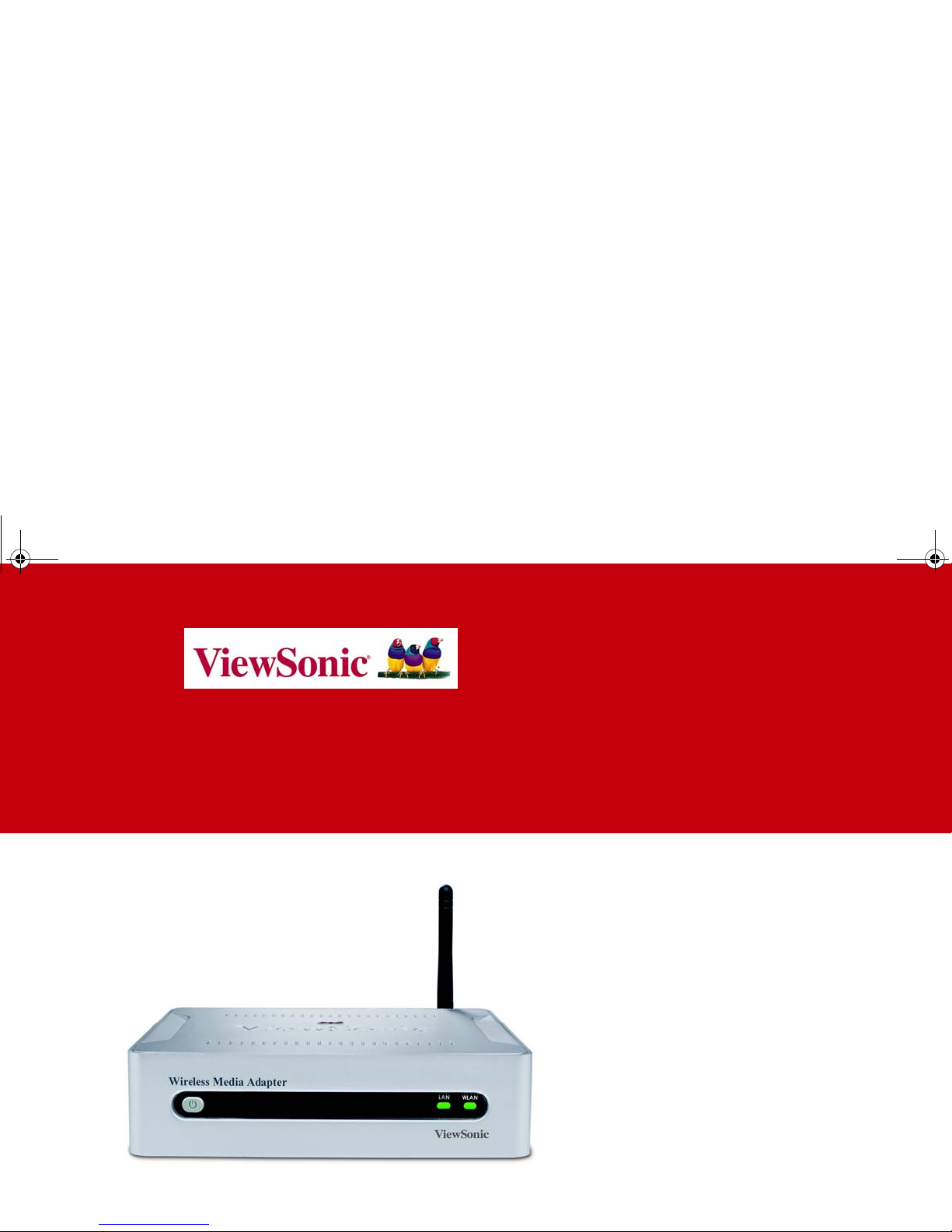
User Guide
802.11g Wireless Media Adapter
WMA100
WMA_UG.book Page 1 Tuesday, October 12, 2004 3:29 PM

ViewSonic Wireless Media Adapter i
Copyright © ViewSonic Corporation, 2004. All rights reserved.
ViewSonic
®
and the three birds logo are registered trademarks of ViewSonic
Corporation.
Microsoft and Windows are either registered trademarks or trademarks of Microsoft
Corporation in the United States and/or other countries.
Corporate names and trademarks are the property of their respective companies.
Disclaimer: ViewSonicCorporation shall not be liable for technical or editorial errors
or omissions contained herein; nor for incidental or consequential damages
resulting from furnishing this material, or the performance or use of this product.
In the interest of continuing product improvement, ViewSonic Corporation reserves
the right to change product specifications without notice. Information in this
document may change without notice.
No part of this document may be copied, reproduced, or transmitted by any means,
for any purpose without prior written permission from ViewSonic Corporation.
Product Registration
To meet your future needs and to receive additional product information as it becomes
available, please register your ViewSonic product at: www.viewsonic.com
.
For Your Records
Model Name:
Part Number:
Document Number:
Serial Number:
Purchase Date:
WMA100
ViewSonic 802.11g Wireless Media Adapter
VS10249
A-CD-WMA100-1-UG Rev. 1A 10-12-04
__________________
__________________
WMA_UG.book Page i Tuesday, October 12, 2004 3:29 PM

Table of Contents
ViewSonic Wireless Media Adapter ii
Product Registration ................................................................................................................ i
For Your Records .................................................................................................................... i
Chapter 1: WMA100 Overview
Package Contents ..................................................................................................................... 2
Safety Instructions ..................................................................................................................... 2
Product Features ....................................................................................................................... 3
System Requirements ............................................................................................................... 3
Front Panel: Buttons and LEDs ................................................................................................. 5
Rear Panel: Connection Ports ..................................................................................................6
Remote Control .......................................................................................................................... 7
myView Media Guide ............................................................................................................... 10
myView Media Manager .......................................................................................................... 10
Chapter 2: Setting Up Your WMA100
Setup Overview ....................................................................................................................... 11
Step 1: Install Software and User Guide .................................................................................. 12
Step 2: Connect the WMA100 ................................................................................................. 13
WMA_UG.book Page ii Tuesday, October 12, 2004 3:29 PM

ViewSonic Wireless Media Adapter iii
Step 3: Install Remote Control Batteries .................................................................................. 15
Step 4: Turn on TV Power and Verify WMA100 Power is ON ................................................. 15
Step 5: Configure Your WMA100 ............................................................................................ 16
Step 6: Adjusting the Screen Image ........................................................................................ 18
Chapter 3: Selecting and Playing Media
Home Screen Features ............................................................................................................ 20
Supported Media Files ............................................................................................................. 20
Selecting and Playing Media Files ........................................................................................... 21
Remote Control Buttons .......................................................................................................... 22
Play/Pause ........................................................................................................................... 22
Stop ...................................................................................................................................... 22
Replay and Skip ................................................................................................................... 22
Rewind and Fast Forward .................................................................................................... 22
Back ..................................................................................................................................... 22
Shortcut Buttons ................................................................................................................... 22
On-Screen Control Panel Buttons ........................................................................................... 23
Search .................................................................................................................................. 23
Play Shuffle .......................................................................................................................... 24
Play All ................................................................................................................................. 24
Slide Effects ......................................................................................................................... 24
Viewing Videos ........................................................................................................................ 25
WMA_UG.book Page iii Tuesday, October 12, 2004 3:29 PM

ViewSonic Wireless Media Adapter iv
Going to the Next/Previous Video ........................................................................................ 25
Listening to Music .................................................................................................................... 26
Going to the Next/Previous Track ........................................................................................ 26
Viewing Pictures ...................................................................................................................... 27
Going to the Next/Previous Picture ...................................................................................... 27
Viewing a Slideshow with Music ........................................................................................... 27
Listening to Internet Radio ....................................................................................................... 28
Chapter 4: Using Setup to Change Settings
Auto-Sync Feature ................................................................................................................... 30
System Settings ....................................................................................................................... 31
Screen Saver ....................................................................................................................... 31
Image Setting ....................................................................................................................... 31
Sounds ................................................................................................................................. 31
Restore Factory Settings ...................................................................................................... 31
LAN Settings ............................................................................................................................ 32
Auto Mode ............................................................................................................................ 32
Manual Mode ....................................................................................................................... 32
Wi-Fi Settings .......................................................................................................................... 33
Firmware Update ..................................................................................................................... 33
Software Update ...................................................................................................................... 33
WMA_UG.book Page iv Tuesday, October 12, 2004 3:29 PM

ViewSonic Wireless Media Adapter v
Chapter 5: Using the Media Server Software
myView Media Manager Overview .......................................................................................... 34
Launching the Homepage .................................................................................................... 35
Disabling myView Media Manager ....................................................................................... 35
Re-launching myView Media Manager ................................................................................. 35
System Settings ....................................................................................................................... 36
Security Settings ...................................................................................................................... 37
Creating an Access Code for the First Time ........................................................................ 37
Linking Pictures to Music ......................................................................................................... 39
Removing a pictures-to-music link: ...................................................................................... 40
Linking Music to Pictures ......................................................................................................... 41
Removing a music-to-pictures link: ...................................................................................... 43
Chapter 6: Troubleshooting and Maintenance
Getting Help Checklist ............................................................................................................. 44
Frequently Asked Questions (FAQs) ....................................................................................... 45
Troubleshooting ....................................................................................................................... 49
Customer Support .................................................................................................................... 53
Maintenance ............................................................................................................................ 54
Firmware Updates ................................................................................................................ 54
Software Updates ................................................................................................................. 54
Cleaning Instructions ............................................................................................................ 55
WMA_UG.book Page v Tuesday, October 12, 2004 3:29 PM

ViewSonic Wireless Media Adapter vi
Chapter 7: Appendix
Regulatory Information ............................................................................................................ 56
FCC Statement .................................................................................................................... 56
FCC Caution ........................................................................................................................ 57
PC Power Settings ................................................................................................................... 57
Renaming Your PCs ................................................................................................................ 58
Specifications ........................................................................................................................... 59
Limited Warranty ...................................................................................................................... 60
WMA_UG.book Page vi Tuesday, October 12, 2004 3:29 PM

ViewSonic Wireless Media Adapter 1
Welcome
Congratulations on your purchase of your WMA100 ViewSonic 802.11g
Wireless Media Adapter.
This chapter provides an overview to familiarize you with your WMA100:
•Package Contents
•Safety Instructions
•Product Features
•System Requirements
•Front Panel: Buttons and LEDs
•Rear Panel: Connection Ports
•Remote Control
•myView Media Guide software
•myView Media Manager software
Chapter 1: WMA100 Overview
WMA_UG.book Page 1 Tuesday, October 12, 2004 3:29 PM

ViewSonic Wireless Media Adapter 2
Package Contents
Check to make sure all of the items shown below were included in the
packaging for your WMA100.
ViewSonic WMA100
Wireless Media Adapter
Remote Control
and batteries
AC/DC Adapter
with cable
S-Video Cable DVI to VGA
Adapter
Composite Video and
L/R Audio Cable
Networking
Companion CD
(with myView Media
Manager software
and User Guide)
RJ45 Ethernet
Cable
Quick Start
Guide
Pedestal
(for vertical
placement)
Safety Instructions
CAUTION:
To reduce the risk of electric shock, do NOT
open the internal compartment of the
WMA100 Wireless Media Adapter.
Opening the Wireless Media Adapter will
void the Limited Warranty.
There are no user-serviceable parts inside.
Any repairs or modifications to the unit must
be performed by ViewSonic or by an
authorized service provider.
WMA_UG.book Page 2 Tuesday, October 12, 2004 3:29 PM

ViewSonic Wireless Media Adapter 3
Product Features
General
•54Mbps 802.11g signaling rate supports up to 5x the speed of 802.11b
•Wireless security includes 64/128-bit WEP keys and 256-bit pre-shared
WPA keys
•Industry-leading I/O support (input/output ports)
Video
•Automatically detects and scales to your TV’s native resolution for best
picture quality
•Allows you to Instantly connect and view your stored movies and video
content from anywhere in your house
•Supports MPEG-1, MPEG-2, MPEG-4, and Xvid video file formats
Music
•Listen to any song, from any artist in your music collection instantly
•Access your music collection with the Remote Control
•Listen to your favorite music through your home theater surround
sound system
•Supports MPEG-1 (Audio layers 1 &2), MP3, WMA CBR, WAV,
unprotected AAC, AC-3 (Dolby Digital 5.1 pass-thru) audio file formats
(continued)
System Requirements
•TV or other display with Composite, S-
Video, Component, DVI, and/or VGA
video ports.
•Wireless or Wired (Ethernet) router or
gateway.
•One or more networked PCs with:
Windows XP or 2000, a Pentium 200
Mhz or faster processor, 64 MB RAM
minimum, an Internet browser, and a
CD-ROM drive.
WMA_UG.book Page 3 Tuesday, October 12, 2004 3:29 PM
Questo manuale è adatto per i seguenti modelli
1
Indice
Altri manuali ViewSonic Adattatore


