
Western Telematic PollCat III Manuale utente

WTI Part Number: 12606
Rev. C
PollCat III
Pollable Call Accounting Terminal
Service Guide

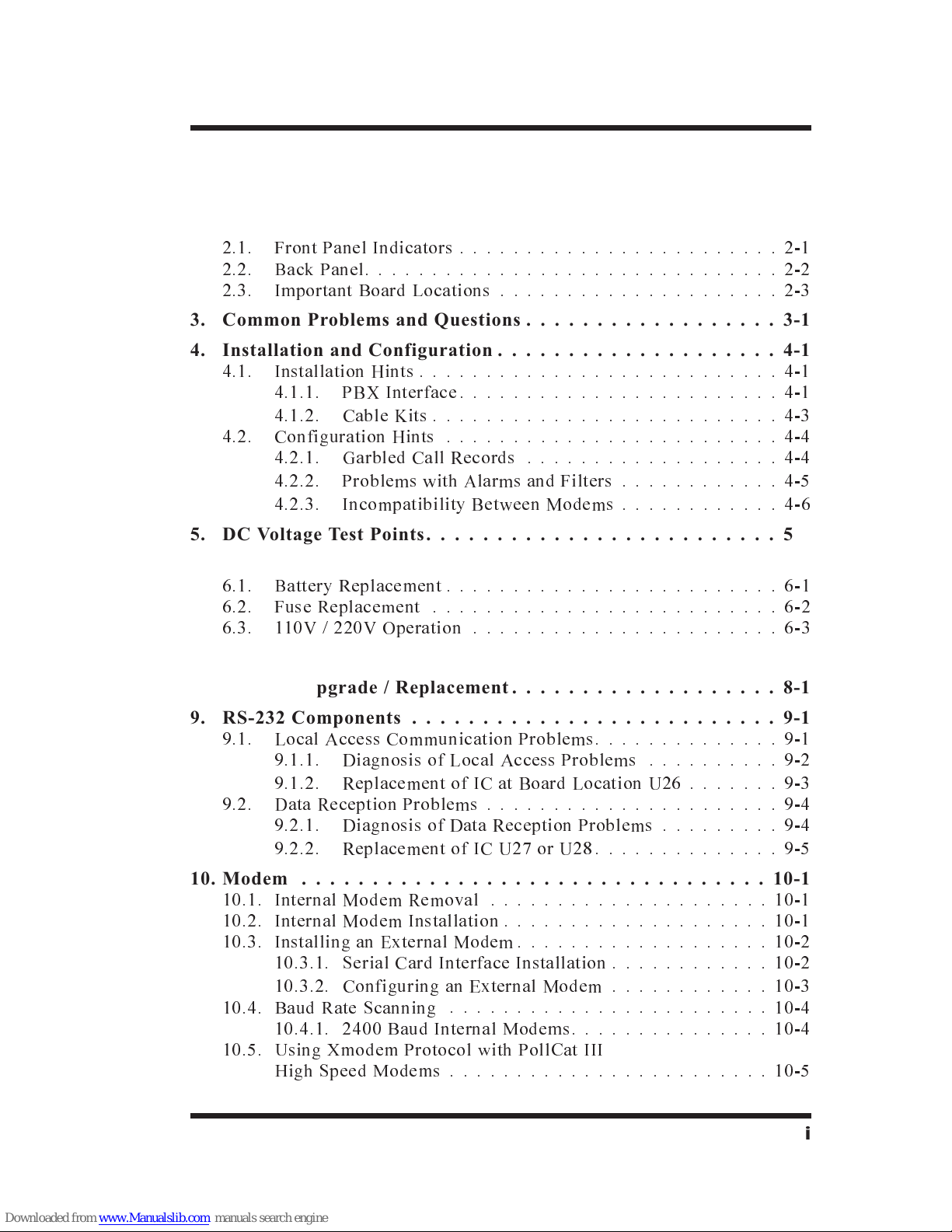
Table of Contents
1. Introduction ...............................1-1
2. Unit Description ............................2-1
2.1. Front Panel Indicators ........................2-1
2.2. Back Panel...............................2-2
2.3. Important Board Locations .....................2-3
3. Common Problems and Questions ..................3-1
4. Installation and Configuration ....................4-1
4.1. Installation Hints ...........................4-1
4.1.1. PBX Interface........................4-1
4.1.2. Cable Kits ..........................4-3
4.2. Configuration Hints .........................4-4
4.2.1. Garbled Call Records ...................4-4
4.2.2. Problems with Alarms and Filters ............4-5
4.2.3. Incompatibility Between Modems ............4-6
5. DC Voltage Test Points.........................5-1
6. Power Supply ..............................6-1
6.1. Battery Replacement .........................6-1
6.2. Fuse Replacement ..........................6-2
6.3. 110V / 220V Operation .......................6-3
7. EPROM Upgrade ............................7-1
8. Memory Upgrade / Replacement ...................8-1
9. RS-232 Components ..........................9-1
9.1. Local Access Communication Problems..............9-1
9.1.1. Diagnosis of Local Access Problems ..........9-2
9.1.2. Replacement of IC at Board Location U26 .......9-3
9.2. Data Reception Problems ......................9-4
9.2.1. Diagnosis of Data Reception Problems .........9-4
9.2.2. Replacement of IC U27 or U28..............9-5
10. Modem .................................10-1
10.1. Internal Modem Removal .....................10-1
10.2. Internal Modem Installation ....................10-1
10.3. Installing an External Modem ...................10-2
10.3.1. Serial Card Interface Installation ............10-2
10.3.2. Configuring an External Modem ............10-3
10.4. Baud Rate Scanning ........................10-4
10.4.1. 2400 Baud Internal Modems...............10-4
10.5. Using Xmodem Protocol with PollCat III
High Speed Modems ........................10-5
i

Appendices
A. Description of System Interfaces .................Apx-1
A.1. PBX INPUT Ports A and B (DB-9 Male) ...........Apx-1
A.2. Computer Port (DB-25 Female; DCE) .............Apx-2
A.2.1. PollCat III Computer Port to 25-Pin PC .......Apx-2
A.2.2. PollCat III Computer Port to 9-Pin PC........Apx-2
A.3. SC1 Serial Card Interface (DB-9 Male; AT PC Style) ....Apx-3
A.4. Alarm Wiring ...........................Apx-3
B. LED Indicators ...........................Apx-4
C. Specifications ............................Apx-5
D. Approximate Maximum Storage Capacities ..........Apx-6
E. Spare Parts ..............................Apx-7
F. Customer Service ..........................Apx-8
Index ...................................Index-1
List of Figures
2.1. Front Panel Indicators ..........................2-1
2.2. Back Panel.................................2-2
2.3. Important Board Locations .......................2-3
7.1. EPROM Orientation (Board Detail) ..................7-1
8.1. SIMM Installation ............................8-1
9.1. Data Signal Levels ............................9-2
10.1. Modem Removal and Installation ...................10-1
A.1. PBX Ports A and B ..........................Apx-1
A.2. Computer Port to 25 Pin PC .....................Apx-2
A.3. Computer Port to 9 Pin PC......................Apx-2
A.4. Alarm Port Interface .........................Apx-3
ii
PollCat III Service Guide

1. Introduction
The PollCat III is a highly reliable solid-state PBX data recorder,
designed to collect call records from any system that sends ASCII
data via an RS-232 interface. Collected call records can either be
retrieved from a remote location via modem, or by a local PC
connected directly to the PollCat III unit.
This Service Guide provides additional information concerning
installation and configuration of the PollCat III unit, and describes
basic field service and upgrade procedures.
Disclaimer on Toll Fraud
We do not guarantee that if you use the PollCat III, you will not
become a victim of toll fraud. We provide this device to assist you
in minimizing your exposure to such losses. By monitoring call
records as they are received, you can potentially catch calls that
should not be made before they escalate and cost you large sums of
money. However, responding to alarms and determining what is
fraud and abuse is still up to you. Western Telematic, Incorporated
assumes no responsibility for any losses due to improper use of
this product.
1-1

Typographic Conventions
Throughout the manual, certain typefaces and characters have been
used to denote the following:
^(e.g. ^E) Indicates a key combination that is used to
invoke a command. For example, the text
"^B" (Control B) indicates that the [Ctrl]
key and the [B] key should be pressed
simultaneously.
COURIER FONT Indicates characters typed on the keyboard.
For example, ^B16 or ^B00.
[Bold Font] When text is set in bold face and enclosed in
square brackets, this indicates a specific key
on the keyboard.
For example, [Enter] or [Esc].
1-2
PollCat III Service Guide

2. Unit Description
2.1. Front Panel Indicators
ÀON: Lights when AC Power is applied to the unit.
ÁRDY: Indicates operational status as follows:
·Flashes slowly to indicate the unit is operational.
·Lights when PollCat III is in the Command Mode.
·Remains lit at all times when the unit has been configured
for the Direct Connect Mode.
ÂRXD: Flashes when commands are received via the
Computer Port.
ÃMEM: Indicates usage of PollCat III's internal memory.
·Flashes when memory is 80% full
·Remains lit when memory is 100% full
ÄBAT: Lights when battery needs to be replaced.
ÅALM: Lights when a Toll Fraud Alarm or No-Data Alarm
has been triggered.
ÆOH: (Off Hook) Lights when modem is off-hook.
ÇDCD: (Data Carrier Detect) Lights when modem has Data
Carrier Detect.
ÈPBX INPUT A: Flashes when data is received by PBX Port
A.
ÉPBX INPUT B: Flashes when data is received by
PBX Port B.
Please refer to Appendix B for more information on the front panel
indicators.
2-1
Figure 2.1: Front Panel Indicators

2.2. Back Panel
ÀAC Power Connector: Receptacle for AC Power Cord.
ÁModem Port: Includes two RJ-11 jacks as described below.
·LINE: For connection to a telecommunications line.
·PHONE: Not Used.
ÂPower Switch: Applies AC Power to the unit.
ÃAC Switch: Selects 115 VAC or 230 VAC power source.
ÄFuse: Houses 250V, .25 AMP slow blow fuse.
ÅAlarm Connector: For connection to an optional, external
alarm unit. For more information please refer to
Appendix A.4.
ÆSet-Up Switches: A bank of eight dip switches used to
configure communication settings, Local Access Mode,
Computer Port Password, and Power Up Defaults. For more
information, please refer to the PollCat III User's Guide.
ÇComputer Port: For direct cable connection between
PollCat III and a local PC.
ÈPBX InputsA&B:For connection to the PBX SMDR
Port(s).
2-2
PollCat III Service Guide
Figure 2.2: Back Panel

2.3. Important Board Locations
Item
Board
Location
WTI
Part No. Description
1 P3 CC-051 DC Test Points
2 B1 BC-084 Battery
3 U6 XB-087 EPROM
4 U2 XA-060 PBX LED Driver
5 1MB - 8MB PC3M-256 256K Memory SIMM
PC3M-512 512K Memory SIMM
PC3M-1Meg 1 Meg Memory SIMM
6 U20 XB-078 UART, Computer Port
7 U22 XB-078 UART, PBX Ports A and B
8 U26 XB-099 RS-232 Interface,
Computer Port
9 U27 XB-099 RS-232 Interface, PBX Port A
10 U28 XB-099 RS-232 Interface, PBX Port B
For additional Spare Parts information, please refer to Appendix E.
2-3
Unit Description
Figure 2.3: Important Board Locations

2-4
PollCat III Service Guide
Indice


