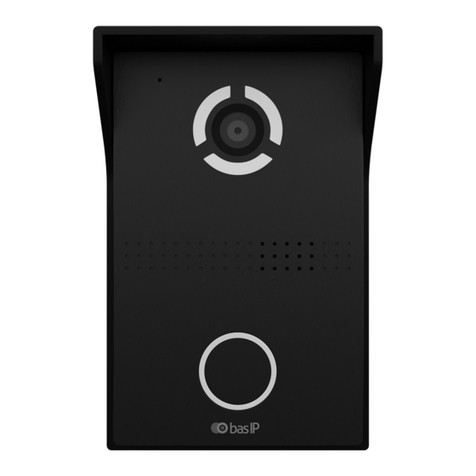
basIP SP-03 Manuale utente

SP-03
SP-03
Exported on 02/10/2020

– 2
Table of Contents
Device description................................................................................................. 4
Technical parameters........................................................................................... 5
Main features ...................................................................................................................................5
FUNCTIONAL CAPABILITIES....................................................................................................5
Configuration through WEB interface........................................................... 6
Login .................................................................................................................................................. 6
Dashboard ....................................................................................................................................... 6
Device information........................................................................................................................................................6
Do not disturb mode ....................................................................................................................................................7
Intercom ............................................................................................................................................7
Address Settings............................................................................................................................................................7
DTMF ..................................................................................................................................................................................9
Advanced intercom settings ...................................................................................................................................10
Calls forward..................................................................................................................................................................10
SOS/Concierge button ..............................................................................................................................................10
Network ............................................................................................................................................ 11
Network configuration................................................................................................................................................ 11
Custom NTP.................................................................................................................................................................... 11
Management system .................................................................................................................................................. 12
System ............................................................................................................................................. 13
Language ........................................................................................................................................................................ 13
Settings............................................................................................................................................................................ 13
Firmware upgrade....................................................................................................................................................... 13
Reboot ............................................................................................................................................................................. 14
Installation and connection............................................................................... 15
Completness check of the product ...................................................................................... 15
Electrical connection.................................................................................................................. 15
Mechanical mounting .................................................................................................................16
Connection of additional modules........................................................................................ 18

Device description– 4
•
•
•
•
•
•
•
•
•
•
•
•
•
•
Device description
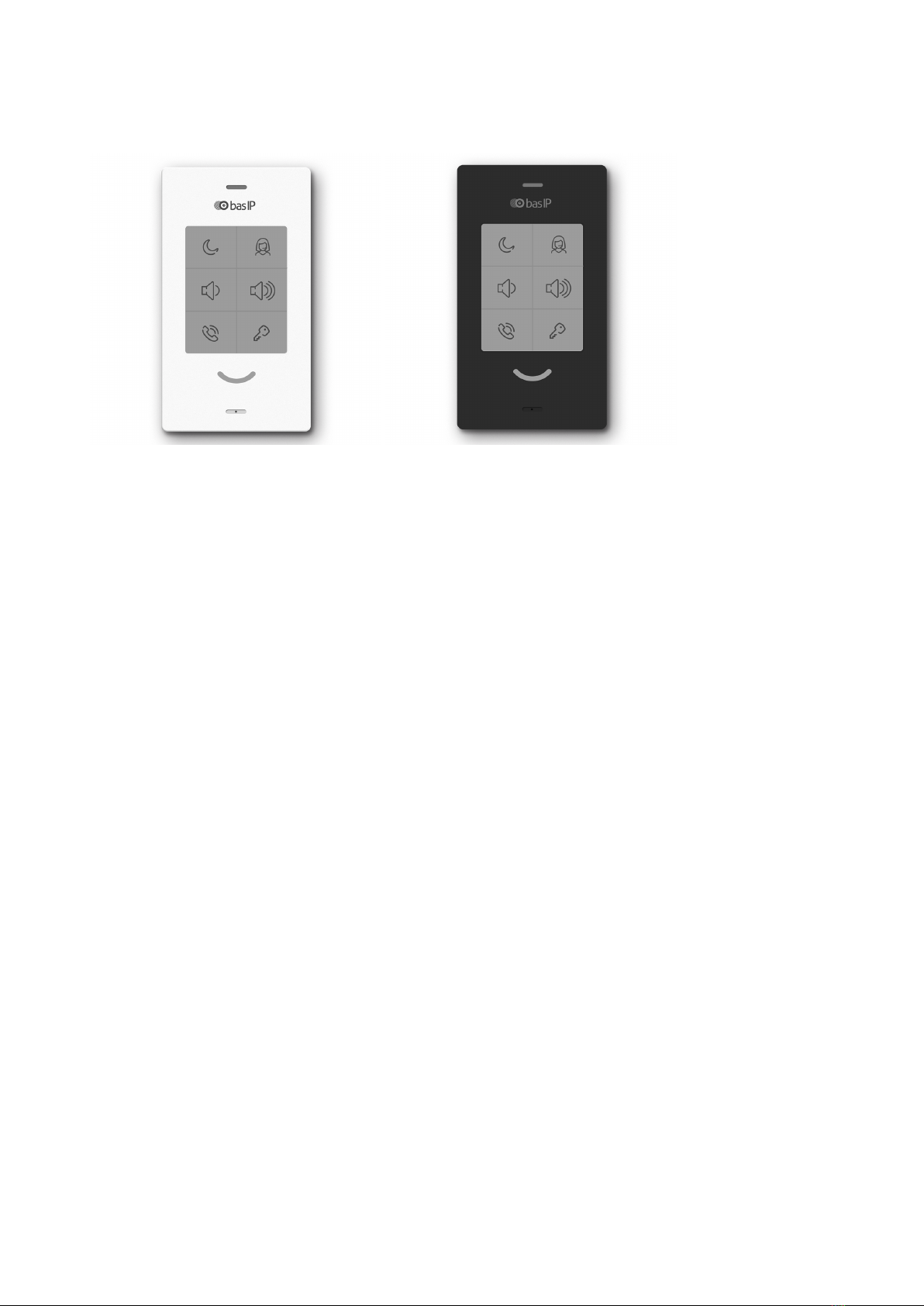
Subscriber IP audio device with support for SIP, P2P and internal BAS-IP protocol.
Functional 6 buttons, from left to right, from bottom to top:
Answer an incoming call/end a call;
The opening of the lock. Automatically receive settings from Link software;
Reduce the overall volume level (6 volume levels, changes when playing an incoming call
melody). Mute the microphone (during a call);
Increase the overall volume level (6 volume levels, changes in the playback mode of the
incoming call melody and cyclically during a call);
DND - disabling the ringtone for an incoming call, only the indicator light flashes;
Concierge call.
Indicator statuses:
The device in standby mode - constant white backlight;
Incoming / outgoing call - flashing green backlight;
Conversation - constant green backlight;
DND is on - constant red backlight;
A signal to open the lock was sent - a flashing white and green backlight 3 times in 1.5.-2
seconds;
Mute during a conversation - slowly flashing red and green lights;
Pressing the volume button - flashing white backlight 1 time, then return to the backlight
of the current mode;
The mode for automatically receiving settings is the flashing red, green, and blue
backlight.
Additionally:
Network connection: Ethernet 10/100;
Power: + 12V and PoE 802.3af;
Connection of an additional handset SP-AU.

Technical parameters– 5
•
•
•
•
•
•
•
•
•
•
•
•
•
Technical parameters
Main features
Number of VoIP accounts supported: 1
Supported protocol type: IPv4
Network connection: 1 PoE port IEEE 802.3af
Power supply: 1 PoE IEEE 802.3af port and 1 +12 Volt connection port
Supported codec type: G.711μ/ A
Additional function: Doorbell
Audio transmission method: Full Duplex
Number of control keys: 6
Configuration and programming method: WEB-interface
Installation method: Wall-mounted
Overall dimensions: 184 × 106 × 28 mm
Available colors: Black, white
FUNCTIONAL CAPABILITIES
Support for internal BAS-IP protocol
Support for SIP 2.0 and Peer-to-peer SIP, for organizing communication with any VoIP
equipment supporting this protocol
Opening door lock
Concierge Monitor Calls
SIP call forwarding
DND
Mute
Display of various device statuses using the indicator light
6 volume levels
Link software support
Support for receiving automatic settings from Link
Backup and restore settings
Possibility of receiving software updates from the BAS-IP server and user update server

Configuration through WEB interface– 6
•
•
•
•
•
Configuration through WEB interface
Login(see page 6)
Dashboard(see page 6)
Intercom(see page 7)
Network(see page 11)
System(see page 13)
Login
To search for a device on the network, you can use the software for searching and firmware
upgrade.
In the Internet browser, in the address entry box, you must enter the IP address of the device,
after which the user name and password entry window will appear.
Username to enter the settings: admin.
The password required for entry corresponds to the password for accessing the settings of the
device and is the installer password (default password: 123456).
Dashboard
Device information

Configuration through WEB interface– 7
Framework:Version of Framework.
Web Server:Version of Web server.
Firmware version:Version of the firmware.
Device type:Device type.
Device name:Name of the device.
Device serial number:Device serial number.
MAC address:MAC address of the device.
Do not disturb mode
Enable/Disable:Enable/disable the do not disturb mode.
Intercom
In this menu, the logical address settings are set for the device to communicate with the call
panels.
Address Settings
In the do not disturb mode the device will receive calls without a sound, only the green
LED will blink. In the stand by mode, red LED will light.
To enable this mode directly from the device, you need to press the top left button on
it.

Configuration through WEB interface– 8
Building: Building number.
Unit:Unit number.
Floor: Floor number.
Apartment: Apartment number.
Device number: Sequence number of the device.
SIP settings
Enable/Disable: Enable/disable SIP registration.
Proxy: A proxy SIP server that can be represented by both an IP address and a domain name.
If the device is one, it is necessary to set "0" in this line. If there are several devices,
then the numbering should begin with "0" and end with "8".

Configuration through WEB interface– 9
Realm: SIP server address.
STUN IP: Server STUN address.
STUN port: STUN server port.
User: SIP number.
Password: Password from SIP number.
DTMF
Default value: Enable/disable the function of sending a standard value when the lock open
button is pressed (the internal protocol command to open the door).
Lock code: DTMF code transmitted when the lock open button is pressed.
Before the proxy address, you must specify "sip:".
It can be specified as an IP address or a domain name.
stun.l.google.com.
Port 19302 is used for the STUN server of Google.
100

Configuration through WEB interface– 10
Advanced intercom settings
Talk volume level: Adjust the speaker volume of the device during the call.
General volume level:Adjust the volume level of the speaker in the stand by mode.
Maximum call time: The time interval after which the device automatically end an outgoing call.
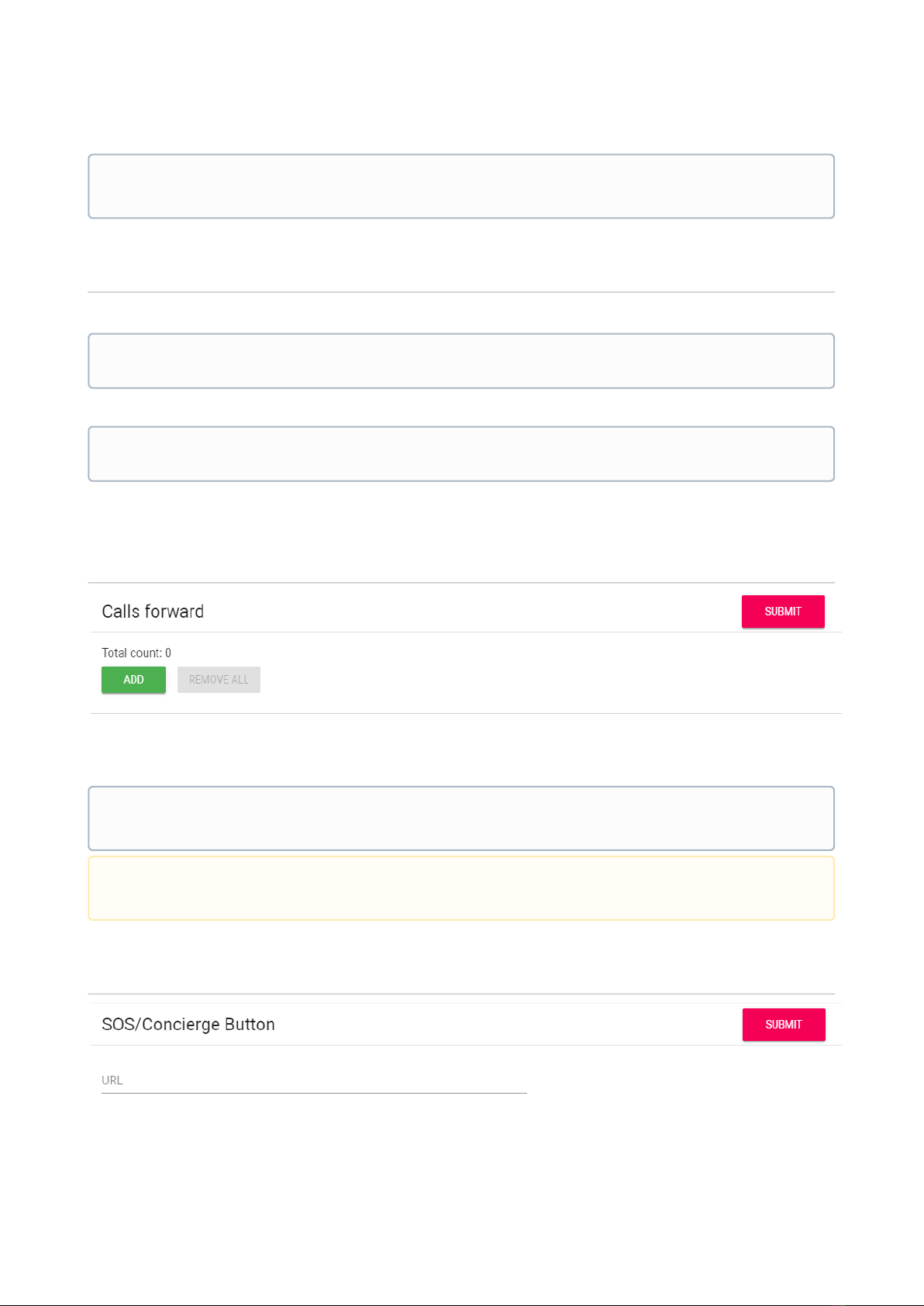
Calls forward
Total count: The number of active redirects (up to four redirects).
URL: Direction for parallel call forwarding when an incoming call is made to the internal monitor.
SOS/Concierge button
By default, the call panels are configured to receive a DTMF code "#" to unlock the
lock.
To mute the microphone during the call, you need to press the "Volume down" button.
You can also adjust the speaker volume level during an incoming call.
Example
Forwarding to the specified directions is activated when making calls to the handsfree
using an internal protocol.
Altri manuali per SP-03
2
Indice
Altri manuali basIP Sistema di interfono

basIP
basIP AA-12 Series Manuale utente

basIP
basIP AQ-07LW Manuale utente

basIP
basIP AV-05FD Manuale utente

basIP
basIP SH-47T Manuale utente

basIP
basIP BI-02B Manuale utente

basIP
basIP AA-14FBS Manuale utente

basIP
basIP SP-03 Manuale utente

basIP
basIP AV-02FDR/E Manuale utente

basIP
basIP BI-02FB Manuale utente

basIP
basIP AA-14FBS Manuale utente

basIP
basIP AV-05SD Manuale utente

basIP
basIP AV-04SD Manuale utente

basIP
basIP AV-04SD Manuale utente

basIP
basIP AA-07FB Manuale utente

basIP
basIP AZ-07L Manuale utente

basIP
basIP AV-03D Manuale utente

basIP
basIP AA-07FB Manuale utente

basIP
basIP AT-07L Manuale utente

basIP
basIP AQ-07LL Manuale utente

basIP
basIP AA-07BD Manuale utente