AntMiner Manual
Last updated: 2/1/2016
Page 8 of 11
Page 8 / 11
5Miner Configuration
5.1 Pool Setting
You can configure your miner through ‘Miner Configuration->General Settings‘.
Pool URL- Enter the URL of your desired pool in this column.
Worker- This is your worker ID on the selected pool.
Password- This is the password for your selected worker.
Comment:
4.1.1 The AntMiner S7 can be set up with three mining pools, with decreasing priority from the
first pool (pool 1) to the third pool (pool 3). The pools with low priority will only be used if all
higher priority pools have gone offline.
4.1.2 When ‘Stop running when temperature is over 80℃’ is checked, the miner will stop mining
when the temperature exceeds 80℃to protect the miner. If it’s unchecked, the miner will still
mine even in high temperature.
4.1.3 When “Customize the fan speed percentage” is checked, the fan speed can be controlled by
customer. If it’s unchecked, the fan speed will depend on the temperature of the hash boards.
Click ‘Save & Apply’ to save and restart miner.
5.2 Frequency Modification
You are able to modify the frequency value through ‘Miner Configuration->Advanced Settings‘.
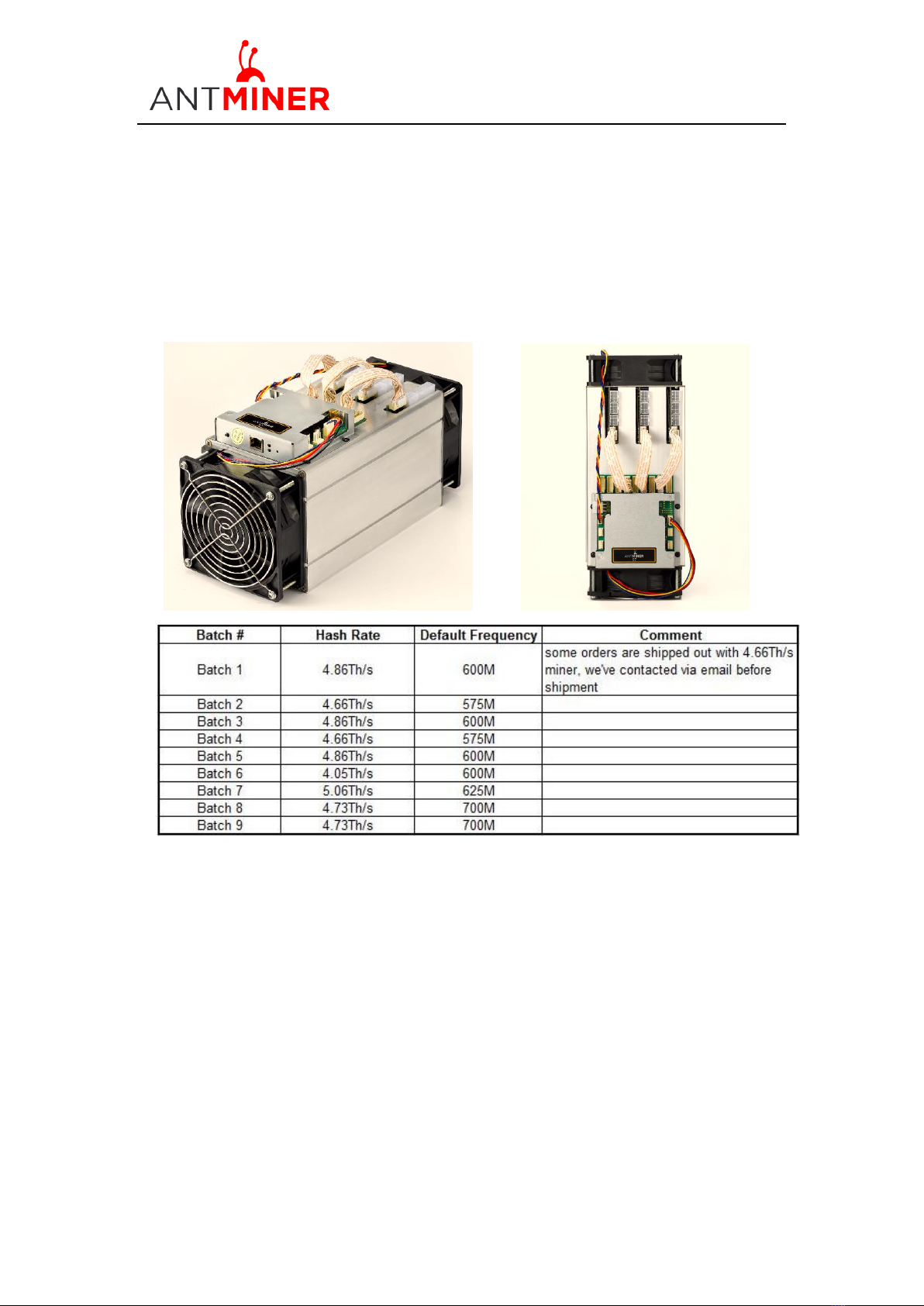
The default frequency for the AntMiner S7 is 600M.