
Danfoss CP715 Si Manuale utente

User Guide
Danfoss Heating
MAKING MODERN LIVING POSSIBLE
CP715Si
Electronic 2-Channel Common Timebase
Programmer for Heating and Hot Water
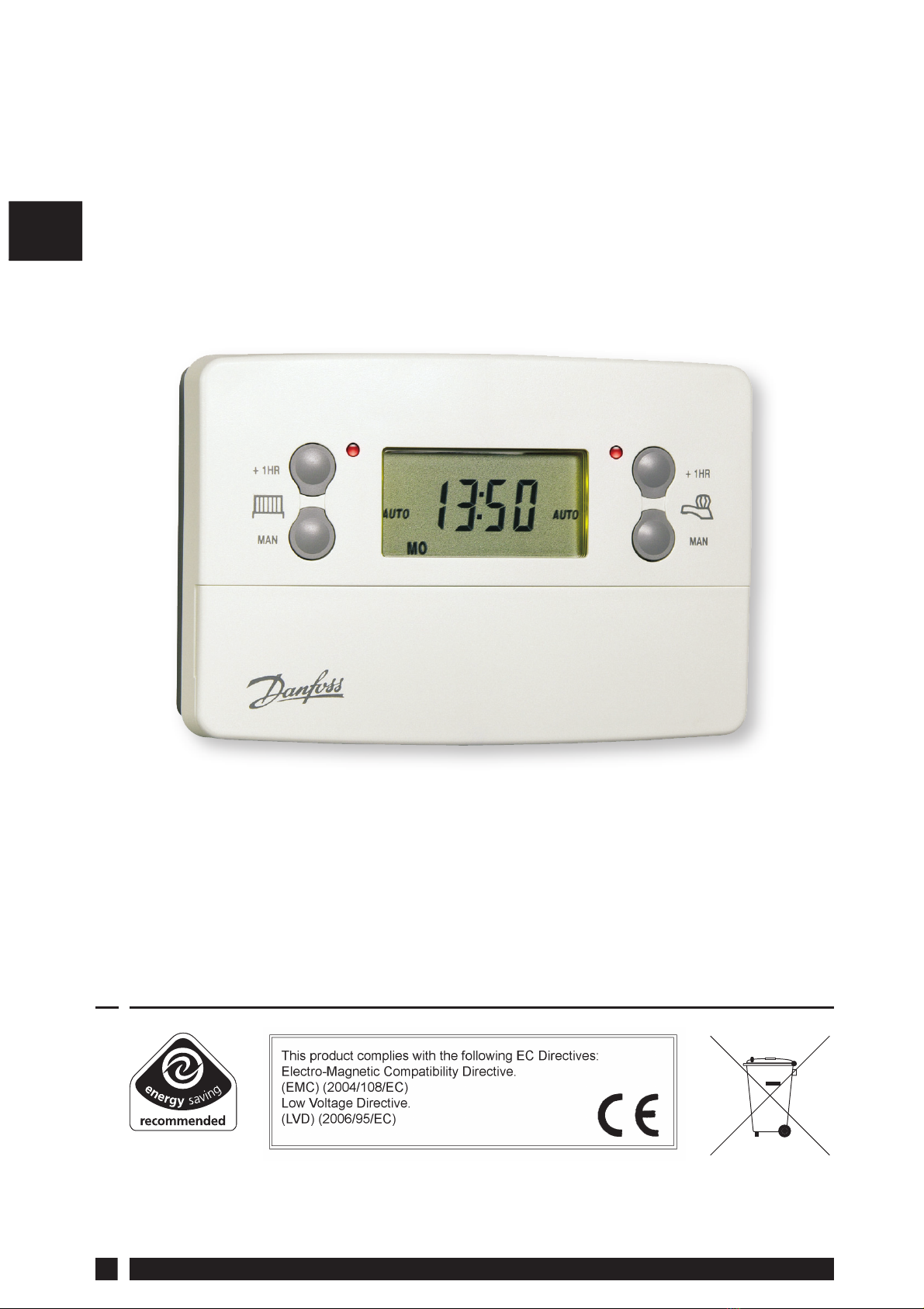
CP715SI
2
GB
CP715Si
Electronic 2-Channel Common Timebase
Programmer for Heating and Hot Water
For a large print version of these instructions
please call Marketing on 0845 121 7400.
Danfoss can accept no responsibility for possible errors in catalogues, brochures, and other
printed material. All trademarks in this material are property of the respective companies.
Danfoss and the Danfoss logotype are trademarks of Danfoss A/S. All rights reserved.
®
Certification Mark

Danfoss Heating 3
GB
Thank you for buying a Danfoss product GB

CP715SI
4
GB
Index
1.0 User Instructions
1.1 Your Programmer...........................................................................6
1.2 Preset Programmes.......................................................................6
1.3 Before you start ..............................................................................7
1.4 Choice of 24hr or AM/PM display.............................................7
1.5 Setting the Date and Time..........................................................7
1.6 Accepting the Preset Programmes..........................................8
1.7 Before you Change the Preset Programmes........................9
1.7.1 Programming the Heating in 5/2 Day Mode..................... 10
1.7.2 Programming the Heating in 7 Day Mode......................... 11
1.7.3 Programming the Heating in 24 Hour Mode.................... 12
1.8 Running your Programme....................................................... 14
2.0 Advanced
2.1 Temporary Override Buttons.................................................. 15
2.2 Holiday Programme................................................................... 16
2.3 Changing Clocks Forward and Backward .......................... 17
2.4 Service Interval Timer................................................................ 18
2.5 Making a Full Reset .................................................................... 19
2.6 Fault Check List............................................................................ 20
DAY/HOL
Central Heating
1HR override
Central Heating
MAN override
RESET
Central Heating
Mode SELECT
+1HR
MAN
+1HR
MAN
Hot Water
1HR override
Hot Water
MAN override
Hot Water
Mode SELECT

Danfoss Heating 5
GB
What is a Programmer?
... an explanation for householders.
Programmers allow you to set ‘On’ and ‘Off’ time periods. Some
models switch the central heating and domestic hot water on
and off at the same time, while others allow the domestic hot
water and heating to come on and go off at different times.
Set the ‘On’ and ‘Off’ time periods to suit your own lifestyle. On
some programmers you must also set whether you want the
heating and hot water to run continuously, run under the chosen
‘On’ and ‘Off’ heating periods, or be permanently off.
The time on the programmer must be correct. Some types have
to be adjusted in spring and autumn at the changes between
Greenwich Mean Time and British Summer Time.
You may be able to temporarily adjust the heating programme,
for example,‘Override’, ‘Advance’ or ‘Boost’. These are explained in
the manufacturer’s instructions.
The heating will not work if the room thermostat has switched
the heating off. And, if you have a hot-water cylinder, the water
heating will not work if the cylinder thermostat detects that the
hot water has reached the correct temperature.
The text below has been edited and approved by the
Plain English Campaign, who has issued a Crystal Mark
to be displayed with it.

CP715SI
6
GB
1.0 User Instructions
1.1 Your Programmer
The CP715 Si allows you to switch your heating and hot water on and
off at times that suit you.
You can programme up to 3 ON/OFF times per day for the heating and
the hot water and the two systems can be operated independently.
1.2 Preset Programmes
Your CP715 Si comes ready programmed with a set of operating
times which often suit most people.
If you want to change any of these settings, you can do so by
following the instructions on pages 9-14. First, follow the steps on
page 7-8 to set the correct time and date.
Event No. Hot Water and
Heating Mon-Fri Sat-Sun**
1 1st ON 6:30 7:30
2 1st OFF 8:30 10:00
3* 2nd ON* 12:00* 12:00*
4* 2nd OFF* 12:00* 12:00*
5 3rd ON 17:00 17:00
6 3rd OFF 22:30 22:30
* Not applicable if unit set to 2 ON/OFFs per day by installer
**Not applicable if unit set to 24 hour mode by installer
See page 9 for explanations of different settings

Danfoss Heating 7
GB
1.3 Before you start
Open the flap on the front of the clock. Press the RESET button using
a non-metallic object (e.g. pencil/matchstick) until you hear a click
and the 2 red lights on the front of the unit flash once.
This will stop and restart the electronics,
without losing the factory set time and
date settings.
To fully reset the unit see page 19.
1.4 Choice of 24hr or AM/PM display
Press and hold DAY/HOL and NEXT ON/
OFF for 1.5 seconds to toggle between
24hr clock and AM/PM display, as
required.
1.5 Setting the Date and Time
These settings are made during
manufacture and only need to be
changed in the unlikely event that the
unit has lost the settings.
Setting the Date
Press and hold PROG for 5 seconds to
display year.
Use the +or -buttons to set the correct
year.
DAY/HOL
DAY/HOL
DAY/HOL
DAY/HOL

CP715SI
8
GB
Press DAY/HOL to display day and
month. Use the +or - buttons to set the
correct month (Jan = 1, Feb = 2 etc.).
Press DAY/HOL to display day and
month. Use the +or - buttons to set day
of month.
Press PROG to display the time.
The words SET TIME will appear at the
top of the display and the time will flash
on and off.
Use the + or - buttons to set the correct
time (press and hold to change in 10 min.
increments).
Setting the Day
The day of the week is set automatically.
1.6 Accepting the preset programmes
If you are happy to use the preset
programmes on page 6, you don’t need
to do anything else.
To accept the factory presets just press the PROG button once until
the time appears and the colon in the display begins to flash.
Your unit is now in RUN mode and will control your heating and hot
water according to the preset programmes.
7

Danfoss Heating 9
GB
1.7 Before you change the preset programmes
Your installer will have set your unit to operate in one of the following
modes:
• 5/2 day - one set of programmes for weekdays and another for
weekends (page 10-11)
• 7 day - different settings for each day of the week.
(page 11-12)
• 24 hour - one set of programmes for the whole week.
(page 12-13)
See INSTALLER SETTING tick box on inside flap label to ascertain
which mode your unit is set.
Please Note
The unit must be programmed in sequence. ON/OFF times cannot
be set out of sequence.
If you want to leave a preset time as it is, simply press NEXT to
move on to the next setting.
Your installer will have set your unit to programme either 2 or 3
ON/OFFs per day. If your clock has been installed to allow 3 ON/
OFFs and you do not wish to use one of the ON/OFF settings,
simply programme the ON time to be the same as the OFF time
and the setting will not operate.
INSTALLER SETTING
24 Hour
5+2 Day
7 Day

CP715SI
10
GB
1. Press PROG once until SET ON TIME
appears at the top of the display
and MOTUWETHFR appears at the
bottom of the display.
Use the + or - buttons to set the
time you would like your heating/
hot water to first come on in the
morning (Event 1).
2. Press NEXT ON/OFF once only.
Use the + or - buttons to set the
time you want your heating/hot
water to go off (Event 2).
To move to the next setting, i.e.
when you would like your heating/
hot water to come on again (Event
3) press the NEXT ON/OFF button
again.
3. Continue programming the
heating/hot water ON and OFF
times for weekday Events 4, 5 and 6
as in Step 2.
4. Press the DAY/HOL button once
and SASU will appear at the bottom
of the display.
DAY/HOL
DAY/HOL
DAY/HOL
1.7.1 Programming the heating and hot water in
5/2 day mode
DAY/HOL
Altri manuali per CP715 Si
1
Indice
Altri manuali Danfoss Scheda madre

Danfoss
Danfoss FP735Si Manuale utente

Danfoss
Danfoss FP75 Manuale utente

Danfoss
Danfoss ECL Comfort A368 Manuale di istruzioni per l'installazione

Danfoss
Danfoss FP715 Manuale utente

Danfoss
Danfoss ECL Comfort 310 Manuale di istruzioni per l'installazione

Danfoss
Danfoss FP975 Manuale utente

Danfoss
Danfoss FP975 Manuale utente

Danfoss
Danfoss 102 Istruzioni per il montaggio
Manuali Scheda madre popolari di altre marche


Telit Wireless Solutions
Telit Wireless Solutions SL869-3DR Manuale utente

Gigabyte
Gigabyte GA-9IVDT Manuale utente

Texas Instruments
Texas Instruments ADS8372EVM Manuale utente

Commell
Commell MS-C73 Manuale utente

IBT Technologies
IBT Technologies MB860 Manuale utente

Nvidia
Nvidia TEGRA DG-04927-001_V01 Manuale utente


