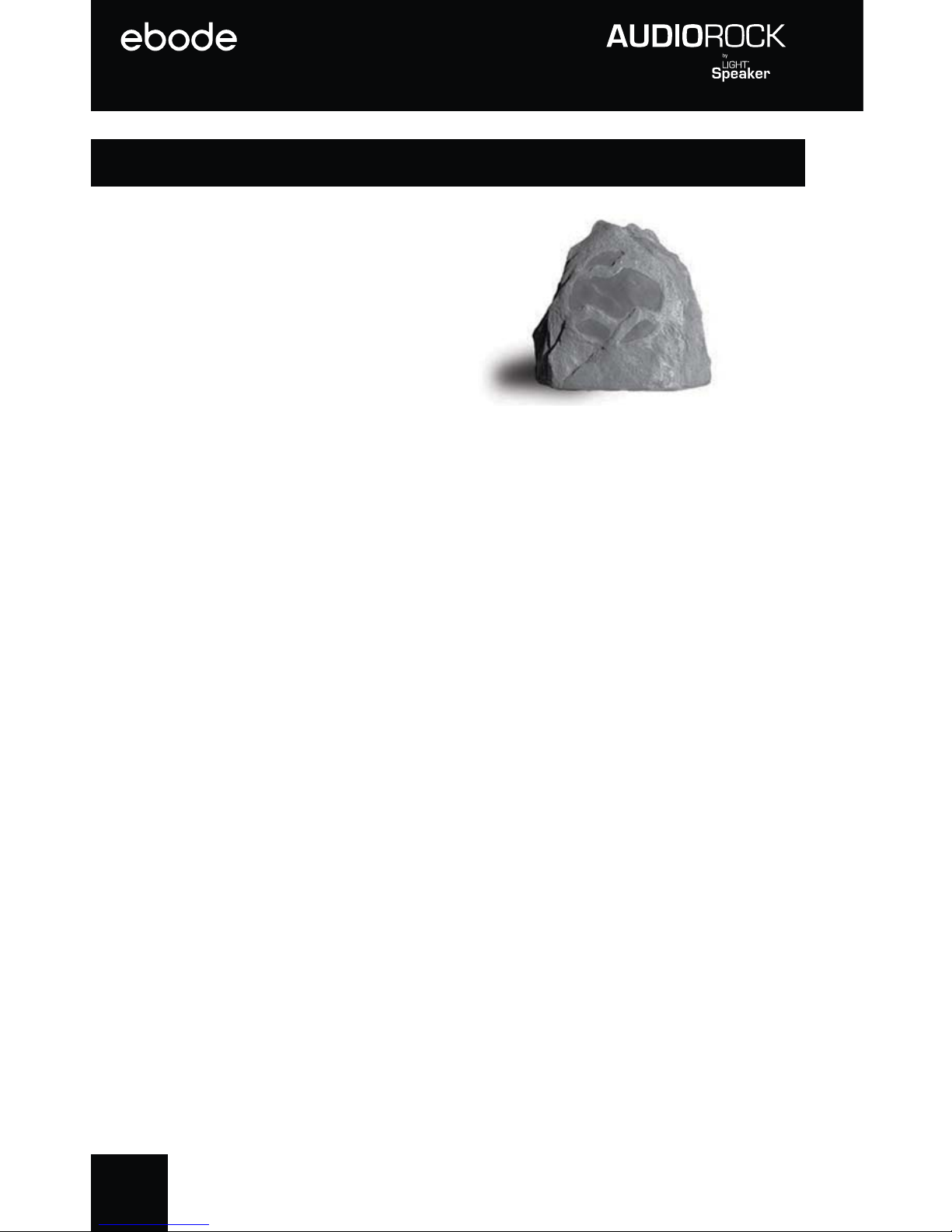
Ebode XDOM ROCKSPEAKER - PRODUCTSHEET Istruzioni operative

1
OWNER’S MANUAL
and installation instructions
State-of-the-Art Wireless Portable AudioRock
Installs in 5 minutes or less!
Note: The AudioRock is an add on unit to an existing LightSpeaker®System. You need a
LightSpeaker®Transmitter to supply audio and control the music on this unit.
The Transmitter and Remote discussed in the manual are sold separately.
User guide 2
Bedienungsanleitung 18
Gebruiksaanwijzing 34
Användermanual 50
Guide utilisateur 66
Guía del usuario 82
Manual do utilizador 98
Manuale per l’utente 114

2
User Guide AudioRockRM
The AudioRock speaker uses a 12 volt Lithium Ion Battery for
operation. Please review the following safety instructions before use:
Li Ion Battery Safety Instructions:
Misuse can result in the batteries short-circuiting, the insulator melting and
damage to the safety valves or safety mechanisms, leading to leakage, heat
generation or rupturing. Please observe the following precautions when using
batteries.
• Do not dispose in fire or expose to high temperature. (60oC)
• Do not under any circumstances insert the batteries with the positive and
negative poles reversed.
• If the connection with the charger does not operate correctly, do not force the
battery in, but instead check the direction of the positive and negative poles.
• Do not charge with chargers not specified for this product.
• Do not short the positive terminal and the negative terminal with metals
such as wire, coins, etc. Also, do not store or carry the batteries with metal
necklaces, etc.
• Do not disassemble or modify the battery.
• Do not puncture the battery.
• Do not directly solder the battery.
• Do not use the battery if it shows signs of leakage, a change of color or shape
or any other changes in appearance.
• Do not wet the battery or place it in water or sea water. This may lead to the
battery generating heat or rusting.
• Store the battery out of reach of small children.
• When not using the battery, or not using the device for a prolonged period,
remove the battery from the device and store it in a dry place between the
temperatures of -20oC and +21oC (-4°F- and +70°F). This prevents decreased
battery performance and service life.
• The battery (battery or batteries or battery pack) shall not be exposed to
excessive heat such as sunshine, fire or the like.
CAUTION/MISE EN GARDE
Risk of Electric Shock, Do Not Open

3
The lightning flash with arrowhead symbol, within an equilateral
triangle, is intended to alert the user to the presence of
uninsulated “dangerous voltage” within the product’s enclosure
that may be of sufficient magnitude to constitute a risk of electric
shock to persons.
The exclamation point within an equilateral triangle is intended
to alert the user to the presence of important operating and
maintenance (servicing) instructions in the literature
accompanying the appliance.
CAUTION: Risk of Electrical Shock - Do not submerge the product in water
CAUTION: To reduce the risk of electric shock, do not remove cover (or back). No
user serviceable parts – refer servicing to qualified service personnel only.
IMPORTANT SAFETY INSTRUCTIONS
1. Read these instructions. Keep these instructions. Heed all warnings. Follow
all instructions.
2. Do not use this apparatus in water. The apparatus can be exposed to
rain, snow or any weather element without risk of injury or damage. Do not
submerge in water or other liquids. The product is water resistant not water
proof.
3. Clean only with a wet rag or light spray of water from garden hose. Do not
use high pressure hoses or washers to clean the product.
4. Do not block any ventilation openings. Install in accordance with the
manufacturer’s instructions.
5. Do not install near any heat sources such as radiators, heat registers, stoves,
or other apparatus (including amplifiers) that produce heat.
6. Only use approved batteries in this product in accordance with the
manufacturers’ instructions.
7. Only use attachments/accessories specified by the manufacturer.
8. Refer all servicing to qualified service personnel. Servicing is required when
the apparatus has been damaged in any way, such as power-supply cord
or plug is damaged, liquid has been spilled or objects have fallen into the
apparatus, the apparatus has been exposed to rain or moisture, does not
operate normally, or has been dropped.
9. The weight of this device may cause instability of a
free-standing table or stand near a pool, pond or other
standing water. Insure that the surface or object that
the product is placed on is stable and cannot be tipped
over causing the product to be immearsed in water.

4
Congratulations
Thank you for choosing the wireless, portable AudioRockTM
from ebode electronics. With proper installation and
operation, you will enjoy years of trouble-free use. ebode
electronics offers numerous loudspeakers for use
inside or outside your home. To see the complete ebode
electronics product assortment, visit us on the Internet at:
www.ebodeelectronics.eu.

5
Table of Contents
AudioRock Overview.............................................................................6
What is in this box................................................................................7
Installation Considerations................................................................8
Selecting Locations...............................................................................8
Setting up Zones.................................................................................9
Preparing AudioRock for Installation.......................................10
Installation Instructions...................................................................11
Pairing the AudioRock to the Transmitter..............................12
Operating and Controlling Your AudioRock..........................14
Specifications......................................................................15
Accessories........................................................................15
Warranty...............................................................................................16
CE Declaration of Conformity.....................................................130
Technical Support Information...................................Back Cover

6
AudioRockTM Overview
This wireless portable
AudioRock is intended to
install in a few minutes.
Since it runs on batteries
it increases the flexibility of
where these speakers can
be used. The transmitter
can support up to 8 wireless AudioRocks and provide
audio to your entire outdoor area. You can even divide
your outdoor spaces into unique areas, selecting between
two sources, with variable sound control allowing you the
flexibility to easily configure and install an outdoor system
to be enjoyed by all.
Additionally, the system can be expanded by adding
our patented LightSpeakers®. These LightSpeakers
install in minutes and fit into table lamps as well as
hanging lamps or anywhere you find a standard E27
Edison socket. The LED provides “green” lighting and the
speaker provides outstanding sound throughout your
home. The LightSpeakers are available from your retailer
or at www.
ebodeelectronics
.eu.
The entire system provides even greater flexibility to
you as the owner because you can take it with you if you
move. If you do need to remove it, it leaves no trace that
the system was ever installed or used.

7
NOTE: The AudioRock can only be used with the
ebode electronics
wireless LightSpeaker transmitter. It
cannot be used or operated without the LightSpeaker
transmitter.
What’s in this Box
Wireless AudioRock
Owner’s Manual
One Charger
One Rechargeable Lithium-ion Battery
Remote and transmitter also sold separately.

8
Installation Considerations
Remember the outdoor line-of-sight range of the system
is up to 35 meter, so as long as the distance from the
transmitter to the farthest AudioRock, in any direction, is
less than 35 meter, the placement of the transmitter is
up to you.
Selecting AudioRock Locations
Your wireless AudioRock can be placed anywhere it is
convenient in your outdoor listening areas. You can
even space multiple AudioRocks so that no one speaker
is further than 10 meter from the other speaker.
This provides the best and most even coverage for
outstanding sound quality.

9
Setting Up Zones
If you have more than one AudioRock and you want to
set up separate listening zones in your outdoor area, you
have the option of setting up a second zone. An audio
zone is any area or group of areas where you want the
same audio source playing and want the volume of the
speakers to be about the same. If you want an area to
have different volume level or play a different set of music
then use the two zone option. Please note that there is no
right or wrong way to do this, it is simply how you think you
want to use your AudioRock system. If you try an option
and don’t like it, it is easy to change and try another one.
NOTE: You have some control over an area being on or
off by using the power switch that is on the rear of the
AudioRock. Simply turn it off and there will not be any
sound in that area.

10
Preparing AudioRock for Installation
Please charge your battery for your rock by plugging
in the power supply and inserting the battery into the
charger. Allow at least 8 hours for the first charge.
Charging the AudioRockBattery
Step 1: Plug adapter into the charger.
Step 2: Plug adapter into AC socket.
Step 3: Slide battery into the charger making sure that it
is inserted correctly and that you do not have to force the
battery into the charger.
Step 4: When the battery is fully charged the LED on the
front of the charger will turn GREEN.
Step 5: Remove Battery from charger and place it into
the AudioRock.
NOTE: Leaving the battery in the charger for periods
longer than 24 hours may reduce battery life. When an
uncharged battery is placed in the charger the LED on
the front of the charger will shine RED; when charging is
complete the LED will turn GREEN.
Questo manuale è adatto per i seguenti modelli
1
Indice
Lingue:
Altri manuali Ebode Altoparlanti