FAR AV-100C Manuale utente

F
U
NDAMENTAL A
C
O
U
S
TI
C
RE
S
EAR
C
H
OWNER’S MANUAL
ACTIVE MONITOR AV-100C(E)

F
U
NDAMENTAL A
C
O
U
S
TI
C
RE
S
EAR
C
H
OWNERS MANUAL AV-100C(E)
2
Thank you for choosing the FAR AV-100C(E) active three
way monitor.
In order to obtain the best performance from this active
monitor, please be sure to read this owner’s manual and
use your speaker only in accordance with its instructions.
CONTENTS
• Applications 2
• Installation 3
• Technical description 4
• Technical drawing 7
• Fine frequency tuning 8
• Limiter function 9
• Rear panel level 9
• Troubleshooting 10
• Optional curves 11,12
• Optional remote control 13
AV-100(C)
Applications
Video and film postproduction
Music industry
All mid field and far field applications

F
U
NDAMENTAL A
C
O
U
S
TI
C
RE
S
EAR
C
H
OWNERS MANUAL AV-100C(E)
3
Thank you for choosing a FAR active monitor. This unit is
an exceptional product that will give you years of superb
performance.
Do Not Open The Cabinet.
Do not attempt to service this unit. Tampering with internal
components can cause fire or shock, and may void your
guarantee. If water or small objects enter the unit, unplug
the power cord immediately and consult an authorized
FAR dealer. Using the unit under such condition may
cause a fire or shock hazard.
Installation
Mains
Attach the plug to the IEC socket. And connect it to the
mains.
A green LED on front face indicates when the power is
switched on.
Signal
The input signal is available in XRL or Jack plugs, both
are electronically symmetric inputs.
The link functions the same as both of the inputs. Use the
link to connect one speaker to another
pins connections
• Maximum length of the link cables
symmetric :15 meters
asymmetric : 8 meters
• Maximum linked AV-100C(E)’s : 4

F
U
NDAMENTAL A
C
O
U
S
TI
C
RE
S
EAR
C
H
OWNERS MANUAL AV-100C(E)
4
TECHNICAL DESCRIPTION
AV-100(C)
Sensitivity dB SPL
Maximum pressure level (2 cabinets @ 1 m) 132
Frequency Range Hz
± 3 dB 29-22000
Active filter
Low pass section
Crossover frequency 250 Hz 24 dB/Octave
Control -1dB/flat/+1dB/+2dB
Mid pass section
Crossover frequency 300/3000 Hz 24 dB/Octave
High pass section
Crossover frequency 7000 Hz 24 dB/Octave
Control -3dB/-2dB/-1dB/flat/+1dB/+2dB
Band-pass filter 20-20000 Hz 6 dB/Octave
Limiter (on/off) +2dB

F
U
NDAMENTAL A
C
O
U
S
TI
C
RE
S
EAR
C
H
OWNERS MANUAL AV-100C(E)
5
Components
Woofer Four 25cm/10 inch
Medium Double 13cm/5inch
Tweeter soft dome Single 2,5cm/1 inch
Listening position cm
200-400
Amplifier Specifications
Power (PEAK) W
Tweeter: Power 150
Medium: Power 260
Woofer: Power 1200
Power (NOMINAL) W
Tweeter: Power @ 8 Ohm 100
Medium: Power @ 8 Ohm 170
Woofer: Power @ 4 Ohm 800

F
U
NDAMENTAL A
C
O
U
S
TI
C
RE
S
EAR
C
H
OWNERS MANUAL AV-100C(E)
6
Characteristics
Power bandwidth 20 - 25000 Hz
Slew rate 35 V/µs
SN ratio > 100 dB
Distortion
Inter-modulation 0,01%
Total 0,05%
Input
Sensitivity 0 dB
Impedance > 10 kOhm
Connectors
Input (symmetric) XLR & Jack
Link XLR
Remote RJ-45
External dimensions mm
Height 680
Width 970
Depth 500
Weight 135 kg

F
U
NDAMENTAL A
C
O
U
S
TI
C
RE
S
EAR
C
H
OWNERS MANUAL AV-100C(E)
7
TECHNICAL DRAWING
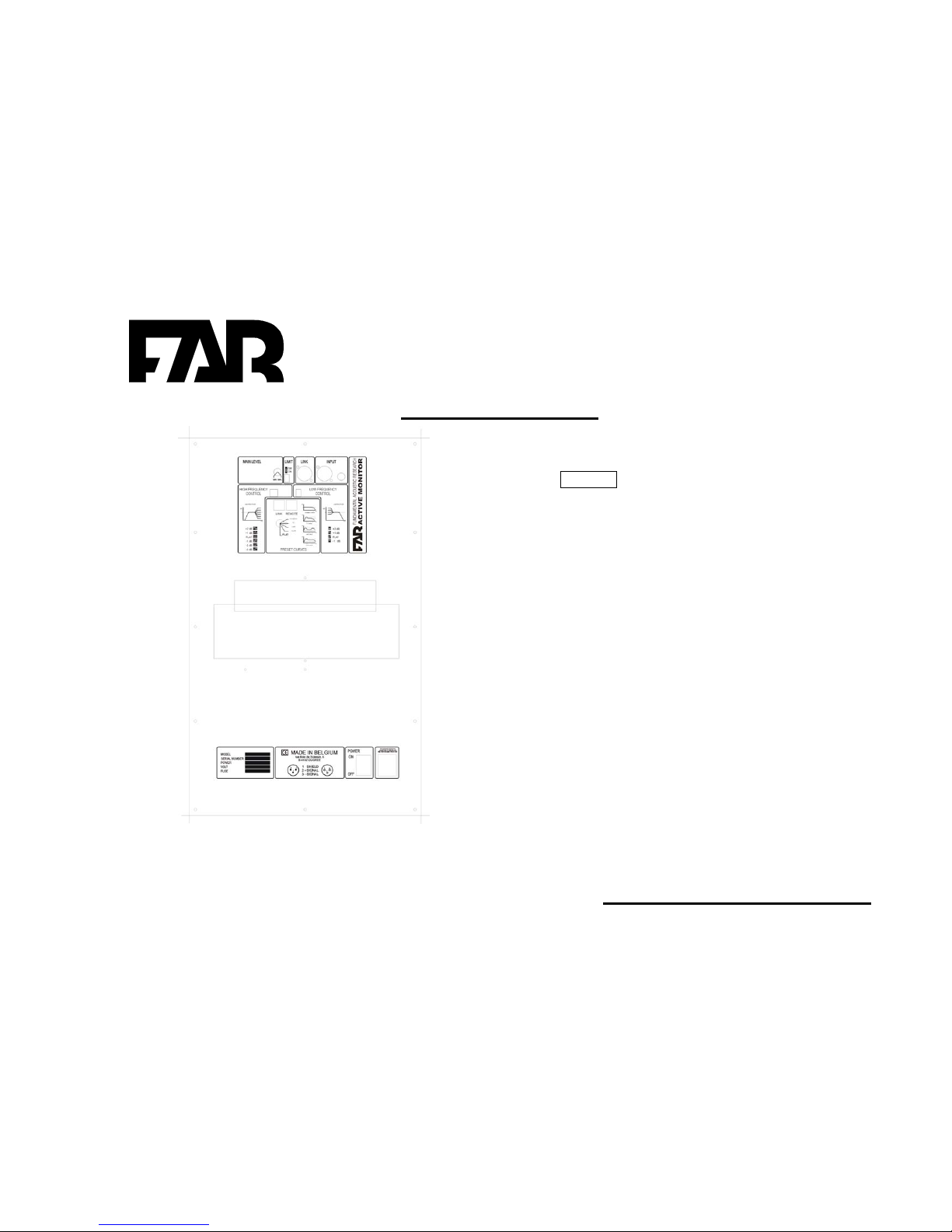
LEGEND
1. Main level tuning
2. Limiter function
3. Link
4. Input XLR
5. Low pass section settings
6. Pre-set curves
7. Cooling system
8. Mains
9. Power
10.High pass section settings

F
U
NDAMENTAL A
C
O
U
S
TI
C
RE
S
EAR
C
H
OWNERS MANUAL AV-100C(E)
8
Fine frequency tuning
For fine frequency tuning use the dip switches on the rear
panel. One for high frequencies (Figure 1) and one for the
low frequencies (Figure 2).
High pass section settings
The dipswitch can be set to one of the six dB level
positions for an optimum high frequencies setting
Positions available: -3, -2, -1, flat, +1, +2 dB
Figure 1 : high frequency control
Low pass section settings
The dipswitch can be set to one of the four dB level
positions for an optimum low frequencies setting
Positions available: -1, flat, +1, +2 dB
Figure 2: Low frequency control

F
U
NDAMENTAL A
C
O
U
S
TI
C
RE
S
EAR
C
H
OWNERS MANUAL AV-100C(E)
9
Limiter function
The AV-100C(E) has a built in limiter developed to protect
the drivers against harmful signals. The limiter acts
directly on the input signal by decreasing it when it
reaches the clipping level.
To activate the limiter turn it to the on or off position using
the dip switch on the rear panel.
Figure 3: limiter switch
The overload LED indicates whether or not the limiter is in
operation.
LED comes :
• Red when the limiter is not in use.
• Orange when the limiter is in use.
Rear panel level.
Adjust the sound level by turning the main level knob to
the desired position.
The range of tuning is from 0 (maximum attenuation) to
max (no attenuation).
Adjust the knob (Figure4) to the necessary to attain a
perfect stereo image.
Figure 4 : main level control

F
U
NDAMENTAL A
C
O
U
S
TI
C
RE
S
EAR
C
H
OWNERS MANUAL AV-100C(E)
10
TROUBLESHOOTING
This section is designed to trouble free technical operation. Most of the problems encountered by the users are due to operating mistakes .Please
check this list first for a possible solution. If the problem persists, consult your local FAR distributor or EMAIL to : [email protected]
Your problem is Make sure that
No light comes on when the power cord is
plugged into AC outlet.
• The unit is plugged into a live outlet
No sound is heard • That the level control at the rear is not turned to the minimum
• That the remote control is plugged in the right way
• That your audio connection is properly done
• That the remote control is not on mute position or – 80 dB positions.
Sound is heard stronger from one side. • That the remote control is not on one side only
• That both level controls on the rear are correctly turned on the same
position.
When listening to stereo the left and right
sounds are reversed
• That left and right wires are connected the same way
When listening to surround (more than 12
surround both sides) the sound is less powerful
• That the link connection between each speaker is properly done
• That you didn’t connect more than six speakers on the link connector.
Too much low frequencies • That you have checked the low frequency deep switches adjustments
• That the position of your speakers is not too close to the corners
Not enough low frequencies • .That your connections are not out of phase.
• That you have checked the low frequency deep switches adjustments
Questo manuale è adatto per i seguenti modelli
1
Indice
Altri manuali FAR Altoparlanti